EthrA Controller Support on Steam: How to Play StoneLab Games’ 2026 RPG with a Gamepad
After playing countless action RPGs over the years, I have learned one thing: the right control method can completely change how a game feels. Some titles are clearly designed around keyboard and mouse, while others instantly feel better with a controller in your hands. From everything we have seen of EthrA, the upcoming 2026 open-world action RPG from StoneLab Games, this is definitely a game that belongs in the second category.
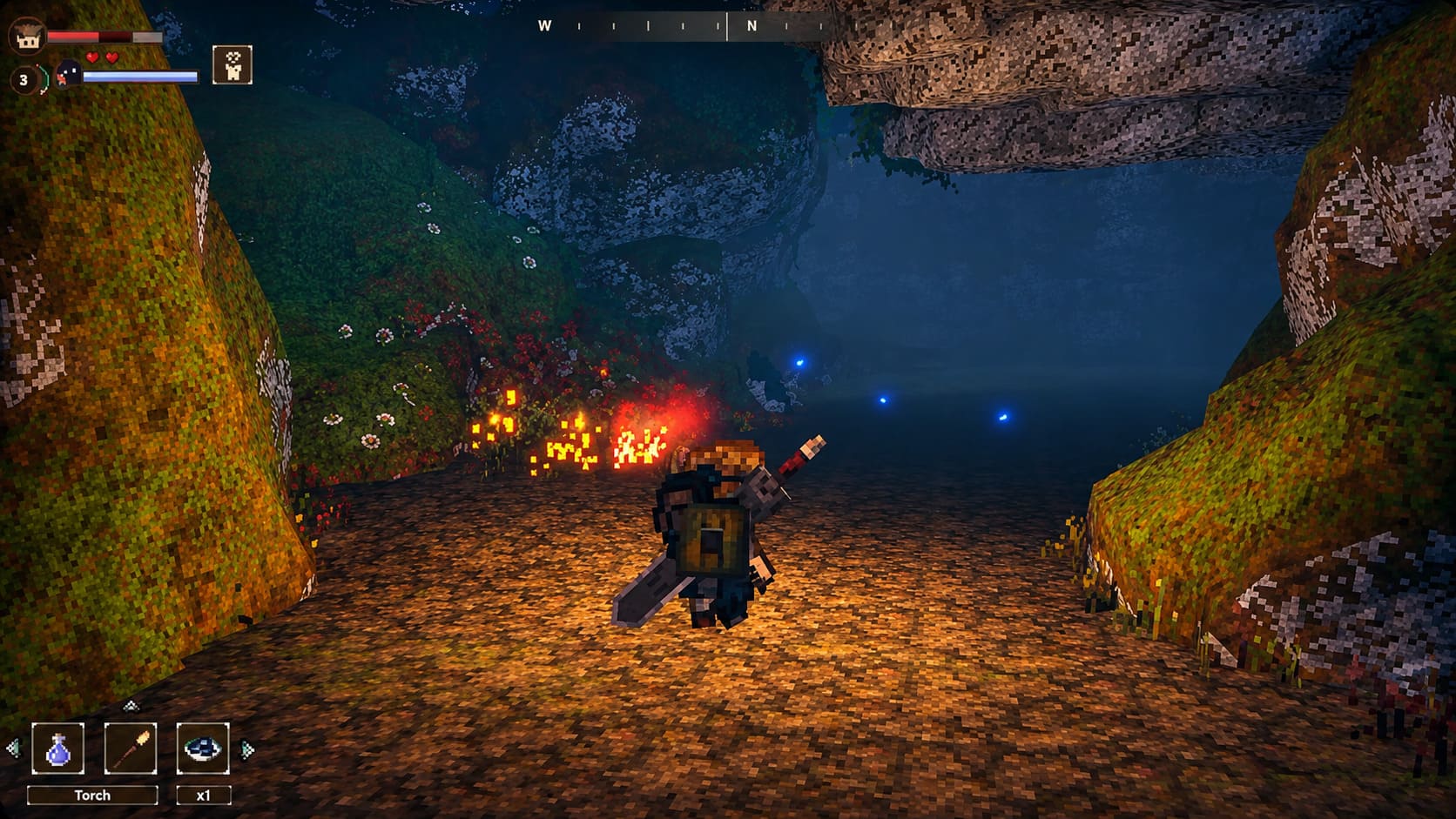
EthrA has already attracted attention because of its unusual visual style, combining detailed 3D environments with charming pixel-inspired artwork. The game follows two main characters, Bob and Veil, as they explore a mysterious world filled with ancient ruins, massive monoliths, forgotten secrets, and dangerous crystal-infested regions where organic life has been transformed into something completely unnatural.
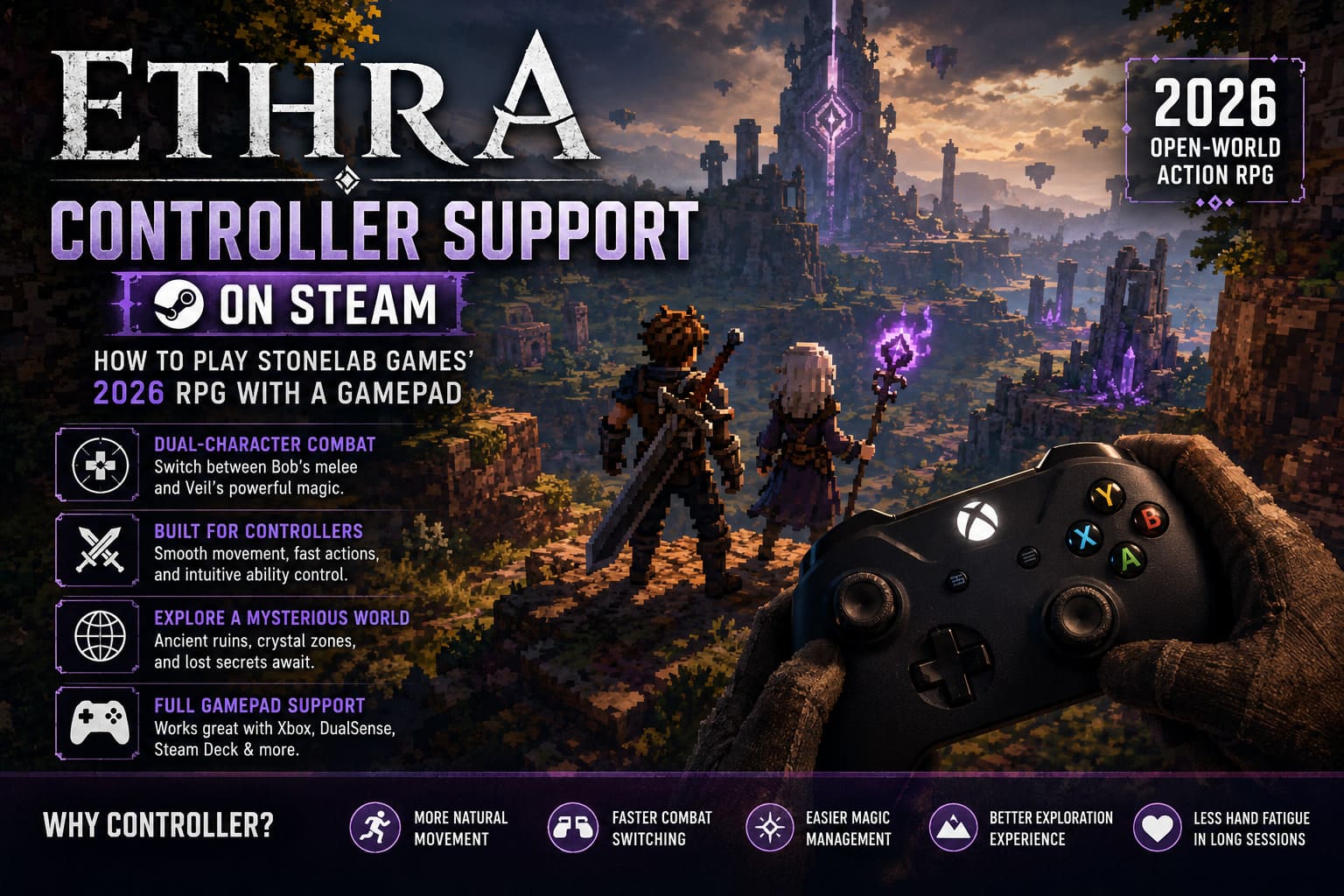
What makes EthrA especially interesting is its unique dual-character combat system. Players are not simply controlling one hero with a traditional set of abilities. Instead, they must manage Bob’s physical fighting skills while also controlling Veil’s magical powers, positioning, and support abilities. Because of this design philosophy, StoneLab Games has included the note “Controller recommended” on Steam, and after looking at the gameplay mechanics, that recommendation makes perfect sense.
EthrA Game 2026: The Ultimate 2.5D RPG Merging 3D Environments and 2D Sprites
A keyboard and mouse setup will still be an option, but a quality gamepad should provide smoother movement, faster combat reactions, and a more comfortable experience during long exploration sessions.
| Feature | Controller Experience |
|---|---|
| Character Movement | More natural with analog sticks |
| Combat Switching | Faster access through triggers and bumpers |
| Magic Management | Easier ability control during fights |
| Exploration | Better for relaxed open-world gameplay |
| Long Sessions | Less hand fatigue compared to keyboard controls |
Why EthrA Feels Better With a Controller
The biggest reason EthrA benefits from controller support is the way combat is structured. Many action RPGs focus on one main character, but EthrA asks players to think about two different roles at the same time. This creates a more tactical combat system where positioning and timing become just as important as damage output.
Bob appears to be the frontline fighter, handling close-range battles, weapon attacks, and direct enemy pressure. Veil works differently, providing magical abilities, ranged attacks, defensive options, and battlefield control. Switching between these two gameplay styles quickly becomes an important part of survival.
With a keyboard, players may find themselves constantly reaching for different keys while trying to maintain movement, attacks, abilities, and character commands. It works, but it does not always feel natural, especially during chaotic fights where multiple actions need to happen at once.
A controller solves many of these problems. Analog sticks make movement smoother, especially when repositioning Veil away from aggressive enemies. Shoulder buttons provide quick access to combat actions, while triggers feel much more comfortable for attacks, abilities, and weapon changes.
After testing many RPGs with similar systems, I would personally choose a controller for EthrA whenever possible. Games focused on exploration, real-time combat, and character management usually benefit from that console-style feeling.
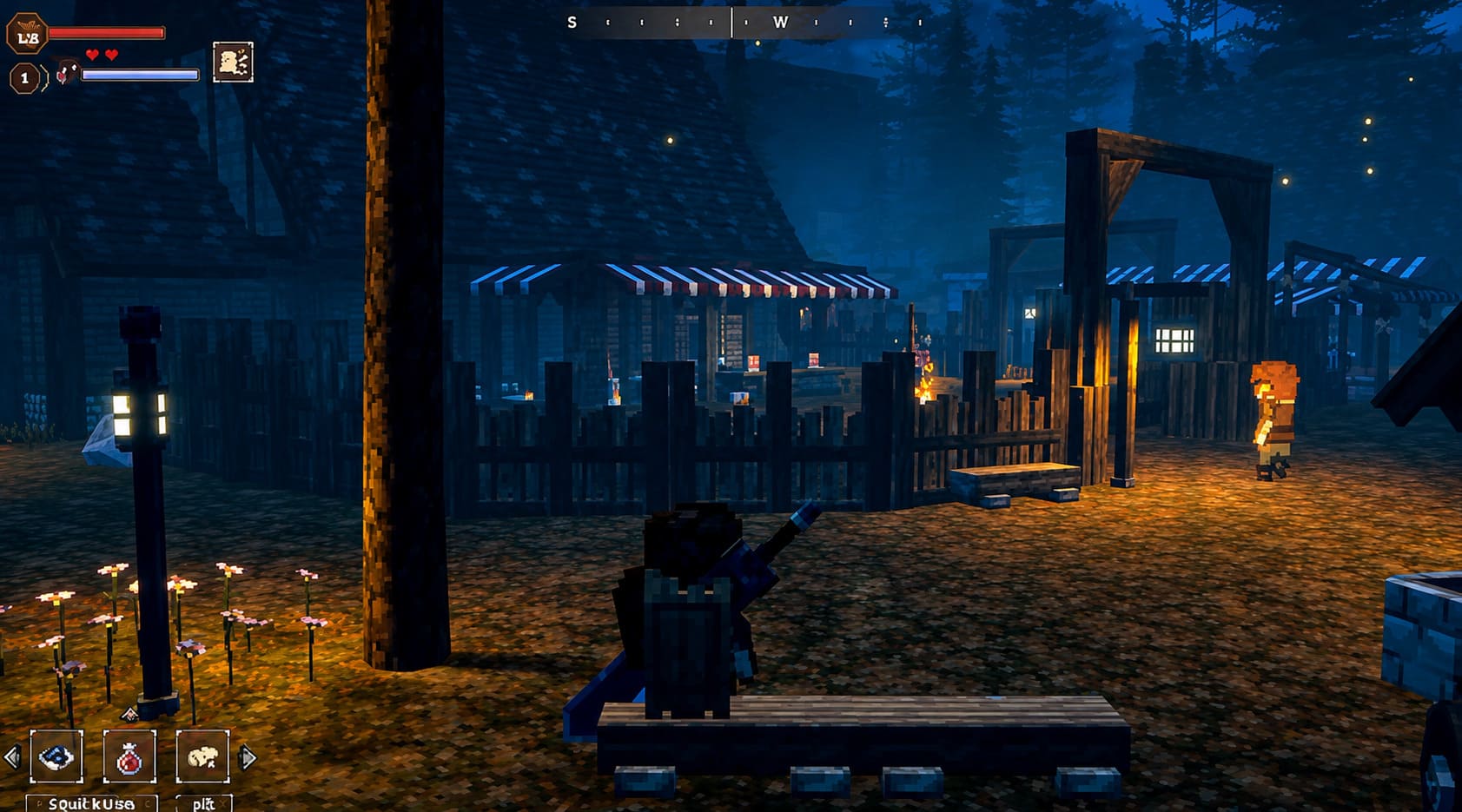
Does EthrA Have Native Controller Support on Steam?
Based on the information provided by StoneLab Games, EthrA is expected to support modern gamepads, including popular XInput and DirectInput controllers. Since the game is being developed with Unity, it can take advantage of modern input systems designed to improve compatibility across different hardware.
For most PC players, connecting an Xbox controller should be the easiest option. Windows already supports Xbox Wireless Controllers and wired Xbox gamepads, allowing many users to launch the game without additional setup.
Other devices, including PlayStation DualSense controllers, Nintendo Switch Pro Controllers, and third-party gamepads, may require Steam Input depending on the specific hardware configuration.
This is where Steam’s controller system becomes extremely useful. Instead of depending only on the game’s built-in support, Steam Input works as a compatibility layer that translates controller commands into inputs EthrA can recognize.
Best Controllers to Use With EthrA
Xbox Wireless Controller
The Xbox Wireless Controller is likely to be the safest choice for PC players. Microsoft’s controller standard is widely supported, and button prompts usually match correctly without requiring additional configuration.
PlayStation DualSense Controller
The DualSense controller is an excellent option for players who prefer Sony’s design and comfortable ergonomics. Steam Input makes DualSense compatibility much easier, although advanced features such as adaptive triggers will depend on developer implementation.
Steam Deck Controls
Because EthrA appears to have relatively accessible hardware requirements, it could become a strong match for handheld gaming PCs. The built-in controls of Steam Deck, ASUS ROG Ally, and Lenovo Legion Go are naturally suited for this type of action RPG experience.
How to Enable Steam Input for EthrA
If your controller does not work immediately after launching EthrA, Steam Input should be the first setting you check. This feature can solve many compatibility problems, especially with less common controllers.
- Open Steam and go to your Library.
- Right-click on EthrA.
- Select Properties.
- Open the Controller section.
- Find the option called Override for EthrA.
- Change the setting to Enable Steam Input.
- Restart the game.
Steam will now handle controller communication and force EthrA to recognize your selected device. In most cases, this simple change should solve detection issues immediately.
Common EthrA Controller Problems and Fixes
Even well-designed indie games can experience small hardware problems during launch. These issues are usually minor and can often be fixed in just a few minutes.
Controller Not Detected
If EthrA does not recognize your controller, try disconnecting and reconnecting the device. Restart Steam completely and make sure controller support is enabled in Steam settings before launching the game again.
Another common issue comes from other connected devices. Racing wheels, flight sticks, VR controllers, and additional gamepads can sometimes confuse Windows and make the wrong device appear as the primary input.
- Disconnect unnecessary USB devices.
- Restart Steam after reconnecting your controller.
- Try another USB port for wired controllers.
- Check Steam controller settings before opening EthrA.
Wrong Button Prompts
A common PC gaming issue is seeing incorrect button icons, such as PlayStation prompts appearing while using an Xbox controller. This usually happens because of conflicts between native controller support and Steam Input.
Try switching between the two options:
- Enable Steam Input if your controller is not detected.
- Disable Steam Input if the game already recognizes your controller but menus behave incorrectly.
Stick Drift and Movement Problems
Because EthrA relies heavily on precise positioning during combat, stick accuracy will be important. A drifting analog stick can make exploration frustrating and affect your ability to control Veil properly.
Steam offers controller calibration tools that allow players to increase dead zones slightly. This can remove unwanted movement while keeping normal controls responsive.
Playing EthrA on Steam Deck and Portable Gaming PCs
EthrA looks like a perfect candidate for handheld gaming. Its stylized visuals, exploration-focused gameplay, and expected performance requirements make it an attractive option for Steam Deck users.
The biggest advantage of playing on Steam Deck is the ability to customize controls beyond a traditional controller layout. Rear buttons can be assigned to important abilities, character switching, or quick actions, giving players faster reactions during combat.
Devices like ASUS ROG Ally and Lenovo Legion Go should provide a similar experience, combining console-style controls with the flexibility of PC settings.
For an exploration-heavy RPG, this type of setup could easily become my preferred way to experience EthrA. Sitting back with a handheld device fits the atmosphere of discovering a strange new world filled with secrets.
Final Thoughts: Is a Controller the Best Way to Play EthrA?
From everything we know about EthrA so far, controller support is not simply a convenient extra feature. It appears to be the intended way to experience the game. The combination of real-time combat, dual-character management, exploration, and magical abilities creates a gameplay style that naturally fits a gamepad.
Keyboard and mouse players will still have options, but a controller should provide smoother movement, easier combat management, and a more comfortable adventure overall.
Before launching EthrA in 2026, make sure your controller firmware is updated, Steam Input is configured correctly, and unnecessary devices are disconnected. A few minutes of preparation can make a huge difference when exploring StoneLab Games’ mysterious world.
EthrA already looks like one of the more interesting indie RPG projects coming in 2026, and playing it with the right controller setup could make the journey through its beautiful and dangerous world even better.