Town to City Gizmo Guide: Mastering Freeform Building Like a Pro Player
I’ve spent way too many hours inside Town to City, and at some point it stopped feeling like “playing” and started feeling like quietly designing a living diorama I can’t stop adjusting.
The Terraforming Update didn’t just add features—it basically rewired how building works. And the Transformation Gizmo is the reason the game suddenly feels like it has no ceiling anymore.
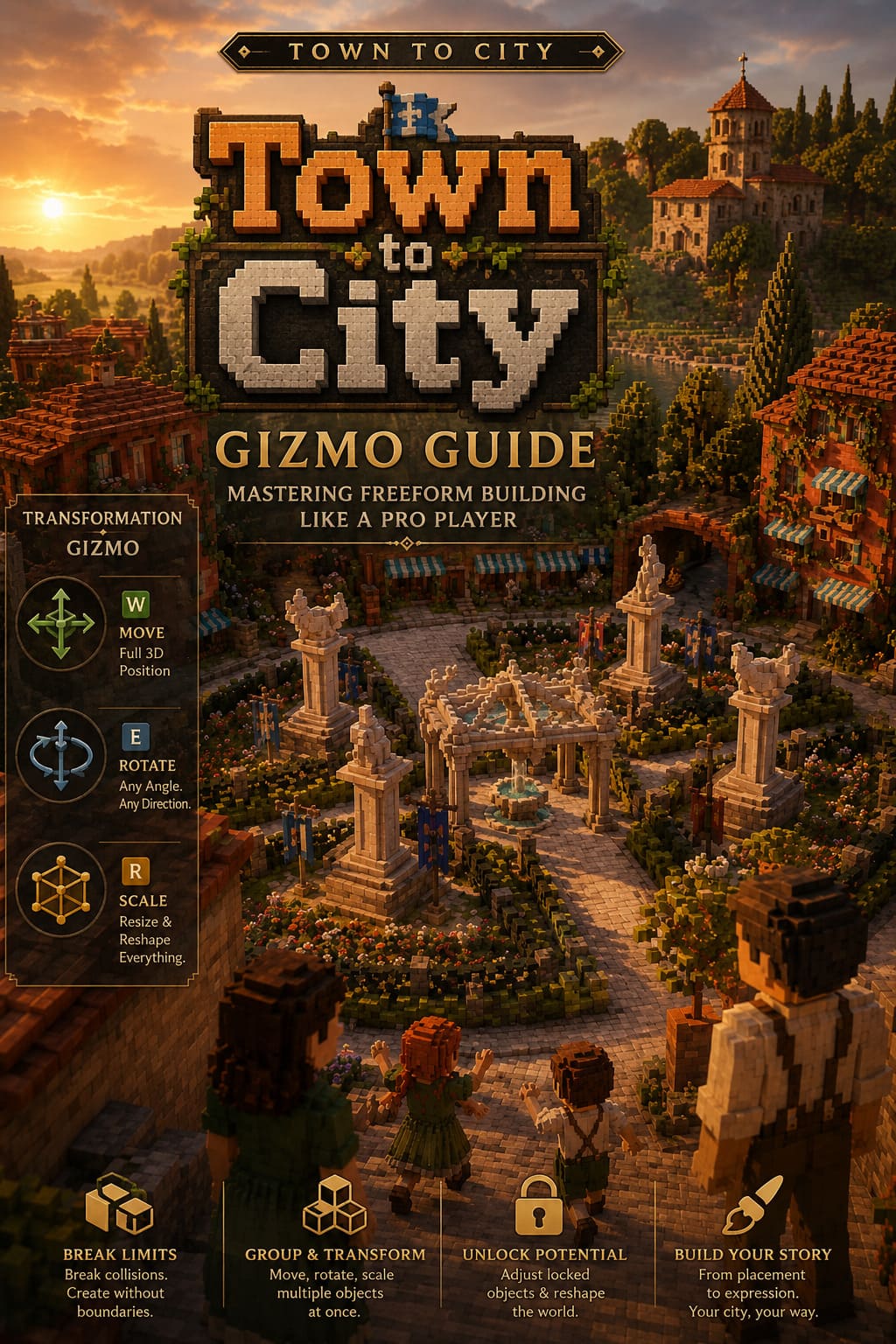
If you’re the kind of player who notices when a bench is rotated two degrees off or when a street lamp feels “wrong,” this tool is where the game finally starts speaking your language.
Town to City House Colors Guide: Can You Change Building Colors?
What the Transformation Gizmo Really Changes
On the surface, it’s an advanced placement tool. In reality, it removes the polite restrictions that used to keep your creativity in check.
Before the update, building felt cozy but controlled. Objects snapped, collided, and behaved like they were afraid of breaking reality. Now? You’re basically sculpting the world directly.
The Gizmo allows full control over position, rotation, and scale without the usual limitations. And somehow, it doesn’t break immersion—it enhances it. You stop thinking in terms of “placement rules” and start thinking in terms of composition.
Core idea behind it
Instead of asking “where does this fit?”, you start asking “what can this become?”
How It Feels to Use In Actual Gameplay
This is not one of those features you read about and forget. Once you use it for a few builds, everything else feels restrictive in comparison.
You start doing things like:
- Turning simple decorations into architectural accents
- Adjusting props until entire streets feel handcrafted
- Layering objects to create depth instead of flat decoration
It’s the moment the game shifts from city builder to creative sandbox.
Bridge Building in City Builder Games: A Gamer’s Perspective
Controls Breakdown From a Player Perspective
The system looks technical at first, but in practice it becomes muscle memory surprisingly fast.
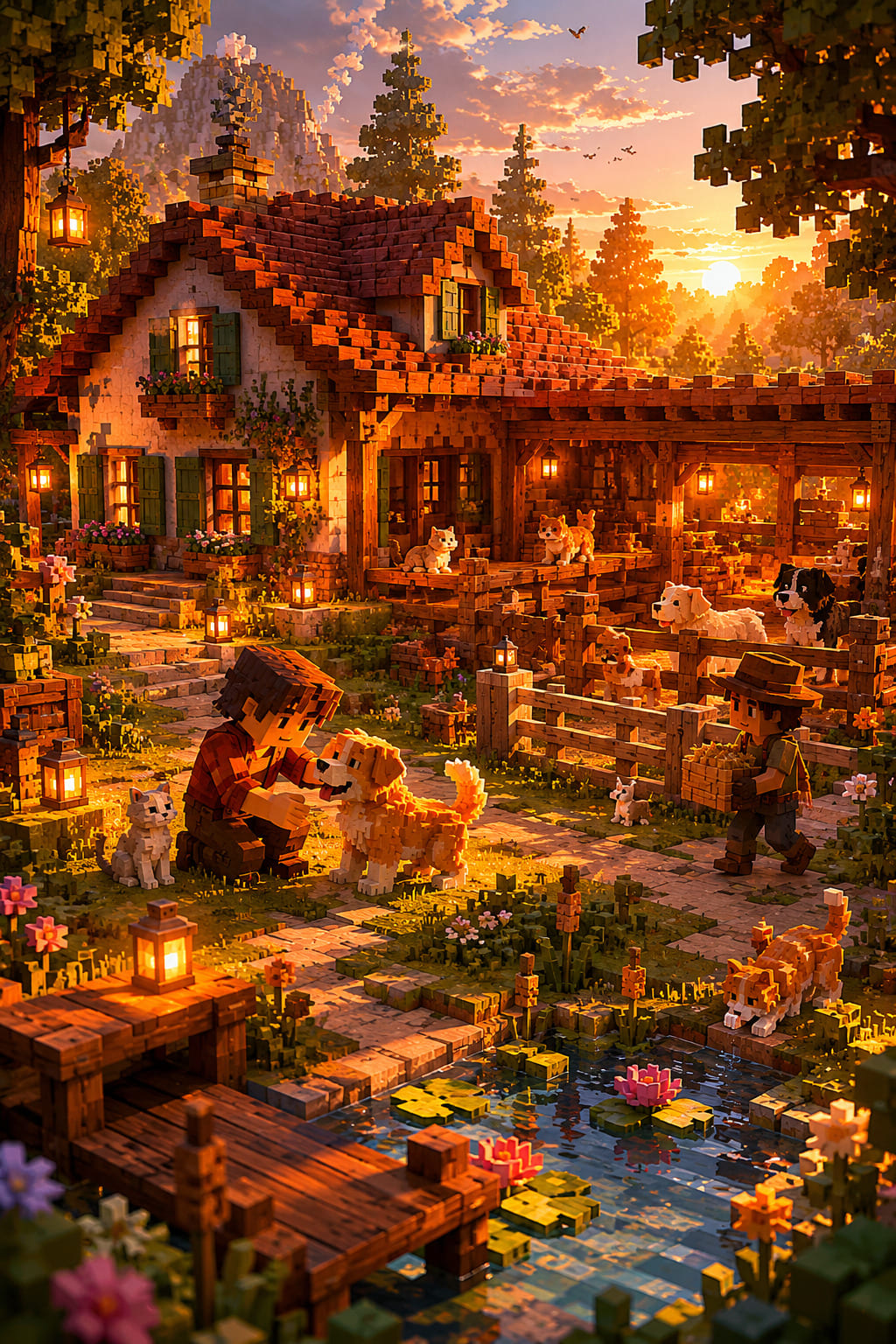
Movement (W)
Movement is your foundation. It lets you position objects in full 3D space across all axes. You’re no longer limited to flat placement—you can build vertically layered environments and subtle elevation changes that make cities feel alive.
Rotation (E)
Rotation is where personality enters your city. Slight tilts, imperfect angles, and intentional asymmetry make everything feel less artificial. This is where you stop building “correct” cities and start building believable ones.
Scaling (R)
Scaling is the most dangerous tool in the set. One adjustment turns a small prop into a landmark if you’re not careful. Used properly, it lets you redefine architecture without needing new assets.
Advanced Building Techniques That Change Everything
Once you move past basic adjustments, the Gizmo becomes something closer to an artistic tool than a gameplay feature.
Breaking collision rules for creative design
This is where the system really opens up. You can embed objects into structures, overlap props, and create details that would never exist under normal placement rules.
Examples include flower boxes inside walls, partially embedded street lamps, or layered decorations that create dense, realistic urban textures.
Multi-object transformations
Grouping objects and transforming them together changes everything about large-scale building. Instead of adjusting pieces one by one, you start designing entire sections of your city as unified compositions.
Locked object manipulation
Some environmental elements can be repositioned or adjusted, which opens up unexpected freedom in terrain shaping and layout redesign. It’s powerful, but also the point where your original plan usually stops mattering.
Common Mistakes Players Keep Making
Even experienced builders mess this up at some point.
- Floating objects that break immersion unintentionally
- Accidentally scaling props to invisible or absurd sizes
- Overusing symmetry and losing visual realism
- Forgetting undo exists until it’s too late
One personal rule I follow now: always zoom out before committing changes. Perspective saves builds.
Why the Gizmo Changes the Entire Game
This is the part where Town to City stops being just a cozy builder and becomes something closer to a creative engine.
Before, you were working inside constraints. Now, you’re working inside possibilities.
The difference sounds subtle, but in practice it completely changes how you interact with the game world. You’re no longer optimizing placement—you’re shaping atmosphere.
From gameplay to expression
The real shift is psychological. You stop trying to “win” at building and start trying to express something through it.
Final Thoughts
The Transformation Gizmo is one of those features that quietly redefines everything without needing to announce itself loudly. It doesn’t just add freedom—it changes how you think about building entirely.
For me, it turned Town to City into something I don’t just play occasionally, but something I return to when I want to build something that feels intentional.
And once you get used to that level of control, going back to standard placement systems in other games feels almost restrictive in a way you can’t ignore anymore.