Town to City House Colors Guide: Can You Change Building Colors?
If you’ve spent any serious amount of time inside Town to City, you already know it’s not just another relaxing city builder.
It’s the kind of game where you start with “I’ll just place a few houses” and end up three hours later completely redesigning entire districts because one building feels visually off. And yes, I’m talking specifically about that moment when you realize you cannot change house colors after placement.
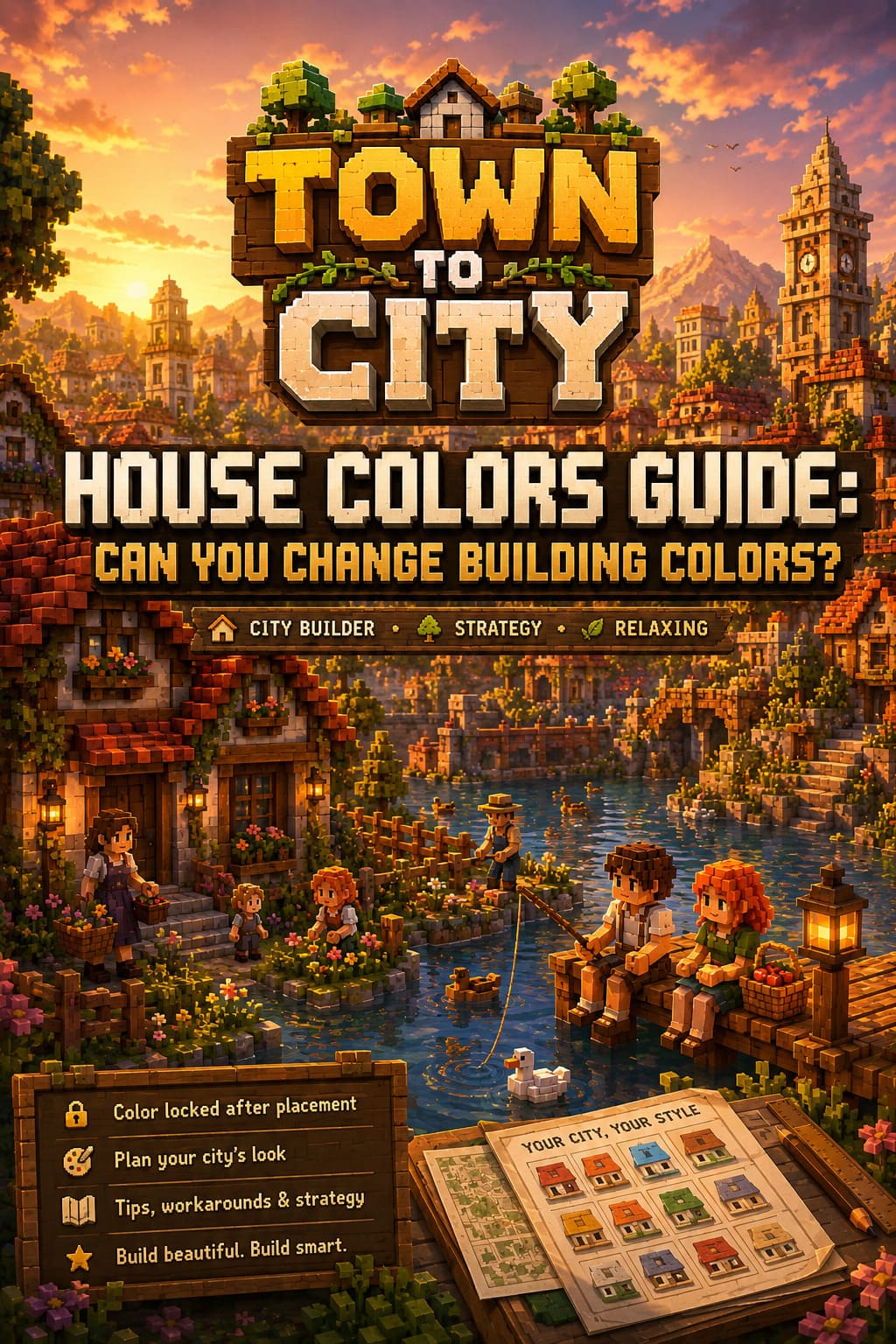
This isn’t just a small inconvenience. It’s one of those mechanics that slowly becomes a design philosophy problem once your city grows. Early on, you don’t care. Late game, it becomes the reason you tear down entire neighborhoods.
Bridge Building in City Builder Games: A Gamer’s Perspective
The Truth About House Colors in Town to City
Let’s get straight to it without sugarcoating anything. In Town to City, house colors are determined at the moment you place a building. You can cycle through variations before confirming placement, which gives the illusion of long-term flexibility. But once the building is placed and citizens move in, that color is locked permanently.
There is no built-in repaint tool. No late-game cosmetic editor. No hidden option in the building menu. What you place is what you live with.
And for a game that encourages creativity and aesthetic control, that limitation hits harder than expected.
Core Rules of Building Colors
The system is actually very simple once you break it down:
- Color is selected before placement only
- Once placed, the building color is permanently locked
- Upgrading houses does not change exterior palette
- Information panels do not include repaint options
On paper, it sounds harmless. In practice, it becomes one of the most debated mechanics among builders who care about visual consistency.
Town to City Gridless Building Guide: How I Finally Learned to Build Living Cities
Why the Game Works This Way
Even though it’s frustrating, there is actual design logic behind this system. Town to City doesn’t treat houses as static objects. They evolve. A small home can grow into a multi-level structure as your city develops and your economy improves.
This means every building is tied to a progression system that includes multiple structural states. The color isn’t just a cosmetic overlay—it’s part of the building’s base identity across all upgrade stages.
Allowing full repainting after placement would require recalculating textures across multiple evolving layers of the structure. That adds complexity and performance cost, especially in large cities where dozens or hundreds of buildings are constantly updating.
So yes, it’s a limitation—but it’s not random. It’s a technical trade-off between visual flexibility and simulation stability.
My Experience as a Player Who Cares Too Much About City Aesthetics
Let me be honest here. I’ve restarted entire districts because of bad color placement. Not because the game forced me, but because my brain refused to accept one house that didn’t match the rest.
And that’s where Town to City becomes both brilliant and slightly cruel. It gives you enough creative freedom to care deeply about your city, but not enough correction tools to fix aesthetic mistakes easily.
Early game, it doesn’t matter. You’re focused on growth, logistics, and survival. Late game, your priorities shift completely. Suddenly, visual harmony matters more than production efficiency.
That’s when the system starts to feel restrictive instead of simple.
What Players Actually Do to Work Around It
The community has basically turned into a group of unofficial city planners trying to solve the same problem in different ways. Over time, a few reliable methods have emerged.
1. Copy and Rebuild Method
This is the closest thing to a real solution. You copy the building, adjust the color before placing it again, and rebuild it in the correct palette. Then you move residents over and remove the old structure.
It works, but it’s not elegant. It feels more like controlled demolition than design.
2. District Relocation Strategy
Instead of fixing individual houses, you relocate them. Wrong-colored buildings get moved to another district where their appearance fits better. Then you rebuild the affected area with consistent colors from scratch.
This approach works surprisingly well if you already organize your city into themed zones.
3. Decoration Masking Technique
This is the most creative solution and honestly the most satisfying one. Instead of fixing the color problem, you hide it visually using environmental design.
By surrounding buildings with trees, fences, lanterns, flowers, and ground clutter, you can dramatically reduce the visual impact of inconsistent colors.
It’s not perfect, but it turns a limitation into an aesthetic choice.
Comparison of Workarounds
Here’s a simple breakdown of how these methods stack up in real gameplay:
| Method | Difficulty | Visual Control | Time Cost | Overall Usefulness |
|---|---|---|---|---|
| Copy and Rebuild | Medium | High | High | Best precision option |
| District Relocation | Easy | Medium | Medium | Best for large cities |
| Decoration Masking | Easy | High (visual only) | Low | Best creative solution |
What the Community Actually Wants
If you browse player discussions long enough, one request keeps repeating itself in different forms: give us a repaint tool.
Not a complicated system. Not a full overhaul. Just a simple way to adjust building colors after placement without rebuilding everything.
Some of the most common suggestions include:
- A late-game repaint unlock through research
- Paid color changes using in-game currency
- District-wide color presets
- Advanced aesthetic editing tools
Honestly, any of these would solve the frustration without breaking the game’s design philosophy.
Where the Game Might Be Headed
Looking at how Town to City has been evolving, it’s clear the developers care deeply about aesthetics and player expression. Updates have consistently improved environmental detail, decorative variety, and performance stability.
That usually signals one thing in city builders: deeper customization tools are likely coming eventually.
Whether that comes as a built-in system or through mod support, it feels inevitable. Games like this tend to expand toward player freedom over time, especially when community feedback is this consistent.
Final Thoughts: Plan Your Colors Before You Build
At the end of the day, Town to City rewards planning more than correction. If you treat color selection as part of your city’s foundation rather than a flexible detail, you’ll avoid most frustration.
Choose your palette early. Stick to district themes. Think like an architect, not just a builder placing random assets on a map.
Because once your city grows, fixing mistakes becomes harder not mechanically, but mentally. You stop seeing individual houses and start seeing entire systems that need restructuring.
And even with its limitations, Town to City still delivers something most city builders struggle with: it makes you care deeply about how your world looks and feels.
Even when one misplaced house color ruins your entire day.