How to Fix Watch Dogs 2 “Easy Anti-Cheat Not Installed” Error on Steam (2026 Guide)
If you’ve ever tried launching Watch Dogs 2 on Steam only to run into the frustrating “Easy Anti-Cheat is not installed. Multiplayer will be disabled” message or a sudden crash before the game even starts, you already know how annoying this issue can be. It feels like everything is installed correctly, yet the game refuses to cooperate.
After years of playing Ubisoft titles and dealing with their launcher ecosystem across different PCs, I’ve seen this error appear more than once. It usually isn’t a hardware issue or a broken game—it’s a communication failure between Steam, Ubisoft Connect, and Easy Anti-Cheat (EAC).
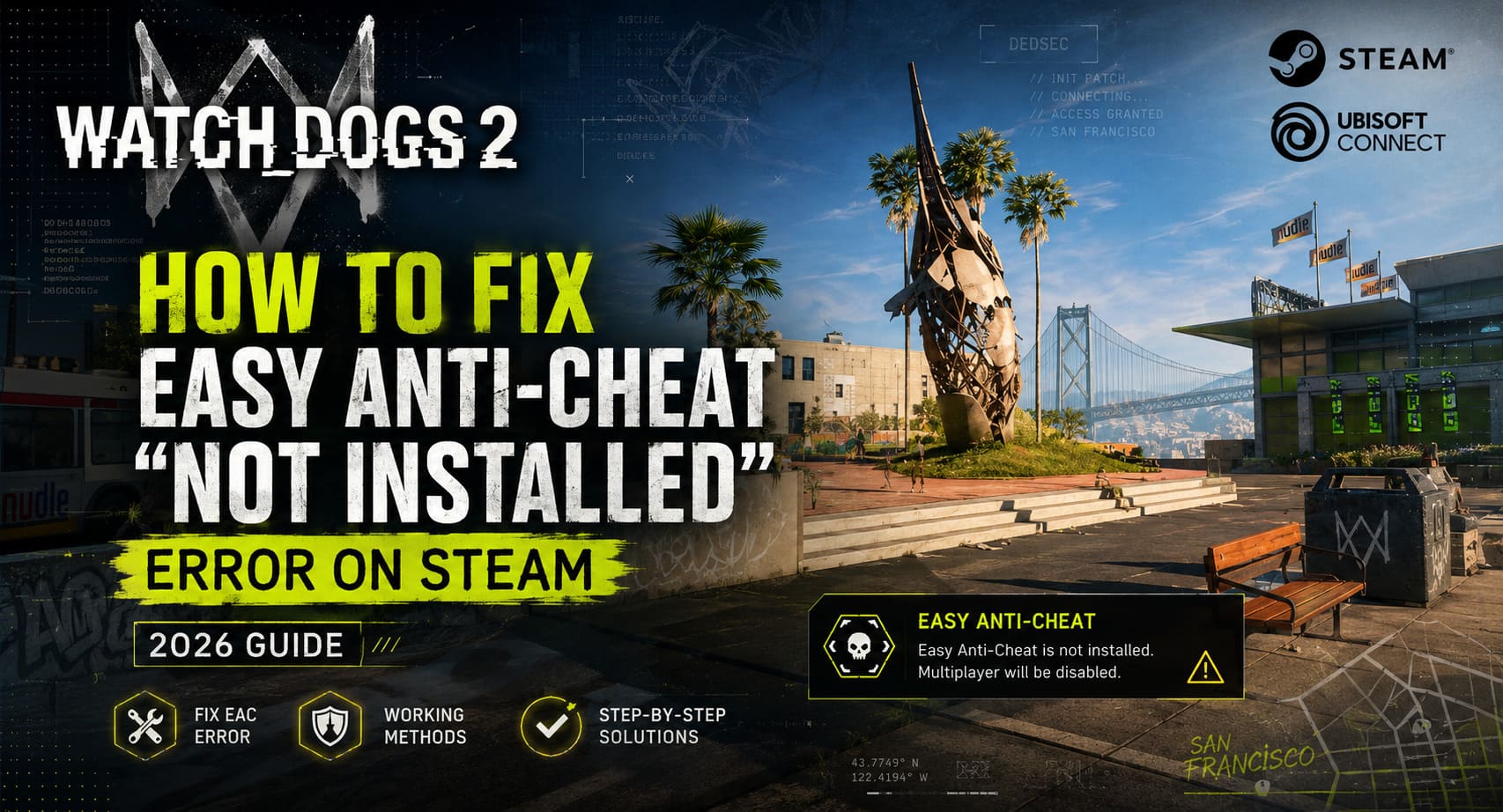
This guide collects real, community-tested solutions that consistently help players fix the problem and get back into the open world of San Francisco without unnecessary reinstall loops.
How to Fix Watch Dogs 2 GameProcessWatcher.cpp Error on Windows 11
Why This Error Happens
Watch Dogs 2 depends on three systems working together: Steam for launching the game, Ubisoft Connect for authentication, and Easy Anti-Cheat for multiplayer protection. If even one part fails, the game refuses to start correctly.
The most common causes include missing EAC installation files, corrupted updates, Windows security blocking the anti-cheat driver, or antivirus software interfering with the setup process. Sometimes the issue even appears after a normal game update, without any visible reason.
Typical causes include:
- – Incomplete Easy Anti-Cheat installation during first setup
- – Corrupted or missing DLL files after updates
- – Windows Core Isolation blocking kernel-level drivers
- – Antivirus or firewall interference
- – Steam failing to register EAC components properly
Method 1: Manual Easy Anti-Cheat Repair (Most Effective Fix)
This is the first method you should try because it solves the problem in most cases. Steam sometimes skips the EAC setup step, leaving the service uninstalled or broken.
Steps:
1. Open Steam Library
2. Right-click Watch Dogs 2 → Manage → Browse Local Files
3. Open the EasyAntiCheat folder
4. Run EasyAntiCheat_Setup.exe as administrator
5. Select Watch Dogs 2 from the list
6. Click Repair Service or Install
7. Restart your PC
This forces Windows to properly register the anti-cheat service and restores missing components.

Method 2: Verify Integrity of Game Files
If manual repair doesn’t work, the issue may be corrupted or missing game files. Steam can automatically fix this by comparing your installation with official game data.
Steps:
- – Go to Steam Library
- – Right-click Watch Dogs 2 → Properties
- – Open Installed Files tab
- – Click Verify integrity of game files
This process may take several minutes, but it often restores missing EAC components or broken DLL files.
Method 3: Fix Missing DLL Placement Issue
Some players encounter a situation where Easy Anti-Cheat is installed but the game still cannot detect it properly. In such cases, file placement inside the directory structure can be the issue.
Steps:
1. Open Watch Dogs 2 installation folder
2. Go to EasyAntiCheat directory
3. Find EasyAntiCheat_x64.dll
4. Copy the file
5. Paste it into the bin folder
6. Replace the file if prompted
This ensures the executable can directly access required anti-cheat libraries during startup.
Method 4: Windows Security and Core Isolation Fix
Modern versions of Windows, especially Windows 11, include security features that may block Easy Anti-Cheat from loading its kernel driver correctly. The most common culprit is Memory Integrity under Core Isolation.
Steps:
- – Open Windows Security
- – Go to Device Security
- – Click Core Isolation Details
- – Turn off Memory Integrity (temporarily for testing)
- – Restart your PC
You should also ensure that your antivirus or firewall is not blocking WatchDogs2.exe or EasyAntiCheat_Setup.exe. Adding them to exclusions often resolves hidden conflicts.
Method 5: Force Installation via Shortcut Command
If the installer refuses to start normally, you can force a deeper installation using a command-line parameter. This method is often mentioned in advanced community fixes and YouTube troubleshooting guides.

Steps:
1. Go to EasyAntiCheat folder
2. Create a shortcut of EasyAntiCheat_Setup.exe
3. Move it to Desktop
4. Open Properties
5. In Target field, add at the end: install prod-fn
6. Click Apply
7. Run as administrator
This forces the installer to reinitialize the anti-cheat environment from scratch.
Optional: Disable Easy Anti-Cheat for Single Player
If you only care about the story mode and don’t need multiplayer features, you can bypass EAC entirely. This eliminates the error but disables online gameplay.
Steps:
- – Open Steam Library
- – Right-click Watch Dogs 2 → Properties
- – Go to Launch Options
- – Enter: -eac_launcher
This allows the game to start in offline mode without checking Easy Anti-Cheat.
Comparison of Fix Methods
| Method | Difficulty | Effectiveness | Notes |
|---|---|---|---|
| Manual EAC Repair | Easy | Very High | Best first step |
| Verify Game Files | Easy | High | Fixes missing or corrupted files |
| DLL Fix | Medium | Medium | Works in edge cases |
| Windows Security Fix | Medium | High | Often overlooked issue |
| Force Install Command | Advanced | Medium | Last resort method |
| Disable EAC | Easy | 100% (Offline) | No multiplayer support |
Final Thoughts
This Easy Anti-Cheat error in Watch Dogs 2 is not really about the game itself—it’s about how many layers of software need to cooperate perfectly. Steam, Ubisoft Connect, Windows security, and EAC all depend on each other, and even a small mismatch can break everything.
In most cases, players fix the issue within 10–15 minutes once they apply the correct method, usually starting with manual EAC repair or verifying game files.
Once resolved, the game runs normally again, and you can get back to exploring San Francisco’s open world without launcher errors interrupting the experience.