How to Fix The Binding of Isaac: Rebirth Online Beta Crash on Launch (2026 Working Guide)
The Binding of Isaac: Rebirth has always been one of those games I come back to, no matter how many other roguelikes I try. Every run feels different, every mistake is my own fault, and somehow I still find myself saying “just one more run” hours later. That’s why I was genuinely excited when the Repentance+ Online Beta introduced proper online co-op.
Unfortunately, my excitement lasted about five minutes before the game started crashing every single time I tried to launch it.
If you’re dealing with crashes on startup, endless black screens, or the game instantly closing after pressing Play, don’t worry—you aren’t the only one. After spending way too much time reading community discussions and experimenting with different fixes, I finally managed to get everything working again.
This guide covers the methods that actually helped me and many other players in 2026.
Why Does the Online Beta Crash on Startup?
The online beta changes much more than simply adding multiplayer. Under the hood, the networking system, file structure, and startup process have all been updated. That means older files or even harmless-looking mods can suddenly become major problems.
The most common causes include:
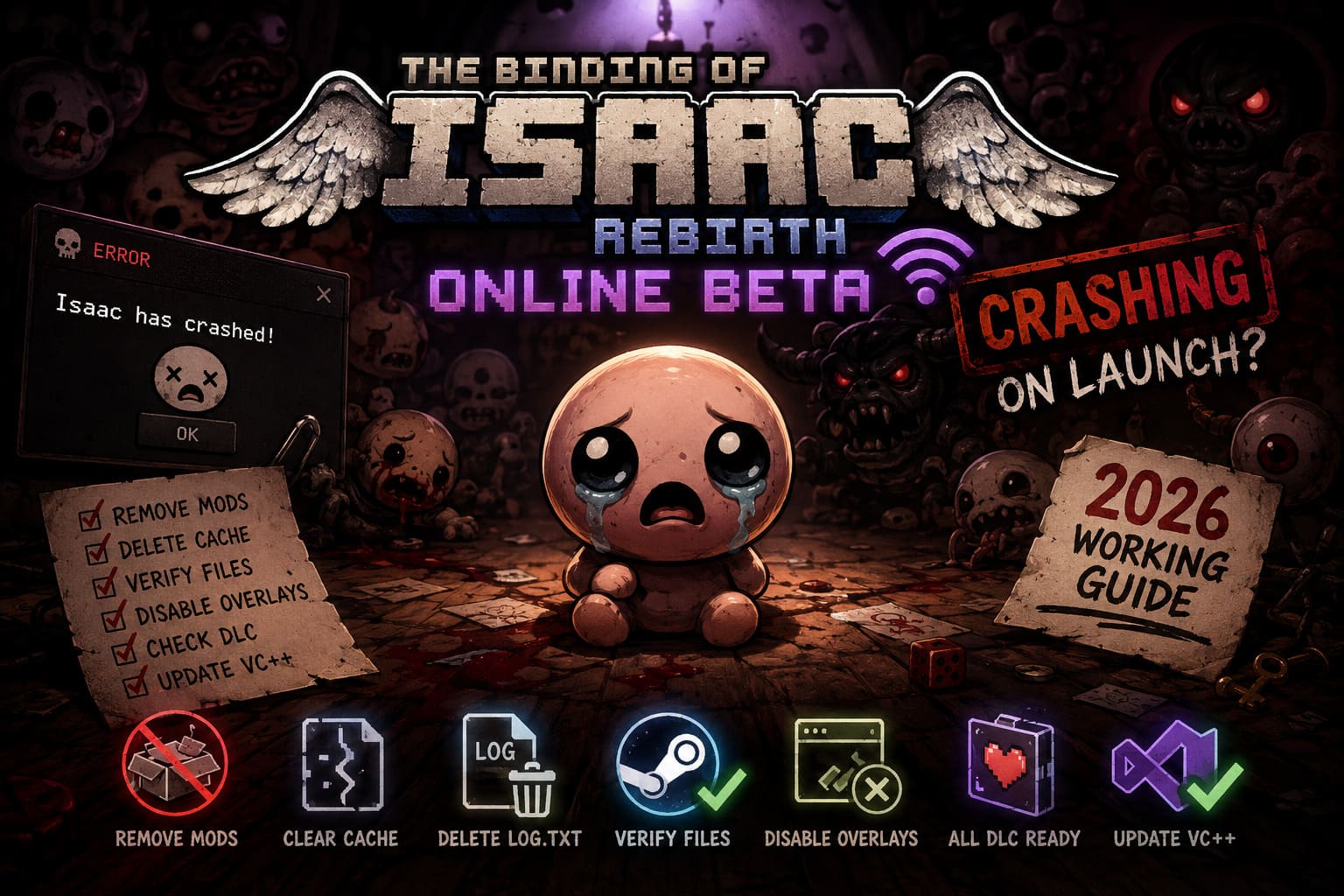
- Workshop mods still being detected
- Corrupted multiplayer cache files
- Old configuration settings from previous versions
- Missing DLC components
- Overlay software interfering with startup
- Damaged game files after beta updates
The good news is that nearly all of these issues can be fixed without reinstalling Windows or losing your save progress.
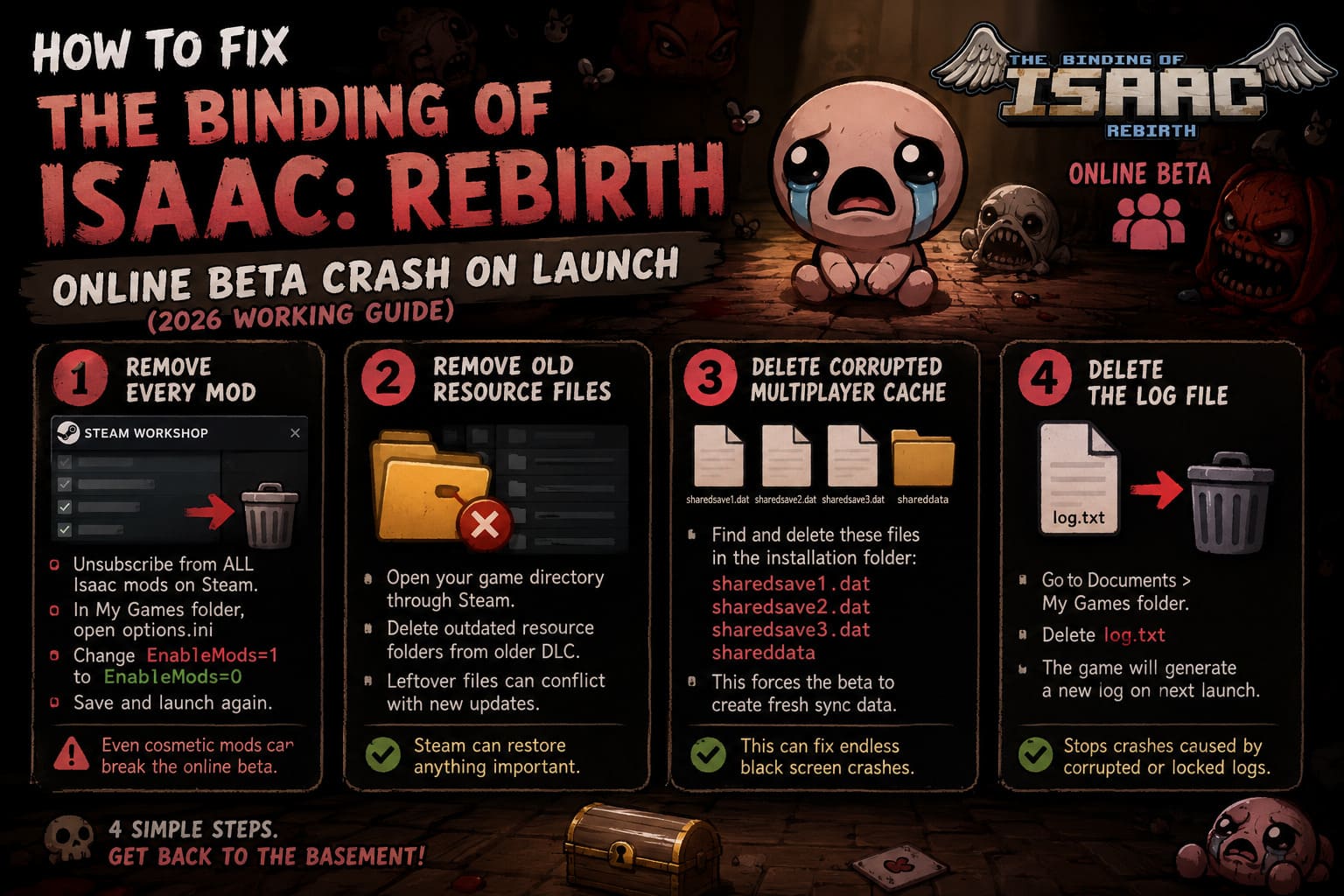
1. Remove Every Active Mod
This was the biggest issue for me.
Many players assume disabling mods from the game’s menu is enough, but if the game crashes before reaching the menu, those settings never load.
Instead:
- Open Steam.
- Visit your Workshop subscriptions.
- Unsubscribe from every Isaac mod.
- Open your My Games folder.
- Find options.ini.
- Change the following value:
EnableMods=1
to:
EnableMods=0
Save the file before launching again.
Even cosmetic mods can prevent the multiplayer beta from starting correctly.
2. Remove Old Resource Files
After multiple beta updates, leftover resource folders can conflict with newer game builds.
Open your game installation directory through Steam and look for folders related to older DLC resources.
Delete outdated resource folders if they remain after an update.
Don’t worry—Steam can restore anything essential later.
This cleanup solved launch problems for a surprising number of players.
3. Delete Corrupted Multiplayer Cache Files
One issue I rarely see mentioned involves multiplayer cache data.
If the game crashed during an online session or disconnected while syncing, corrupted cache files may remain inside the installation folder.
Look for files similar to:
- sharedsave1.dat
- sharedsave2.dat
- sharedsave3.dat
- shareddata
Removing these forces the beta to generate fresh synchronization data the next time it launches.
In my case, this was the fix that finally stopped the endless black screen.
4. Delete the Log File
Sometimes the simplest solution works.
Inside your Documents > My Games folder you’ll find a file called:
log.txt
Delete it.
The game automatically creates a brand-new log file during the next startup.
If the previous log became corrupted or locked after a crash, removing it can prevent another startup failure.
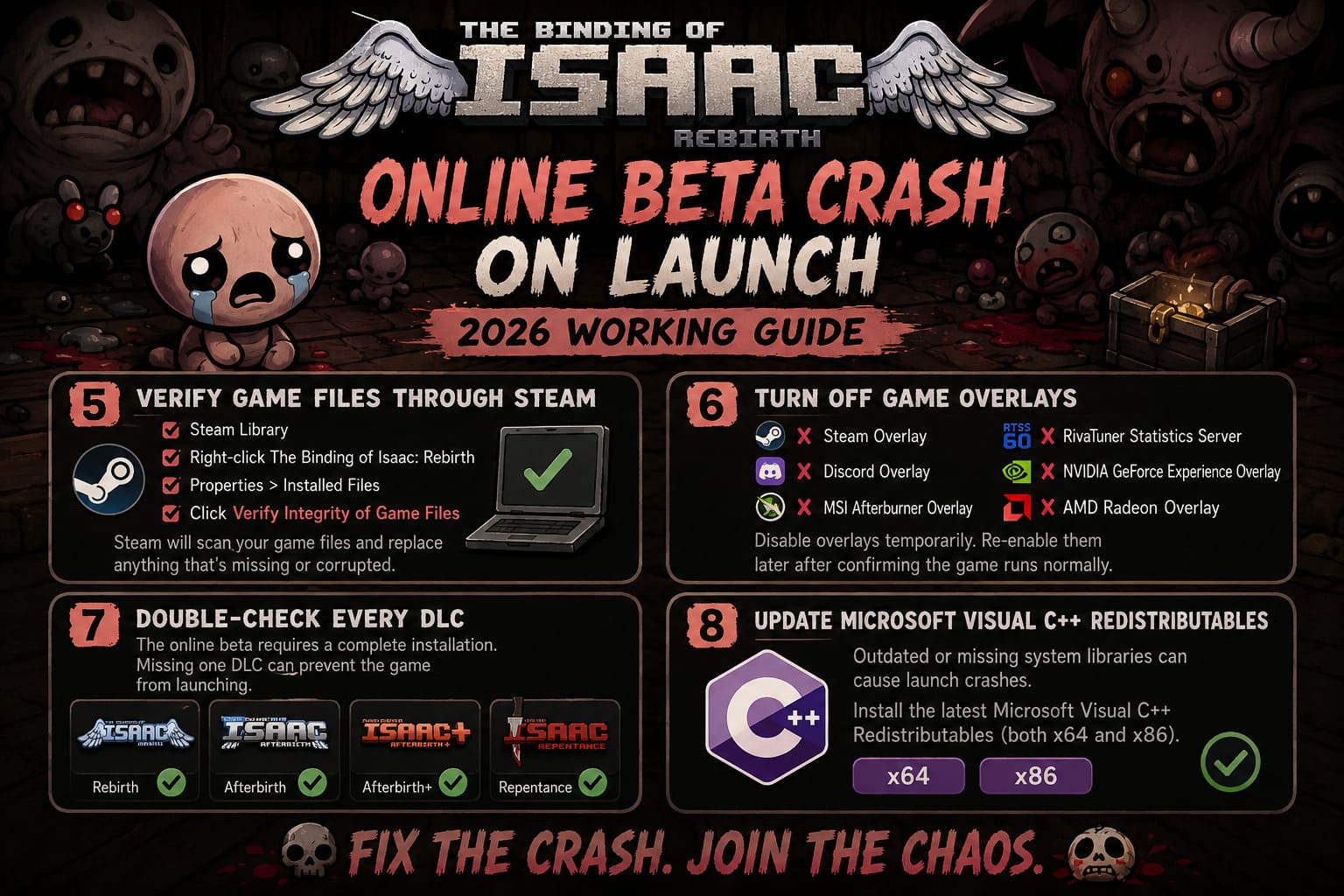
5. Verify the Game Files Through Steam
Once you’ve removed the problematic files, let Steam repair anything that’s missing.
Here’s the process:
- Open Steam Library.
- Right-click The Binding of Isaac: Rebirth.
- Select Properties.
- Open Installed Files.
- Click Verify Integrity of Game Files.
Steam will compare your installation against the latest version and replace anything that’s damaged or outdated.
I almost always do this after leaving any Steam beta branch.
6. Turn Off Game Overlays
Overlay software doesn’t cause problems in every game, but Isaac’s online beta seems unusually sensitive.
If you’re crashing immediately after launch, temporarily disable:
- Steam Overlay
- Discord Overlay
- MSI Afterburner Overlay
- RivaTuner Statistics Server
- NVIDIA GeForce Experience Overlay
- AMD Radeon Overlay
You can always enable them again later once you’ve confirmed the game launches normally.
7. Double-Check Every DLC Is Installed
The online beta expects a complete installation.
If one required expansion isn’t installed, startup may fail without displaying a useful error message.
| Required Content | Needed for Online Beta |
|---|---|
| Rebirth | Yes |
| Afterbirth | Yes |
| Afterbirth+ | Yes |
| Repentance | Yes |
Missing even one component can prevent the multiplayer version from loading correctly.
8. Update Microsoft Visual C++ Redistributables
It’s easy to overlook system libraries.
After reinstalling Windows or upgrading hardware, required Visual C++ packages may be missing or outdated.
Installing the latest Microsoft Visual C++ Redistributables (both x64 and x86) has fixed launch issues for many players—not just in Isaac, but in plenty of Steam games.
It’s a quick step that’s worth trying before moving on to more drastic solutions.
Quick Recovery Checklist
If you just want to get back into the basement as fast as possible, here’s the order I’d recommend:
- Remove all Workshop mods.
- Disable mods inside options.ini.
- Delete shared multiplayer cache files.
- Delete log.txt.
- Verify Steam files.
- Disable overlays.
- Confirm every DLC is installed.
- Update Visual C++ Redistributables.
Most players seem to solve the issue within these steps.
Extra Tips That Helped Me
After testing the beta for several evenings, I picked up a few habits that have kept crashes away.
- Avoid switching between beta and stable versions repeatedly. Every time you swap branches, leftover files can remain behind.
- Keep mods disabled while playing online. Even if a mod appears harmless, multiplayer compatibility changes frequently.
- Restart Steam after major updates. It sounds basic, but cached update files occasionally cause strange behavior.
- Back up your save folder occasionally. Isaac progress represents hundreds of hours for many players, so having a backup is never a bad idea.
Final Thoughts
I genuinely love that the developers are experimenting with online multiplayer because playing Isaac with friends has been something the community wanted for years. That said, beta software is always a little unpredictable, and startup crashes are unfortunately part of that experience.
The encouraging part is that most launch issues aren’t permanent. In my experience, the problem usually comes down to leftover beta files, outdated mods, or corrupted cache data rather than anything seriously wrong with the game itself.
If I had to recommend only three fixes, I’d start by removing every Workshop mod, deleting the multiplayer cache files, and verifying the game through Steam. Those steps solved the problem for me, and judging by countless community discussions, they’ve helped many other players as well.
Hopefully, future patches make the online beta much smoother, but until then, these fixes should get you back into another chaotic run without staring at a crash report instead.