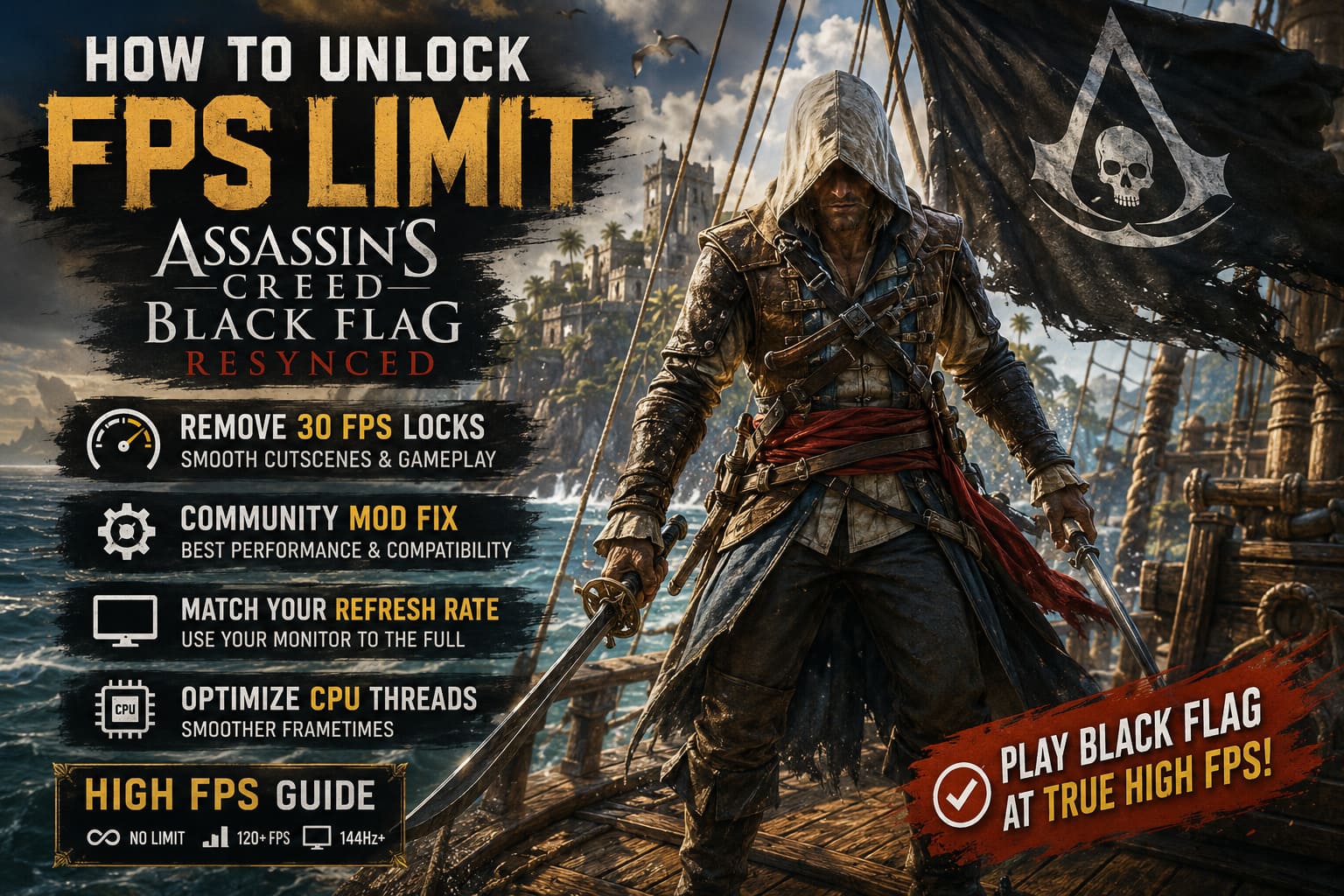
How to Unlock FPS Limit in Assassin’s Creed Black Flag Resynced: Complete Guide
Ubisoft finally brought Assassin’s Creed Black Flag Resynced to PC, and I’ll admit it—I jumped into the Caribbean the second it unlocked. Seeing Edward Kenway’s adventure rebuilt with modern lighting, ray tracing, and enhanced textures feels incredible. The ocean looks gorgeous, storms are dramatic, and Havana at sunset is one of the best-looking locations in the entire franchise.
Then the technical issues started.
I was playing on a 165Hz monitor, easily pushing high framerates during exploration, only for the game to suddenly slam into a 30 FPS cutscene. A few hours later, I also noticed strange stuttering and moments where the game behaved as if it was locked to 60 FPS despite my hardware barely breaking a sweat.
The good news? The community already found several working solutions. After spending hours testing fixes, digging through forums, and comparing results with other players, I managed to get the game running significantly smoother.
This guide covers everything you need to know about removing FPS limits, fixing cutscene locks, and improving overall performance in Assassin’s Creed Black Flag Resynced.
Why Is Assassin’s Creed Black Flag Resynced Capped?
The problems aren’t caused by weak hardware. Even people running RTX 4080 and RTX 5090 systems are seeing the exact same issues.
There are essentially three major culprits.
| Problem | Effect |
|---|---|
| Ultra Graphics Bug | Forces cutscenes to 30 FPS |
| Engine Synchronization | Creates 60 FPS limitations and stutters |
| CPU Thread Scheduling | Causes inconsistent frametimes and drops |
The game still carries some old DNA from the original Black Flag release. Certain engine systems appear to expect specific framerate targets, which creates conflicts on modern high-refresh displays.
Fix #1 – Avoid the “Ultra High” Graphics Bug
This is the easiest solution and surprisingly effective.
Ubisoft has already acknowledged an issue where several settings trigger the infamous 30 FPS cinematic lock.
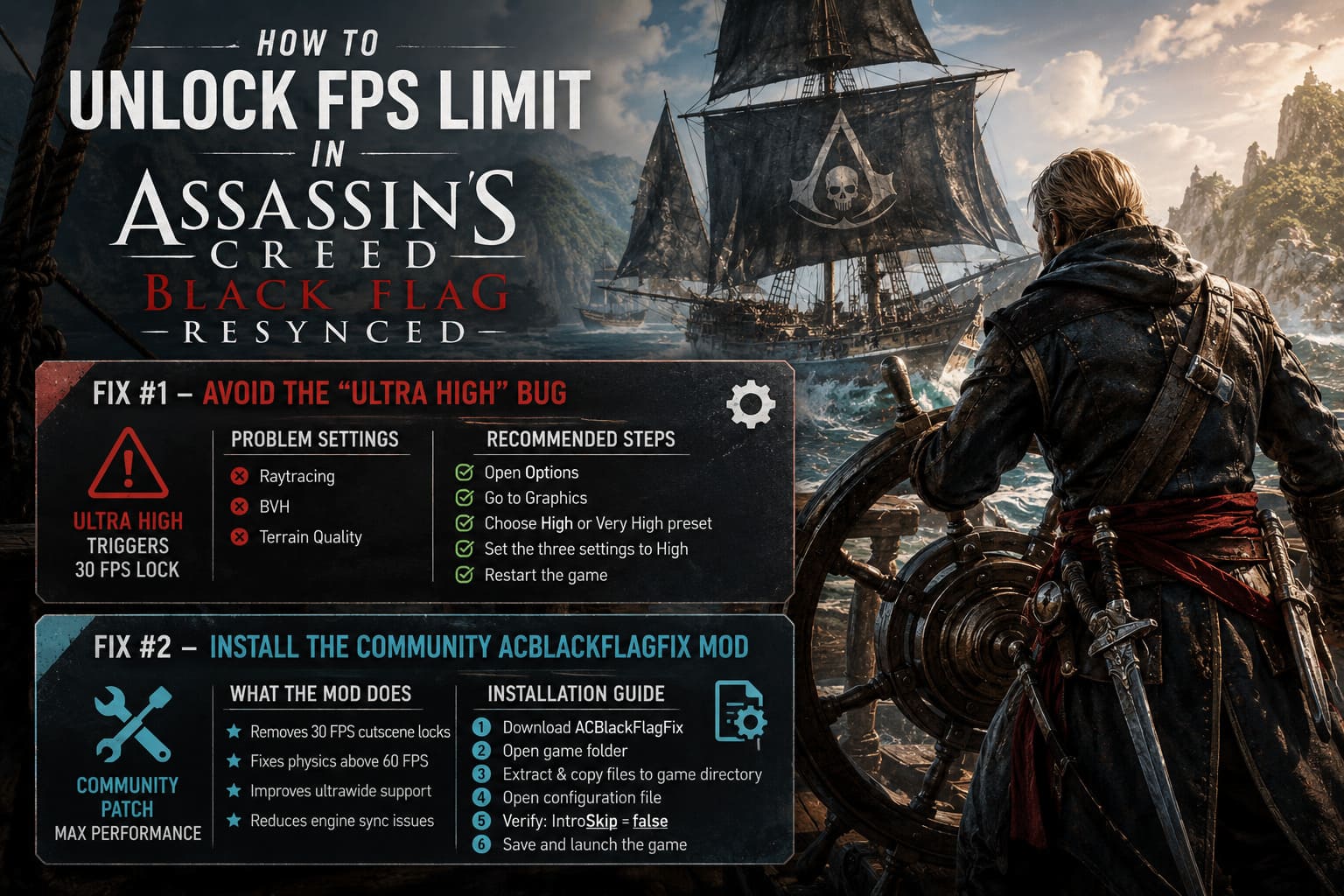
Problem Settings
- Raytracing
- BVH
- Terrain Quality
If any of these are set to Ultra High, the game can automatically force cutscenes down to 30 FPS.
Recommended Steps
- Open Options.
- Go to Graphics.
- Select High or Very High preset.
- Manually verify the three settings above.
- Set them to High instead of Ultra High.
- Restart the game.
I tested this on a 1440p setup, and the difference was immediate. Cinematics still weren’t perfect, but the aggressive 30 FPS lock disappeared.
Fix #2 – Install the Community ACBlackFlagFix Mod
If you’re the kind of player who wants the absolute best experience, the community patch is currently the biggest game changer.
Modders worked surprisingly fast and created a tool called ACBlackFlagFix, which edits engine variables in real time.
What the Mod Does
- Removes 30 FPS cutscene locks.
- Fixes physics issues above 60 FPS.
- Improves ultrawide monitor support.
- Reduces strange engine synchronization problems.
Installation Guide
- Download the latest version of ACBlackFlagFix.
- Locate your game folder.
C:\Program Files (x86)\Steam\steamapps\common\Assassins Creed Black Flag Resynced
- Extract the files.
- Copy everything into the main game directory.
- Open the included configuration file.
- Verify the following line:
IntroSkip=false
- Save the file.
- Launch the game.
After installing the patch, my cutscenes finally matched gameplay performance. Sailing through storms at over 120 FPS without the game constantly fighting the hardware felt fantastic.
Fix #3 – Force Your Monitor’s Real Refresh Rate
This issue is surprisingly common.
Some players discovered that the game occasionally reports the display as a 60Hz monitor, even when using 144Hz, 165Hz, or 240Hz panels.
That means your expensive monitor is basically sitting idle.
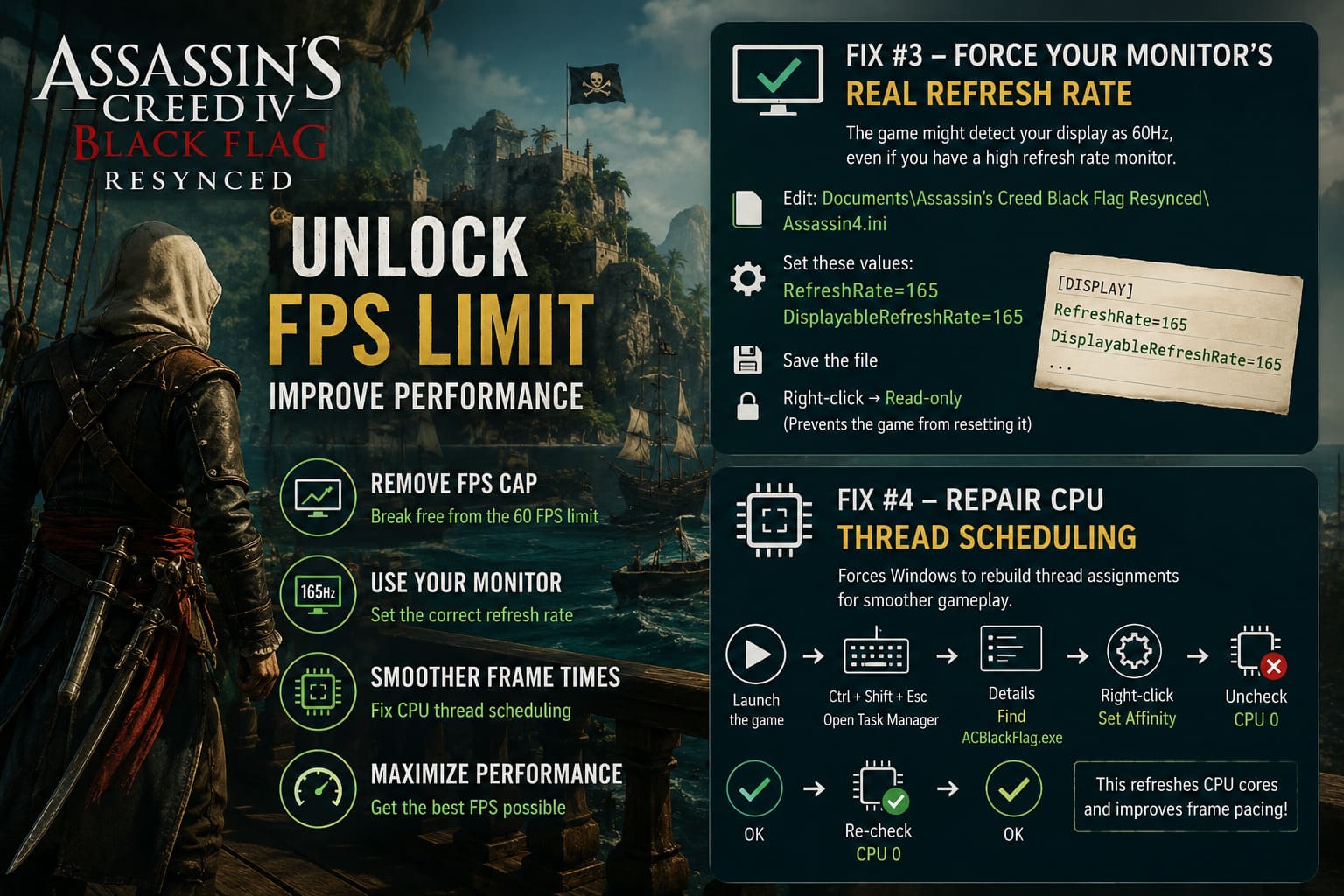
Here’s How to Fix It
- Close the game.
- Navigate to:
Documents\Assassin's Creed Black Flag Resynced\
- Find:
Assassin4.ini
- Locate these lines:
RefreshRate=
DisplayableRefreshRate=
- Change the values according to your monitor.
Example:
RefreshRate=165
DisplayableRefreshRate=165
- Save the file.
- Right-click the file and enable Read-only.
This prevents the game from resetting the values every time it launches.
Fix #4 – Repair CPU Thread Scheduling
This is one of the weirdest fixes I’ve ever used, but it genuinely works.
Modern CPUs have tons of cores and threads, and Black Flag Resynced sometimes struggles to distribute its workload correctly.
The result?
- Micro-stutters
- Inconsistent frame pacing
- Random FPS drops
- Uneven GPU usage
Temporary Affinity Trick
- Launch the game.
- Press:
Ctrl + Shift + Esc
- Open Details.
- Find ACBlackFlag.exe.
- Right-click the process.
- Select Set Affinity.
- Disable CPU 0.
- Press OK.
- Re-enable CPU 0.
- Press OK again.
This forces Windows to rebuild thread assignments.
It sounds ridiculous, but I saw noticeably smoother frametimes after doing this.
Best Settings for High FPS Gameplay
Once you’ve removed the locks, you’ll want stable performance.
These settings gave me the best balance between visuals and responsiveness.
| Setting | Recommendation |
|---|---|
| Display Mode | Fullscreen |
| VSync | Off |
| Dynamic Resolution | Off |
| DLSS/FSR | Quality |
| Frame Generation | Off if stuttering |
| Motion Blur | Personal preference |
Why Turning Off VSync Matters
This one deserves special attention.
The in-game VSync implementation appears to be extremely aggressive. In certain situations, it can force behavior similar to a hard 60 FPS cap.
If you need synchronization, you’re better off using Nvidia Fast Sync, Nvidia Control Panel VSync, AMD Enhanced Sync, G-Sync, or FreeSync.
I personally disabled the game’s VSync entirely and relied on G-Sync. The experience became much smoother.
Dynamic Resolution Can Hurt Performance
Normally, dynamic resolution is useful.
Not here.
The feature seems obsessed with trying to maintain a specific framerate target and can aggressively lower image quality while simultaneously introducing inconsistent frame pacing.
Unless you’re running very old hardware, I strongly recommend disabling it.
Frame Generation Isn’t Always Your Friend
Frame Generation can look amazing when it’s working correctly.
Unfortunately, some players are reporting:
- Added latency.
- Camera stutter.
- Strange artifacting.
- Frame pacing issues.
If your gameplay feels worse after enabling it, don’t force it.
Native high framerate often feels better than artificially generated frames.
Assassin’s Creed Black Flag Resynced Draw Distance Guide: How to Fix LOD Pop-In on PC
Recommended Settings for Different Hardware
| Hardware | Recommended Target |
|---|---|
| RTX 3060 / RX 6700 XT | 1080p High |
| RTX 4070 / RX 7800 XT | 1440p High |
| RTX 4080 / RTX 5080 | 4K High |
| RTX 5090 | 4K Ultra + Ray Tracing |
Final Thoughts
Assassin’s Creed Black Flag Resynced is easily one of Ubisoft’s most beautiful remasters, but its PC version definitely needs additional patches.
The frustrating part is that the game clearly has the potential to run incredibly well. Most of these issues come from strange engine limitations rather than hardware requirements.
After applying the fixes above, my experience changed dramatically:
- No more 30 FPS cutscenes.
- Far fewer stutters.
- Proper high-refresh gameplay.
- Significantly smoother sailing and combat.
If you’re playing on a 144Hz or 240Hz monitor, these tweaks are absolutely worth your time. Once everything is configured properly, roaming the Caribbean finally feels as fluid as a modern PC release should.
And honestly? Edward Kenway deserves better than being trapped at 30 frames per second.