How to Play VHOLUME with Friends: 2026 Online Multiplayer Guide
If there is one thing I love about weird indie games, it is when a developer takes a concept that sounds completely miserable on paper and somehow turns it into something you cannot stop playing. VHOLUME is exactly that kind of game.
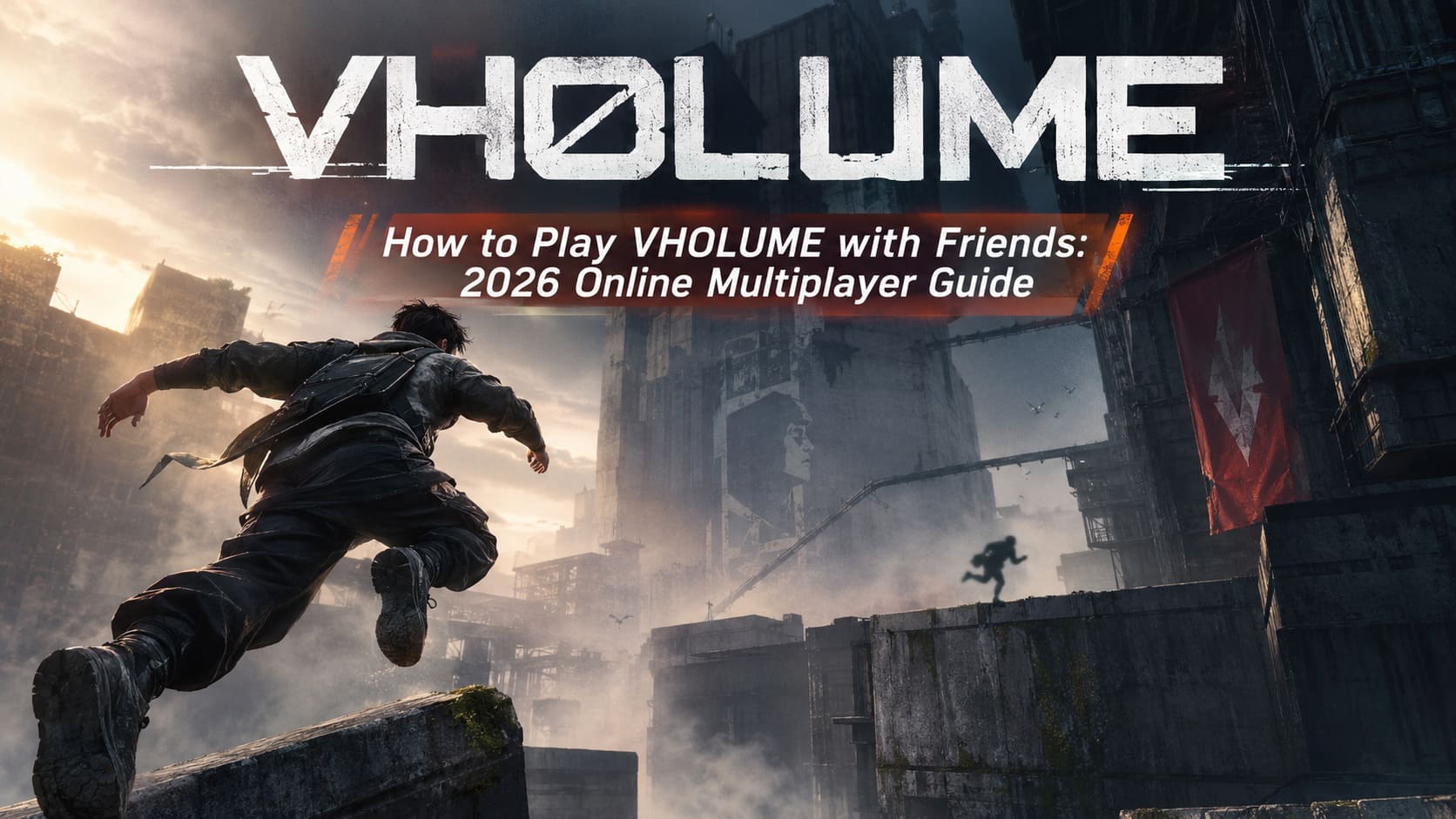
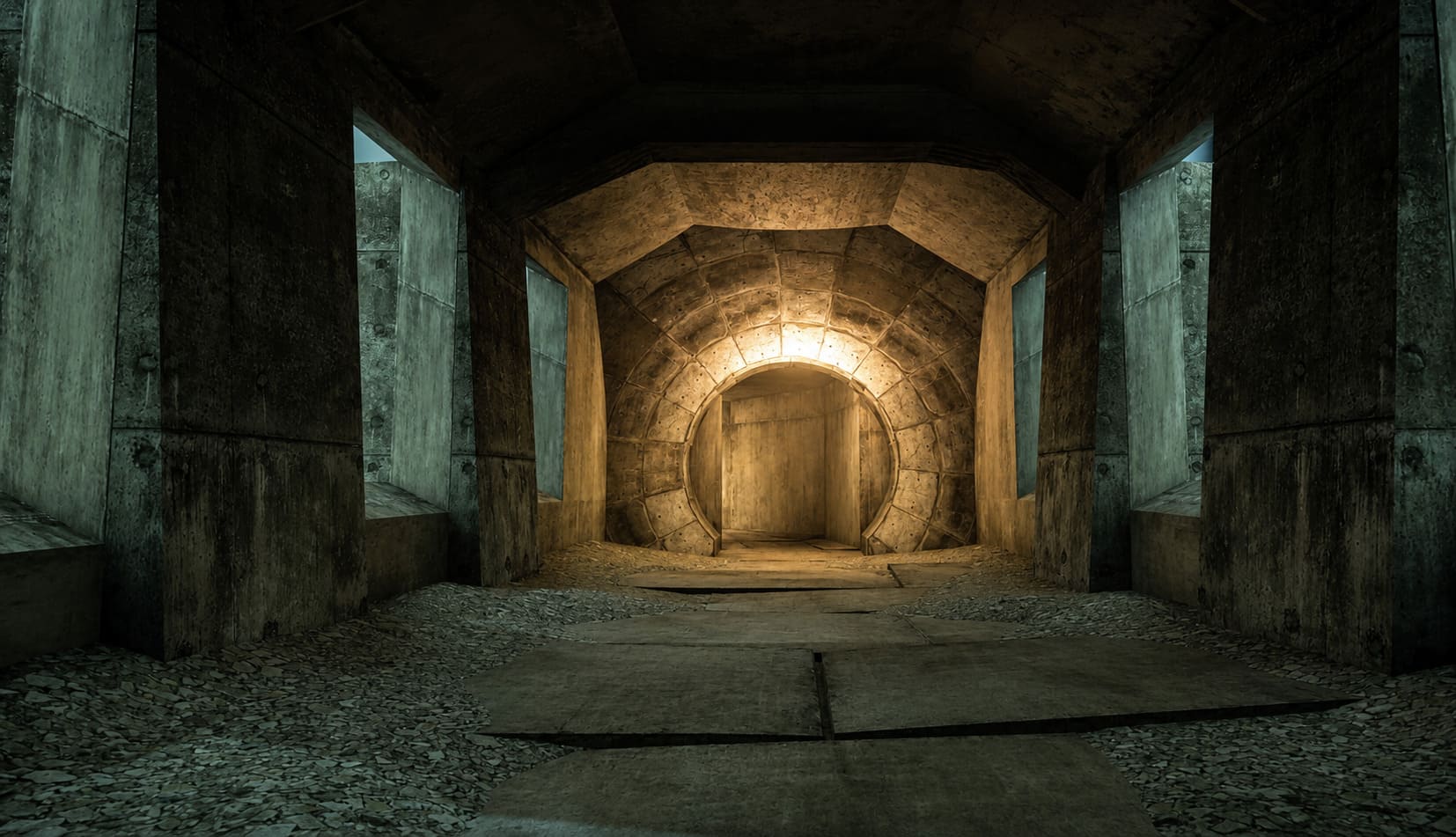
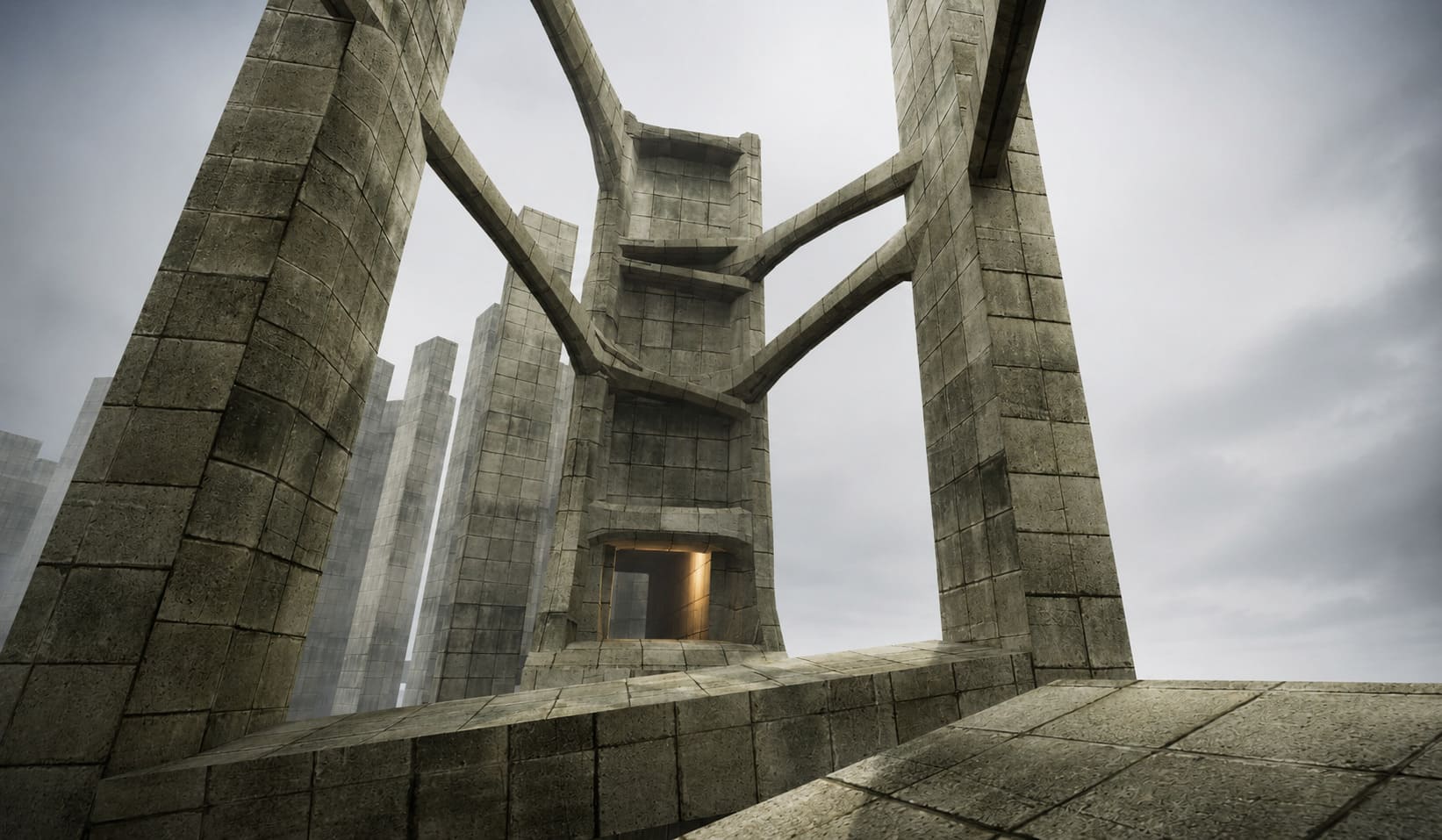
At first glance, it looks like a brutalist parkour game wrapped in an incredibly bleak dystopian setting. Then you actually start moving, and suddenly you are bouncing between concrete platforms, sliding under industrial structures, desperately trying to preserve momentum while wondering why you thought that particular jump was a good idea.
The setting is wonderfully strange, too. You play as Robert, an ordinary citizen trying to recover his family’s revoked ration tickets in a dystopian Afro-Eurasian capital controlled by the mysterious Ministry. It is a wonderfully bureaucratic nightmare, except instead of filling out forms for six hours, you are climbing walls and launching yourself across enormous gaps.
And honestly, VHOLUME becomes even more entertaining when friends are involved.
There is something inherently funny about watching another player confidently sprint toward a jump, disappear from your screen, and then hearing nothing but the collective realization that the shortcut was probably a terrible idea.
So, if you’re trying to figure out how to play VHOLUME with friends in 2026, here is the stuff that actually matters.
Does VHOLUME Have Multiplayer?
The multiplayer experience described for VHOLUME revolves around two different ways of competing and interacting with other players:
- Direct real-time multiplayer
- Asynchronous ghost competition
Real-time multiplayer is the obvious one. You and your friends occupy the same environment and can see each other moving through the level. That makes difficult sections much easier to understand because you can literally watch someone else attempt a route before committing to it yourself.
The ghost system is arguably more interesting for anyone who gets obsessed with speedrunning.
Instead of needing your friend to be online, their best run can appear as a ghost representation inside your own game. You can then follow their route, compare your movement, and figure out where they are gaining those precious seconds.
And yes, this is exactly the kind of feature that can turn a casual evening into “one more run” at 3 AM.
How to Play VHOLUME With Friends on Steam
Getting a group together should be relatively straightforward if everyone is using the Steam version.
1. Launch VHOLUME Through Steam
Start VHOLUME normally from your Steam library and make sure Steam itself is showing you as online.
I would also recommend checking that the Steam Overlay is enabled before trying to invite anyone. There is nothing worse than getting everyone ready and then discovering that the invitation option refuses to appear.
2. Open the Multiplayer Menu
From the main menu, select Multiplayer.
This should take you into the game’s networking options, where you can create or join a session.
3. Create a Private Session
If you’re playing exclusively with friends, a private lobby is the obvious choice.
Select Create Private Session and wait for the lobby to initialize. Keeping the session private means you do not have to worry about random players joining while you’re trying to learn a route.
For a group of friends, this is much more relaxed than public matchmaking.
4. Invite Your Friends Through Steam
Once the session is ready, open the Steam overlay with Shift + Tab.
Find the friend you want to invite, right-click their profile, and use the available Invite to Game option.
Your friend can then accept the invitation through Steam and attempt to join the active session.
5. Use the Lobby ID if Necessary
If Steam invitations are being annoying, the alternative is to use the game’s lobby identification system.
The host can copy the lobby code and send it to friends through Discord or another messaging service. The other player then uses the Join via Lobby ID option to connect manually.
Personally, this is the sort of backup option I always want available in an indie multiplayer game. When the normal invitation button decides to have a bad day, having a code-based method can save a surprising amount of frustration.
VHOLUME Multiplayer Troubleshooting
Fast parkour makes networking problems especially noticeable.
If you’re dealing with disconnects, failed invitations, or players being unable to join the same session, don’t immediately assume the entire multiplayer system is broken.
Start with the boring stuff.
| Problem | First Thing to Check | Possible Solution |
|---|---|---|
| Host Disconnected | Game versions | Update everyone to the same build |
| Friend Cannot Join | Steam status | Restart Steam and VHOLUME |
| Invitation Missing | Steam Overlay | Enable the overlay |
| Lobby Code Fails | Code validity | Create a new session |
| Random Disconnects | Network stability | Restart router/game |
| Strange Synchronization | Different builds | Verify everyone is fully updated |
Check Game Versions First
This is probably the most important troubleshooting step.
If VHOLUME receives a patch or hotfix, make sure everyone in the group is running the same version. Completely closing the game and restarting Steam can force pending updates to install.
I know it sounds obvious, but version mismatches are exactly the kind of problem that can waste half an evening because everyone assumes the network is responsible.
Restart Steam
If the invitation system behaves strangely, restart Steam completely.
Not just VHOLUME. Steam itself.
Then launch the game again and recreate the lobby.
It is not glamorous, but sometimes the ancient PC gaming ritual of “turn it off and on again” remains undefeated.
Check Your Network Before Blaming the Game
VHOLUME’s movement is extremely sensitive to timing. If your connection is unstable, multiplayer movement can feel considerably worse than the solo experience.
A wired connection is preferable if available, particularly for the player hosting the session.
The PC Performance Settings I Would Prioritize
There is another reason performance matters here: parkour games expose frame-rate problems immediately.
In a slower RPG, dropping from 90 FPS to 55 FPS might be annoying but manageable. In a movement-focused game, a stutter during a jump can be the difference between landing perfectly and becoming another piece of architectural decoration.
The listed system requirements are relatively approachable:
| Specification | Minimum | Recommended |
|---|---|---|
| OS | Windows 10 64-bit | Windows 10/11 64-bit |
| CPU | Intel Core i5-4460 / Ryzen 3 1200 | Intel Core i7-7700 / Ryzen 7 1700 |
| RAM | 4 GB | 16 GB |
| GPU | GTX 960 / Radeon R7 370 | GTX 1060 / RX 580 |
| Storage | 10 GB | 10 GB SSD Recommended |
If your hardware is close to the minimum, I would rather have stable performance than unnecessarily pretty shadows.
For multiplayer parkour, consistency wins.
The Mouse Wheel Jump Trick Is Worth Trying
One of the first movement tweaks I would experiment with is binding jump to the mouse wheel.
Why?
Because games based around momentum often reward extremely rapid jump inputs. A mouse wheel gives you considerably more opportunities to register repeated jump commands than a traditional single key press.
It is not magic, and it will not suddenly make you a speedrunner. But if VHOLUME’s movement system rewards repeated jumps and bunny-hop style momentum preservation, mouse-wheel jumping is absolutely worth testing.
And once you get used to it, going back to a conventional jump key can feel surprisingly slow.
Don’t Ignore Momentum
This is the biggest lesson I would take into multiplayer.
Do not treat every obstacle as a separate jump.
Think about your movement as one continuous sequence.
You are not simply jumping from A to B. You are trying to land in a position that lets you immediately transition into the next movement.
That means:
Jump → land → slide → redirect → jump → preserve speed.
The less often you have to stop and reset your position, the faster your run becomes.
This is also where playing with friends becomes useful. Watching somebody who already understands a route can teach you more than repeatedly throwing yourself at the same obstacle.
Look for VHOLUME’s Strange Secrets
The game’s unusual architecture deserves attention beyond simply finding the fastest route.
The described hidden mechanics include environmental anomalies and low-gravity secrets reminiscent of discoveries from the earlier VHOLUME demo.
Look for areas that feel visually different from the surrounding environment.
Odd structures, unusual pathways, moss-covered areas, architectural details that seem slightly out of place—these are exactly the places I would investigate.
And if you discover something that changes the movement physics?
Do not immediately assume it is cosmetic.
A low-gravity section can completely change how you approach traversal, and that can potentially create routes that are dramatically different from the intended path.
How to Fix VHOLUME Crashing on Startup on PC: 2026 Troubleshooting Guide
Use Your Friends as Living Ghosts
This might actually be my favorite multiplayer technique.
Instead of simply racing everyone from start to finish, have your fastest player run ahead.
Then watch them.
Seriously.
If there is a section where you repeatedly lose momentum, watching someone else execute it can reveal the answer almost instantly.
You might discover that they are entering the jump from a slightly different angle. Maybe they slide earlier. Maybe they jump later than you expected. Maybe they are maintaining speed through a turn you have been treating as a complete stop.
VHOLUME is a game where seeing the movement can be more valuable than reading about it.
Is VHOLUME Coming to PS5 and Xbox Series X/S? Release Date and Console Port Expectations
Final Thoughts: VHOLUME Is Better With a Little Competition
The thing that makes VHOLUME particularly appealing to me is that its multiplayer potential does not have to be about traditional competitive matchmaking.
You can race friends.
You can follow their ghosts.
You can teach each other routes.
You can hunt for secrets together.
And, inevitably, you can spend twenty minutes arguing about whether a shortcut is actually faster before everyone tries it and discovers that it absolutely is not.
That is exactly the sort of multiplayer experience I want from a strange indie game like this.
The Ministry’s concrete nightmare is already atmospheric enough on its own, but VHOLUME feels considerably more alive when other players are moving through that same space.
If you’re starting with friends, don’t worry too much about being fast immediately. Learn the movement, experiment with routes, test mouse-wheel jumping, watch better players, and pay attention to momentum.
Eventually, something clicks.
You stop thinking about individual jumps.
You stop fighting the level.
And suddenly Robert is flying through the brutalist maze like he has somewhere very important to be.
Which, considering the game’s premise, he probably does.