Esoteric Ebb Spell Preparation Bug: How to Fix the Altar Freeze, Geometry Glitch Fix
When Esoteric Ebb launched on Steam in early 2026, it immediately caught the attention of RPG fans who love narrative-heavy games. Imagine the investigative storytelling vibe of Disco Elysium mixed with crunchy tabletop-style spell mechanics — weird, atmospheric, and honestly refreshing.
But like many ambitious indie RPGs, the launch came with a few rough edges. The most annoying one? The Shrine spell preparation freeze bug.
If you’ve ever been stuck staring at the altar menu in Norvik, wondering if your save is ruined — don’t worry. I ran into it myself, and after digging through community posts and experimenting, here’s the simplest way to fix it and avoid it in the future.
The Infamous Shrine Freeze Bug
One of the most widely reported technical problems happens when you try to prepare spells at a Shrine.
You go through the menu, select your spells, click Finish… and suddenly the button disappears — but the menu stays open forever.
The strange part is that the game isn’t actually frozen.

You’ll notice things like:
- music still playing
- UI animations still moving
- quicksave still working
So technically the game is alive — the interface just gets stuck.
From what the developer has hinted, this happens when the “end preparation” function doesn’t properly trigger, usually after a weird UI sequence.
The Fastest Way to Fix the Altar Bug
If you ever get stuck at a shrine, don’t force close the game immediately. There are much easier fixes.
Try these in order:
- Quicksave and reload
Press F5 to quicksave.
Press F9 to reload.
In many cases the UI resets and you can walk away normally. - Restart the game
Exit to desktop.
Reload your latest save. - Check for updates
Make sure you’re running v1.0.3 or newer.
Early hotfixes addressed several stuck UI and dialogue triggers.
In my experience, the quicksave → reload trick works almost every time.
How Spell Preparation Actually Works
Sometimes players think the system is bugged when it’s actually just unusual design.
Unlike most RPGs, you can’t change spells anywhere in Esoteric Ebb. You must use Shrines scattered around the city of Norvik.
Your spell capacity also isn’t unlimited.
Spell Preparation Formula
| Factor | Effect |
|---|---|
| Cleric Level | Increases total spell memory |
| Intelligence Modifier | Adds extra capacity if positive |
| Base Slots | Starts with 2 |
Rough formula: 2 + Cleric Level + Intelligence Modifier
This leads to one of the game’s funniest traps: dumping Intelligence.
In most fantasy RPGs clerics focus on Wisdom — but here Intelligence affects how many spells you can remember. If you ignored it during character creation, your spell list will feel painfully small.
Other Spellcasting Glitches Players Have Seen
The Shrine freeze isn’t the only weird issue that popped up after release.
1. Disappearing Spells or Items
Some players noticed empty inventory slots after repeatedly reloading saves to retry skill checks.
Possible causes:
- excessive save-scumming
- UI inventory refresh issues
If it keeps happening, the developer asked players to send save files from the following directory:
AppData\LocalLow\Sudden Snail\Esoteric Ebb\SaveFiles
2. “Insufficient Intelligence” for Magic Books
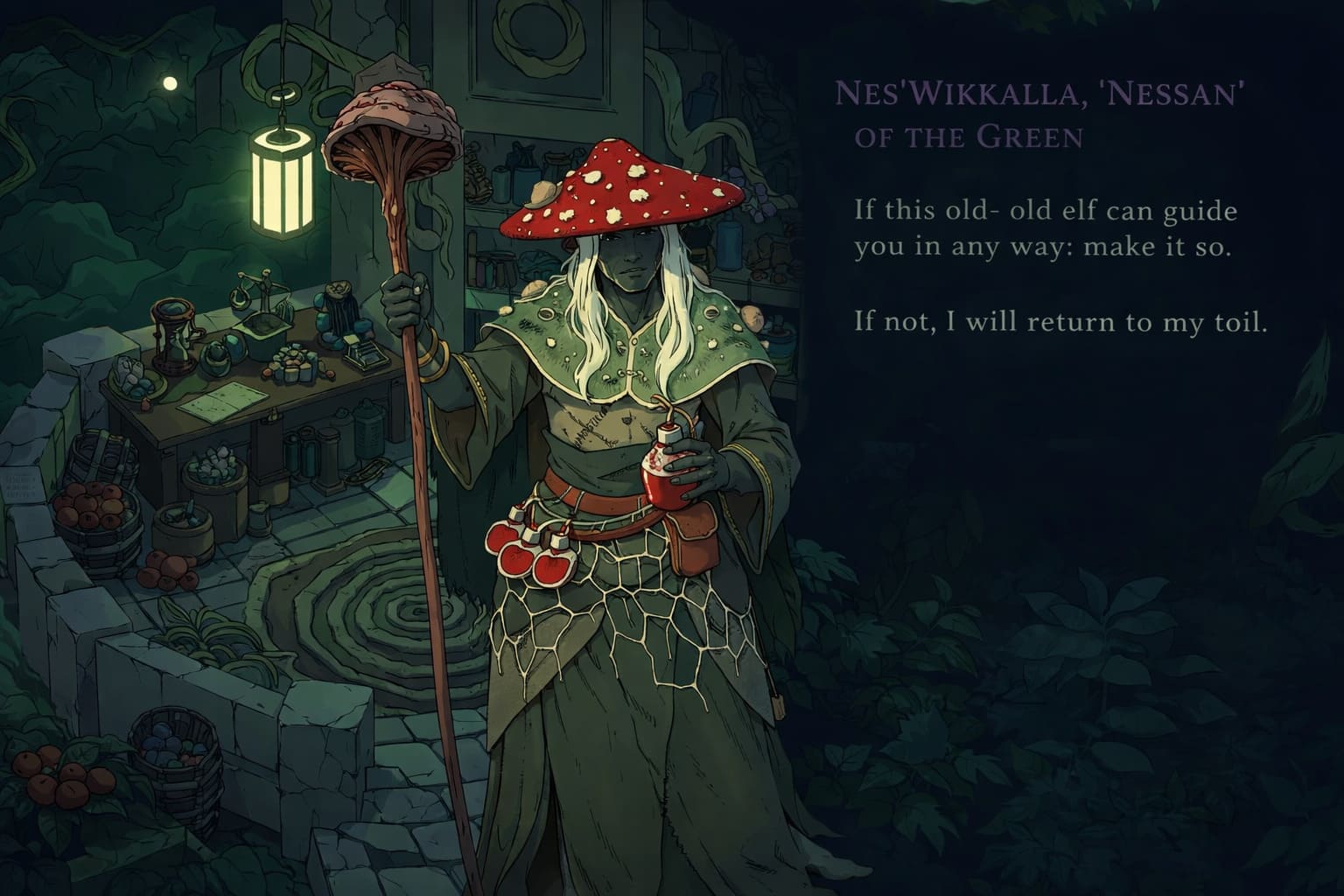
You might encounter mysterious spellbooks around the world — especially in the Roots area.
If the game refuses interaction, it’s usually not a bug.
| Requirement | Result |
|---|---|
| Intelligence < 12 | Cannot decipher text |
| Intelligence ≥ 12 | Unlocks hidden spells |
So yes — the game literally checks if your character is smart enough to read the book.
Classic RPG logic.
Tips to Avoid Triggering the Shrine Bug
After a few hours experimenting, I noticed the bug seems less likely when you slow down and avoid messy UI interactions.
A few habits that help:
- Finish all dialogue windows before interacting with a shrine
- Wait for the preparation animation to fully complete
- Avoid constant reload loops when failing checks
- Use Shard rerolls instead of reloading whenever possible
These small things seem to reduce UI conflicts quite a bit.
Escaping the Glitches: A Player’s Guide to Fixing Stuck Moments in Esoteric Ebb (2026)
When Esoteric Ebb launched on March 3, 2026, it immediately grabbed the attention of CRPG fans who love weird worlds, strange magic systems, and that unmistakable arcanepunk vibe. Developed by Sudden Snail and published by Raw Fury, the game feels like a love letter to classic role-playing adventures—just with a slightly chaotic indie edge.
And honestly? That chaos sometimes shows up in the form of geometry glitches.
If you’ve ever watched your Cleric get stuck between a wall and a goblin statue, you know exactly what I’m talking about. I’ve run into a few of these bugs myself during the first week after launch. Luckily, the community (especially on Steam) and the devs have already figured out several reliable fixes.
Below is a practical, player-tested guide to escaping the most common “stuck” moments in Esoteric Ebb.
1. The Spell Altar Freeze (The Most Annoying One)
One bug that caught me off guard happens during spell preparation at altars.
You kneel down, open the spell menu… and suddenly the Finish button disappears. The interface stays on screen and your character refuses to move.
What usually fixes it
- Quicksave and reload — Press F5 to quicksave, then press F9 to reload the save. In most cases, the UI resets instantly.
- Update your game version — This bug appeared mostly in early builds, so make sure you’re running patch 1.0.2 or newer.
After updating, I barely saw this problem again.
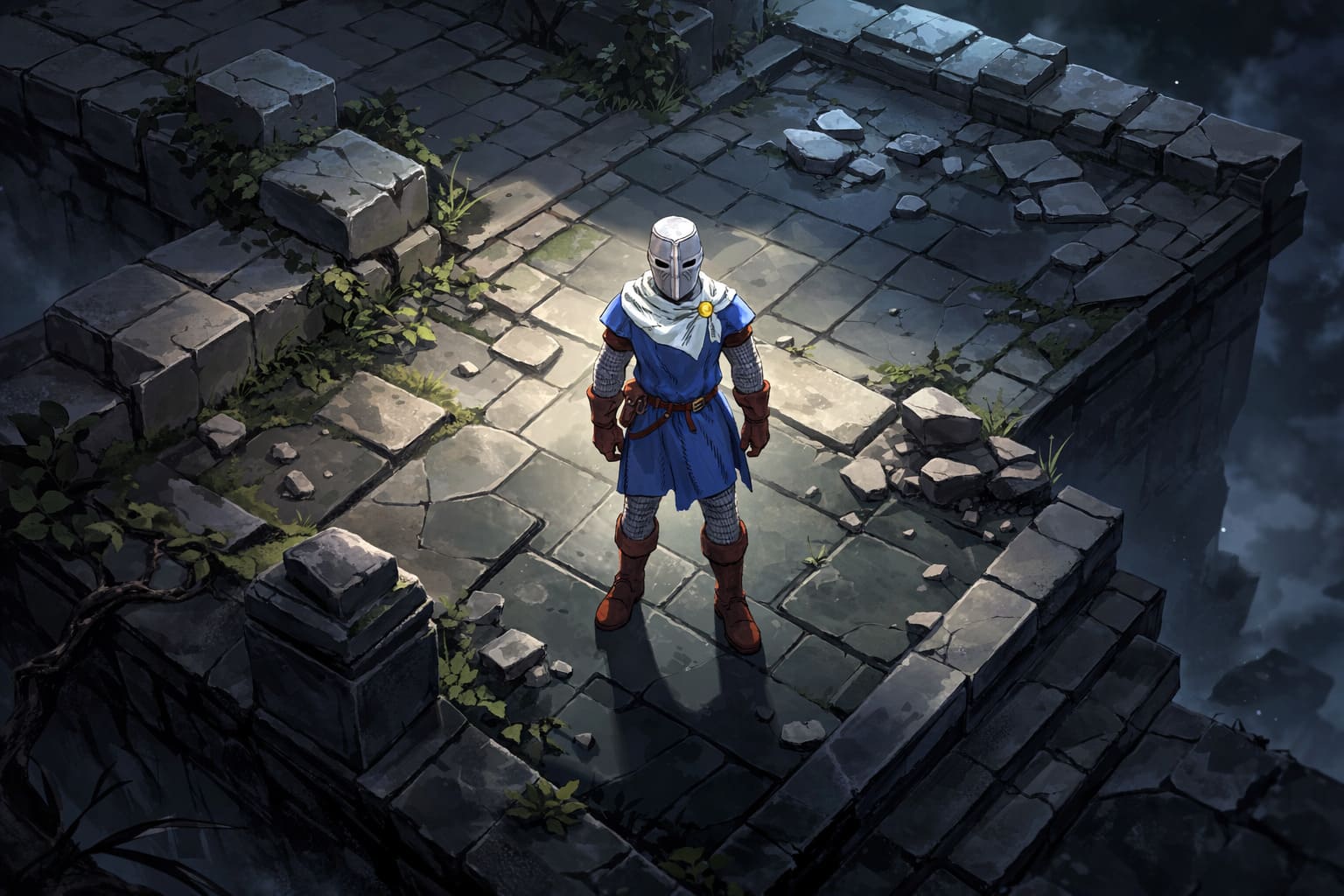
2. When Your Character Gets Stuck in Terrain
Because Esoteric Ebb mixes 3D environments with a stylized perspective, collision issues occasionally happen. The most notorious spots so far seem to be the Undercity and the Goblin Garden.
Sometimes your character looks stuck when it’s actually just a bad collision box.
Things worth trying
- Hold TAB to highlight interactables. If something blocks you but doesn’t highlight, it’s likely a geometry bug.
- Use the Mage Hand ability. Surprisingly, this trick works more often than you’d expect. Triggering Mage Hand can force the game to re-check character positioning and nudge you back into a valid location.
This little workaround saved me from reloading more than once.
3. Black Screens or Strange Rendering Bugs
A few players have reported visual glitches, black screens, or sudden crashes. These usually come from rendering conflicts.
A simple fix is changing the graphics driver the game uses.
How to try it
- Open your Steam Library.
- Right-click Esoteric Ebb.
- Go to Properties → Launch Options.
Then test one of these commands:
--rendering-driver opengl3or
--rendering-driver vulkanFor some systems, switching to Vulkan noticeably improves stability.
4. Hotfixes Already Addressed Several Game Locks
The developers have been surprisingly quick with patches since release. Several frustrating quest blockers were already fixed.
| Patch Version | What It Fixed |
|---|---|
| 1.0.1 | Resolved a boss fight lock involving the Coinlord encounter. |
| 1.0.2 | Fixed altar UI and labyrinth transition bugs. |
| 1.0.3 | Repaired missing Feats and encounter UI problems in late-game fights. |
If you’re experiencing strange behavior, updating the game should always be the first step.
5. Reporting New Geometry Bugs (Help the Devs Fix Them)
If you fall into a mysterious hole in the world or get permanently stuck somewhere, sending a save file helps developers track down the issue.
Your saves are located here:
X:\Users\YourName\AppData\LocalLow\Christoffer Bodegard\Esoteric Ebb\SaveFilesAttach the save when submitting a report through the Raw Fury support portal. The team has already fixed several problems thanks to player reports.
Quick Fix Cheat Sheet
| Problem | Fast Solution |
|---|---|
| Stuck in Spell Altar UI | F5 → F9 quicksave and reload |
| Character clipped into terrain | Try Mage Hand or move with TAB highlight |
| Quest logic stuck | Update to v1.0.3 or later |
| Black screen / crash | Change render driver in Steam launch options |
Final Thoughts
Despite the occasional bug, Esoteric Ebb is one of the most interesting indie RPGs released this year. Its blend of detective storytelling, philosophical dialogue, and tabletop-style spell preparation gives it a personality most RPGs simply don’t have.
Sure, the shrine bug can interrupt the flow — but once you know the quicksave fix, it’s barely a speed bump.
And honestly? The strange systems and rough edges almost add to the charm. It feels like playing a weird experimental tabletop campaign brought to life in digital form.
If the developer keeps patching at the current pace, Esoteric Ebb could easily become a cult RPG classic.
Despite a few early bugs, Esoteric Ebb already feels like one of those cult CRPGs people will still talk about years from now. The world is strange, the systems are deep, and the developers are clearly paying attention to player feedback.
If you hit a glitch, don’t panic—most of them are easy to escape with a quick workaround.
And honestly, in a weird way, these little bugs almost feel like part of the game’s chaotic magical universe. Almost.