Does Thveit Support Steam Deck? Portable Optimization & Performance Guide
After spending countless hours with city builders, survival simulators, and cozy management games, I can already see why Thveit has caught the attention of handheld players. There is something special about taking a relaxing strategy game on the couch or playing a few in-game days during a commute. Games built around planning, resource management, and gradual progression often feel almost made for portable devices, and Thveit looks like it could fit that category perfectly.
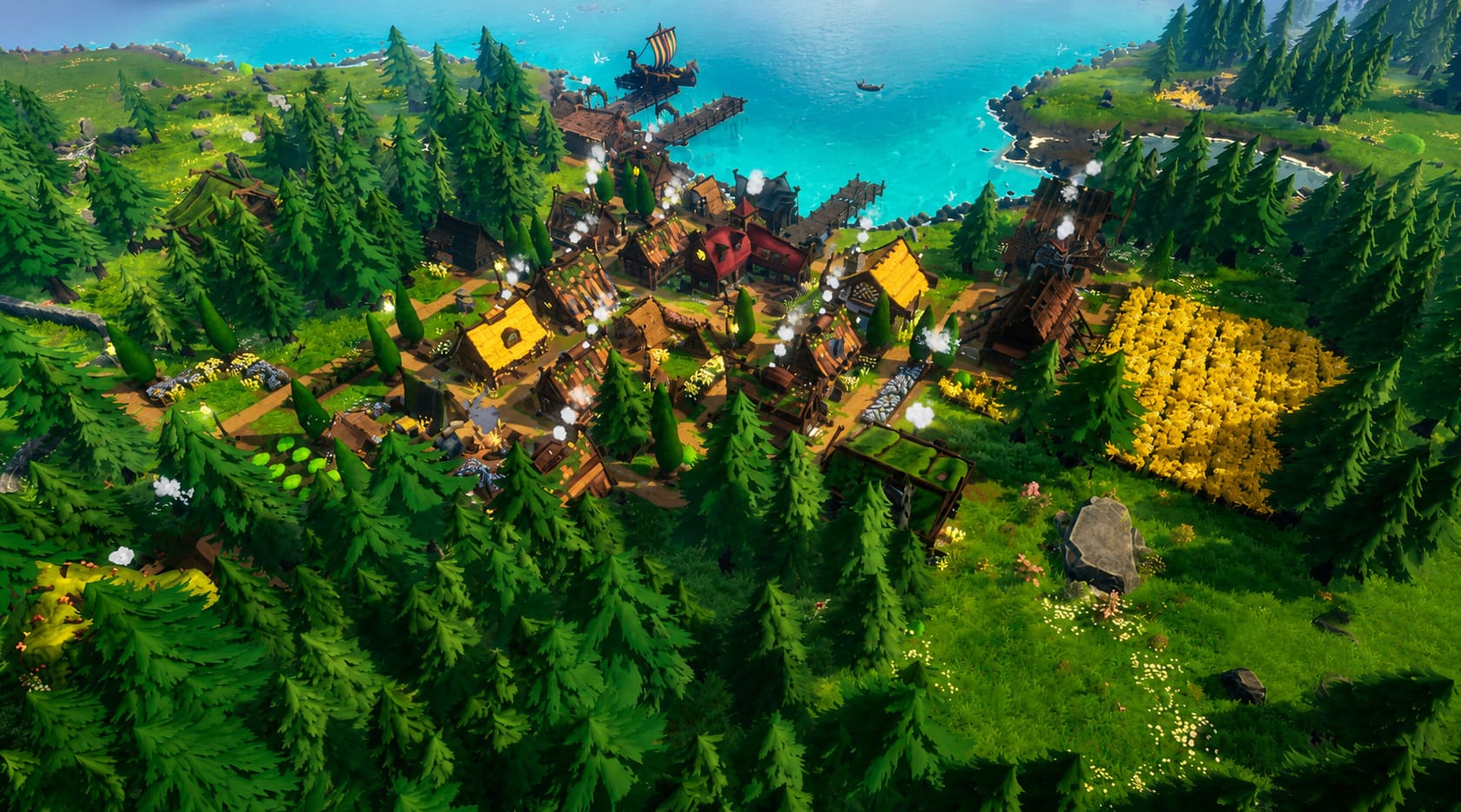
Developed by Winter Cats Studios and published by Crytivo, Thveit combines a charming Norse-inspired setting with city-building mechanics, mythical creatures, and a storybook visual style. Instead of focusing on constant combat or stressful timers, the game revolves around creating a thriving settlement, managing resources, discovering Scandinavian legends, and building a connection with the world around you.
However, one question has appeared again and again among Steam Deck owners: Can you play Thveit on Steam Deck? Portable PC gamers have already shown huge interest in bringing cozy builders to Valve’s handheld, and many players want to know if they can manage their Viking village away from their desktop setup.
The short answer is: yes, Thveit should run on Steam Deck, although official Steam Deck verification will likely depend on how the developers handle controller support, interface scaling, and final optimization during Early Access.
Thveit Controller Support How to Play the Norse City Builder with a Gamepad on PC
Is Thveit Steam Deck Compatible?
At launch, Thveit is expected to be playable on Steam Deck, even if it does not immediately receive the official Steam Deck Verified badge from Valve. Newly announced Early Access games often need additional testing before Valve assigns compatibility ratings, so the absence of a badge does not automatically mean a game will perform poorly.
Looking at the game’s design, Thveit appears to be a strong candidate for handheld gaming. Unlike many modern releases that push hardware with ultra-realistic graphics and demanding visual effects, Thveit focuses on stylized environments, colorful landscapes, and detailed but optimized village systems.
Having played many strategy games on handheld devices, I have noticed that the biggest challenge is rarely raw performance. The real issue is usually interface design. A city builder can run at 60 FPS and still feel frustrating if the text is tiny or menus are difficult to navigate with a controller.
This is where Thveit’s Early Access development period becomes important. The developers have plenty of time to improve UI scaling, controller layouts, and SteamOS compatibility based on player feedback.
Thveit System Requirements Compared to Steam Deck Hardware
Before deciding whether a game will perform well on Steam Deck, the most important step is comparing the official PC requirements with Valve’s hardware. While some games appear demanding on paper, handheld optimization and lower resolution targets can completely change the final experience.
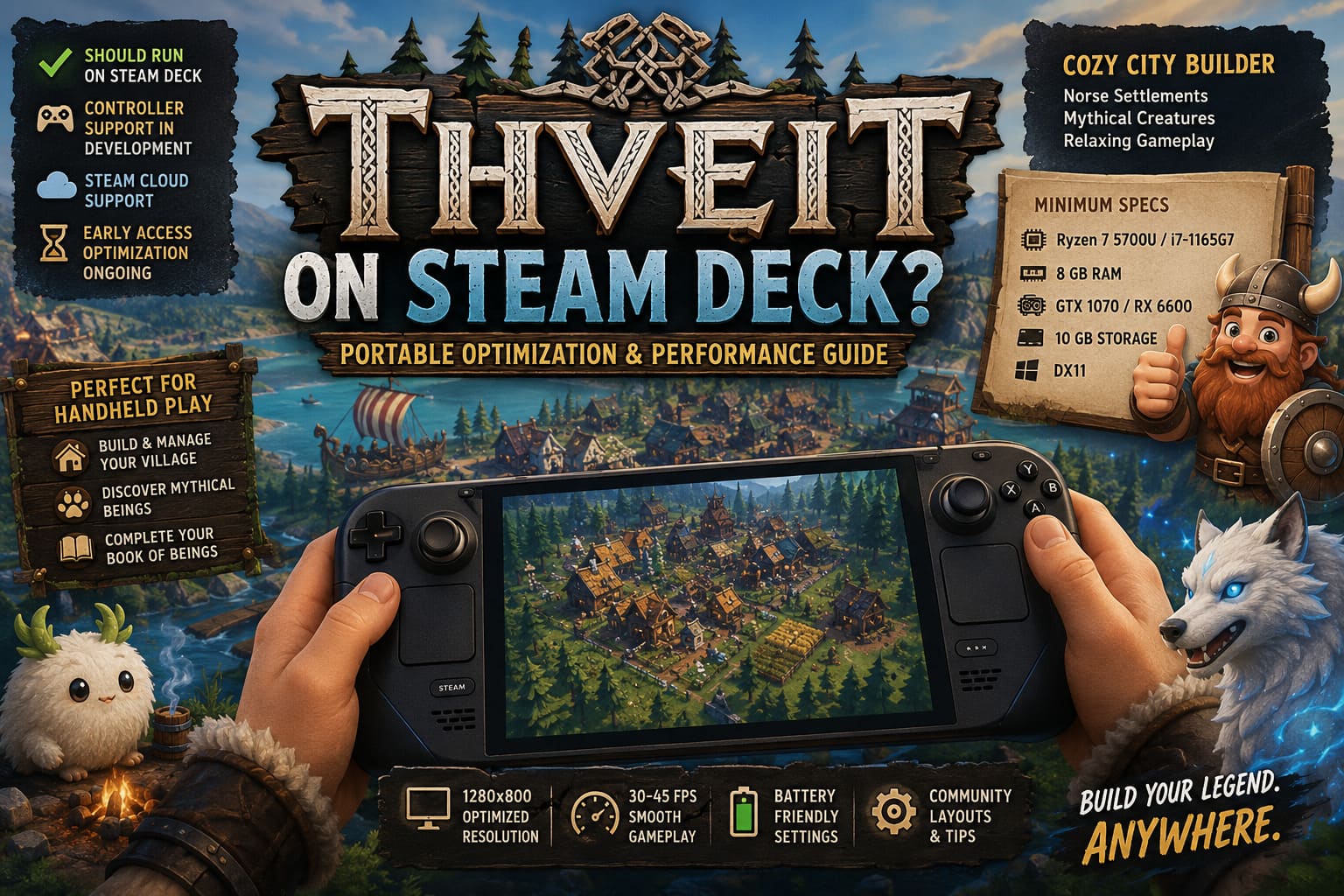
Thveit Minimum System Requirements
| Component | Requirement |
|---|---|
| Operating System | Windows 10 64-bit |
| Processor | AMD Ryzen 7 5700U or Intel Core i7-1165G7 |
| Memory | 8 GB RAM |
| Graphics Card | Nvidia GTX 1070 or AMD RX 6600 |
| DirectX | Version 11 |
| Storage | 10 GB available space |
At first glance, the recommended minimum GPU might seem concerning. The GTX 1070 is significantly more powerful than the Steam Deck’s integrated graphics solution. However, raw specifications do not tell the entire story when comparing desktop hardware with a handheld device.
The Steam Deck uses a custom AMD APU with a Zen 2 processor and RDNA 2 graphics architecture. It includes 16 GB of unified LPDDR5 memory, which gives it more RAM than the game’s minimum requirement. The biggest advantage is the resolution difference.
A traditional gaming PC usually runs games at 1080p or higher, while the Steam Deck targets 1280×800 resolution. That lower pixel count reduces the workload significantly, allowing many games with higher desktop requirements to perform surprisingly well on Valve’s handheld.
For a game like Thveit, where the main challenges are likely to come from village simulation, AI calculations, weather systems, and larger settlements rather than extreme graphics effects, the Steam Deck hardware should be capable.
Why Thveit Could Be Perfect for Handheld Gaming
Some games simply feel better on portable devices. After trying dozens of management and simulation titles on handheld hardware, I think Thveit has many design choices that naturally match the strengths of Steam Deck gaming.
Relaxing Gameplay Sessions
Thveit is built around slow progression. You are not constantly reacting to enemies or racing against the clock. Building houses, expanding farms, organizing production chains, and watching your settlement evolve creates a comfortable gameplay rhythm.
This type of experience works incredibly well on Steam Deck. You can play for fifteen minutes while waiting somewhere or spend several hours creating your perfect Viking village without feeling pressured to rush.
Mythical Creatures and Exploration
One of the most interesting parts of Thveit is its fantasy-inspired management system. Players can create habitats for mythical beings, interact with creatures from Norse mythology, and gradually complete their Book of Beings.
These smaller objectives are perfect for handheld gaming because they naturally break the experience into manageable goals. Instead of needing a long uninterrupted session, you can always make small progress and continue your settlement development later.
Steam Cloud Support
Steam Cloud integration makes switching between devices much easier. Players can build their settlement on a desktop PC and continue the same save file later on Steam Deck without losing progress.
For strategy fans who like playing different games depending on their mood, this feature is extremely valuable. A cozy builder like Thveit benefits greatly from the ability to move between setups instantly.
The Biggest Steam Deck Challenge: Controls and UI
Performance is not the biggest concern with Thveit. The main question is how comfortable the game will feel without a mouse and keyboard. City builders traditionally rely heavily on precise clicking, small menus, and detailed information panels.
Games in this genre often require developers to rethink their interface for controllers. A mouse-friendly design does not always translate well to a handheld screen, especially when players need to manage large settlements with dozens of different systems.
For Thveit to become a truly excellent Steam Deck experience, I would like to see:
- Adjustable text size for smaller handheld screens.
- Smart controller shortcuts for common building actions.
- Touchpad support for precise menu navigation.
- Simple radial menus for faster access to important systems.
The good news is that Early Access gives Winter Cats Studios enough time to improve these areas. Many successful Steam Deck games became much better after developers listened to handheld communities and adjusted their controls.
Steam Deck Optimization Tips for Thveit
When Thveit officially launches in Early Access, players may need to make a few adjustments to get the smoothest possible experience on Steam Deck.
1. Try Proton Experimental
If the game does not immediately work perfectly on SteamOS, forcing Proton Experimental is usually the first solution. Steam Deck users can open the game’s properties, select compatibility options, and test different Proton versions.
Many indie games receive quick compatibility improvements through Proton updates, so early technical issues are often solved quickly after launch.
2. Limit Frame Rate for Stability
Simulation games often become more demanding as your settlement grows. A small village may run perfectly, but hundreds of buildings, villagers, and complex AI calculations can increase CPU usage.
A stable 30 FPS or 45 FPS target is often better than chasing maximum performance. It improves battery life, reduces heat, and keeps gameplay smoother during larger cities.
3. Explore Community Controller Layouts
If the default controls need improvement, Steam Deck’s community layouts can provide alternative solutions. Many players create custom configurations that make mouse-heavy strategy games much easier to control.
These community profiles are especially useful during Early Access when developers are still refining official controller support.
Final Thoughts: Should Steam Deck Owners Wishlist Thveit?
Based on everything we know so far, Thveit looks like a very promising Steam Deck game. The cozy city-building formula, relaxed pacing, and fantasy atmosphere match the strengths of handheld gaming perfectly.
The hardware should not be a major problem. The Steam Deck has enough power to handle the game’s visual style, and the lower resolution helps compensate for the difference between handheld and desktop hardware.
The only thing I will be watching closely is the interface. A great city builder needs comfortable controls, and that will determine whether Thveit becomes simply playable on Steam Deck or one of those games that feels like it was designed specifically for it.
For players who enjoy management games, Norse mythology, and relaxing world-building experiences, Thveit is absolutely worth adding to your Steam wishlist. If the developers continue improving optimization during Early Access, this could become one of those cozy strategy games that feels right at home on Valve’s handheld.