Planet of Lana 2 Steam Demo Impressions and Crashing Fix Guide
I went into the Planet of Lana II: Children of the Leaf demo during Steam Next Fest February 2026 with cautious optimism. I loved the original for its art and atmosphere, but I’ll be honest — the pacing sometimes dragged, and the puzzles felt a little too safe.
After 30 minutes with the sequel, I can confidently say: this is not just “more of the same.” It’s faster, denser, and far more confident in what it wants to be.
Resident Evil Requiem: Is the Nemesis Legacy Returning? Every Connection Explained
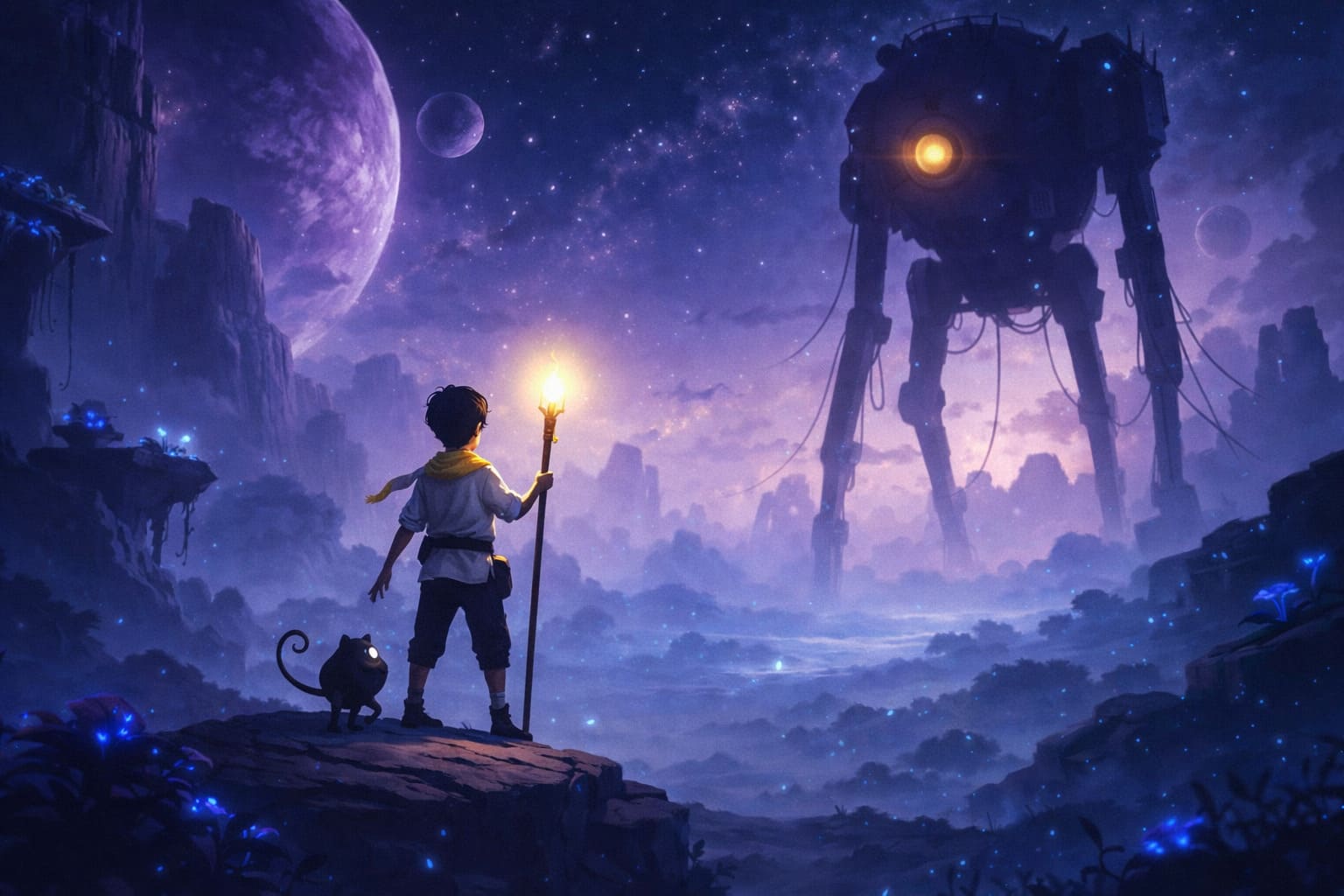
Movement That Finally Feels Alive
The biggest glow-up is Lana herself. In the first game, movement felt deliberately slow — sometimes beautifully cinematic, sometimes just sluggish. Here, everything has momentum. Lana can now run, slide, climb, and even dive, and it completely changes the rhythm of exploration. Traversal feels dynamic instead of methodical. You’re no longer inching through gorgeous landscapes — you’re flowing through them.
- Running and sliding add speed and urgency.
- Climbing and diving expand vertical and underwater design.
- Momentum-based traversal makes platforming more expressive.
This isn’t just mechanical padding — it reshapes how puzzles are structured. Timing, positioning, and environmental awareness matter more now.
Mui Is No Longer Just a Companion — It’s a Partner
One of the smartest changes is how Mui functions. In the original, the companion mechanics were charming but limited. Now, cooperation feels organic. Instead of simply issuing “stay” or “follow” commands, you’re working in tandem, reading the environment together.
Puzzles feel less like toggling switches and more like shared problem-solving. It’s subtle, but it makes the bond between Lana and Mui feel mechanically meaningful, not just narratively cute.
A World That Breathes Beyond Green Forests
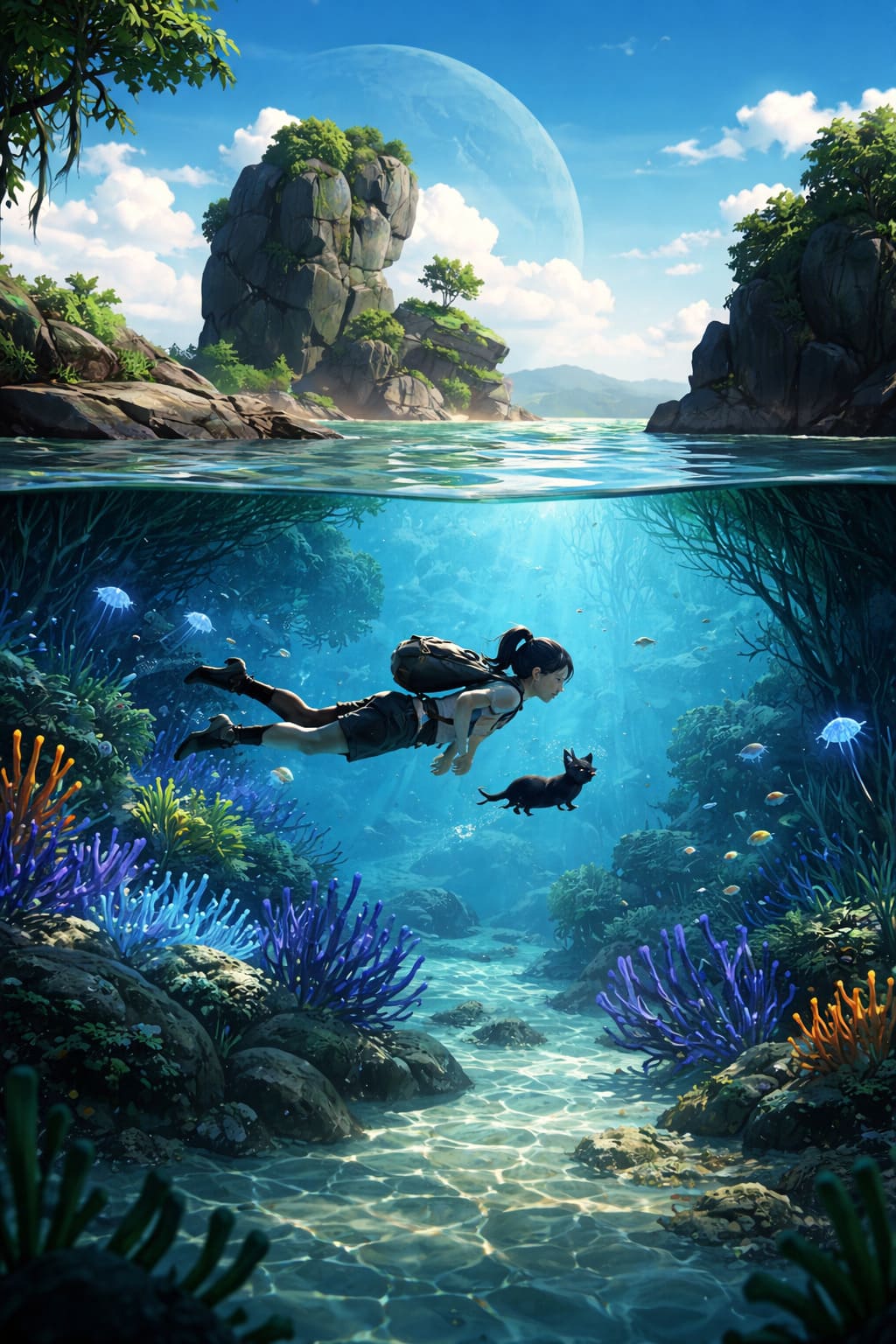
Visually, Children of the Leaf doubles down on its painterly style. If the first game felt inspired by animated fantasy cinema, the sequel embraces that identity fully. The demo moves through multiple biomes — snowy ridges, tropical coastlines, underwater ruins — and each one feels handcrafted rather than procedurally stitched together.
On a technical level, performance is shockingly smooth. Steam Deck players are reporting 60fps on high settings, which is impressive considering how rich the environments look. The orchestral score once again elevates everything, swelling at just the right moments without overpowering quieter scenes.
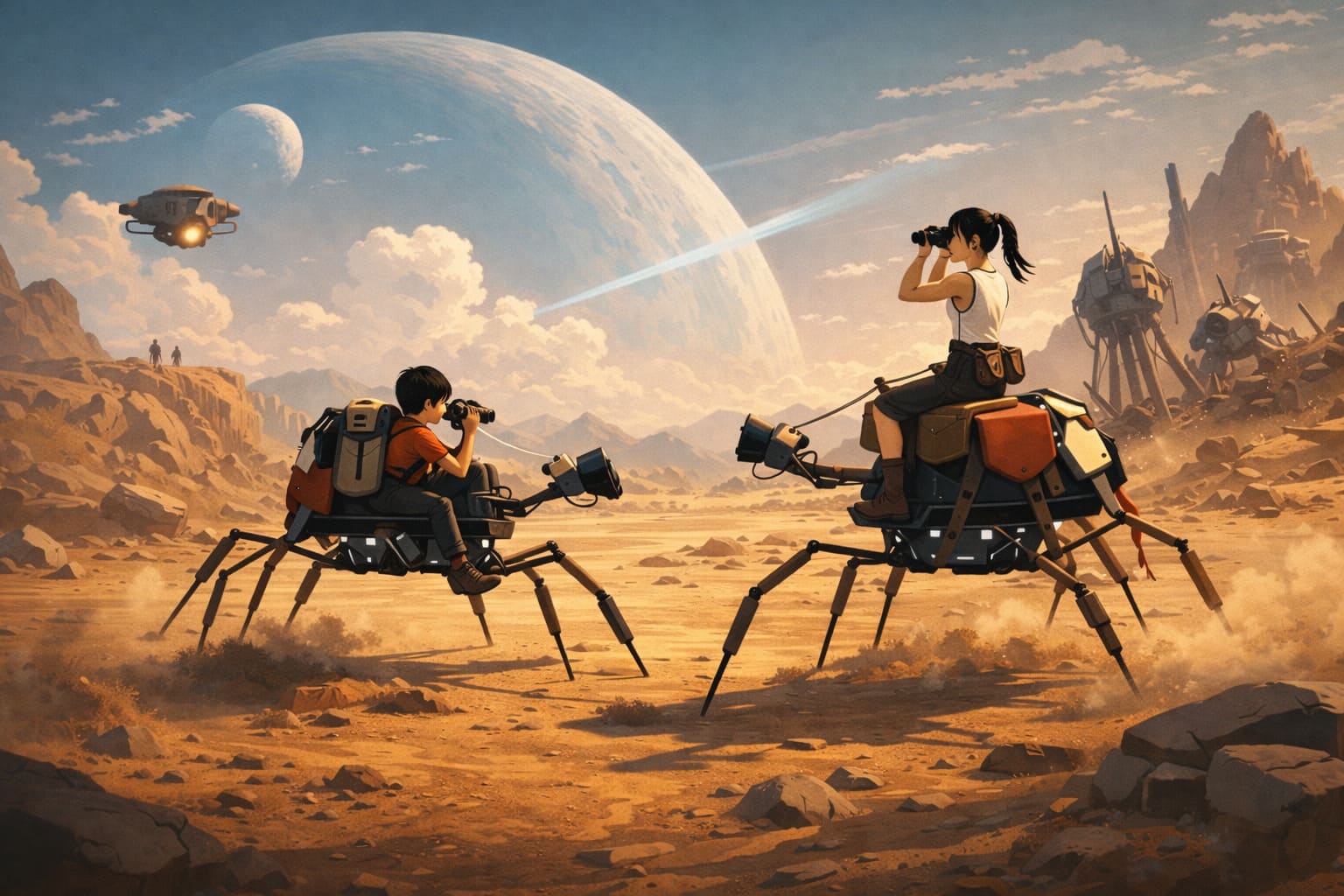
A Darker Conflict on the Horizon
The demo keeps things relatively restrained story-wise, but the setup hints at higher stakes. The Dijinghala faction, now weaponizing technology, shifts the tone from quiet survival to looming confrontation. There’s a sense that this sequel is ready to explore deeper lore — especially surrounding Mui’s origins and the history of Novo.
If the first game was about wonder and escape, this one feels like it’s about resistance and identity.
What’s New at a Glance
| Feature | Details |
|---|---|
| Release Date | March 5, 2026 |
| Platforms | PC, PS4, PS5, Xbox Series X/S, Nintendo Switch, Switch 2 |
| Estimated Length | 6–8 Hours |
| Optimization | Steam Deck Verified at Launch |
What impressed me most is how directly the sequel responds to player feedback. The pacing is quicker. The puzzles are more layered. The movement feels liberated. Nothing about this demo suggests a safe sequel — it feels like a studio leveling up.
Planet of Lana II: Children of the Leaf isn’t just aiming to be prettier. It’s aiming to be smarter and more mechanically satisfying. If the full release maintains the density and confidence of this demo, we might be looking at one of 2026’s standout indie puzzle-adventures.
As a fan, that’s exactly the evolution I was hoping for.
Planet of Lana II Demo Crashing on Steam? A Gamer’s No-Nonsense Fix Guide
If you’ve been hyped for Planet of Lana II and the demo keeps crashing on Steam, trust me — you’re not alone. I’ve been there. Nothing kills the vibe faster than getting immersed in a beautifully crafted sci-fi world only to be thrown back to desktop.
After digging through community threads, testing fixes myself, and tweaking every possible setting like a true PC enthusiast, here’s a clean, practical, gamer-approved guide to getting the demo stable.
Start Simple — The Stuff We Always Forget
Before you dive into deep system tweaks, handle the basics. It sounds obvious, but these steps solve more problems than you’d think.
- Restart your PC. A full reboot clears RAM junk and background conflicts.
- Check system requirements. Sequels often push hardware harder than the original game.
- Update Windows. Missing system libraries can absolutely cause launch crashes.
It’s boring advice, I know. But skipping this stage is like trying to fix a GPU issue with the monitor unplugged.
Verify Demo Files on Steam (This Fix Works More Than It Should)
Corrupted files are one of the most common causes of demo crashes. Steam downloads aren’t immune to hiccups.
- Open Steam Library
- Right-click Planet of Lana II Demo
- Go to Properties → Installed Files
- Click Verify integrity of demo files
Steam will automatically redownload anything broken. I’ve personally fixed multiple “crash on launch” issues this way without touching anything else.
Update Graphics Drivers — Especially If You Haven’t in a While
New demos + old drivers = instability. It’s practically a law of PC gaming.
- Download the latest drivers directly from NVIDIA, AMD, or Intel
- If problems persist, use a clean install method (DDU is the gold standard)
A clean GPU driver installation can eliminate random freezes, black screens, and mid-game crashes. It’s extra effort, but worth it if you’re serious about stability.
Common Crash Triggers and Their Fixes
| Problem | Likely Cause | Recommended Fix |
|---|---|---|
| Crash on launch | Corrupted demo files | Verify Steam files |
| Random mid-game crash | Driver instability | Update or clean install GPU drivers |
| Black screen then desktop | Overlay conflict | Disable Steam/Discord overlays |
| Crash after several minutes | Overheating | Check CPU/GPU temps |
| Game using wrong GPU | Integrated graphics selected | Set to High Performance in Windows |
Disable Overlays and Background Hooks
Overlays are convenient — until they aren’t. Steam Overlay, Discord Overlay, NVIDIA ShadowPlay — all of them inject into the game process. Sometimes that causes instability.
Disable them temporarily and test. It’s one of the fastest ways to identify a conflict.
Force High Performance Mode
On laptops especially, Windows sometimes launches demos on integrated graphics instead of your dedicated GPU.
- Open Windows Graphics Settings
- Add the demo’s .exe file
- Set it to High Performance
This alone can stop crashes tied to GPU switching or low VRAM allocation.
Run as Administrator (Yes, It Still Helps in 2026)
Right-click the executable, open Compatibility settings, and enable Run this program as administrator. Permission conflicts are rare but real, especially on stricter Windows setups.
Advanced Fixes for Stubborn Crashes
- Clear Steam download cache (Steam → Settings → Downloads)
- Disable audio software like Nahimic or Sonic Studio
- Monitor temperatures with MSI Afterburner or similar tools
Audio enhancement software is a surprisingly common crash trigger in modern Unreal or Unity titles. If you’re troubleshooting, temporarily disable it.
Final Thoughts from a PC Gaming Fan
Demos are early builds. They’re not always perfectly optimized. That said, most Planet of Lana II demo crashes on Steam come down to file corruption, outdated drivers, or software conflicts. The good news? Nearly all of them are fixable without waiting for a patch.
If nothing works, jump into the developer Discord and report it. The more detailed your specs and crash info, the better chance we all get a smoother full release.
Now go fix it — that alien world isn’t going to explore itself.