Cyberpunk 2077 Best Graphics Settings for RTX 5090 (2026 Definitive Guide)
There are very few games that still make me stop for a moment just to admire the graphics, and Cyberpunk 2077 is one of them. Even years after release, I find myself walking through Night City instead of driving simply because every street, every reflection, and every neon sign still looks incredible. It remains one of the best showcases of modern PC hardware.
After spending plenty of time experimenting with different settings on high-end systems and following discussions from experienced PC gamers, one thing became obvious: owning an RTX 5090 doesn’t automatically mean you should just push every option to the maximum and forget about it.
Surprisingly, that isn’t the smartest way to play.
Some settings barely improve image quality while costing valuable performance, while others completely transform the experience without noticeable downsides. The goal isn’t chasing the highest FPS number—it’s finding the sweet spot where visuals, responsiveness, and stability all come together.
This is the setup I would personally use if I wanted Cyberpunk 2077 to look its absolute best while still feeling incredibly smooth.
Why the RTX 5090 Still Needs Optimized Settings
The RTX 5090 is easily one of the fastest gaming GPUs ever released. Massive improvements in ray tracing performance, AI acceleration, and memory bandwidth allow it to handle workloads that previous generations simply couldn’t.
However, Cyberpunk 2077 is still one of the most demanding games on PC.
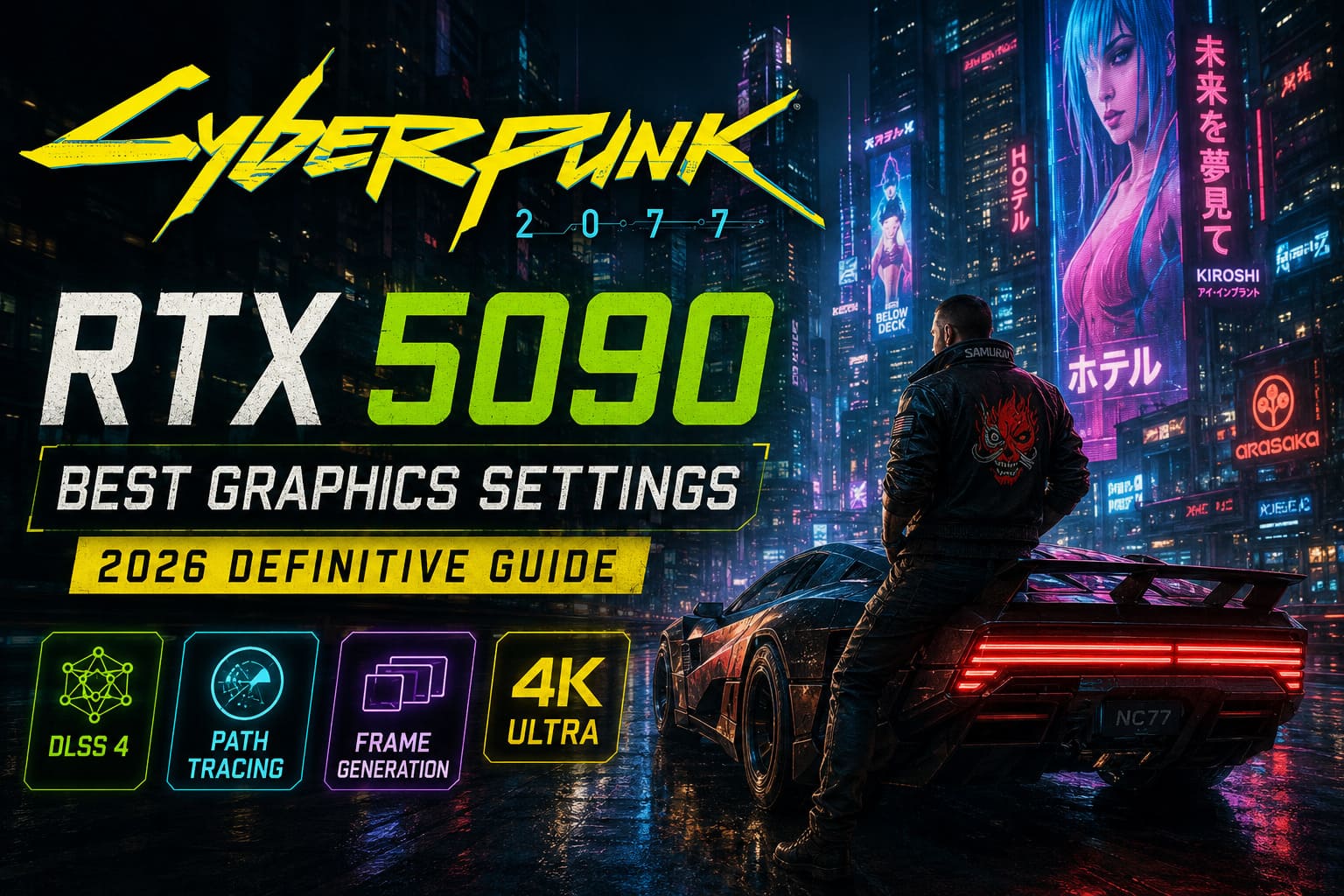
Once you enable full Path Tracing at native 4K, GPU usage skyrockets. Even the most powerful graphics card can’t magically ignore how computationally expensive the game’s lighting engine has become.
Fortunately, NVIDIA’s latest AI technologies completely change the equation.
Instead of brute-forcing every frame, the modern rendering pipeline intelligently reconstructs and generates frames while maintaining exceptional image quality. When configured correctly, the game feels dramatically smoother without sacrificing visual fidelity.
Path Tracing Is the Feature Worth Buying the Card For
If you’re investing in an RTX 5090, my advice is simple:
Turn Path Tracing on and leave it on.
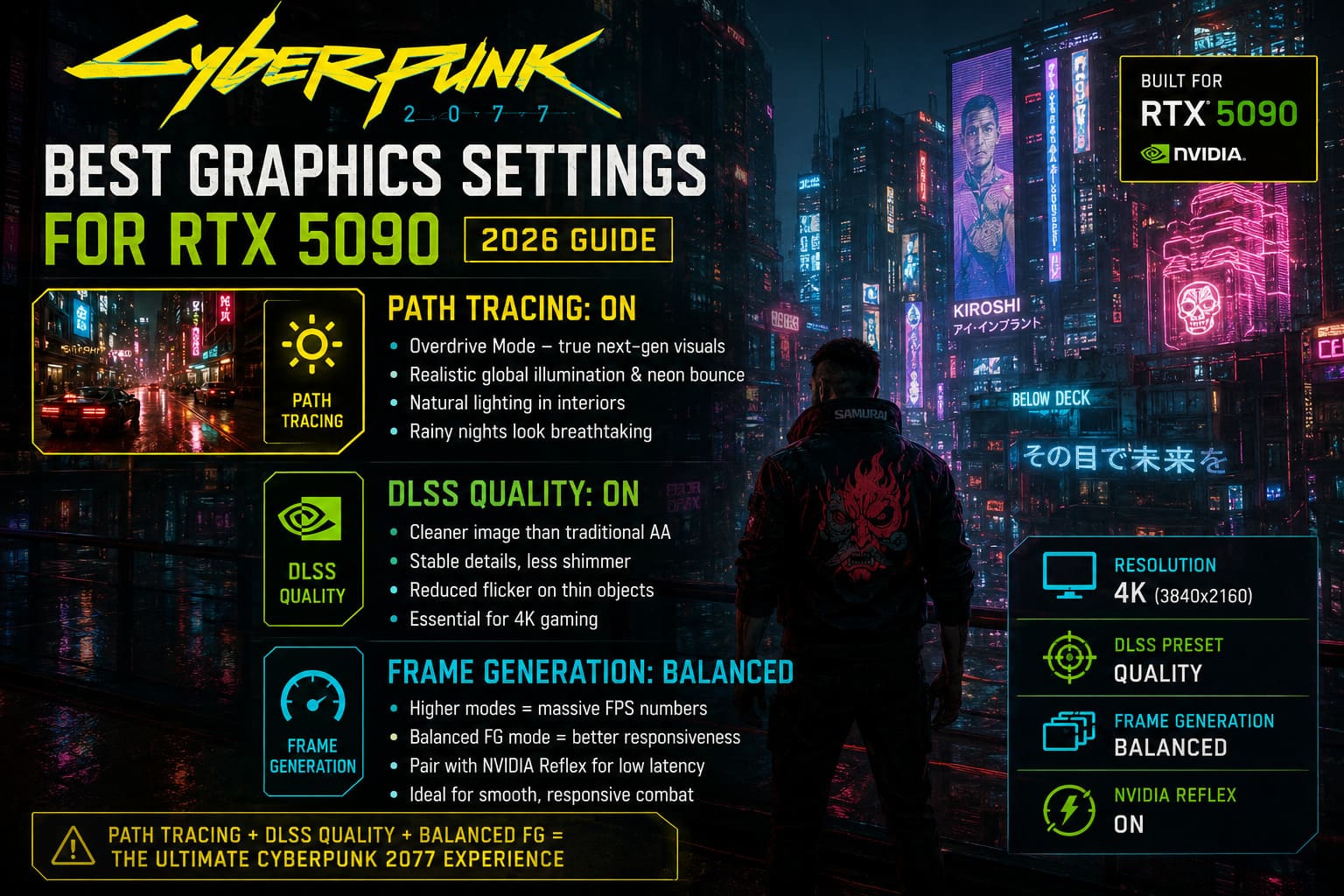
Cyberpunk’s Overdrive mode completely changes how the world feels.
The biggest difference isn’t flashy reflections—it’s the lighting itself. Interiors become naturally illuminated, neon signs bounce realistic colors across nearby surfaces, and rainy nights finally look the way they were clearly intended to.
Walking through Japantown or Watson after sunset almost feels like exploring a pre-rendered cinematic.
Without Path Tracing, the game still looks good.
With it enabled, Night City feels alive.
DLSS Has Become Essential Rather Than Optional
A few years ago I preferred native rendering whenever possible.
Today, I honestly don’t think that’s necessary anymore.
DLSS Quality has reached a point where it often produces a cleaner image than traditional anti-aliasing, especially during movement.
Tiny details remain stable, distant buildings shimmer less, and thin objects like fences or cables don’t constantly flicker.
For 4K gaming, DLSS Quality is easily my preferred preset.
If your display resolution is lower, you still have enough GPU power to experiment, but at 4K I wouldn’t disable DLSS.
Frame Generation Works Best When You Don’t Push It Too Far
One topic that constantly comes up in hardware communities is Multi Frame Generation.
Yes, higher generation modes can produce enormous frame rate numbers.
Seeing over 200 FPS certainly looks impressive in benchmarks.
But actual gameplay matters more than screenshots.
From my experience, using a more conservative Frame Generation mode provides a much better balance between responsiveness and smooth animation.
Pairing it with NVIDIA Reflex keeps mouse movement feeling direct while still delivering exceptionally fluid camera motion.
For first-person combat, that tradeoff is absolutely worth it.
My Recommended Graphics Settings
These are the settings I would actually recommend rather than simply selecting every “Ultra” option.

| Setting | Recommendation | Why |
|---|---|---|
| Texture Quality | High | Plenty of VRAM available |
| Path Tracing | Enabled | Massive visual improvement |
| DLSS Super Resolution | Quality | Excellent image quality |
| DLSS Ray Reconstruction | Enabled | Cleaner reflections and lighting |
| Frame Generation | Enabled (2X preferred) | Smooth gameplay with lower latency |
| NVIDIA Reflex | Enabled + Boost | Better responsiveness |
| Anisotropic Filtering | 16x | Almost free performance-wise |
| Crowd Density | High | Keeps Night City feeling populated |
| Volumetric Clouds | Medium | Better performance with little quality loss |
| Cascaded Shadow Resolution | Medium | Extra FPS without obvious downgrade |
| Mirror Quality | High | Noticeable during exploration |
| Level of Detail | High | Keeps distant environments detailed |
Visual Tweaks I Always Disable
There are a few post-processing effects that I disable almost immediately whenever I install the game.
These effects are largely subjective, but I personally think they reduce image clarity.
- Film Grain — Off
- Motion Blur — Off
- Chromatic Aberration — Off
- Vignette — Off
- Depth of Field — Off
Removing these filters gives the game a much cleaner appearance, especially on high-resolution monitors.
The only cinematic effect I usually keep enabled is Lens Flare, since it complements Night City’s neon-heavy atmosphere surprisingly well.
Don’t Forget About Your CPU
Something many people overlook is that an RTX 5090 can actually expose CPU limitations.
In crowded districts filled with NPCs, vehicles, and complex AI behavior, the graphics card may spend time waiting for the processor.
You’ll often notice GPU utilization dropping despite lower-than-expected frame rates.
That’s usually a sign the processor has become the bottleneck.
A modern high-end gaming CPU helps significantly, but there are still a few small optimizations worth applying:
- Cap your FPS slightly below your monitor’s refresh rate.
- Enable Hardware Accelerated GPU Scheduling in Windows.
- Keep background applications to a minimum while gaming.
- Make sure XMP or EXPO memory profiles are enabled.
These adjustments won’t double your FPS, but they can noticeably improve frame pacing.
Mods That Actually Improve the Experience
Cyberpunk has one of the best modding communities in PC gaming.
Although I generally prefer playing games close to their original vision, there are a few enhancements that genuinely improve the presentation.
Color grading mods can remove the slightly green tint many players dislike, making HDR displays shine even more.
Some advanced ray tracing configuration tools also allow enthusiasts to fine-tune lighting quality beyond what the in-game menu exposes.
If you enjoy experimenting, these mods can squeeze even more visual fidelity out of high-end hardware.
Just remember to install them one at a time and verify compatibility after every major game update.
Cyberpunk 2077 Path Tracing FPS Drop Fix: Guide for RTX 40-Series
What I Wouldn’t Max Out
One mistake I see surprisingly often is assuming every Ultra setting deserves to stay on Ultra.
That’s simply not true.
Some options consume a considerable amount of GPU resources while producing almost invisible differences during normal gameplay.
For example, extremely high shadow resolutions or cloud quality rarely stand out unless you’re specifically searching for differences in screenshots.
I’d rather use that performance budget for better Path Tracing quality or smoother frame delivery.
The overall experience feels better that way.
Cyberpunk 2077 Ultimate Edition Steam Summer Sale 2026: Biggest Price Drop Yet Analyzed
My Final Thoughts
Even after all these years, Cyberpunk 2077 continues to be the game I install whenever I want to see what a new graphics card is truly capable of.
The RTX 5090 finally delivers enough raw horsepower to let Path Tracing become the default way to experience Night City rather than an experimental showcase.
That said, I still don’t believe in blindly pushing every graphics slider to its maximum.
A carefully tuned configuration consistently provides a better experience than an indiscriminate “Ultra Everything” preset.
With Path Tracing enabled, DLSS Quality, Ray Reconstruction, Frame Generation, and a few sensible adjustments to shadows and volumetric effects, the game reaches an excellent balance between breathtaking visuals and responsive gameplay.
For me, that’s the real beauty of PC gaming. It’s not just about owning powerful hardware—it’s about understanding how to make that hardware deliver the best possible experience.
And once you find those perfect settings, Night City becomes incredibly difficult to leave.