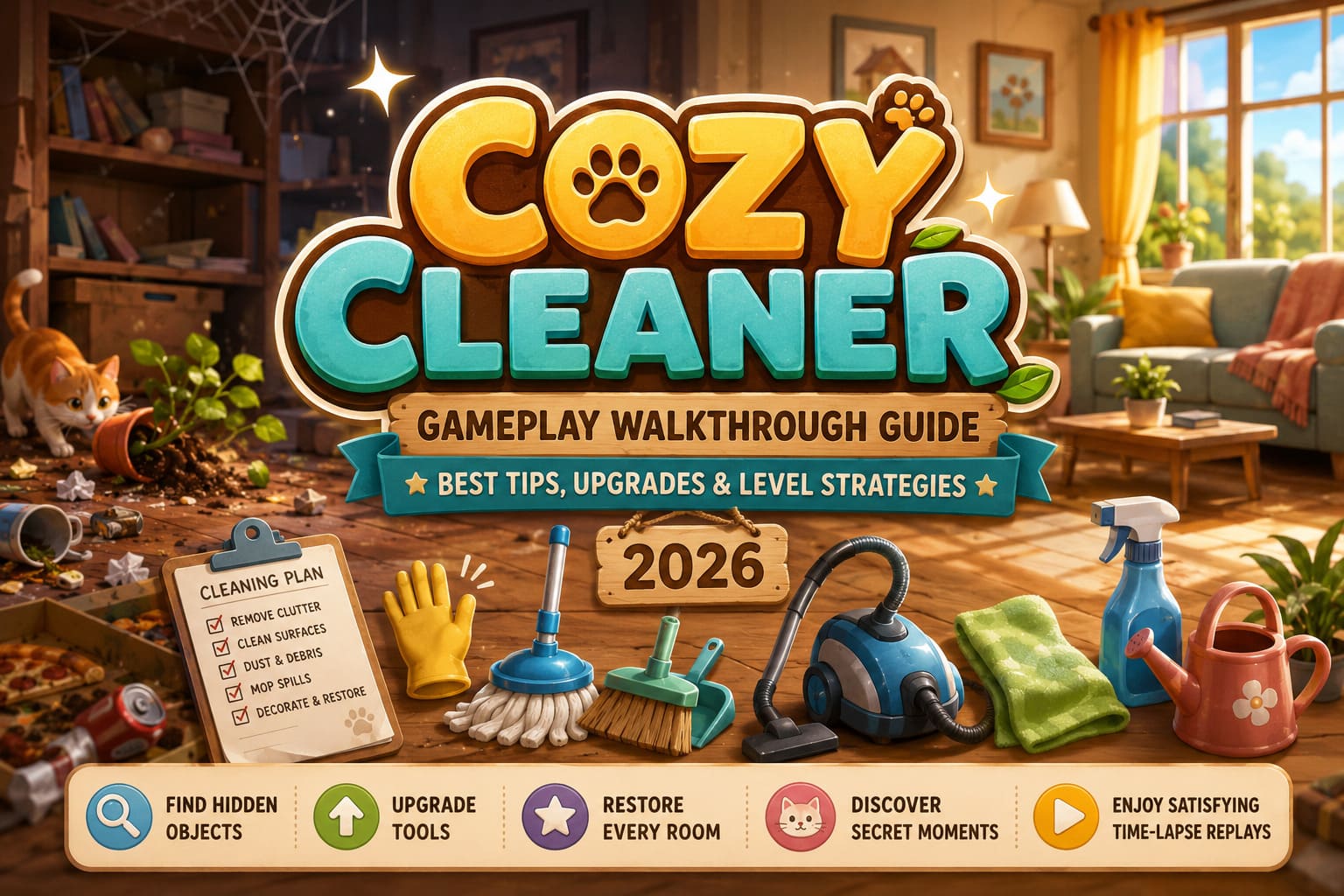
Cozy Cleaner Gameplay Walkthrough Guide: Best Tips, Upgrades, and Level Strategies for 2026
There are plenty of cozy games released every year, but very few manage to create that “just one more level” feeling without relying on combat, competition, or constant rewards. After spending dozens of hours with Cozy Cleaner, developed by Payoff Games and Rogue Duck Interactive, I can honestly say this is one of the most surprisingly satisfying indie experiences I’ve played in 2026.
At first glance, it looks like a simple cleaning simulator. You walk into messy rooms, pick up trash, wipe surfaces, and organize furniture. That description is technically correct, but it doesn’t explain why so many players have become obsessed with it. The game captures something that many modern titles forget: the simple pleasure of seeing immediate results from your actions.
If you’re just getting started or you’re trying to complete levels more efficiently, this guide covers the mechanics, upgrade priorities, and strategies that helped me clear every room with maximum rewards.
Why Cozy Cleaner Feels Different
What immediately stood out to me is the absence of pressure.
There are no aggressive countdown timers forcing mistakes. There are no frustrating penalties for experimenting. Instead, the game encourages players to slow down, observe their surroundings, and gradually transform chaos into order.
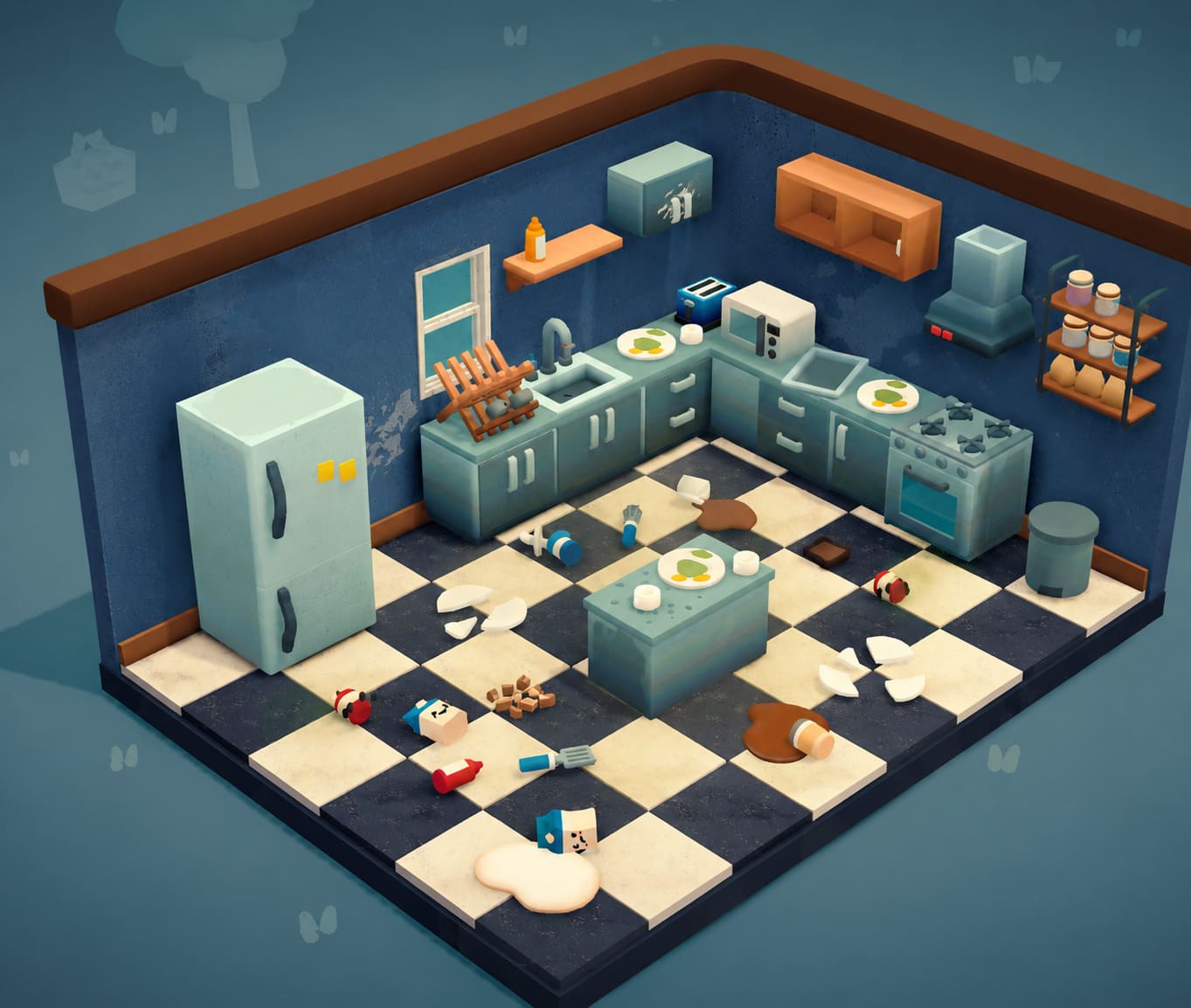
Every room tells a small story. Sometimes a cat has knocked over furniture and scattered books across the floor. Other times you’ll discover kitchens covered in stains, forgotten living rooms packed with dust, or outdoor areas filled with litter and leaves.
The reward isn’t just coins or achievements.
The reward is watching the room come back to life.
Understanding Every Tool
Success in Cozy Cleaner comes from knowing exactly which tool should be used for each type of mess.
| Tool | Best Use | Upgrade Benefit |
|---|---|---|
| Hands | Moving objects and disposing of trash | Faster interactions |
| Mop | Liquid spills and floor stains | Larger cleaning area |
| Broom & Dustpan | Dirt piles, debris, cobwebs | Improved efficiency |
| Vacuum Cleaner | Dust and carpet cleaning | Stronger suction and range |
| Cleaning Cloth | Windows, furniture, countertops | Faster surface cleaning |
| Watering Can & Spray | Final room restoration | Completes room objectives |
The game gradually introduces these tools, but mastering their use early makes later levels significantly easier.
One mistake I made during my first few hours was constantly switching tools without a plan. Once I developed a routine, level completion became much faster.
My Favorite Strategy for Every Room
After replaying several stages, I discovered a simple system that works almost everywhere.
1. Remove Large Clutter First
Before worrying about dust or stains, pick up obvious junk.
- Empty boxes
- Food wrappers
- Books
- Clothing
- Loose decorations
Clearing visual clutter helps reveal hidden cleaning tasks underneath.
2. Clean High Surfaces
Many players focus on floors first.
I recommend doing the opposite.
Shelves, tables, countertops, televisions, and windows often hide dirt that can be easy to miss later. Taking care of elevated surfaces first prevents unnecessary backtracking.
3. Handle Dust and Debris
Once surfaces are clean, use the vacuum or broom to remove remaining debris.
Pay close attention to:
- Carpet edges
- Room corners
- Under furniture
- Ceiling corners
Hidden cobwebs are surprisingly common.
4. Finish with Liquids and Decoration
Mop spills, water plants, place decorative objects, and apply room spray.
This final step often pushes room completion from 95% to 100%.
The Most Important Feature Many Players Ignore
If I could give only one piece of advice to new players, it would be this:
Use the highlight function constantly.
The highlight system reveals:
- Hidden trash
- Missed dirt
- Incorrectly placed items
- Remaining objectives
Whenever I found myself stuck at 98% or 99% completion, the highlight feature immediately revealed what I had missed.
Some of the hardest objects to spot include tiny scraps of paper near walls, dust behind furniture, and decorative items that belong on shelves.
Using this feature saves enormous amounts of time.
Best Early Upgrades
Many players save their coins for later.
I don’t think that’s the best approach.
The earlier you improve your equipment, the more time you save throughout the entire game.
Here is the upgrade order that worked best for me:

| Priority | Upgrade | Reason |
|---|---|---|
| #1 | Vacuum Cleaner | Speeds up every level |
| #2 | Mop Width | Covers larger areas |
| #3 | Broom Efficiency | Faster debris removal |
| #4 | Interaction Speed | Quicker object handling |
| #5 | Surface Cleaning Boost | Useful in larger locations |
The upgraded vacuum becomes especially valuable once larger multi-room environments start appearing.
Early Level Walkthrough Highlights
Cat Bedroom
The opening tutorial does a great job teaching the basics.
Focus on:
- Returning books to shelves
- Organizing clothes
- Cleaning the spilled water bowl
- Throwing paper into the wastebasket
This stage introduces organization mechanics while remaining very forgiving.
Kitchen Disaster
The kitchen was the first level where I realized how detailed the game could become.
Important tasks include:
- Scrubbing countertop stains
- Mopping juice spills
- Returning dishes to the sink
- Organizing newly delivered items
The room may look overwhelming initially, but following a structured cleaning order makes it straightforward.
Living Room Cleanup
This level introduces vertical awareness.
Many players miss ceiling cobwebs and wonder why they can’t achieve full completion.
Before cleaning anything else:
- Check all ceiling corners
- Inspect shelves
- Look behind furniture
Once those hidden spots are cleared, the rest of the room becomes much easier.
The Secret Achievement Worth Finding
One of my favorite discoveries came during the Vending Machine Alley stage.
The area introduces trash sorting and outdoor cleaning mechanics, but there’s also a hidden achievement tucked away nearby.
Without revealing every detail, keep an eye out for a special cat food can near the vending machine.
If you pay attention to the environment and interact with the right character, you’ll unlock one of the game’s most charming secrets.
Moments like this are why the game feels more handcrafted than many larger-budget simulation titles.
Why Replaying Levels Is Surprisingly Addictive
Normally, replaying cleaning levels wouldn’t sound exciting.
Yet Cozy Cleaner includes one feature that completely changes how you feel about revisiting old stages.
After finishing a room, the game generates a time-lapse replay showing the entire transformation from start to finish.
Watching piles of garbage disappear, furniture become organized, and dusty rooms return to pristine condition is incredibly satisfying.
I’ve honestly spent more time watching these replays than I expected.
They’re a perfect reminder of how much progress you’ve made.
Endgame Content and Long-Term Progression
The full release includes more than thirty major cleaning environments along with several smaller challenge stages.
As the game progresses, locations become more ambitious.
Players will eventually clean:
- Large houses
- Workshops
- Entertainment venues
- Multi-room buildings
- Specialized themed environments
The scale increases significantly, making upgraded tools increasingly important.
Fortunately, the game’s progression remains balanced. New areas introduce additional complexity without becoming frustrating.
That’s something many simulation games struggle to achieve.
Dave the Diver In the Jungle DLC Save File Transfer Guide (2026)
Final Thoughts
After spending significant time with Cozy Cleaner, I understand why it has become one of the breakout indie successes of 2026.
The concept sounds simple, but the execution is excellent. Every mechanic serves a purpose, upgrades feel meaningful, and the game constantly rewards careful observation. Most importantly, it respects the player’s time by removing unnecessary stress and focusing on satisfying gameplay loops.
Whether you’re looking for a relaxing evening game, a completionist challenge, or simply a cozy experience to unwind with after a busy day, Cozy Cleaner delivers far more depth than its premise initially suggests.
My biggest recommendation is to invest in tool upgrades early, use the highlight feature frequently, and develop a consistent room-cleaning routine. Do that, and you’ll have no trouble restoring every messy environment to perfection while enjoying one of the most relaxing gaming experiences released this year.