Fatekeeper System Requirements: Can the RTX 3070 Run This 2026 Next-Gen Unreal Engine 5 Title?
When I first saw the system requirements for Fatekeeper, my reaction was probably the same as thousands of other PC gamers: “Wait, the RTX 3070 is the minimum GPU?”
That single specification immediately became one of the most talked-about topics surrounding the game’s Early Access launch. In an era where Unreal Engine 5 continues pushing graphical boundaries, Fatekeeper seems determined to test just how far modern hardware can be stretched.
After spending time analyzing performance reports, community feedback, and the official requirements, one thing is clear: this isn’t just another fantasy RPG. It’s also becoming one of the first major examples of what fully embracing Unreal Engine 5.6 means for PC players in 2026.
So the big question remains: Can an RTX 3070 actually run Fatekeeper well, or is it finally starting to show its age?
A New Generation of Dark Fantasy
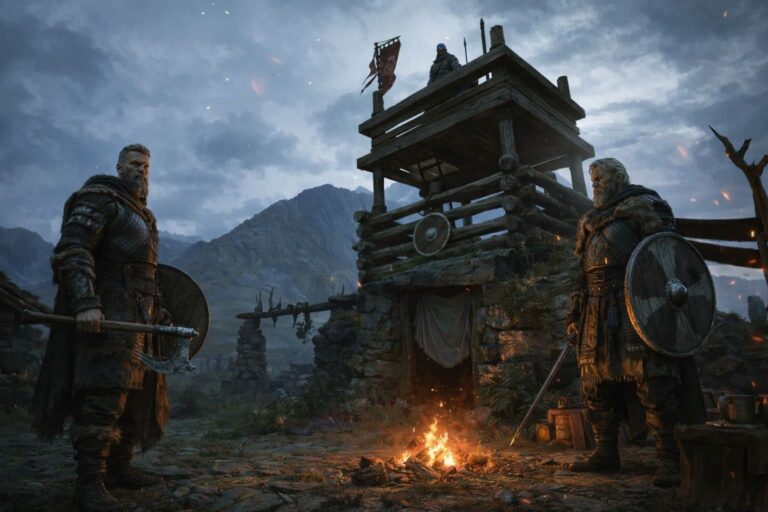
Developed by Paraglacial and published by THQ Nordic, Fatekeeper throws players into a brutal first-person fantasy world focused on melee combat, exploration, and immersive environmental interactions.
Unlike many modern RPGs that prioritize flashy effects over gameplay, Fatekeeper puts significant emphasis on physical combat. Every sword swing, dodge, and enemy encounter feels designed to have weight behind it.
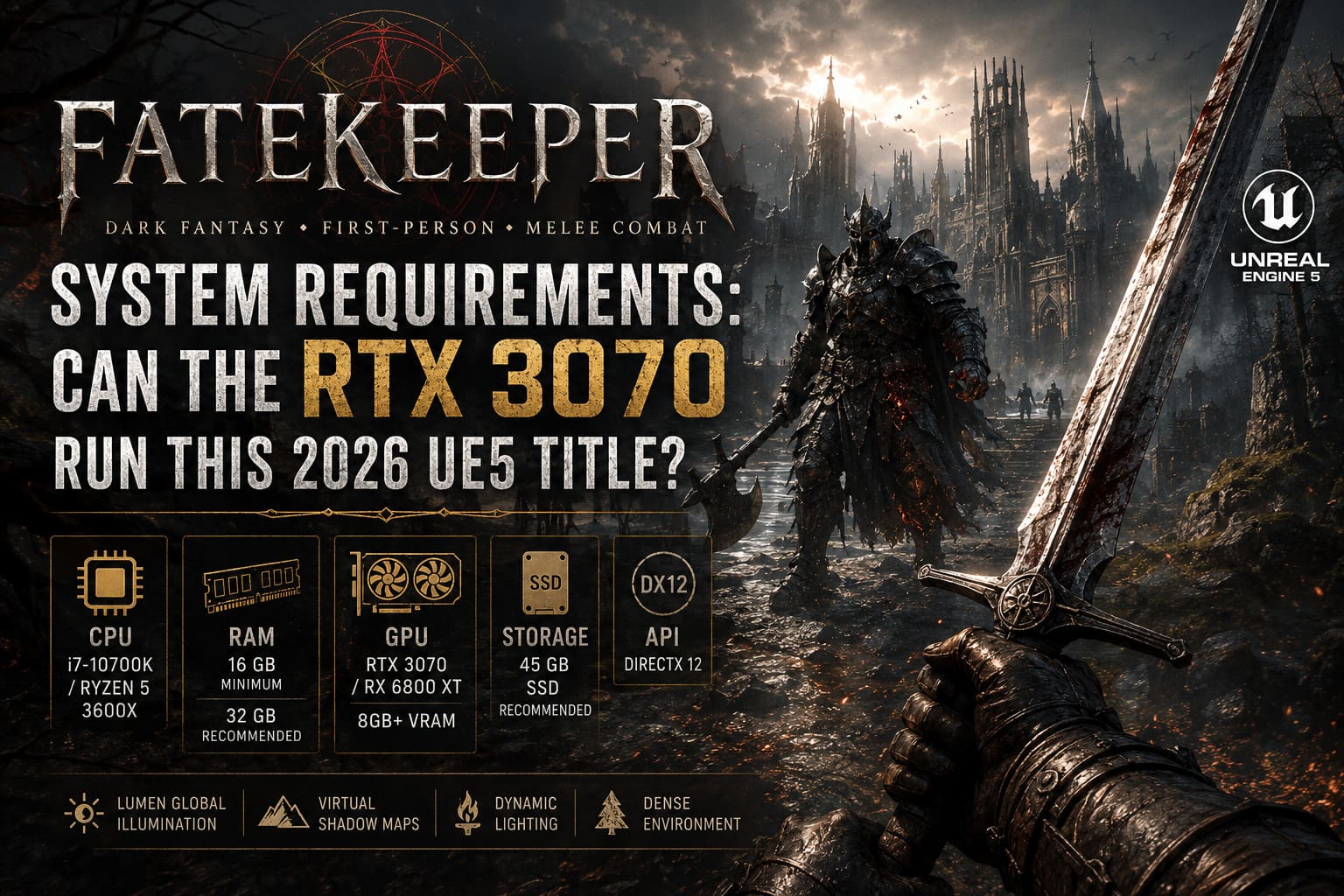
Visually, the game is exactly what you’d expect from a modern Unreal Engine 5 title:
- Dynamic lighting
- Dense environmental detail
- Real-time shadows
- Atmospheric fog effects
- High-quality textures
- Advanced geometry rendering
The result is impressive, but all those visual features come with a cost.
Fatekeeper System Requirements at a Glance
The official specifications surprised many players because the recommended and minimum GPU requirements are nearly identical.
| Component | Minimum | Recommended |
|---|---|---|
| OS | Windows 10/11 64-bit | Windows 10/11 64-bit |
| CPU | Intel i7-10700K / Ryzen 5 3600X | Intel i7-10700K / Ryzen 5 3600X |
| RAM | 16 GB | 32 GB |
| GPU | RTX 3070 / RX 6800 XT | RTX 3070 / RX 6800 XT |
| VRAM | 8 GB | 8 GB+ |
| Storage | 45 GB SSD Recommended | 45 GB SSD Required |
| API | DirectX 12 | DirectX 12 |
Seeing the RTX 3070 appear in both categories instantly raised eyebrows across gaming communities.
Why Is the RTX 3070 Suddenly “Minimum”?
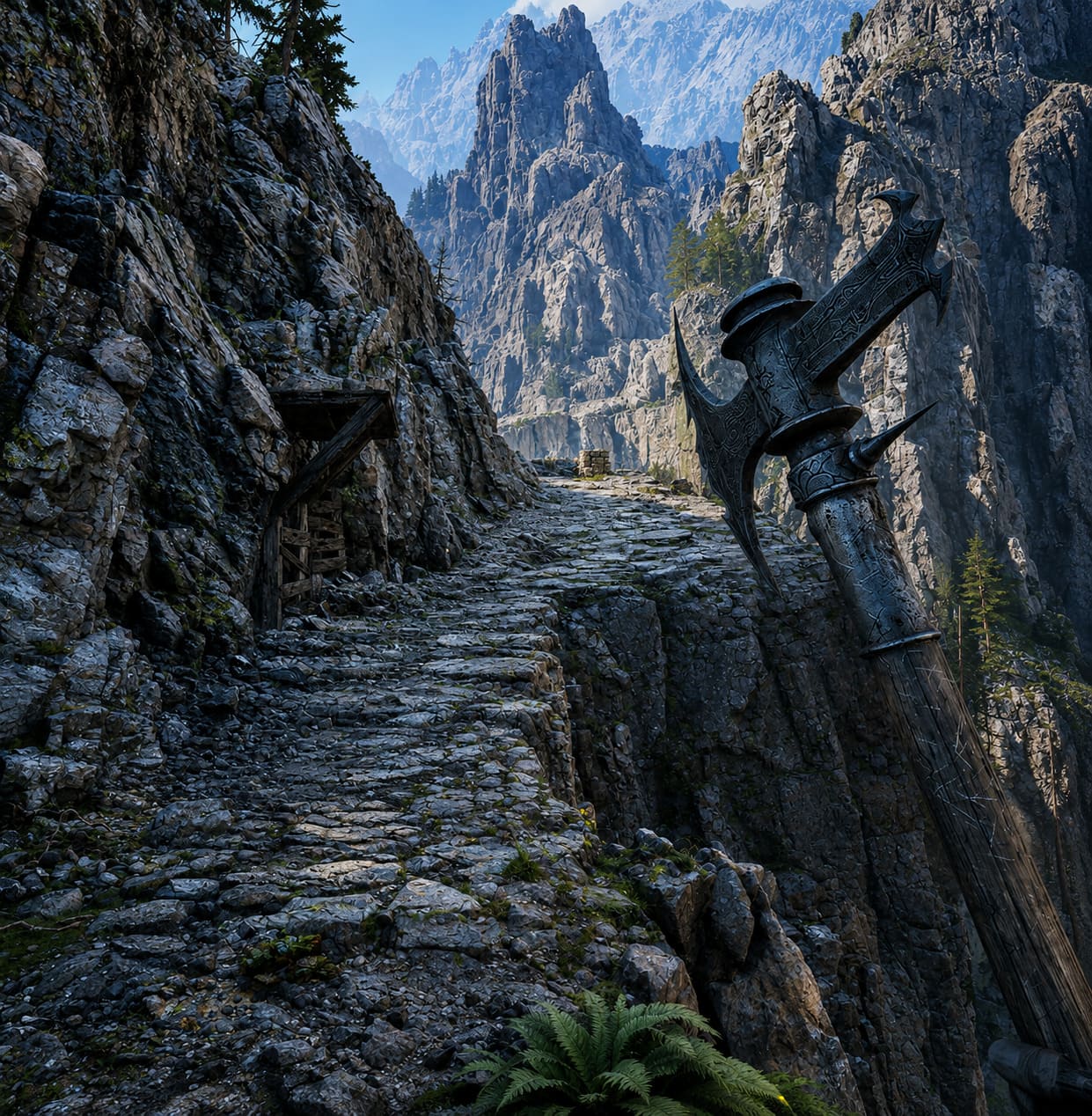
To understand the controversy, it’s important to remember what the RTX 3070 represented when it launched.
For years, it was considered one of the best price-to-performance graphics cards available. It handled 1440p gaming effortlessly and could even push many titles at 4K with DLSS.
Fast forward to 2026, and things look different.
Modern Unreal Engine 5 projects increasingly rely on technologies that are extremely demanding.
Lumen Global Illumination
Real-time lighting creates incredibly realistic environments but places heavy stress on the GPU.
Virtual Shadow Maps
These deliver stunning shadow quality but can significantly impact frame rates.
Massive Geometry Streaming
Modern UE5 worlds contain vastly more detail than games built on previous-generation engines.
As a result, hardware that felt high-end a few years ago is now being treated more like a baseline.
Whether players agree with that shift is another conversation entirely.
My Biggest Concern: The 8GB VRAM Problem
If there’s one limitation that keeps appearing in discussions about the RTX 3070, it’s VRAM.
The GPU still offers excellent raw performance, but its 8GB memory allocation is becoming increasingly restrictive for modern AAA and AA releases.
In Fatekeeper, this becomes most noticeable at higher resolutions.
1080p Performance
At 1080p, the experience is surprisingly solid.
Most reports suggest players can expect:
| Setting | Average FPS |
|---|---|
| High | 50-60 FPS |
| Ultra | 40-55 FPS |
| Mixed Optimized | 60+ FPS |
Combat remains smooth, environments look fantastic, and overall gameplay feels responsive.
However, there are occasional drops when entering dense areas packed with effects, particles, and heavy lighting calculations.
1440p Performance
This is where things become more complicated.
At native 1440p:
- VRAM usage frequently approaches maximum capacity
- Stutters become more noticeable
- Frame pacing can become inconsistent
- Heavy combat encounters create larger performance dips
Many players report average performance falling below 40 FPS in demanding locations without upscaling technologies enabled.
For a card originally marketed as a 1440p powerhouse, that’s a noticeable change.
DLSS Is Practically Mandatory

Normally I view upscaling as a bonus feature.
For Fatekeeper on the RTX 3070, it feels more like a requirement.
The good news is that DLSS implementation appears to work quite well.
Recommended DLSS settings:
| Resolution | DLSS Mode |
|---|---|
| 1080p | Quality |
| 1440p | Balanced |
| 1440p High Settings | Performance |
| 4K Experimental | Performance |
Using DLSS Balanced at 1440p seems to provide the best balance between visual quality and smooth gameplay.
The image remains sharp while performance gains are significant enough to make the game feel substantially more responsive.
Community Reactions Are Split
After reading dozens of discussions across gaming forums, two distinct viewpoints keep appearing.
Group One: “The Hardware Is Old”
This camp argues that gamers need to accept technological progress.
Their reasoning is straightforward:
- The RTX 3070 launched years ago
- UE5 games are becoming more demanding
- Visual advancements require stronger hardware
- Developers shouldn’t always design around older GPUs
It’s a fair argument.
Technology moves forward.
Group Two: “Optimization Matters More”
The opposing side believes the issue isn’t hardware.
Instead, they point to optimization.
Many players have reported that lowering settings often produces surprisingly small performance improvements.
That’s usually a sign that bottlenecks exist elsewhere in the rendering pipeline.
Several users running lower-end GPUs have reported almost identical frame rates regardless of whether settings were High or Low.
If accurate, that suggests further optimization work is needed during Early Access.
Best RTX 3070 Settings for Fatekeeper
After examining various benchmarks and community recommendations, these settings appear to provide the best overall experience.
| Option | Recommended Setting |
|---|---|
| Resolution | 1440p DLSS Balanced |
| Shadows | Medium |
| Global Illumination | Medium |
| Textures | High |
| Volumetric Fog | Medium |
| View Distance | Medium |
| Effects | Medium |
| Motion Blur | Off |
| Chromatic Aberration | Off |
The biggest performance gains come from reducing:
- Shadow Quality
- Volumetric Fog
- Global Illumination settings
Interestingly, texture quality has a smaller performance impact than many players expect, especially at 1080p.
Fatekeeper PC Performance Fix: How to Fix Low FPS, Stuttering, and Unreal Engine 5 Crashes
Early Access Changes Everything
One detail many people overlook is that Fatekeeper is still in Early Access.
The current build represents only a portion of the final game.
Paraglacial has already indicated that substantial optimization work remains ahead.
That’s important because some of today’s performance concerns may look very different a year from now.
Historically, many Early Access games receive significant engine improvements throughout development.
If Fatekeeper follows a similar path, RTX 3070 users could see noticeably better performance over time.
The planned console releases may also accelerate optimization efforts.
Since PlayStation 5 and Xbox Series X hardware operate within fixed performance limits, developers often perform extensive engine-level refinements that later benefit PC players as well.
Fatekeeper Weapon Guide: Best One-Handed vs Two-Handed Weapons for Speedruns and High-DPS Builds
Final Verdict: Is Fatekeeper Worth Playing on an RTX 3070?
After looking at everything currently available, my answer is simple:
Yes, the RTX 3070 can absolutely run Fatekeeper.
But expectations matter.
If you’re aiming for:
- Native 1440p Ultra
- Constant 60+ FPS
- Zero stuttering
- Maximum ray-traced visuals
You may be disappointed.
If you’re comfortable using DLSS and making a few smart graphical adjustments, the experience becomes much more enjoyable.
The game itself looks fantastic, the atmosphere is impressive, and the combat system has already generated a lot of positive feedback from action RPG fans.
What Fatekeeper really demonstrates is how quickly hardware expectations are changing in the Unreal Engine 5 era. The RTX 3070 isn’t suddenly a weak graphics card—but for cutting-edge UE5 releases in 2026, it has clearly transitioned from “enthusiast hardware” to “entry-level next-gen hardware.”
For now, RTX 3070 owners can still jump into Fatekeeper with confidence. Just make sure DLSS is enabled before you start your adventure.