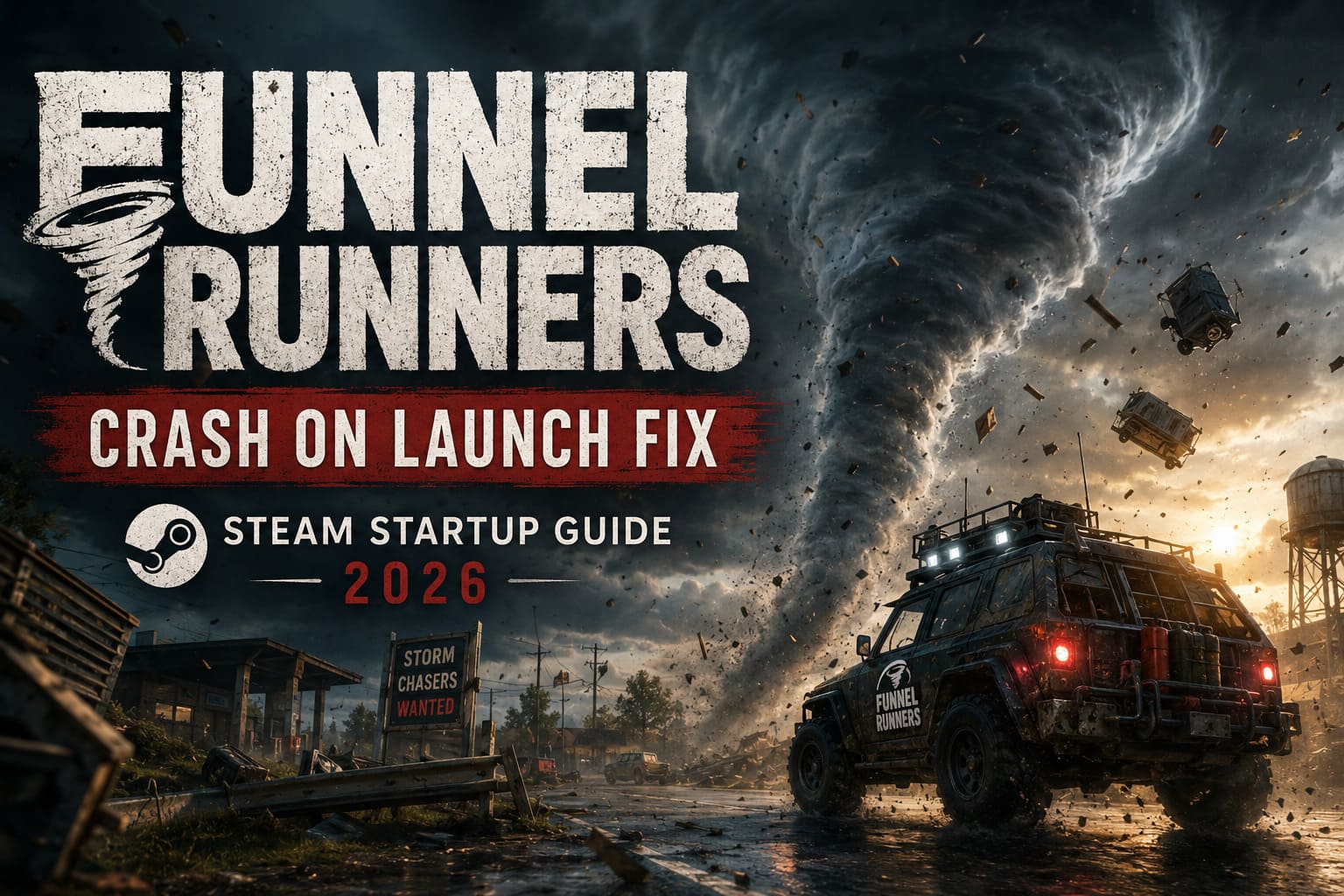
How to Fix Funnel Runners Crash on Launch: Steam Startup Guide (2026)
Few things kill the excitement of a brand-new co-op game faster than clicking Play on Steam, watching the loading window appear for a few seconds, and then… absolutely nothing. No error message. No crash report. Just a silent return to your desktop.
That has been the experience for plenty of Funnel Runners players since launch. Built on Unreal Engine 5, the game pushes impressive destruction physics, dynamic weather, realistic tornado simulations, and cooperative survival gameplay. It’s visually impressive, but that same technology also makes it far less forgiving when something on your PC isn’t configured correctly.
After spending hours digging through Steam discussions, community troubleshooting threads, hardware forums, and experimenting on multiple gaming rigs myself, I noticed that the majority of startup problems usually come from the same handful of causes. Corrupted game files, outdated graphics drivers, overlay conflicts, Windows permissions, and DirectX issues account for most launch failures.
If Funnel Runners crashes before reaching the main menu, freezes on a black screen, or instantly closes after pressing Play, work through the solutions below in order. Most players only need one or two of these fixes before they’re back chasing tornadoes.
Why Funnel Runners Keeps Crashing Before It Starts
Unlike many indie multiplayer games, Funnel Runners places a surprisingly heavy load on your hardware immediately after launch.
During startup the game initializes:
- Unreal Engine 5 rendering systems
- DirectX graphics pipeline
- Dynamic weather simulation
- Physics calculations
- Online networking
- Steam authentication
- Shader compilation
If any one of those processes encounters a problem, Windows usually terminates the game before you ever reach the menu.
The good news is that these issues are almost always software-related rather than hardware failures.
1. Verify Your Steam Game Files First
Whenever a brand-new game downloads, there’s always a chance that one or more files become corrupted during installation. I’ve seen this happen more often than most people realize, especially after large day-one patches.
Thankfully Steam makes repairing damaged files incredibly simple.
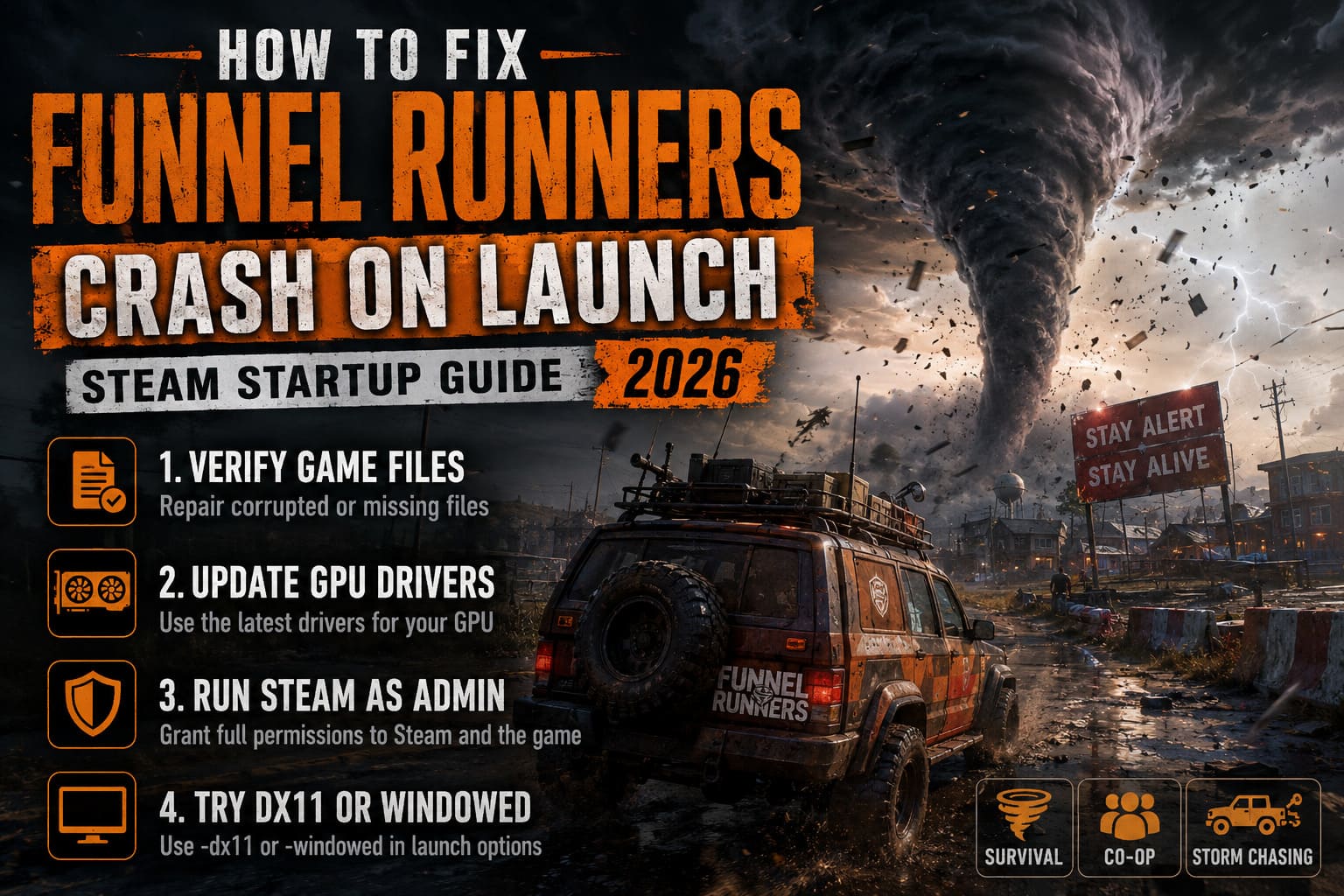
Open your Steam Library, right-click Funnel Runners, select Properties, open Installed Files, and choose Verify integrity of game files.
Steam compares every installed file against the official version stored on its servers. Missing or damaged files are automatically downloaded again.
This process usually takes only a few minutes on an SSD, and it should always be your very first troubleshooting step.
2. Install the Latest Graphics Drivers
If you’re still using GPU drivers from several months ago, you’re asking for trouble with Unreal Engine 5.
Modern game engines rely heavily on driver optimizations, and both NVIDIA and AMD regularly release Game Ready drivers specifically targeting major new launches.
If you’re using:
- NVIDIA — install the newest Game Ready Driver and perform a Clean Installation whenever possible.
- AMD — update through Adrenalin Software to the latest recommended release.
- Intel Arc — install the newest Arc graphics package using Intel’s software utility.
I’ve personally fixed multiple Unreal Engine launch crashes simply by updating drivers. It’s one of those boring maintenance tasks that ends up solving far more issues than people expect.
3. Launch Steam with Administrator Privileges
Windows security has become increasingly aggressive over the last few years.
Sometimes Steam launches perfectly fine, but Funnel Runners itself isn’t granted permission to access protected folders, temporary files, or system components required during startup.
Running Steam as Administrator eliminates that possibility.
Close Steam completely.
Right-click the Steam shortcut and select Run as administrator.
If the game launches successfully afterward, you can make the change permanent.
Open Steam’s shortcut properties, navigate to the Compatibility tab, enable Run this program as an administrator, then save the changes.
You can also repeat the same process directly for FunnelRunners.exe inside the game’s installation folder.
4. Force DirectX 11 or Launch in Windowed Mode
Although Unreal Engine 5 is designed around DirectX 12, not every system behaves nicely with it.
I’ve tested plenty of UE5 games where forcing DirectX 11 immediately stopped startup crashes.
Inside Steam:
Library → Funnel Runners → Properties → Launch Options
Try entering:
-dx11If that doesn’t help, combine it with:
-windowedWindowed mode prevents several resolution and fullscreen initialization problems, particularly on multi-monitor setups or ultrawide displays.
Once the game launches successfully, you can always switch back to fullscreen from the graphics settings later.
5. Clear Steam’s Download Cache and Windows Temporary Files
One surprisingly effective fix involves cleaning up old cached data.
Steam occasionally stores damaged download information after interrupted updates or failed patches.
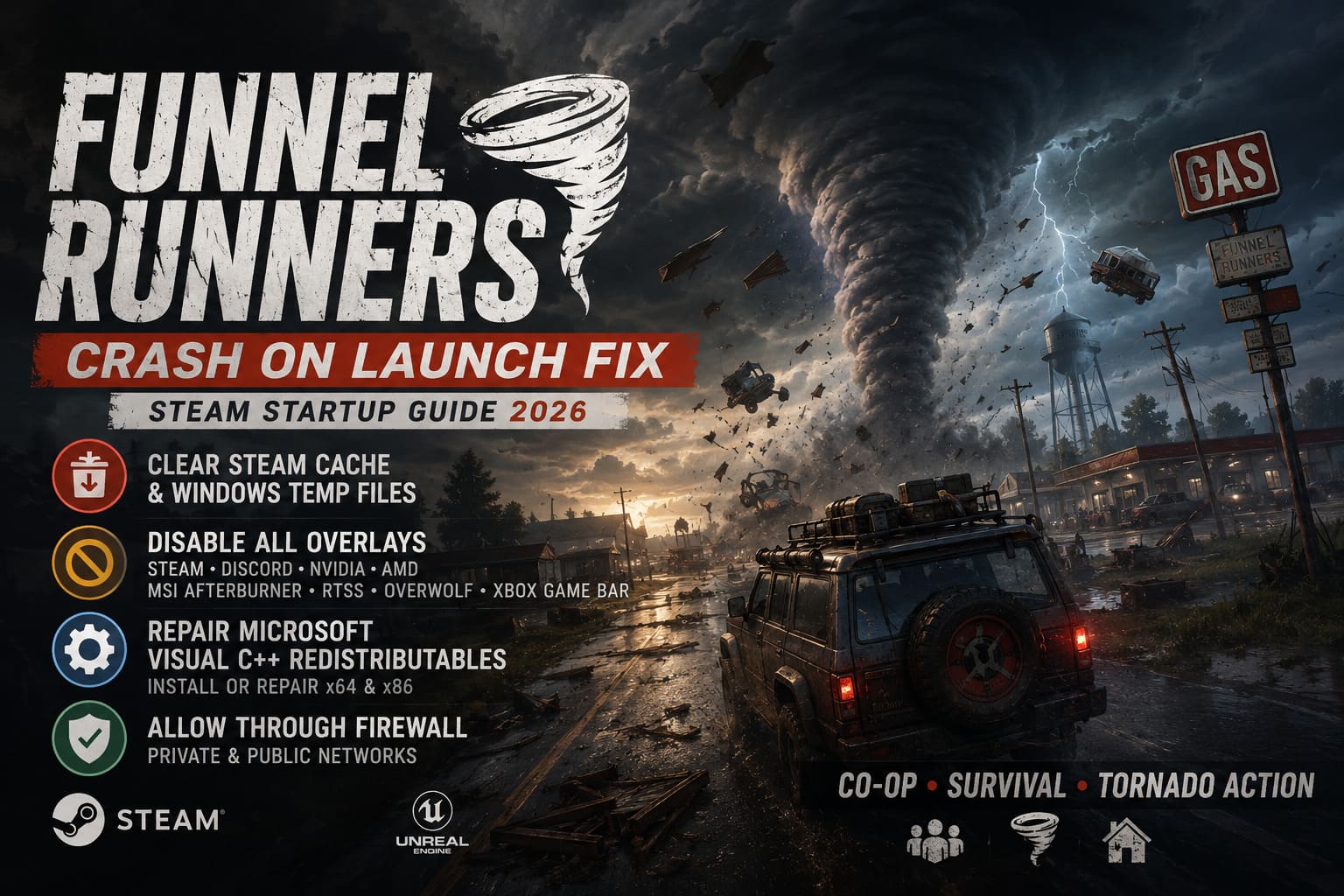
To clear the cache:
- Open Steam Settings.
- Navigate to Downloads.
- Select Clear Download Cache.
- Sign back into Steam.
While you’re cleaning things up, press Windows + R, type:
%temp%Delete everything inside that folder.
Windows may warn that some files are currently in use. That’s perfectly normal—just skip those entries.
Removing outdated temporary files can eliminate leftover configuration conflicts from previous game versions or beta builds.
6. Disable Every Overlay Running in the Background
If there’s one thing I’ve learned after years of troubleshooting PC games, it’s this:
Overlays love breaking newly released games.
Every overlay hooks directly into the rendering pipeline, and Unreal Engine 5 doesn’t always appreciate that.
Temporarily disable:
- Steam Overlay
- Discord Game Overlay
- NVIDIA In-Game Overlay
- AMD Overlay
- MSI Afterburner
- RivaTuner Statistics Server
- Overwolf
- Xbox Game Bar
Even monitoring software can interfere with startup.
I’ve watched RivaTuner crash perfectly stable games immediately after a graphics driver update.
If Funnel Runners launches correctly after disabling overlays, re-enable them one at a time until you identify the culprit.
7. Repair Microsoft Visual C++ Redistributables
Modern PC games depend on Microsoft’s Visual C++ runtime libraries.
When those libraries become corrupted or outdated, games often fail before displaying any useful error message.
Download the latest Visual C++ Redistributable packages directly from Microsoft.
Install both:
- x64 version
- x86 version
If they’re already installed, choose Repair instead of reinstalling.
Restart Windows afterward before testing the game again.
This repair fixes countless launch problems across Unreal Engine titles—not just Funnel Runners.
8. Allow Funnel Runners Through Windows Firewall
Because Funnel Runners immediately attempts to establish online connections for multiplayer services, Windows Defender may occasionally mistake the executable for suspicious software.
Adding the game to your firewall’s allowed applications list prevents Windows from blocking those connections.
Open:
Windows Security → Firewall & Network Protection → Allow an app through firewall
Click Change Settings, then Allow another app.
Browse to your Funnel Runners installation folder, select FunnelRunners.exe, and allow access on both:
- Private networks
- Public networks
If you’re using third-party antivirus software, make sure it isn’t silently quarantining or sandboxing the game executable.
Minimum System Requirements Matter More Than You Think
I’ve seen plenty of crash reports that eventually came down to one simple reality—the hardware wasn’t actually powerful enough.
While Funnel Runners isn’t the most demanding Unreal Engine 5 title available, it still expects reasonably modern hardware.
| Component | Recommended Minimum |
|---|---|
| Operating System | Windows 10 or Windows 11 (64-bit) |
| Processor | Intel Core i5 or AMD Ryzen 5 |
| Memory | 16 GB RAM |
| Graphics Card | GTX 1060 / RX 580 or better |
| DirectX | Version 12 |
| Storage | SSD strongly recommended |
An SSD deserves special mention.
Traditional hard drives can dramatically slow Unreal Engine asset loading. On some systems that delay is long enough for Windows to assume the application has stopped responding, resulting in what appears to be a launch crash.
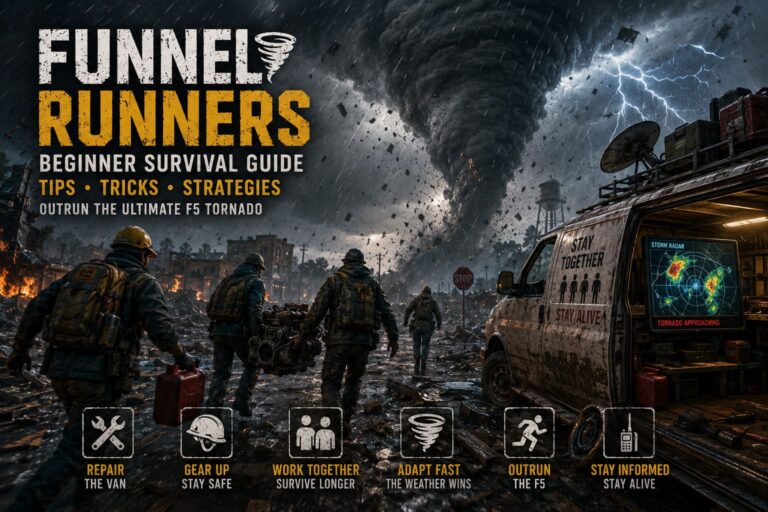
How to Outrun a Tornado in Funnel Runners: Survival Guide, Tips, and Strategies (2026)
Extra Tips Worth Trying
If none of the major fixes solve the issue, there are still a few smaller tweaks that have helped members of the community.
- Restart your PC before testing each major fix.
- Disconnect unnecessary USB devices.
- Disable GPU overclocks temporarily.
- Close RGB software while launching.
- Install the latest Windows updates.
- Make sure Steam isn’t downloading another game in the background.
None of these fixes sound particularly exciting, but together they’ve resolved countless startup issues for players dealing with unstable PC launches.
Funnel Runners F5 Tornado Survival Guide: How to Escape the Storm
Final Thoughts
Launch-day issues are frustrating, especially when all you want is to jump into a storm with friends and start scavenging before the next EF5 tornado tears everything apart.
Fortunately, Funnel Runners’ startup crashes are rarely permanent. In most cases, the problem comes down to a driver conflict, damaged Steam files, Windows permissions, or software running quietly in the background.
If I had to prioritize the fixes based on what consistently works across Unreal Engine 5 games, I’d start with verifying Steam files, updating graphics drivers, disabling overlays, and forcing DirectX 11. Those four solutions alone solve the overwhelming majority of launch problems I’ve encountered on modern PCs.
Once everything is working, Funnel Runners delivers exactly the kind of chaotic cooperative survival experience fans were hoping for. The tornado physics are spectacular, teamwork feels genuinely rewarding, and surviving another storm after barely repairing your van never gets old. Spending a little time troubleshooting now is well worth it once you’re finally out there racing the next monster twister instead of staring at your desktop.