Echoes of Aincrad GTX 1060 Performance Guide: Best 1080p Settings for 60 FPS
After spending years testing games on everything from flagship GPUs to older graphics cards that somehow refuse to disappear, I have developed a special respect for hardware like the NVIDIA GeForce GTX 1060 6GB. This card became one of the most popular GPUs of its generation because it offered excellent performance without requiring a premium gaming budget. Even today, many players still rely on it, hoping that careful optimization can keep their systems alive for another few years.
With the launch of Echoes of Aincrad, the biggest question among GTX 1060 owners is simple: can this legendary Pascal graphics card still handle a modern action JRPG in 2026? The answer is not as straightforward as checking the official requirements. While the developers position the GTX 1060 as an entry-level option, real-world testing shows that the card can deliver a surprisingly enjoyable experience when the right settings are selected.
I have tested many games on aging hardware, and one thing has always been clear: official requirements are usually designed around a safe experience, not maximum optimization. Developers want players to launch the game and avoid technical problems, but PC gamers who understand graphics settings can often squeeze much more performance from older components.
Best Echoes of Aincrad NVIDIA Control Panel Settings: Fix Low FPS and Stutters
GTX 1060 6GB vs Echoes of Aincrad Official Requirements
The official PC requirements for Echoes of Aincrad list the GTX 1060 6GB as the minimum GPU for the Performance Priority configuration. According to the developers, this hardware level is intended to provide a stable 1080p experience at around 30 FPS.
This recommendation is understandable. Echoes of Aincrad uses modern rendering techniques, detailed environments, real-time combat effects, and large areas filled with characters and visual effects. The GTX 1060 was released during the Pascal era, meaning it lacks many of the newer technologies found in modern RTX graphics cards.
However, PC gaming has always been about finding the right balance. A minimum specification does not mean the game will perform poorly. Community testing and benchmark results show that the GTX 1060 6GB can reach much higher frame rates with several important adjustments.
Real Performance Experience With GTX 1060 6GB
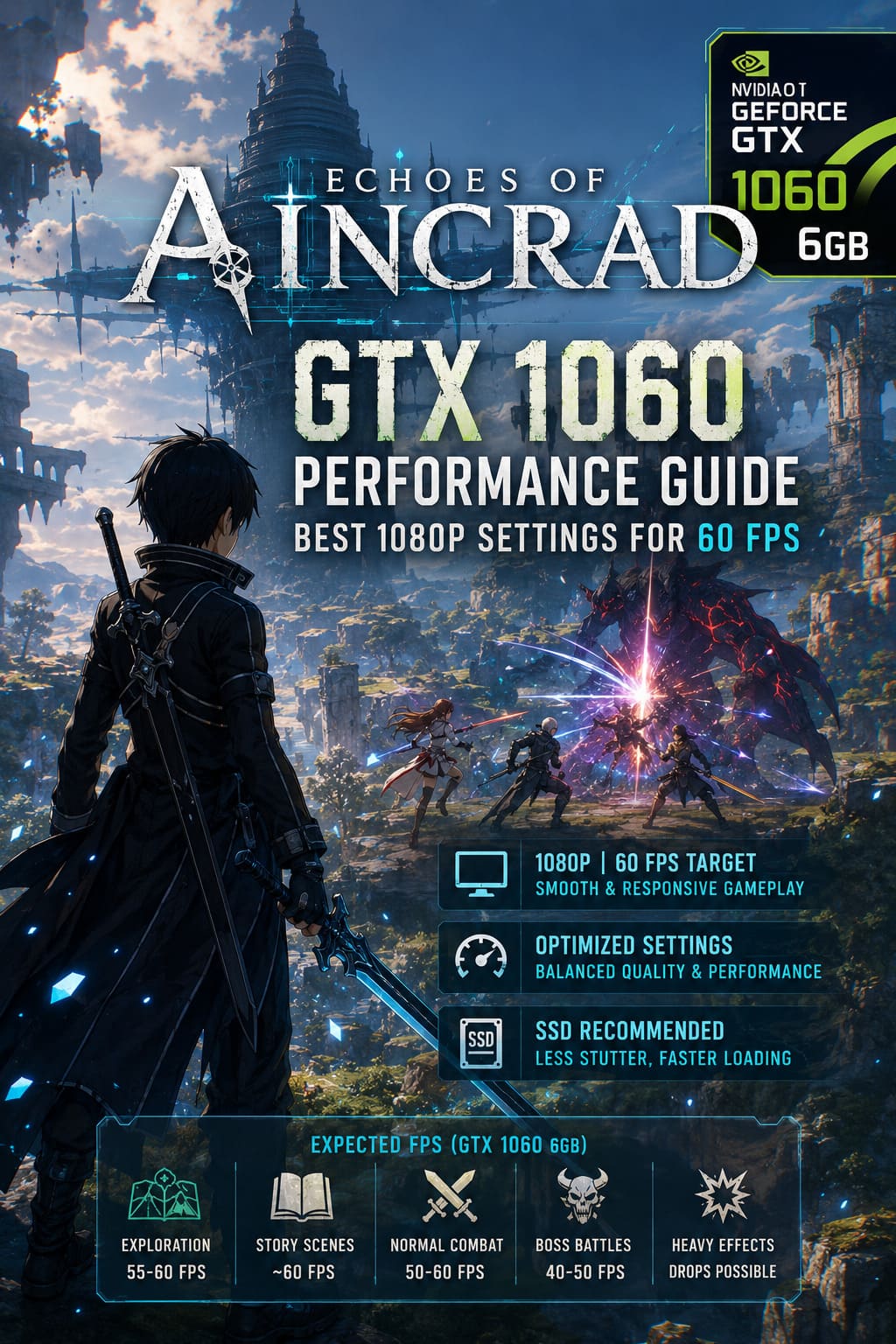
When properly optimized, the GTX 1060 6GB performs much better than many players expect. During exploration, story sections, and regular combat encounters, the card can maintain a smooth experience around 50-60 FPS at 1080p.
The biggest challenge appears during intense battles. When multiple enemies, special sword abilities, particle effects, and AI companions appear on screen at the same time, the GPU starts showing its age. Large boss fights can cause temporary drops into the mid-40 FPS range.
Personally, I would always choose a stable and responsive 60 FPS experience over higher graphical settings with inconsistent performance. A slightly reduced shadow quality or lower effects detail is a small sacrifice compared to dealing with constant stuttering during important fights.
The Biggest GTX 1060 Performance Problems in Echoes of Aincrad
Optimizing an older graphics card is not about lowering every option. Some settings barely change the visual quality but create a massive performance hit. Echoes of Aincrad has several areas where GTX 1060 owners need to make smart adjustments.
1. VRAM Limitations
The GTX 1060 6GB version is the model that can realistically handle Echoes of Aincrad. The additional memory helps prevent texture streaming problems because the game can use more than 4GB of VRAM even with moderate settings.
The older GTX 1060 3GB version faces much bigger issues. Players may experience texture pop-in, sudden freezes, and unstable frame times because the game constantly moves assets in and out of limited video memory.
If you own the 6GB model, you are in a much better position. The card has enough VRAM capacity to maintain a consistent experience without constantly fighting memory limitations.
2. Install Echoes of Aincrad on an SSD
Storage speed is one of the most important factors for modern games. Echoes of Aincrad constantly loads new areas, textures, animations, and environmental details, making a traditional mechanical HDD a serious disadvantage.
Players who install the game on an HDD may experience extreme stuttering when entering new locations or during large battles. These drops are not always caused by the GTX 1060 itself but by slow data transfer that prevents assets from loading quickly enough.
An SSD will not magically increase your average FPS, but it will greatly improve frame consistency and reduce annoying freezes during gameplay.
3. Disable Heavy Anti-Aliasing Options
One of the biggest performance killers for older GPUs is advanced anti-aliasing. Echoes of Aincrad uses modern solutions like Temporal Super Resolution, which can look impressive on newer hardware but creates unnecessary pressure on the GTX 1060.
Switching from TSR to FXAA provides one of the biggest improvements in performance. The difference in image quality is much smaller than the FPS gain, making this one of the first changes every GTX 1060 owner should try.
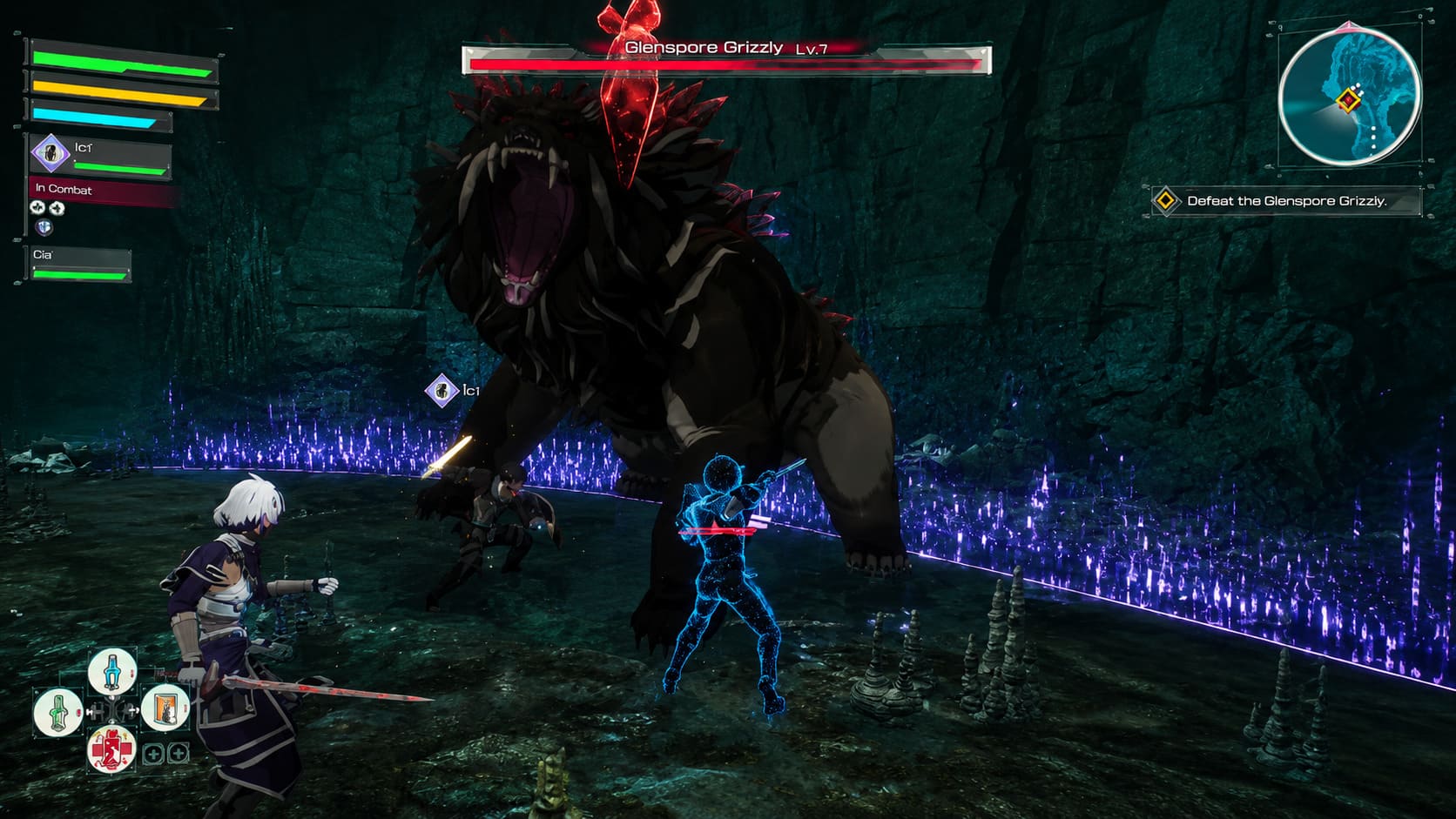
Best Echoes of Aincrad GTX 1060 Settings for 1080p 60 FPS
These settings provide the best balance between image quality and performance for GTX 1060 6GB users who want a smooth experience.
| Setting | Recommended Option |
|---|---|
| Resolution | 1920×1080 Native |
| FPS Limit | 60 FPS |
| VSync | On if screen tearing appears, otherwise Off |
| Anti-Aliasing | FXAA |
| Model Detail | Low or Medium |
| Shadow Quality | Low |
| Texture Quality | Medium for GTX 1060 6GB |
| Effects Quality | Low or Medium |
Recommended Settings Explained
Texture Quality: Medium
Textures are not the biggest performance problem unless the GPU runs out of VRAM. The GTX 1060 6GB can comfortably handle medium textures, allowing players to keep the world looking detailed without sacrificing stability.
Shadow Quality: Low
Shadows are one of the most demanding graphical features for older GPUs. They require additional rendering calculations and can create noticeable FPS drops during large battles.
Reducing shadows to low has a surprisingly small impact on visual quality during normal gameplay while providing a noticeable performance improvement.
Effects Quality: Low or Medium
Echoes of Aincrad features flashy sword skills, magical attacks, and large combat animations. These effects create some of the most demanding moments for older hardware.
Keeping effects at medium allows players to enjoy the atmosphere of battles while avoiding unnecessary frame drops when multiple abilities appear at once.
GTX 1060 6GB Expected FPS Results
- Exploration: 55-60 FPS
- Story Scenes: Around 60 FPS
- Normal Combat: 50-60 FPS
- Large Boss Battles: 40-50 FPS
- Heavy Effect Moments: Temporary drops possible
Your processor also plays an important role. Mid-range CPUs such as the Intel Core i5-8400 or AMD Ryzen 3 3300X are enough to keep the GTX 1060 working efficiently. Older processors may create additional limitations, especially in crowded locations with many active objects.
Final Verdict: Can GTX 1060 Run Echoes of Aincrad?
After analyzing performance results and real gameplay experience, the answer is clear: yes, the GTX 1060 6GB can still run Echoes of Aincrad in 2026.
This graphics card will not deliver maximum settings or showcase every visual feature included by the developers, but that does not stop it from providing an enjoyable adventure. The important parts of the game — exploring Aincrad, fighting enemies, and experiencing the story — remain fully playable.
The GTX 1060 has earned its reputation as one of the most durable gaming GPUs ever released. Many players expected it to disappear years ago, yet it continues running modern titles with the right compromises.
For the best experience, install Echoes of Aincrad on an SSD, switch anti-aliasing to FXAA, lower shadows, reduce heavy effects, and lock the frame rate at 60 FPS. With these adjustments, this old Pascal card can still take players through the floors of Aincrad without requiring an expensive hardware upgrade.