Soulmask Server Lag Fix 2026 | How to Reduce High Ping & Desync (US East/West)
If you’ve been grinding Soulmask lately, you already know the real final boss isn’t a desert warlord or some elite dungeon guardian — it’s server lag. I’ve spent a ridiculous number of hours on US East and West servers since the 1.0 launch (and yes, through the chaos of the Shifting Sands update), and I’ve tested pretty much every “fix” people throw around.
Some are placebo. Some actually work.
This is the version I wish I had when I started — practical, opinionated, and based on real gameplay frustration.
Why Soulmask Feels So Laggy in 2026
Here’s the truth: the game itself isn’t just the problem. It’s a mix of overloaded official servers, massive player-built bases eating CPU, bad routing (especially if you’re far from US regions), and your own FPS tanking and pretending to be lag.
That last one is sneaky. A lot of “desync” complaints are actually frame drops + input delay, not pure ping.
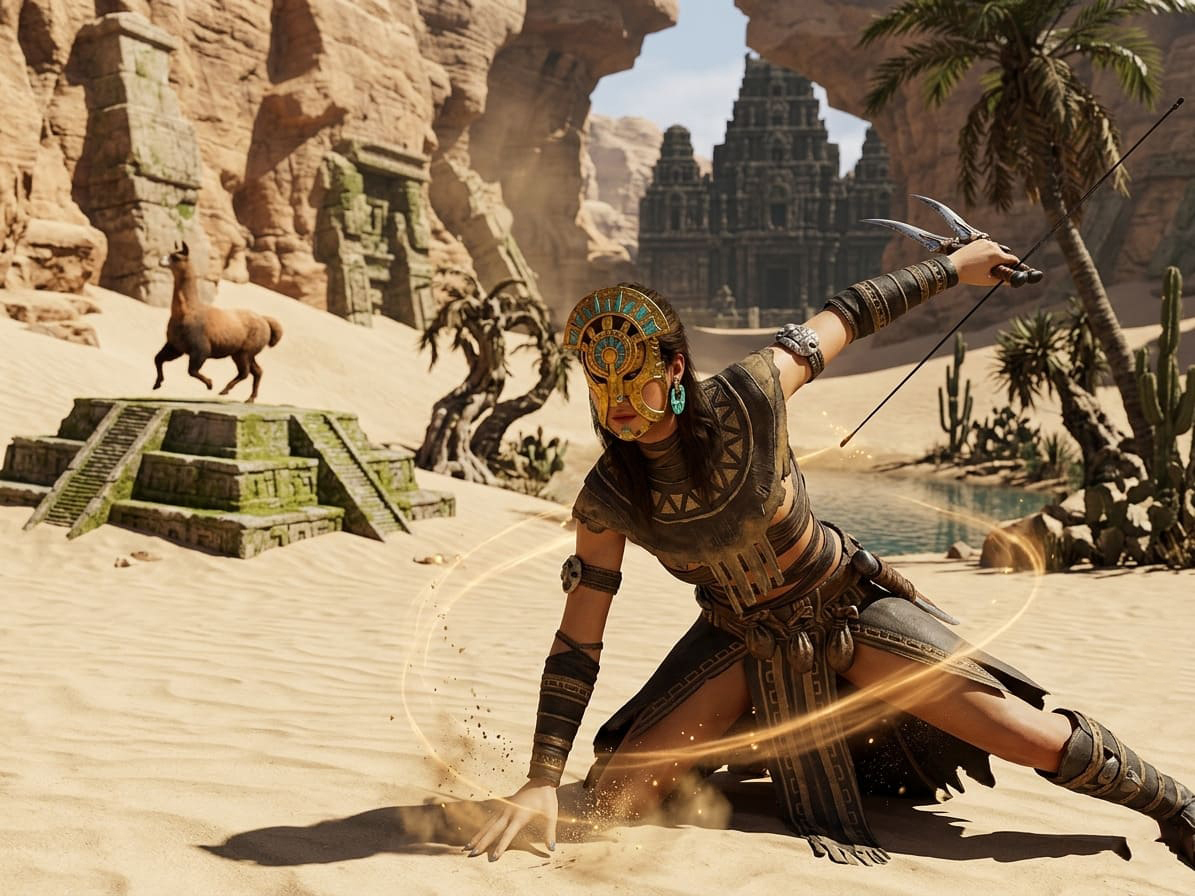
Step 1: Fix Your Region (This Matters More Than You Think)
I made this mistake early on — joined a server with friends without checking region. Big mistake.
Even a 100–150 ms difference in ping in Soulmask feels brutal because combat is timing-heavy (parries, dodges, stamina windows).
- Always pick the closest region (US East vs US West actually matters)
- If you’re outside the US, test both — sometimes routing makes West smoother than East
My take: US East is usually more populated (and more unstable during peak hours). US West can feel smoother if you’re okay with slightly higher ping.
Soulmask Flying Mount vs Airship: Which is Faster in 2026? Speed & Travel Guide
Step 2: Stop Using Wi-Fi (Seriously)
I ignored this advice for too long. Don’t.
Switching to Ethernet instantly reduced random rubber-banding, packet loss spikes, and those annoying “teleport backwards” moments.
Why it works: Wi-Fi introduces micro-interruptions. Soulmask hates unstable packets more than slightly high ping.
Step 3: Official Servers Are the Real Problem
I’ll say it bluntly: official servers are inconsistent right now.
Not always bad — but during peak hours? Pain.
Soulmask Priest vs Warrior Tribesmen: 2026 Recruitment Meta Guide
My Experience Comparison
| Server Type | Performance | Stability | Notes |
|---|---|---|---|
| Official (US East) | Medium | Low | Lag spikes during raids |
| Official (US West) | Medium | Medium | Slightly better, still inconsistent |
| Private Dedicated | High | High | Best overall experience |
Why Private Servers Feel Better
- Less cluttered maps
- Controlled player count
- Better hardware allocation
If you play regularly, switching to a private server is the biggest upgrade you can make.
Step 4: The “Fake Lag” Problem (FPS Drops)
This one fooled me for days.
You think it’s lag — but it’s actually your PC choking when entering large bases, loading tons of structures, or fighting in crowded areas.
Settings That Actually Help
- View Distance → Medium — prevents loading distant structures
- Foliage → Low/Medium — major performance boost
- Shadows → Low — reduces heavy rendering load
- Low Latency Mode (GPU) — improves input responsiveness
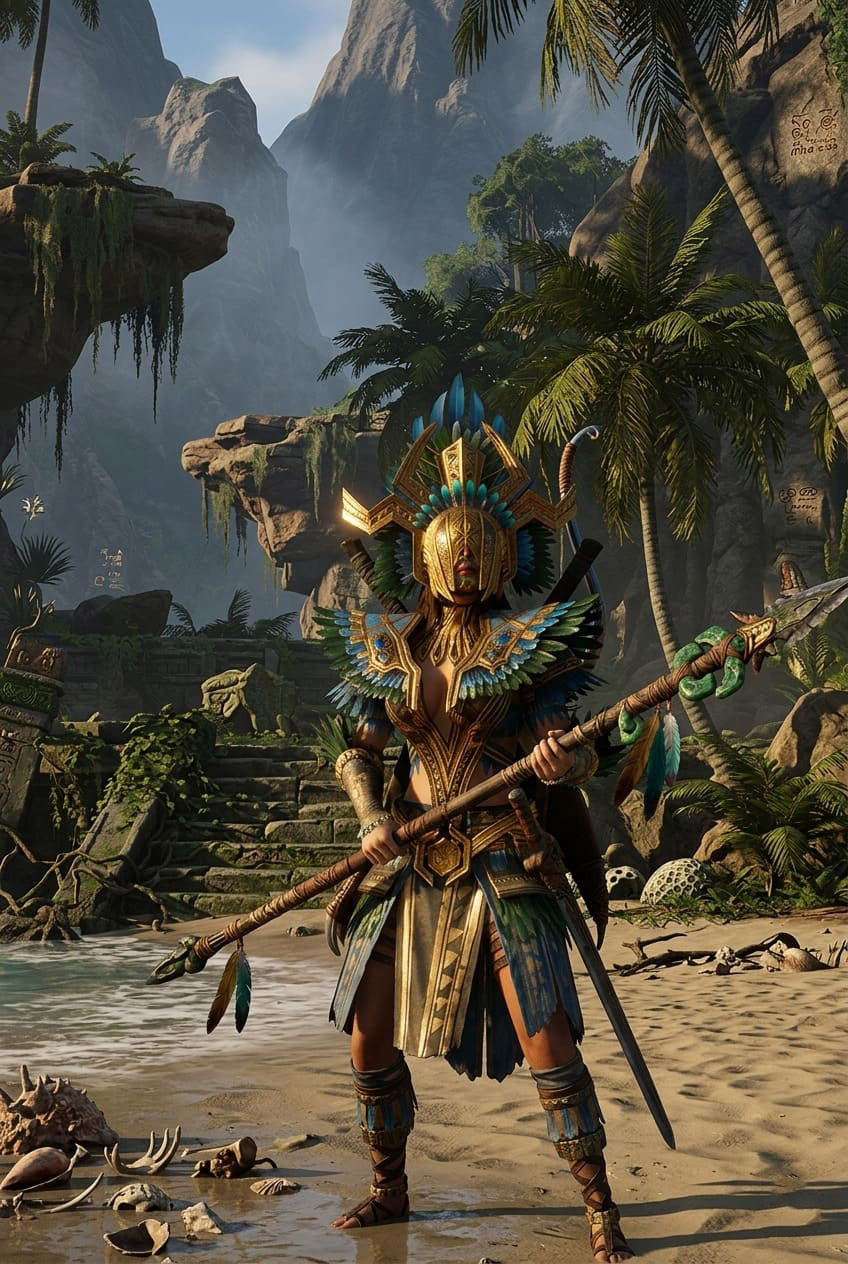
Step 5: Quick Network Fixes That Aren’t Total Myths
Some “internet fixes” are useless. These are not.
Reset Your Network Stack (Windows)
ipconfig /flushdns
netsh winsock reset
netsh int ip reset
This helps with connection errors, matchmaking issues, and unstable routing.
The Router Reset Trick
Turn off your router for about two minutes, then turn it back on before a long session.
Why it works: it clears cache buildup that can cause jitter over time.
Step 6: Hosting Your Own Server? Don’t Cheap Out
If you’re running a server for friends, lag complaints are usually your fault.
Minimum Requirements (2026 Reality)
| Resource | Recommended |
|---|---|
| RAM | 10–12 GB |
| CPU | High single-core performance |
| Storage | SSD only |
Critical Settings
- Enable building decay to remove abandoned structures
- Set server process priority to High
- Avoid overcrowding your map
Most laggy private servers are simply underpowered machines trying to do too much.
Step 7: Community Observations
After reading forums, testing setups, and playing daily, a few patterns stand out.
- Some official servers struggle due to hosting limitations
- Large tribal bases are performance killers
- Peak hours always give the worst experience
What Actually Works (Short Version)
- Play on a private server in your region
- Use Ethernet instead of Wi-Fi
- Lower foliage and view distance
- Avoid overcrowded official servers
That combination alone fixes most issues.
Final Thoughts
Soulmask is one of those games where performance directly affects gameplay skill. When lag hits, it’s not just annoying — it makes you worse in combat.
After weeks of testing, the conclusion is simple: the best way to enjoy Soulmask in 2026 isn’t brute-forcing settings — it’s choosing the right server and eliminating instability.
Do that, and suddenly everything feels better: parries are responsive, movement is smooth, and fights become skill-based again.
And that’s when the game finally clicks.