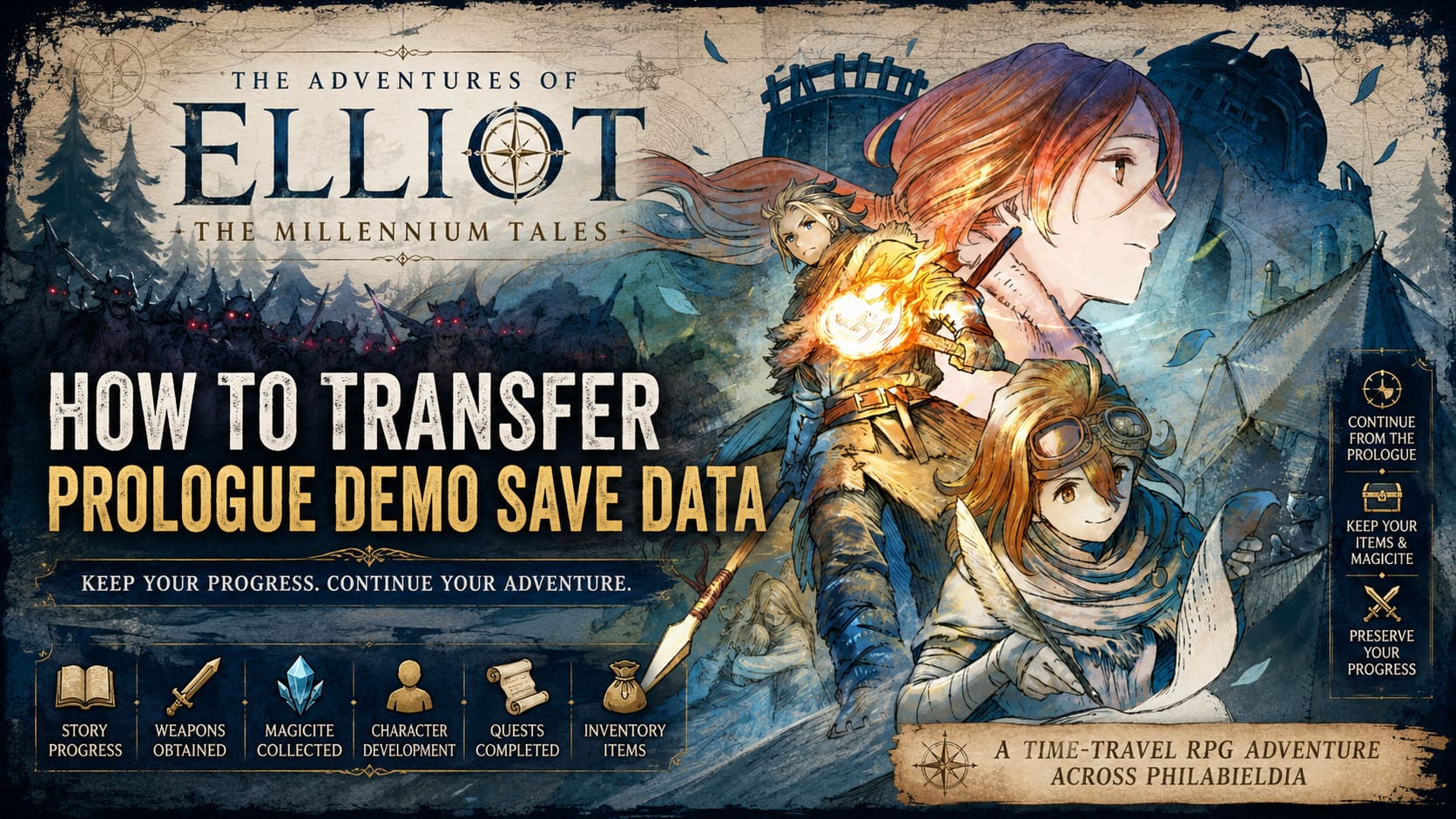
How to Transfer Prologue Demo Save Data in The Adventures of Elliot: The Millennium Tales
When I first jumped into The Adventures of Elliot: The Millennium Tales Prologue Demo, I expected a short preview designed to tease the full release. What I didn’t expect was how much time I would end up spending exploring every corner of the opening chapter, collecting Magicite, experimenting with weapons, and trying to squeeze every possible reward out of the demo before launch day.
Thankfully, Square Enix made one very smart decision: your demo progress can continue into the full game.
For anyone who has invested several hours into the Prologue Demo, this is excellent news. Nobody wants to replay the same introduction after already clearing it once. Instead, you can pick up your adventure almost immediately and continue Elliot’s journey through time without losing your hard-earned progress.
In this guide, I’ll explain how the save transfer system works, what you should watch out for, and a few important details that many players may overlook before the full release.
Why the Demo Is Worth Completing
Before talking about the transfer process itself, it’s worth mentioning why finishing the Prologue Demo is actually valuable.
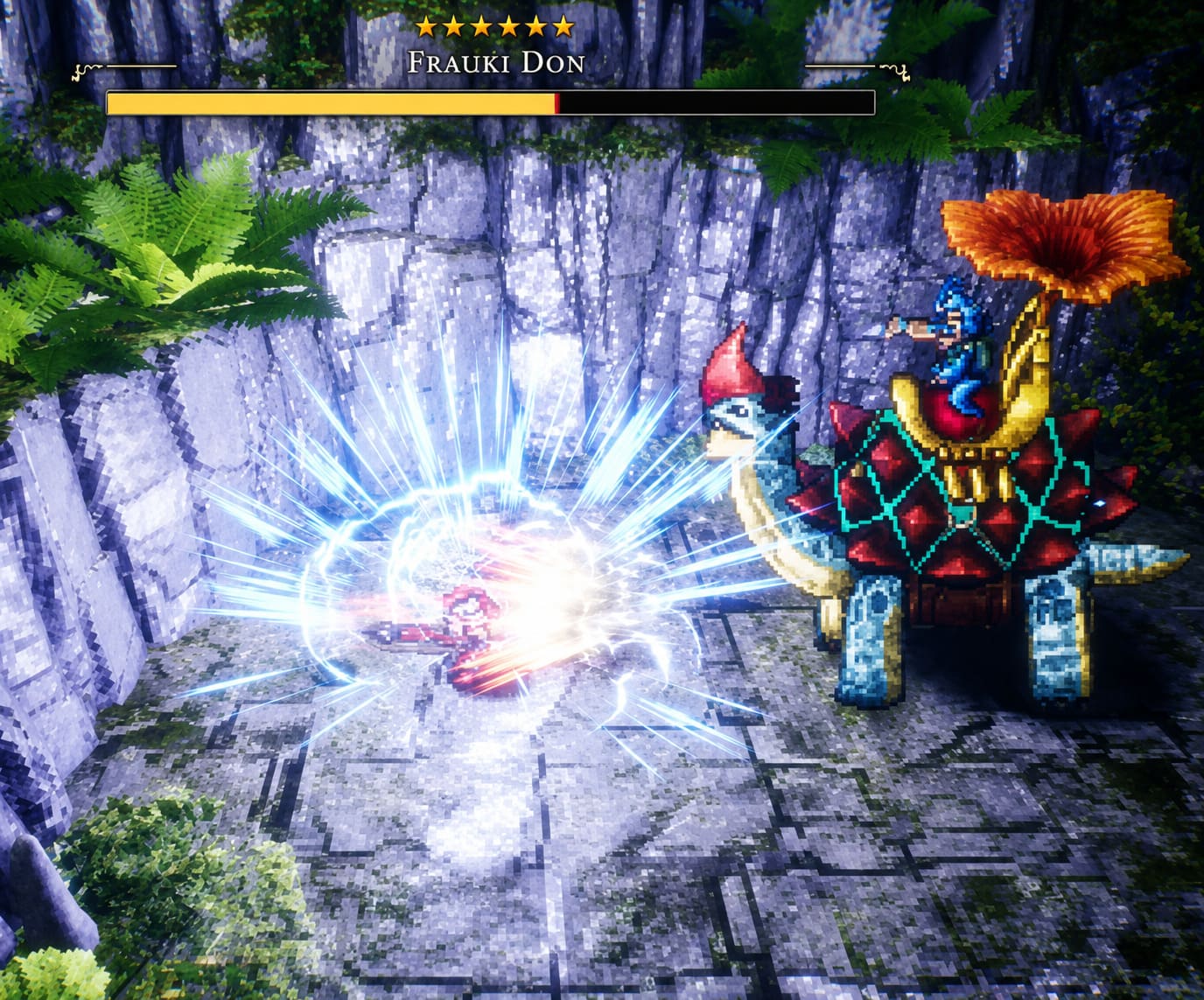
Unlike many game demos that offer only a tiny slice of gameplay, the Prologue Demo feels more like a complete opening chapter. It gives players enough freedom to understand combat systems, learn exploration mechanics, gather resources, and become familiar with the world of Philabieldia.
By the time the full game launches, many players will already have:
- Collected useful equipment
- Earned valuable Magicite
- Learned combat mechanics
- Unlocked weapon options
- Completed early quests
- Built familiarity with the game’s systems
Because of that, transferring your save is arguably the best way to start the full version.
Does Demo Progress Carry Over?
The simple answer is yes.
Square Enix designed the game so that demo progress can be imported directly into the retail version.
As long as you’re playing on the same platform and using the same account, the process should be almost effortless.
The game automatically checks for compatible save data during its first launch and usually detects your Prologue Demo file without any manual intervention.
For most players, the process takes less than a minute.
How the Save Transfer Works
When launching the full game for the first time, the system searches your storage for eligible demo data.
If a compatible save is found, you’ll typically receive a notification asking whether you want to continue from your demo progress.
The process generally follows these steps:
- Install the full version.
- Launch the game.
- Allow the system to scan for existing demo saves.
- Confirm the transfer.
- Continue your adventure from the end of the Prologue chapter.
That’s it.
Once imported, your progress becomes part of your regular save data in the full game.
What Carries Over Into the Full Release?
Many players worry that only story progression transfers. Fortunately, the carryover appears to be much more generous.
The following elements are expected to remain available after importing:
| Progress Type | Transfers to Full Game |
|---|---|
| Story Progress | Yes |
| Weapons Obtained | Yes |
| Magicite Collected | Yes |
| Character Development | Yes |
| Completed Quests | Yes |
| Inventory Items | Yes |
This means every hour spent inside the demo can provide a meaningful advantage once the full adventure begins.
As someone who enjoys preparing for large RPG releases, I always appreciate systems like this. It rewards dedicated players instead of forcing them to repeat content they’ve already mastered.
PC Save Transfer Tips
PC players often encounter unique issues when dealing with save files.
While Steam Cloud and other synchronization systems usually work correctly, PC environments naturally introduce more variables than consoles.
If the game fails to detect your demo progress automatically, consider checking:
- Cloud synchronization status
- Local save directories
- User account permissions
- Multiple Windows profiles
- Backup save locations
In some cases, manually moving save files from the demo folder into the retail game’s save directory may resolve detection issues.
Fortunately, these situations tend to be rare.
Nintendo Switch 2 Users Have It Easy
From my experience, Nintendo platforms usually handle demo-to-full-game transfers extremely well, and The Adventures of Elliot appears to follow the same philosophy.
As long as you’re using:
- The same Nintendo Account
- The same console profile
- Updated system software
The transfer process should happen automatically when the full game is launched.
Players who subscribe to cloud save services may experience an even smoother transition.
PlayStation 5 and Xbox Series X|S
Console users on modern systems will likely have the easiest overall experience.
Both platforms heavily rely on account-based storage systems, making save recognition relatively straightforward.
Before launching the retail version, double-check:
- You’re logged into the correct profile.
- Cloud synchronization has finished.
- Demo data hasn’t been deleted.
- Storage devices are connected properly.
If everything matches, the game should recognize the demo save almost immediately.
Important Differences Between the Demo and Full Game
One thing many players don’t realize is that the demo and retail version aren’t completely identical.
The Prologue Demo intentionally limits exploration in several ways.
Certain locations remain inaccessible, and some areas are blocked off to prevent players from reaching later content.
Once your save is transferred, these restrictions disappear.
That means you’ll be able to continue directly into regions that were previously unavailable.
This creates a much smoother progression flow than restarting from the beginning.
More Save Slots Become Available
Another underrated benefit of transferring your progress is gaining access to the expanded save system.
The demo version keeps things fairly limited.
The full game significantly increases save capacity, which is particularly important in a time-travel RPG where players may want to revisit decisions, experiment with equipment setups, or simply keep multiple backup saves.
For RPG veterans, more save slots are always welcome.
I’ve learned the hard way over the years that one save file is never enough in large adventure games.
Bonus Rewards and Extra Content
Some players have also been asking about bonus rewards tied to save data from other Square Enix titles.
These promotional rewards generally become available only after you’re playing the full release.
If you’ve qualified for any special bonuses, they should activate once your transferred save is properly recognized by the retail version.
Because of that, importing your demo progress should be one of the first things you do after launching the game.
The Adventures of Elliot: The Millennium Tales Time Travel Eras Explained
Common Save Transfer Problems
Although the process is mostly automatic, a few issues can occasionally appear.
Here are the most common causes of transfer failures:
Different Regions
A save created from one regional version of the game may not always work with another regional release.
Wrong User Account
Many failed transfers happen simply because players launch the game under a different profile.
Cloud Sync Delays
Cloud services occasionally need extra time to upload or download save information.
Deleted Demo Data
Removing the demo before confirming a successful transfer can sometimes create unnecessary complications.
My Recommendation Before Release Day
If you’re currently playing the Prologue Demo, I strongly recommend keeping both the game and its save data installed until you’ve successfully launched the retail version and created a new permanent save.
Storage space is a small price to pay compared to the frustration of losing several hours of progress.
Personally, I think Square Enix handled this system exactly the way RPG fans wanted. The Prologue Demo feels meaningful because the time spent there isn’t wasted. Every item collected, every enemy defeated, and every quest completed can contribute to your journey in the full release.
For players who enjoy optimizing their RPG experience, finishing the demo before launch is one of the smartest things you can do.
With your progress safely transferred, you’ll be able to skip the repetition and jump straight into the new content waiting beyond Chapter 1—exactly where Elliot’s real adventure begins.