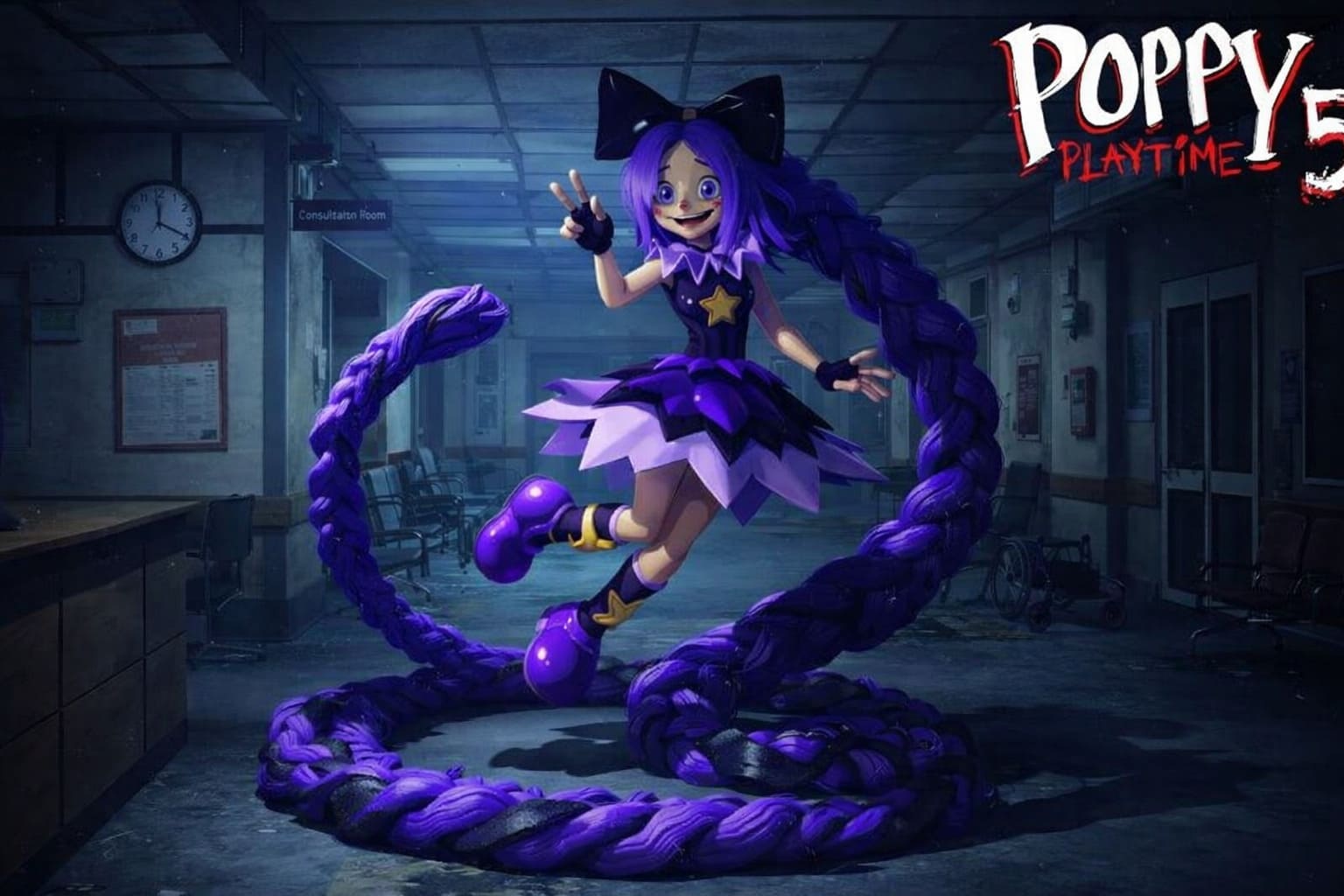
How to Fix Poppy Playtime Chapter 5 Crashing During Lily Chase: Ultimate Guide
When Poppy Playtime Chapter 5: Broken Things dropped on February 18, 2026, I did what every horror fan did — locked the door, dimmed the lights, and hit play.
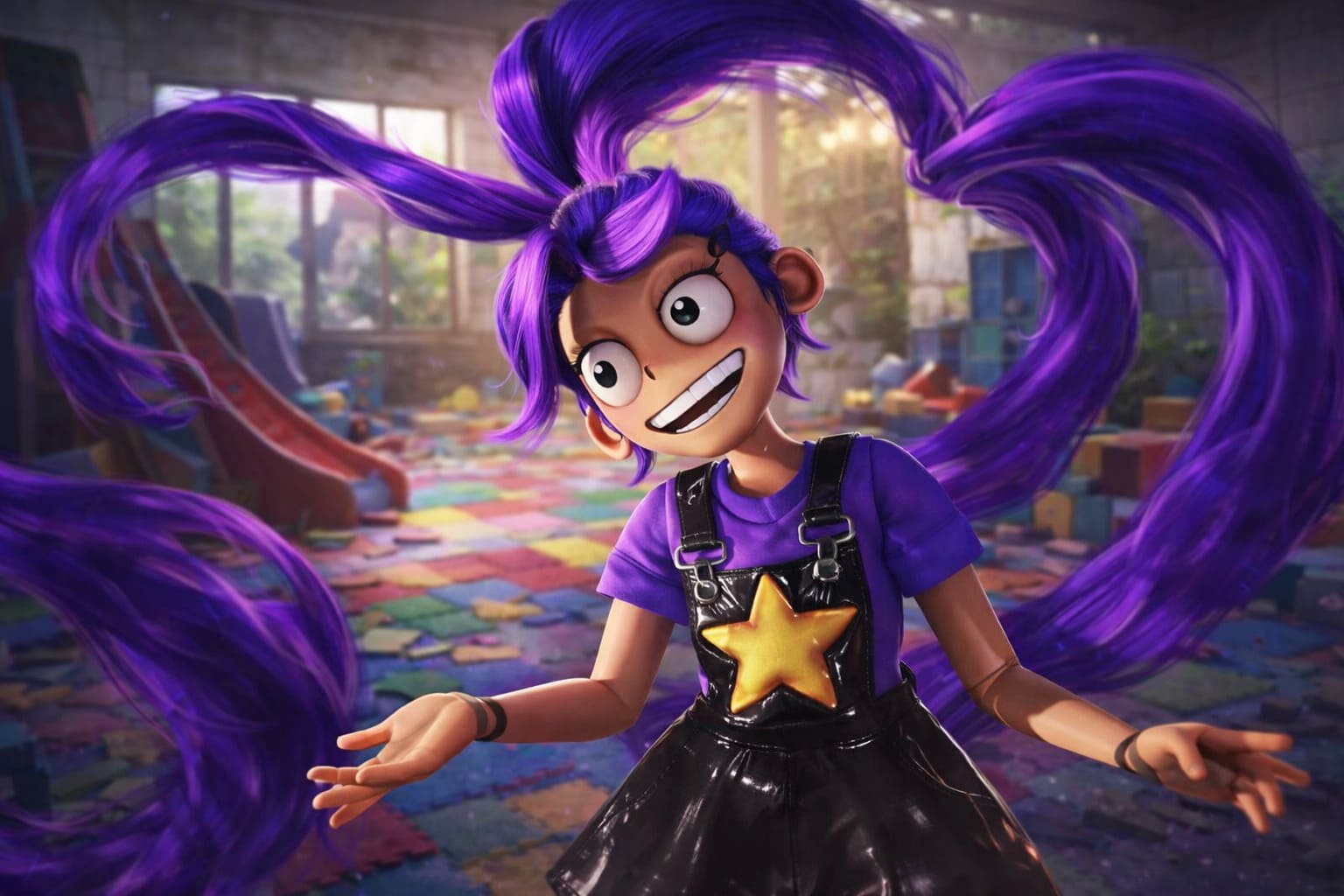
Everything was perfect… until the Lily chase.
Right when the tension spikes and the music goes feral — boom. Desktop. No warning. No mercy. Just pure heartbreak.
After digging through forums, testing fixes myself, and swapping notes with other players on Steam and Epic, I’ve put together the real, working solutions that helped me (and a lot of others) get through the chase without crashing.
First Things First: Update the Game
Mob Entertainment pushed out a stability patch within hours of launch. If you haven’t updated, you’re basically playing the bugged version.
- On Steam: Right-click the game → Properties → Updates → Set to High Priority.
- On Epic Games: Click the three dots on the game tile → Make sure Auto-Update is enabled.
It sounds obvious — but this alone fixed crashes for a surprising number of players.
Verify Your Game Files (Seriously, Do It)
Crashes during scripted sequences like the Lily chase often mean corrupted assets.
- Right-click the game → Properties
- Installed Files → Verify Integrity of Game Files
It takes a few minutes, but it can quietly fix broken textures, lighting files, or animation triggers that cause the crash spike.
The Real Culprit: VRAM Overload During the Chase
The Lily chase scene is visually insane — heavy lighting, particle effects, complex animations, everything firing at once. If your GPU is even slightly struggling, this is where it collapses.
Here’s what worked best for stability:
- Texture Quality → Medium or Low
- Shadows → Medium
- Cap FPS at 60
Capping frames is underrated. When the GPU tries pushing 120+ FPS during chaos, temperatures spike and Unreal Engine can crash under load.
If you’re running a GTX 1650 or RX 470 (minimum spec), lowering textures is basically mandatory for the Lily chase.
The “Look at the Floor” Trick (Yes, It’s Real)
This sounds ridiculous, but it worked for me.
If the crash always happens at a specific explosion or transition moment, try looking at the floor, turning the camera away from Lily, or walking backward for a few seconds.
Fewer assets rendered on screen means less GPU load, which can prevent the engine from choking during the heaviest moment of the sequence.
We had something similar in Chapter 4, so this feels like déjà vu for longtime players.
Poppy Playtime Chapter 5: All VHS Locations & Main Office Locker Code
Update Your GPU Drivers
If you’re getting a LowLevelFatalError, your drivers are probably outdated.
- Download the latest drivers from the official NVIDIA website
- Or from the official AMD website
Avoid relying on Windows auto-updates — they’re often behind the latest stable release optimized for new game launches.
Disable Overlays & Extra Monitors
Overlays are notorious for interfering with Unreal Engine games during high-intensity scenes.
- Disable Steam Overlay
- Turn off Discord Overlay
- Disable GeForce Experience overlay
- If possible, unplug secondary monitors
Running the game in a clean, single-monitor setup stabilized frame pacing immediately in my case and eliminated random desktop crashes.
System Requirements Check (Be Honest With Yourself)
| Component | Minimum | Recommended |
|---|---|---|
| OS | Windows 10/11 64-bit | Windows 11 |
| CPU | i3-9100 / Ryzen 5 3500 | Ryzen 5 / i5 10th Gen+ |
| RAM | 8 GB | 16 GB |
| GPU | GTX 1650 / RX 470 | RTX 2060+ |
| Storage | 60 GB | SSD strongly recommended |
If you’re running 8 GB RAM while keeping Chrome open with 20+ tabs in the background, that alone can trigger instability during heavy scenes like the Lily chase.
My Personal Take as a Horror Fan
The Lily chase is easily one of the most intense sequences in the series. The lighting, the audio design, the pacing — it’s peak Poppy Playtime. But it’s also clearly pushing the engine to its limits.
Once I updated the game, verified files, capped FPS at 60, lowered textures, and disabled overlays, the crashes stopped completely.
And honestly? The scene still looked fantastic even on Medium settings.
If Nothing Works
Your best bet is to check the official Mob Entertainment Discord and monitor Steam Discussions for new hotfix threads, as developers continue optimizing performance and stability.
Final Verdict
If Poppy Playtime Chapter 5 crashes during the Lily chase, it’s almost always one of three things: outdated version, VRAM overload, or overlay/driver conflicts.
Fix those, and you should be able to finish the chapter without another rage-inducing desktop crash.
Now go back in there. Lily’s waiting.