Does Backyard Baseball 2026 Support Steam Deck? Verified Status Explained
There are some games that instantly remind you why you fell in love with gaming in the first place.
For me, Backyard Baseball has always been one of those games.
The original titles weren’t trying to be realistic sports simulators packed with complicated mechanics and endless menus. They were fun. They were colorful. They had personality. Most importantly, they felt like games that anyone could enjoy whether you were a hardcore baseball fan or someone who barely knew the rules of the sport.
That is exactly why the announcement of the all-new Backyard Baseball 2026 caught so many people by surprise.
The bigger surprise?
After spending time with the game and seeing how it behaves on handheld hardware, I genuinely believe the Steam Deck may be the best possible way to play it.
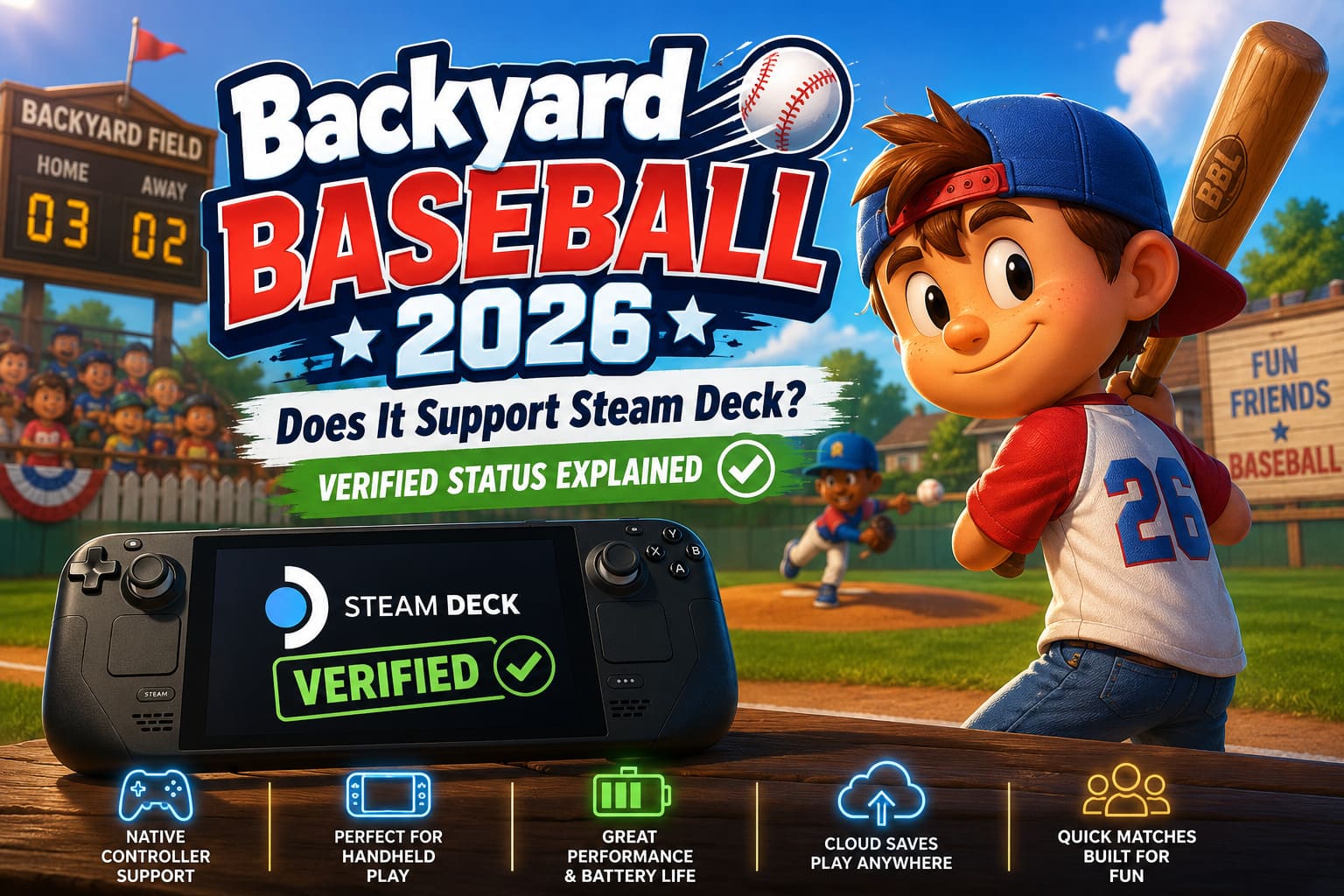
Is Backyard Baseball 2026 Steam Deck Verified?
This is the question almost everyone asks first.
At launch, Valve’s official verification process may still be catching up with newly released games, which is completely normal for fresh releases. However, from everything currently available, Backyard Baseball 2026 behaves exactly like a game that was designed with Steam Deck players in mind from the very beginning.
Unlike older re-releases that had to wrestle with decades-old technology, this isn’t a patched-up classic running through layers of compatibility fixes.
This is a modern game.
That changes everything.
Players can expect:
- Native controller support
- Proper handheld button prompts
- Readable menus and interface elements
- Smooth resolution scaling
- Excellent performance on both LCD and OLED models
- No weird launch commands or custom fixes
Perhaps the biggest compliment I can give the game is this:
You install it, press Play, and start having fun.
Steam Deck owners know how rare that feeling sometimes is.
Why This Release Is Different From Previous Backyard Games
A lot of older PC games simply weren’t built for handheld gaming.
Many classic titles relied heavily on mouse input, tiny menus, and outdated code that modern hardware doesn’t always appreciate.
That was one of the challenges surrounding earlier Backyard Sports releases.
The classic versions eventually became playable and even enjoyable on portable devices, but they often required:
- Community controller layouts
- Mouse emulation
- Trackpad usage
- Custom Proton versions
- Manual tweaking
For enthusiasts, that wasn’t a huge problem.
For casual players?
It was frustrating.
The 2026 version avoids all of that entirely.
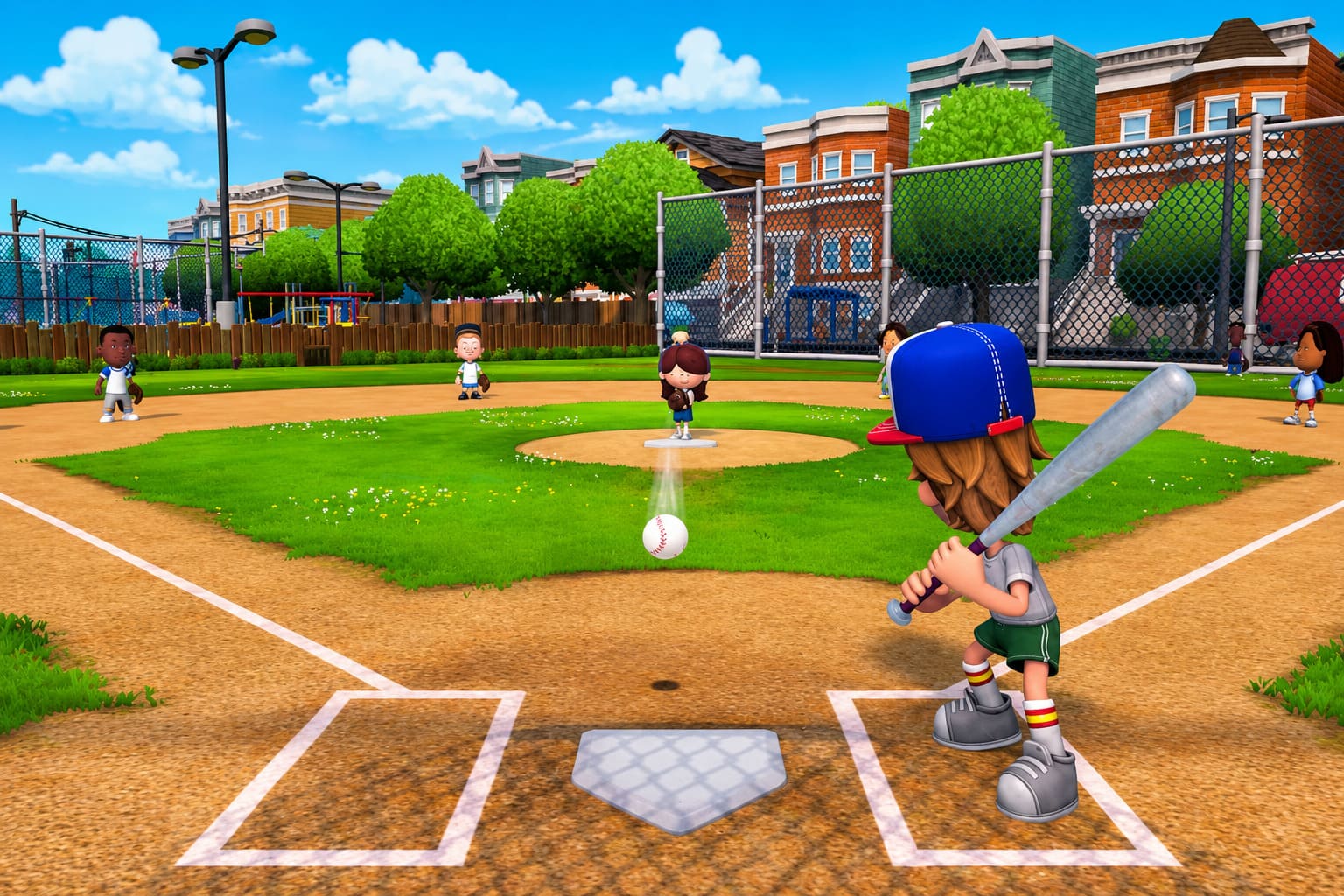
The menus feel like they belong on a controller.
Batting feels natural on analog sticks.
Pitching feels responsive.
Navigating team management screens never feels awkward.
The experience simply works.
As somebody who owns more than a few games that technically run on Steam Deck but don’t actually feel good on Steam Deck, that distinction matters more than benchmark numbers.
Performance on Steam Deck Is Surprisingly Good
I’ll admit it.
When I first saw the modernized visuals, I expected decent performance but not exceptional performance.
I was wrong.
The game runs incredibly well.
The art direction deserves a lot of credit here.
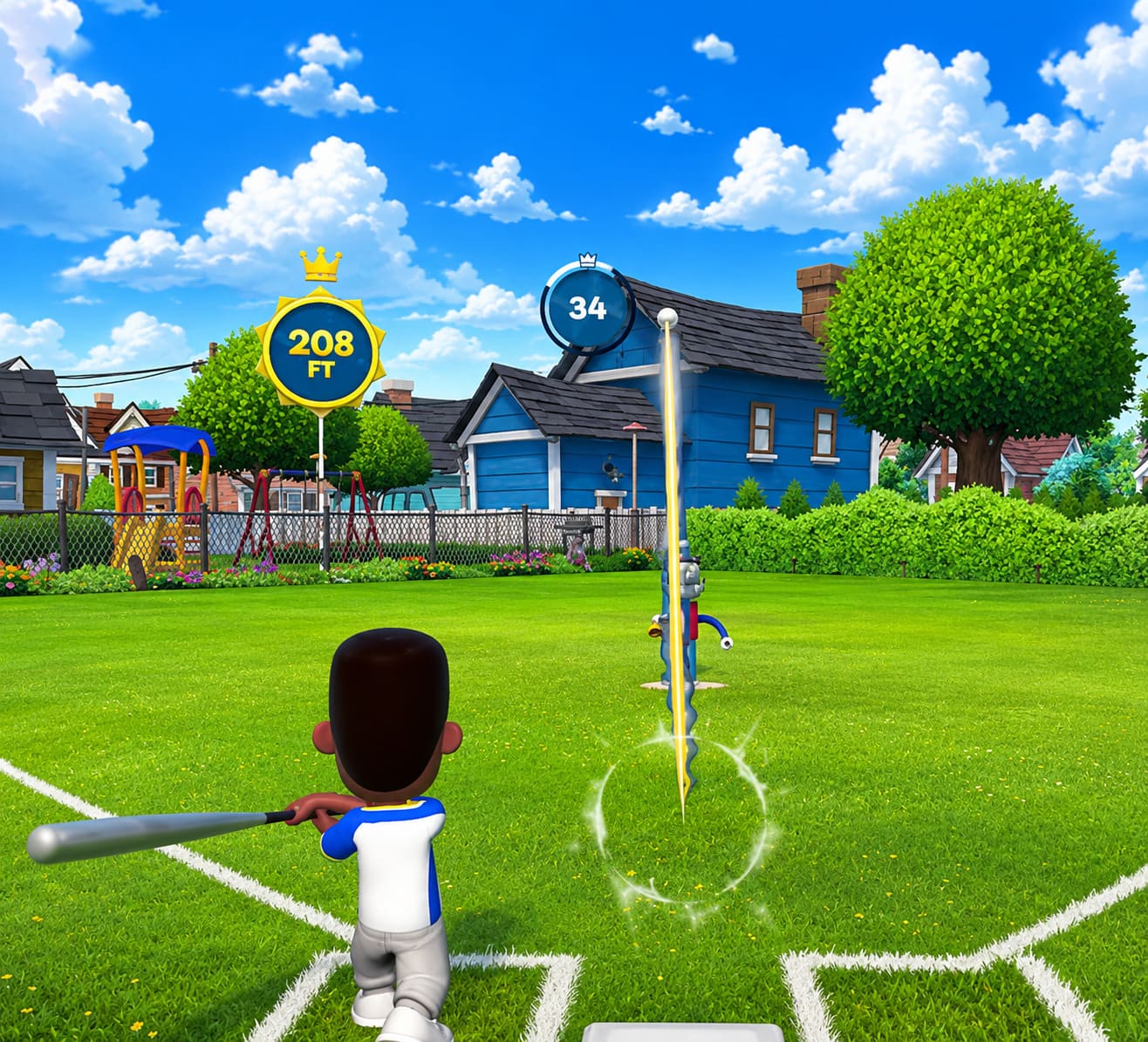
Instead of chasing ultra-realistic player models, expensive lighting systems, and cinematic graphics settings, the developers focused on stylized visuals that look fantastic without demanding desktop-level hardware.
The result is exactly what portable gaming needs.
| Feature | Steam Deck LCD | Steam Deck OLED |
|---|---|---|
| Target Frame Rate | 60 FPS | 90 FPS |
| Controller Support | Full Native Support | Full Native Support |
| Text Readability | Excellent | Excellent |
| Battery Efficiency | Very Good | Excellent |
| Recommended Experience | High | Outstanding |
Even during larger stadium moments and flashy animations, performance remains stable.
There are no major stutters.
No strange shader compilation issues.
No noticeable hitching during gameplay.
For a sports game, consistency matters more than peak frame rates, and Backyard Baseball delivers exactly that.
Battery Life Might Be Its Secret Weapon
One thing many people underestimate about sports games on handheld systems is battery life.
Competitive shooters drain batteries.
Large open-world RPGs drain batteries.
Modern AAA releases often turn portable gaming sessions into a race against your charging cable.
Backyard Baseball feels refreshingly old-school in comparison.
Because of its lighter visual design and efficient optimization, the game appears capable of delivering lengthy portable sessions without forcing players to constantly lower settings or cap performance.
For commuters, travelers, or people who simply enjoy gaming on the couch, this makes a huge difference.
A game like this isn’t meant for one massive eight-hour marathon.
It’s designed for:
- A quick match before work
- A few innings during lunch
- A short session before bed
- Playing while traveling
- Handing the Deck to friends during gatherings
Those moments are exactly where the Steam Deck shines.
The Steam Deck and Backyard Baseball Are a Perfect Match
The more I played, the more obvious this became.
The original Backyard Baseball games always felt portable long before portable PC gaming even existed.
The matches were short.
The mechanics were easy to understand.
The pacing was fast.
You could jump in for ten minutes and still feel like you accomplished something.
That design philosophy fits modern handheld gaming almost perfectly.
Many major releases today ask for dozens of hours of commitment before they truly open up.
Backyard Baseball asks for five minutes and rewards you immediately.
Honestly, that’s refreshing.
Features That Feel Especially Good on Handheld
Quick Match Sessions
Not every gaming session needs to become an all-night event.
Quick exhibition matches work beautifully for portable gaming.
Season Progression
Building your team over time feels perfect for a handheld device where players naturally return for shorter sessions throughout the day.
Cloud Saves
Switching between desktop and handheld gaming remains one of Steam’s greatest strengths.
Starting a season on your gaming PC and continuing it in bed on your Steam Deck never gets old.
Docked Multiplayer
Connect a dock, pair a few controllers, and suddenly the Steam Deck becomes a miniature party console.
That feels incredibly fitting for a series that was always designed around friends and family playing together.
The Community Reaction Has Been Overwhelmingly Positive
Gaming communities can be brutally honest.
If something doesn’t work, players usually know within hours.
The reaction surrounding Backyard Baseball’s handheld performance has been almost universally enthusiastic.
Many players seem genuinely shocked that the game launched in such a polished state.
In 2026, that unfortunately feels rarer than it should.
The lack of required tweaking has become one of the most commonly praised aspects of the release.
No launch options.
No community fixes.
No searching forums for compatibility guides.
Just install and play.
That sounds simple, but it matters.
Backyard Baseball 2026: Backyard Derby Guide & Leaderboard Tips
Should Steam Deck Owners Buy Backyard Baseball 2026?
If you’re asking purely from a compatibility perspective, my answer is simple:
Absolutely.
If you grew up with the original games, this release captures much of that same energy while modernizing the presentation enough to feel current.
If you’re discovering the franchise for the first time, it offers something many sports games have forgotten over the years:
Fun comes first.
Not realism.
Not monetization systems.
Not endless menus.
Just fun.
And maybe that’s why the game feels so refreshing.
Backyard Baseball 2026 Unlock Guide: How to Get All 30 Backyard Kids and Secret Legends
Final Verdict
There are certain games that feel like they accidentally stumbled onto the perfect platform.
Backyard Baseball 2026 on Steam Deck feels like one of those games.
The controls fit naturally.
The performance is excellent.
Battery life appears strong.
The sessions are short enough for portable play while still being addictive enough to keep you coming back for “just one more game.”
Most importantly, it captures the same spirit that made so many players fall in love with the series decades ago.
For me, that’s the biggest victory of all.
The modern gaming industry spends so much time chasing bigger worlds, larger budgets, and more complicated systems that it occasionally forgets something simple:
Sometimes all you really need is a baseball field, a group of memorable kids, and the freedom to play anywhere.
On Steam Deck, Backyard Baseball finally feels like it found the home it should have had all along.