Reverse Collapse 2026 Mega Guide: Fix Crashes, Best Builds & True Ending Secrets
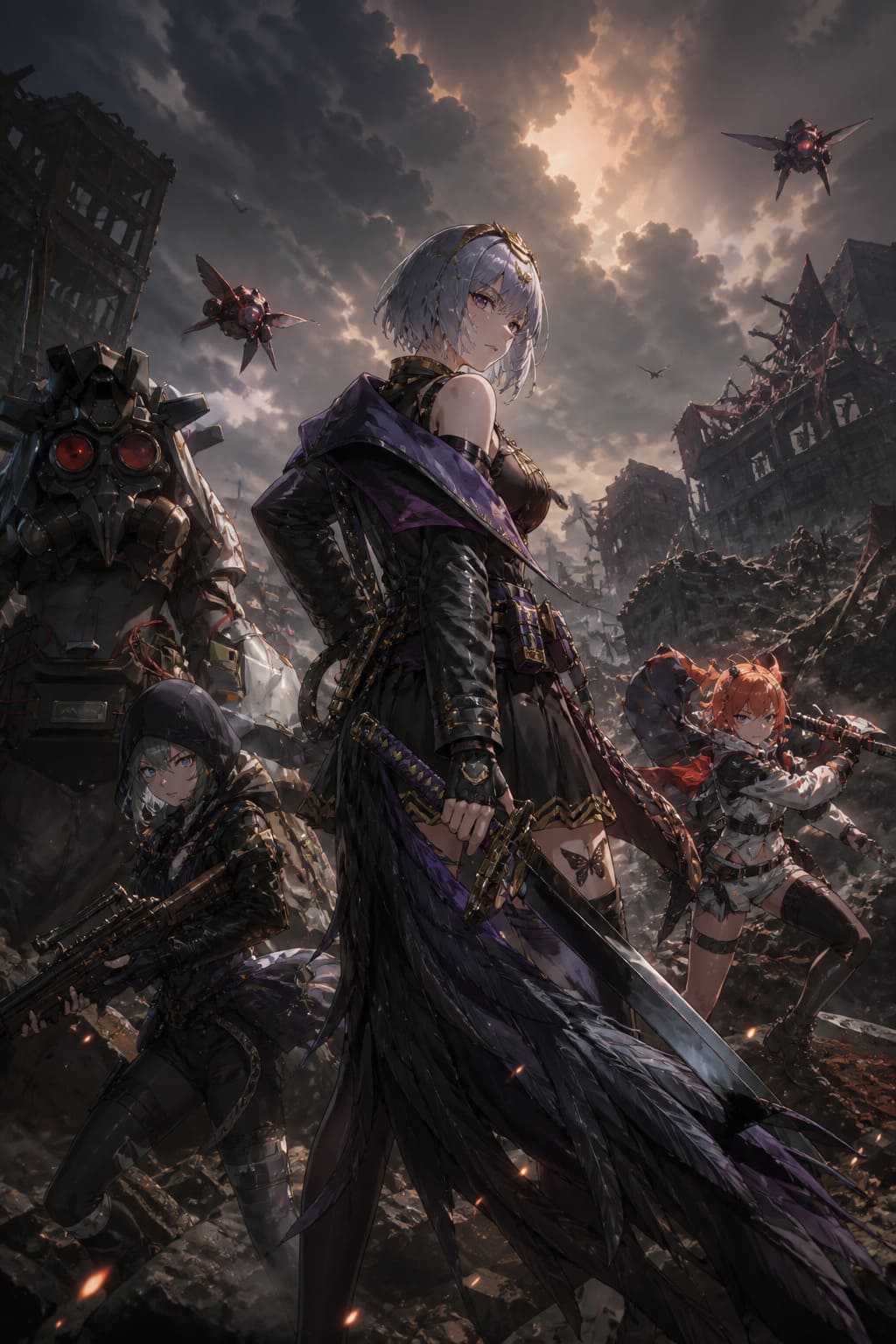
If you’ve ever been completely pulled into a game only to have it crash right at the most important cinematic moment, you know how frustrating it feels. That’s exactly what a lot of players (including me) ran into with Reverse Collapse: Code Name Bakery.
This isn’t just another tactical RPG—it’s a heavy, story-driven experience set in the Girls’ Frontline universe, and when it works, it really works. But cutscene crashes? Black screens? Sudden freezes right when things get interesting? That part can seriously ruin the mood.
I’ve spent time digging through community posts, testing fixes myself, and comparing what actually works versus what just sounds good on paper.
This guide is a cleaned-up, human version of all that chaos—what helped, what didn’t, and what you should actually try first in 2026.
Invincible VS Steam Deck Optimization Guide: Best Settings for 60 FPS (2026 Update)
Why Reverse Collapse Crashes During Cutscenes
Let’s be honest: most players assume their PC is the problem. But in this case, it’s usually a mix of engine behavior and system settings.
The game runs on Unity, which is great for visuals and storytelling—but it can be picky with Windows regional formats, display scaling (especially 4K or ultrawide setups), GPU drivers, and video playback during transitions.
What makes it worse is that crashes often happen right after boss fights, during story transitions, or on black screens where audio keeps playing. That last one is especially annoying because the game feels like it’s still running, but it’s not.
Quick Symptom Checklist
| Symptom | What it usually means |
|---|---|
| Black screen but audio continues | Video playback failure |
| Instant crash on cutscene start | Unity rendering issue |
| UnityPlayer.dll error | Engine memory or compatibility fault |
| Freeze after battle | Transition loading bug |
| Missing video on Steam Deck | Codec or Proton mismatch |
If you’ve seen even one of these, you’re dealing with the same category of issue.
Fix #1 – Region Settings Adjustment
This is one of the most unusual but effective fixes. Changing Windows regional format can resolve cutscene crashes because Unity sometimes misreads localization data.
Steps:
- Open Windows Settings
- Go to Time & Language
- Open Region
- Set Regional Format to English (United States) or Japanese (Japan)
- Restart your PC
This fix often resolves black screens appearing after the Unity logo or during transitions.
Fix #2 – Fullscreen Optimization and DPI Scaling
Modern monitors can interfere with Unity rendering during cutscenes. This fix is highly recommended for most players.
Steps:
- Find ReverseCollapse.exe
- Right-click and open Properties
- Go to Compatibility tab
- Enable Disable fullscreen optimizations
- Click Change high DPI settings
- Enable Override high DPI scaling behavior
- Set scaling to Application
This reduces conflicts between Windows display scaling and the game engine.
Fix #3 – GPU and DirectX Launch Options
If the game crashes during transitions or after loading screens, forcing a more stable rendering path helps.
Add these Steam launch options:
- -force-d3d11
- -adapter 1 or -adapter 2 (depending on your GPU setup)
This ensures the game uses a stable DirectX 11 pipeline instead of unpredictable default settings.
Fix #4 – Steam Deck and Linux Stability
On Steam Deck or Linux systems, cutscene issues usually come from Proton compatibility and missing codecs.
Recommended setup:
- Use Proton Experimental
- Or latest stable Proton version (2026 build)
- Clear compatdata folder if crashes persist
If you see missing videos or test patterns, switching Proton version is almost always the solution.
Fix #5 – Corrupted rcdata Files
A hidden issue in later chapters involves corrupted progression files. These can break cutscenes or even prevent loading.
Steps:
- Disable Steam Cloud sync temporarily
- Navigate to AppData LocalLow SunBorn ReverseCollapse folder
- Find rcdata.bytes and rcdata_temp.bytes
- Backup and delete both files
- Restart the game
The game will regenerate them automatically. Some collection progress may reset, but story progression usually remains intact.
Fix #6 – Resolution and Window Mode Adjustment
Some cutscenes fail due to memory spikes at higher resolutions.
Try this approach during problem areas:
- Switch to 1920×1080 resolution
- Use Windowed Mode instead of fullscreen
- Avoid alt-tabbing during transitions
This reduces load spikes during cinematic rendering.
Fix #7 – Boss Transition Crash Workaround
A known crash occurs after certain boss fights during cinematic transitions.
Possible workarounds:
- Spam skip cutscene key immediately
- Lower resolution before ending the fight
- Disable overlays like Discord or GPU tools
This helps prevent the engine from freezing during transition loading.
My Stable Configuration
After testing multiple combinations, this setup gave the most stable experience:
- Windows Region: English (US)
- DPI Scaling Override: Application
- Fullscreen Optimization: Disabled
- DirectX Mode: Forced D3D11
- Resolution: 1080p during heavy story chapters
- Proton Experimental for Steam Deck testing
This configuration eliminated most cutscene crashes entirely.
Fix Summary Table
| Fix | Effectiveness |
|---|---|
| Region change | High |
| DPI override | Very High |
| DX11 forcing | Medium to High |
| rcdata reset | High (if corrupted) |
| Proton update | Essential on Steam Deck |
| Resolution lowering | Situational |
Reverse Collapse 2026 Guide – Best Builds, True Ending Path & Hidden Secrets Every Tactical RPG Fan Should Know
If you’ve spent any serious time with Reverse Collapse: Code Name Bakery, you already know this isn’t just another grid-based strategy game you can casually breeze through. It’s punishing, methodical, and—honestly—one of the most satisfying tactical RPGs to master in recent years.
Coming back to it in 2026, what really stands out is how much the meta has evolved. Builds that worked early on fall apart in Chapter 4, and if you’re aiming for the True Ending, the game demands more than just good tactics—it expects planning across entire timelines.
Best Unit Builds (2026 Meta Breakdown)
Let’s be real: this game lives or dies on how well you build your squad. You can play perfectly and still lose if your setup isn’t optimized. These are the builds that consistently carry through late-game chaos.
Jefuty – High-Risk, High-Reward Sniper
Jefuty feels amazing when she’s working—and completely useless when she’s not positioned correctly. She’s fragile, but her damage ceiling is ridiculous.
What actually works is prioritizing critical damage and range while treating her like a surgical tool rather than a general DPS unit. You always need to plan her escape before taking a shot.
Core setup includes weapons like Mosin-Nagant for safety or OSK for aggressive playstyles, while key skills include Danger Premonition, Support Fire, and Critical Armor Break.
Once you unlock Backtrack, her gameplay changes dramatically, allowing you to reset positioning after kills, which makes her far more flexible in high-level encounters.
Mendo – Battlefield Control Engine
Mendo is not flashy, but he is the reason your team survives overwhelming situations. He functions as a full control system for the battlefield rather than a direct damage dealer.
The optimal setup uses the Viper weapon and focuses on skills like Alert Area, Storm of Fire, and Target Locked On.
The key to using him properly is restraint. You don’t rush him forward. Instead, you establish turret zones early and force enemies into disadvantageous paths.
In the current meta, map control is everything, and Mendo excels at it more than any other unit.
Jevon – The Wall That Hits Back
Jevon is your frontline anchor, but unlike traditional tanks, he combines durability with strong offensive output.
The build focuses on crit damage and survivability, using weapons like Pulser and skills such as Assault Tactics, Emergency Charge, and Last-Ditch Gambit.
He is especially effective against grouped enemies and armored units, often turning defensive situations into offensive wins.
With proper optimization, Jevon can handle encounters that would otherwise overwhelm your team entirely.
Atena – Tactical Chaos Generator
Atena introduces a layer of creative gameplay through range manipulation and explosive synergy. She is one of the most flexible units in the game when used correctly.
Her core strength lies in skills like Leap Passage, Mad Bomber, and Tenacity, which allow her to extend attack ranges and amplify explosive damage.
When paired with control units like Mendo, she becomes a force multiplier capable of reshaping entire encounters.
Her value comes from adaptability rather than raw stats, rewarding players who think outside standard combat patterns.
Quick Build Overview
| Character | Role | Priority Stat | Playstyle |
|---|---|---|---|
| Jefuty | Sniper DPS | Crit Damage | Precision elimination |
| Mendo | Support/Control | Utility | Area denial |
| Jevon | Tank/DPS | Crit + HP | Frontline brawler |
| Atena | Utility DPS | Range/Explosive | Tactical disruption |
Unlocking the True Ending (Chapter 5)
The True Ending is not something you casually reach. It requires full commitment to exploration, failure routes, and hidden progression triggers that span the entire game.
Step 1: Collect All Secret Documents
You must collect all 38 Secret Documents spread across Chapters 1 to 4. These are permanently tracked once collected, and the system allows you to grab them even if you fail the mission afterward.
This mechanic significantly reduces frustration and encourages experimentation rather than perfection runs.
Step 2: Trigger Required Bad Endings
Unlike most games, failure is part of progression. You must intentionally or naturally trigger specific bad endings to unlock divergence points in the storyline.
This includes confronting the Shrike Consciousness instead of escaping, which is required to open the true narrative path.
This design choice makes failure feel meaningful rather than punitive.
Step 3: Critical Dialogue Sequence
Late in Chapter 4, a key negotiation determines whether you progress or fail the route.
There is no combat solution here. Success depends entirely on selecting the correct dialogue path and understanding narrative context.
Step 4: Final Route Activation
If all conditions are met, you must proceed through the Iron Bridge Conflict route and follow the lower path structure of Chapter 4.
Once completed correctly, the game transitions into Chapter 5 titled Wish Fulfilled, which provides the full narrative conclusion.
Hidden Mode: 2092R Classic Experience
This mode is a tribute to the original design philosophy of the series and recreates older mechanics and maps for veteran players.
To unlock it, complete The Final Battle II, return to the main menu, hold the Space Bar, and enter the code Q0Y6-H37X-575I-SVTM.
This unlocks a separate save environment featuring classic gameplay systems and original character interpretations.
Final Thoughts
What makes Reverse Collapse stand out is not just difficulty but intentional design. Every system feeds into another, and every mistake becomes part of your learning process.
Success depends on how well you understand synergy between units, resource management, and narrative decision-making across multiple layers of gameplay.
If you engage fully with its mechanics, the game delivers one of the most rewarding tactical RPG experiences available today.