Halloween The Game PC Download Size, Storage & System Requirements Explained (2026)
There is something strangely appropriate about spending time worrying whether your PC can run Halloween: The Game. After all, the entire point of this franchise is to make you feel uncomfortable before Michael Myers even appears on screen.
But this time, the real nightmare for PC players isn’t coming from a dark Haddonfield street.
It is coming from the system requirements.
With IllFonic bringing the world of John Carpenter’s Halloween into an asymmetrical 1v4 survival horror game, expectations are understandably high. The studio already has experience with multiplayer horror thanks to games such as Friday the 13th: The Game and Predator: Hunting Grounds, and this new project has the added weight of one of horror cinema’s most recognizable killers.
The big question is simple: how demanding is Halloween: The Game on PC?
Fortunately, the storage requirement isn’t nearly as frightening as I initially expected. The game officially asks for 45 GB of free space, but there are a few important details hidden behind that number. An SSD is mandatory, Windows 11 is required, and the recommended hardware jumps considerably if you want higher resolutions and smoother frame rates.
I’ve broken down everything you need to know below, including the official PC requirements, storage recommendations, performance expectations, and what these specifications actually mean when you’re sitting in front of your PC trying to survive the night.
Halloween: The Game Download Size — Is 45 GB Enough?
Let’s start with the number most people will search for first.
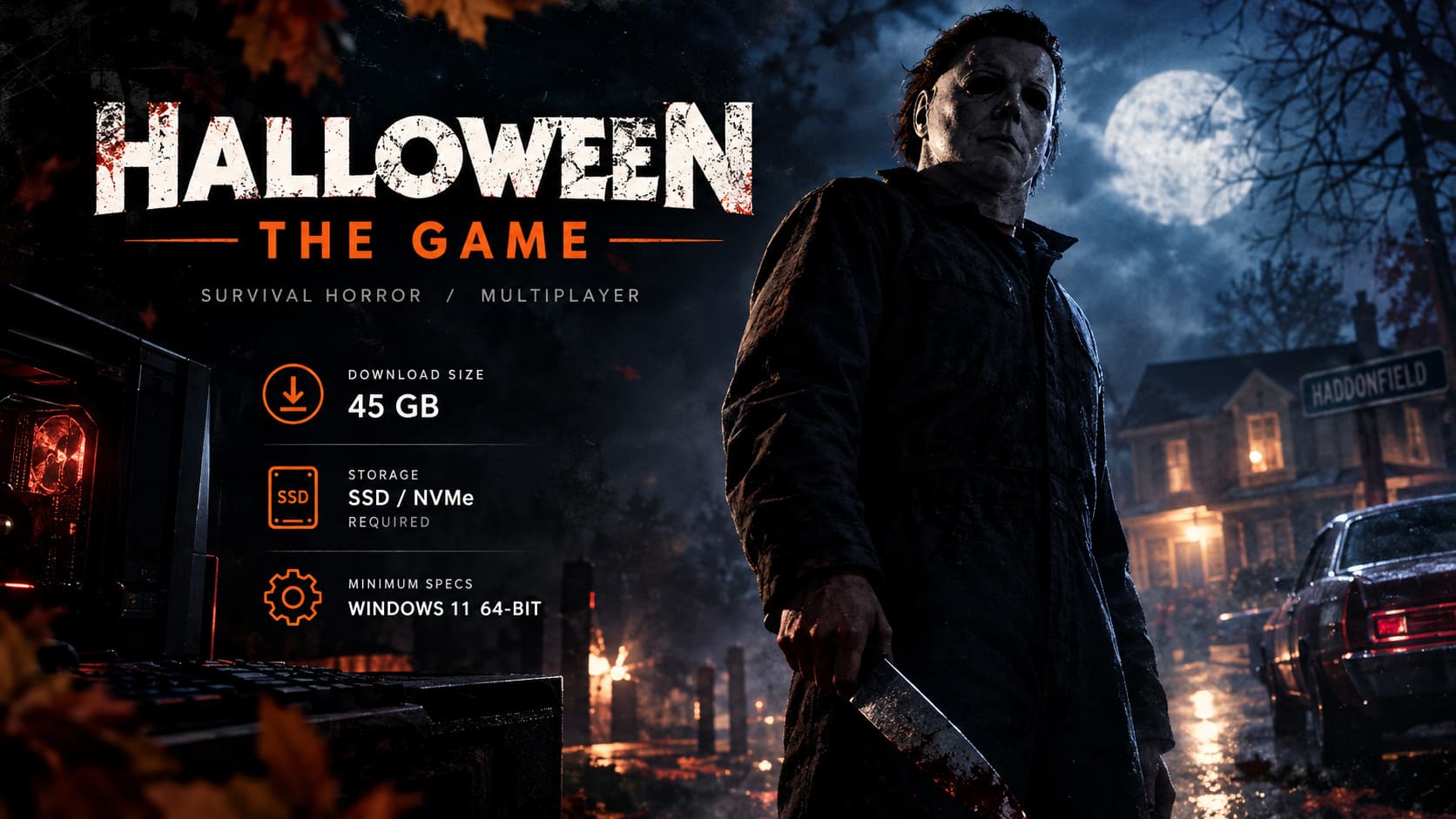
Halloween: The Game requires 45 GB of available storage space on PC.
That’s honestly pretty reasonable by modern AAA standards. We’re living in an era where some games can eat more than 100 GB before you have even installed a single expansion, so seeing a horror game built around Unreal Engine 5 come in at 45 GB is a pleasant surprise.
However, don’t make the mistake of treating 45 GB as your ideal free-space target.
The official requirement is the minimum amount of available storage you need for installation. For a live multiplayer game, I’d personally leave 55–60 GB of free space on the drive. Updates, patches, seasonal content and additional assets have a habit of arriving at exactly the wrong time.
And there is another requirement that matters much more than the raw number.
You Need an SSD
An SSD or NVMe drive is required. Traditional HDD storage is not officially supported.
That makes sense considering the game’s Unreal Engine 5 foundation and its emphasis on detailed environments, dynamic systems and fast asset streaming.
If you’re still using an old mechanical hard drive for your game library, this is one of those releases where upgrading finally starts to feel less optional.
I wouldn’t expect an HDD to deliver the intended experience. Even if you manage to get the game running, slow asset streaming can translate into longer loading times, texture pop-in and unpleasant stuttering.
And in a horror game, the last thing you want is Michael Myers appearing because your textures finally decided to load.
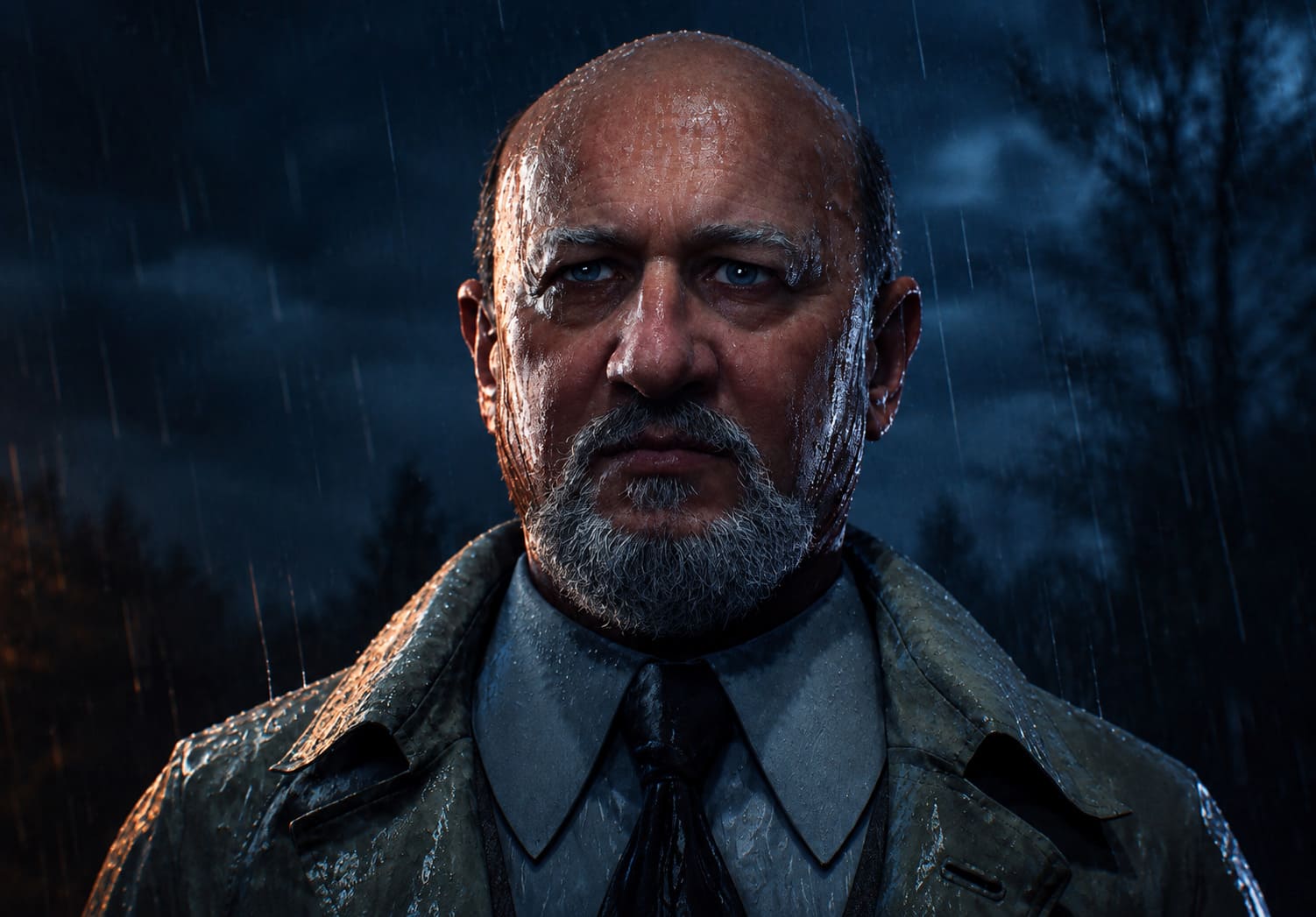
| Storage Requirement | Recommendation |
|---|---|
| Official Space | 45 GB |
| Comfortable Free Space | 55–60 GB |
| Required Drive | SSD / NVMe |
| HDD Support | Not Recommended / Unsupported |
| Best Option | Internal NVMe SSD |
Official Halloween: The Game PC System Requirements
The hardware requirements are where things get more interesting.
The minimum specification isn’t outrageous, but the platform requirements are clearly aimed at modern PCs. Windows 11 64-bit is required, while 16 GB of RAM is the baseline.
The GPU requirements are also interesting because the minimum tier includes three different GPU families.
Minimum PC Requirements
The minimum specification targets approximately 1080p at 30 FPS on Low-to-Medium settings.
- OS: Windows 11 64-bit
- CPU: Intel LGA 1200+ / AMD AM4+ Zen 2+
- RAM: 16 GB
- GPU: NVIDIA GeForce GTX 1660 / AMD Radeon RX 590 / Intel Arc A770
- DirectX: Version 12
- Storage: 45 GB
- Drive: SSD / NVMe required
- Network: Broadband Internet connection
On paper, this isn’t particularly terrifying.
The GTX 1660 and RX 590 are old enough to be considered budget hardware today, and 16 GB of RAM is still a perfectly reasonable amount for gaming. The catch is that this configuration is designed around 30 FPS, not 60 FPS.
That’s an important distinction.
If you’re perfectly happy playing a horror game at 1080p and 30 FPS, the minimum specification should be your reference point. If you want fast response times, higher settings and a smoother multiplayer experience, you should look considerably higher.
Recommended PC Requirements
The recommended tier moves into much more modern territory.
- OS: Windows 11 64-bit
- CPU: Intel LGA 1700+ / AMD AM5+
- RAM: 32 GB
- GPU: NVIDIA RTX 3000 Series / AMD Radeon RX 7000 Series
- DirectX: Version 12
- Storage: 45 GB
- Drive: High-speed NVMe SSD recommended
- Network: Broadband Internet connection
The jump to 32 GB RAM is probably the part that will make some PC players raise an eyebrow.
For a conventional horror game, 32 GB can feel excessive. But Halloween: The Game isn’t simply rendering a character walking through a dark hallway. Its multiplayer matches are built around dynamic environments, AI activity, interactive objects and multiple players all affecting the same game world.
That extra memory headroom could be useful for maintaining consistency when the action gets busy.
What PC Hardware Do You Actually Need?
Here’s how I would interpret the specifications rather than simply copying the official numbers.

| Target Experience | Hardware Level | My Take |
|---|---|---|
| 1080p / 30 FPS | GTX 1660 / RX 590 | Playable baseline |
| 1080p / Higher FPS | RTX 3000 / RX 7000 | Much better target |
| 1440p / High | Modern RTX / RX GPU | Recommended |
| 4K / 30 FPS | RTX 3000 / RX 7000 class | Depends heavily on upscaling |
| Smooth Multiplayer | 16–32 GB RAM | 32 GB gives more headroom |
Personally, I wouldn’t build or upgrade a PC specifically around the minimum specification.
Thirty FPS is fine for a slow cinematic horror game.
But Halloween: The Game is an asymmetrical multiplayer title. When you’re trying to escape Michael, react to another player or quickly turn around after hearing a noise behind you, smoother frame delivery is going to feel noticeably better.
If your PC is somewhere around the recommended tier, you’re in a much more comfortable position.
Why Windows 11 Matters
The Windows 11 requirement is another unusual part of the game’s PC specification.
Unlike older games that still support Windows 10, Halloween: The Game is designed around Windows 11 64-bit and modern DirectX 12 functionality.
The move also fits the game’s focus on modern storage and asset-streaming technology.
If you’re still running Windows 10, this is one of the first things I’d check before buying the game. There is little point troubleshooting GPU drivers for hours when the operating system itself doesn’t meet the published requirements.
So, before launch day, make sure Windows 11 is fully updated.
32 GB RAM: Overkill or Actually Necessary?
This is probably the most interesting hardware discussion surrounding the game.
16 GB is the minimum. 32 GB is recommended.
That doesn’t automatically mean the game will consume 30 GB of RAM while you’re playing. Recommended specifications are about giving the game enough headroom to avoid competing with Windows, background applications and other processes.
The game’s multiplayer design could also make additional memory useful. A match isn’t simply four players standing inside an empty map. NPC behavior, environmental interactions, audio systems and other game-state information all need to be processed.
And Unreal Engine 5 isn’t exactly famous for being shy about hardware resources.
Would I upgrade from 16 GB to 32 GB solely for this game?
Probably not if your CPU and GPU are already weak.
But if you’re building a new gaming PC in 2026, 32 GB is the sensible target anyway.
GPU Performance and Upscaling
The graphics card is going to have the biggest impact on how good Halloween: The Game actually looks.
The minimum GTX 1660/RX 590 class is aimed at lower settings and 1080p. The recommended RTX 3000/RX 7000 class gives you substantially more breathing room for higher graphical settings and resolutions.
Modern upscaling technologies can also become extremely useful.
Depending on your hardware and the final implementation, technologies such as NVIDIA DLSS, AMD FSR and Intel XeSS can help increase frame rates without forcing you to drop image quality all the way down to low settings.
This is particularly relevant if you’re aiming for 1440p or higher.
For a horror game, I would rather use a sensible upscaling mode and maintain stable performance than crank every graphical option to maximum and suffer constant frame-time spikes.
A gorgeous screenshot isn’t much help when Michael is chasing you and your PC suddenly decides to become a slideshow.
Don’t Forget Your Internet Connection
Halloween: The Game is fundamentally a multiplayer experience, so your PC isn’t the only thing that needs to be ready.
A stable broadband connection is essential.
I’d strongly recommend using Ethernet whenever possible, especially if you’re serious about competitive matches. Wi-Fi can work perfectly well, but wireless interference, packet loss and inconsistent latency can turn an otherwise smooth game into a frustrating mess.
Cross-play makes the situation even more interesting.
The game supports cross-platform multiplayer between PC, PlayStation 5 and Xbox Series X/S, creating a unified player pool. That’s great news for matchmaking because asymmetrical multiplayer games live or die by their active player population.
And let’s be honest: nobody wants to spend ten minutes searching for four survivors or one Michael Myers.
Halloween: The Game Launch Editions
The digital launch is scheduled for September 8, 2026, with the Standard Edition priced at $39.99.
There is also a $59.99 Digital Deluxe Edition, which includes early access beginning September 4, 2026, along with additional cosmetic content and bonus playable civilians.
Physical editions are planned for October 6, 2026, including a Limited Collector’s Edition for players who want something more substantial than a digital license.
For me, the Standard Edition looks like the obvious starting point unless you specifically want the Deluxe bonuses or early access.
My PC Preparation Checklist
If you’re planning to play Halloween: The Game at launch, I’d prepare your system before the download begins.
- Free up at least 45 GB, but preferably 55–60 GB.
- Install the game on an SSD or NVMe drive.
- Make sure you’re running Windows 11 64-bit.
- Update your NVIDIA, AMD or Intel graphics drivers.
- Close unnecessary background applications before playing.
- Use a wired connection if your Wi-Fi is unreliable.
- If you have 32 GB RAM, you’re in a comfortable position for the recommended target.
Final Verdict: Is Halloween: The Game Demanding on PC?
Based on the published specifications, Halloween: The Game isn’t an absurdly demanding PC release, but it definitely expects players to have moved beyond older hardware and mechanical storage.
The 45 GB download size is surprisingly manageable. The real requirements are the SSD mandate, Windows 11, DirectX 12 and the relatively modern hardware listed for recommended settings.
If you’re running something close to the minimum configuration, I’d expect you to treat 1080p/30 FPS as the realistic target. If you have an RTX 3000-series or RX 7000-series GPU paired with a modern CPU and 32 GB of RAM, you’re much closer to the experience I’d personally want.
And that’s the key distinction.
Minimum specs tell you whether you can play. Recommended specs tell you whether you can actually enjoy it.
For Halloween: The Game, I’d much rather have a stable 60 FPS at sensible settings than a prettier image accompanied by stuttering and inconsistent frame times. Horror depends heavily on atmosphere and timing. When the game works properly, every distant footstep, flickering light and sudden movement can do the heavy lifting.
Your PC shouldn’t be the thing ruining the scare.