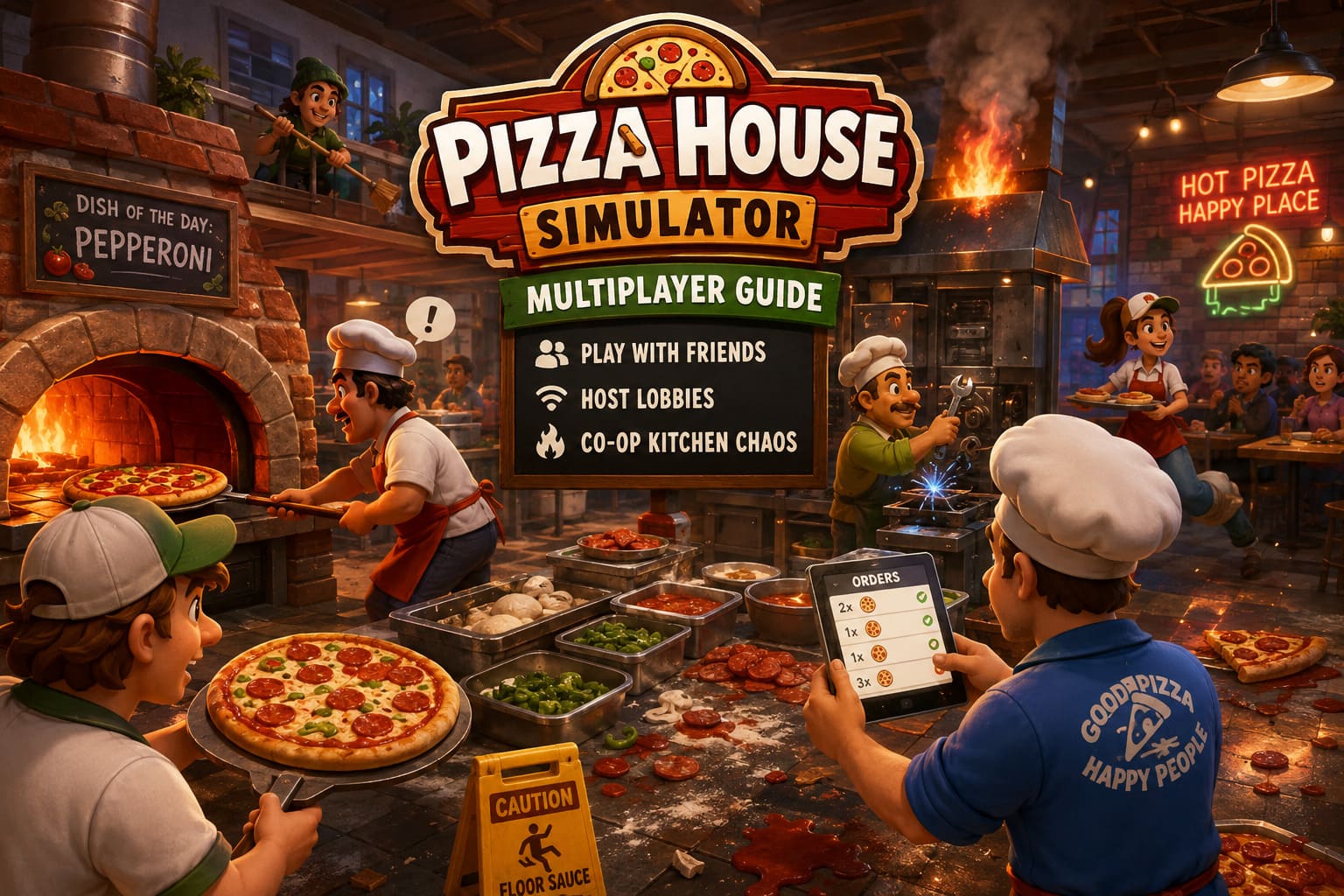
Pizza House Simulator Multiplayer Guide: How to Play With Friends, Host Lobbies, and Manage Co-Op Kitchen Chaos
There are plenty of cooking games where playing with friends sounds like a relaxing way to spend an evening. Pizza House Simulator is definitely not one of them.
The basic idea seems harmless enough: build a pizzeria, make pizzas, serve customers, improve your equipment, and slowly turn a small restaurant into a successful business. Then the dinner rush starts, an oven breaks, somebody forgets an order, the kitchen catches fire, and suddenly everyone is shouting about who was supposed to bring the dough.
That is exactly why I think Pizza House Simulator multiplayer is where the game really comes alive.
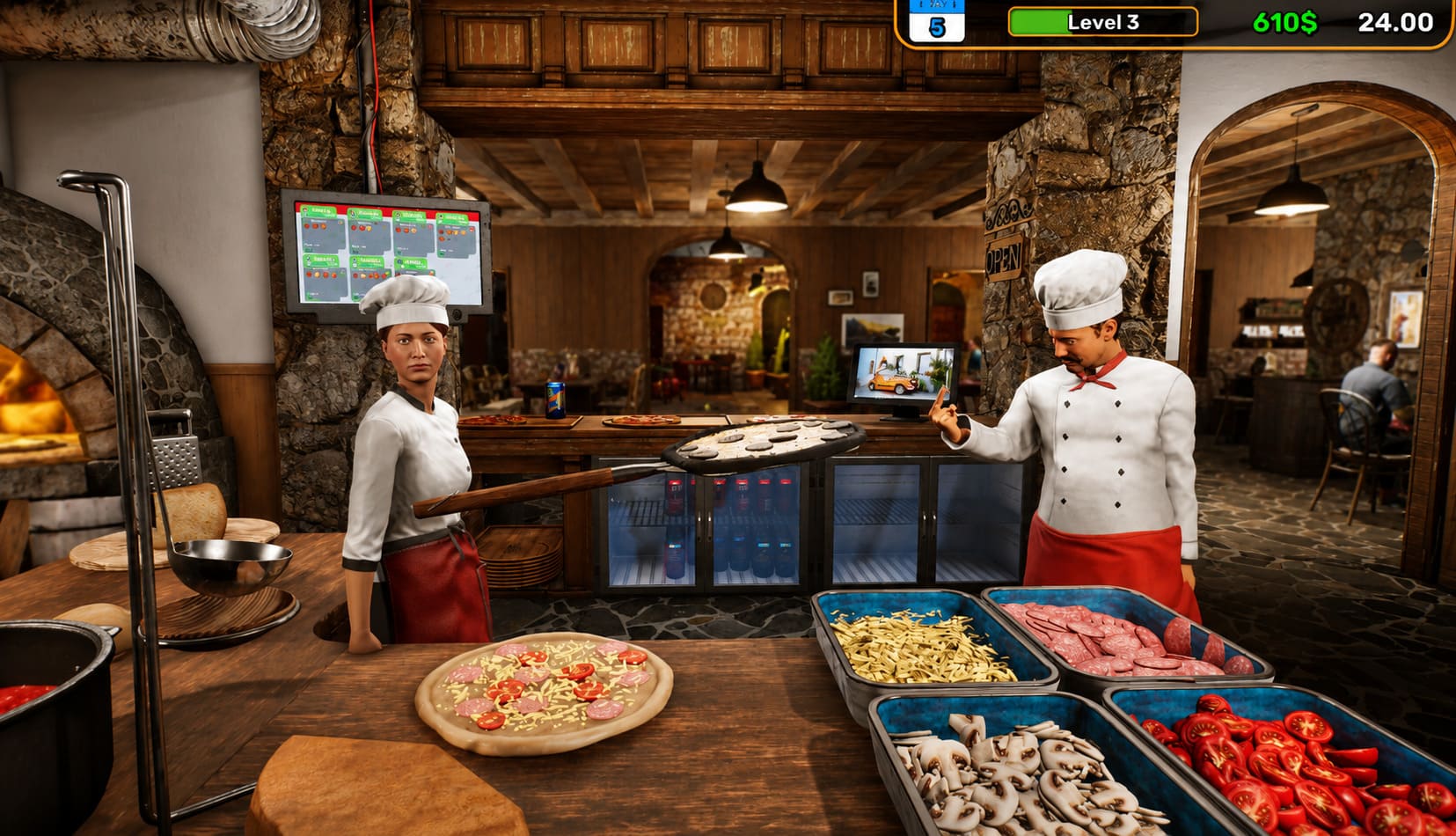
The game supports up to six players in online co-op, giving each person enough room to take responsibility for a particular part of the restaurant. When everyone knows their job, the kitchen can feel surprisingly organized. When nobody does, it becomes one of those wonderfully chaotic gaming sessions where you spend half the time laughing and the other half wondering how a pizza ended up on the floor.
If you’re planning to play Pizza House Simulator with friends, here’s what you need to know about hosting a lobby, inviting players, crossplay, co-op roles, and keeping your restaurant from collapsing during the busiest shifts.
How Multiplayer Works in Pizza House Simulator
Getting into a multiplayer session is relatively straightforward, especially if everyone is playing through Steam.
From the main menu, head into the Co-op section. You’ll find the basic options for either hosting your own restaurant or joining somebody else’s game.
| Multiplayer Option | What It Does | Best For |
|---|---|---|
| Host | Creates the multiplayer restaurant session | The player managing the save |
| Join | Connects to an existing lobby | Friends joining the host |
| Online | Uses an internet connection | Friends playing from different locations |
| LAN | Connects players on the same network | Local network sessions |
| Story Mode | Progresses through the restaurant experience | Long-term co-op groups |
| Sandbox Mode | Provides a more unrestricted experience | Experimenting and messing around |
If you’re playing with the same group regularly, I strongly recommend having one person act as the primary host. It makes the whole experience easier to organize, especially when you’re working on a restaurant you actually care about.
How to Host a Co-Op Lobby
If you’re the person starting the session, the process is simple.
- Launch Pizza House Simulator through Steam.
- Select Co-op from the main menu.
- Choose Host.
- Decide whether you want an Online or LAN session.
- Check your matchmaking region.
- Confirm your crossplay setting.
- Create the lobby.
- Invite your friends through the available Steam invitation options.
Once the lobby is active, your friends can join before you start the actual restaurant session.
The Steam invitation system is probably the easiest option for most groups. If you’re already friends on Steam, there isn’t much reason to complicate things with manual connection details unless the normal invitation system isn’t behaving properly.
Some multiplayer setups can also provide a lobby code or connection information, which can be useful when you’re trying to get several people into the same session.
One small piece of advice: don’t rush to start the game immediately. Get everyone into the lobby first, make sure everyone can see each other, and confirm that the group is ready. It sounds obvious, but discovering that one player can’t connect after the restaurant has already started is incredibly annoying.
How to Join Your Friend’s Restaurant
Joining someone else is even easier.
Select Co-op, choose Join, and then use the connection method provided by the host. Depending on your setup, that can mean joining through Steam or entering the relevant lobby information.
Steam’s overlay is particularly convenient here. While playing, Shift + Tab opens the Steam Overlay, allowing you to access your friends list and use the available join option if the host’s session is visible.
Once you’ve connected, wait until everyone appears in the multiplayer lobby.
The host can then decide whether the group wants to continue with Story Mode or jump into Sandbox Mode.
For a first session, I’d actually recommend Sandbox if your entire group is new to the game. It gives everyone a chance to understand the kitchen, equipment, customer flow, and basic mechanics without immediately worrying about building the perfect restaurant.
After that, Story Mode becomes much more interesting because everyone already understands what they’re doing.
Crossplay Settings Can Cause Confusion
One of the first things I’d check if a friend can’t join is the crossplay configuration.
The important thing is that your group should agree on the setting before everyone starts trying to connect. If the host has a particular crossplay configuration enabled, make sure the joining players are using the appropriate matching setup.
This is one of those multiplayer problems that can waste twenty minutes because nobody realizes the settings are different.
If you encounter a connection failure, don’t immediately assume the lobby itself is broken. Check:
- Crossplay settings
- Matchmaking region
- Game version
- Host availability
- Firewall permissions
- Whether the host has actually launched the multiplayer session
Restarting the lobby can also be worthwhile if you’ve changed important network settings.
The Biggest Difference Between Solo and Co-Op
There is an important gameplay difference that becomes noticeable almost immediately.
In a solo session, opening the menu and pausing the game can effectively give you a moment to breathe. In multiplayer, you shouldn’t expect that luxury.
Once your friends are running around the restaurant, the kitchen keeps moving.
That means co-op requires a completely different mindset.
You can’t simply stop everything whenever you need to think. Customers continue waiting, equipment can continue demanding attention, and the rest of the team is still doing their jobs.
Personally, I think this is one of the best parts of the multiplayer experience. It creates that feeling of an actual busy restaurant rather than a puzzle where you can carefully calculate every move.
The downside is that inexperienced teams can become overwhelmed very quickly.
Six Players Doesn’t Mean Six People Doing the Same Job
This is probably the most important piece of advice I can give new players.
Do not put all six people around the pizza oven.
It sounds funny, but that’s exactly what inexperienced groups tend to do. Everyone wants to participate in the most obvious part of cooking, while nobody is preparing ingredients, serving customers, fixing equipment, or watching the rest of the restaurant.
Instead, divide responsibilities.
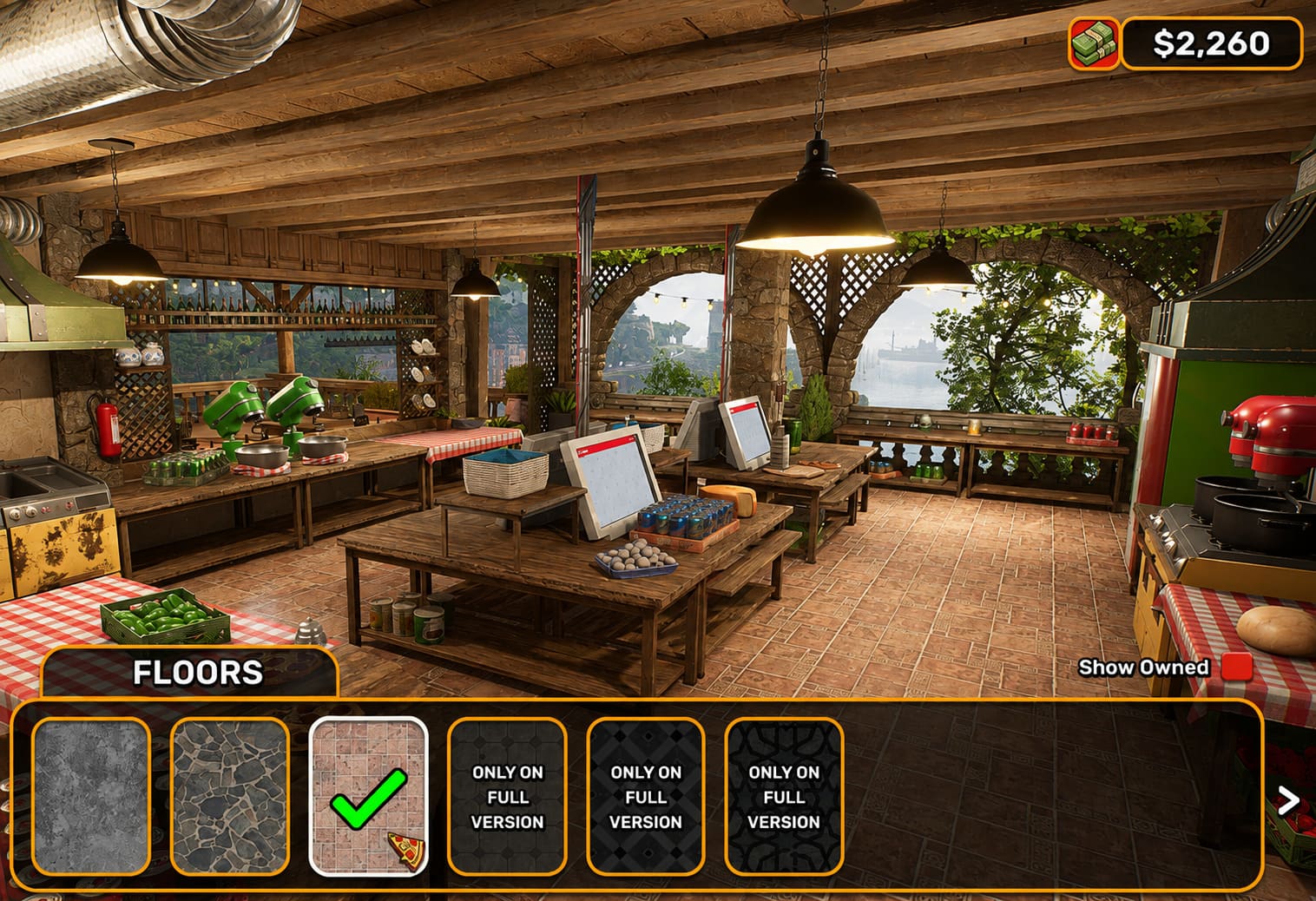
The Dough Specialist
One player should focus primarily on dough preparation.
Their job is to stay ahead of demand and make sure the rest of the kitchen has enough basic pizza bases ready to go.
This role might not look glamorous, but it becomes incredibly important during a serious rush. If the topping station runs out of prepared dough, everyone else eventually ends up waiting.
The Topping Chef
The topping specialist turns prepared dough into actual orders.
This player needs to keep an eye on what customers are requesting, prepare ingredients efficiently, and avoid wasting expensive supplies.
They’re also one of the players who benefits most from communication. If the oven is suddenly full, there is little point in producing another ten pizzas that nobody can bake.
The Oven Manager
Someone needs to own the ovens.
This sounds like the easiest role until several pizzas are cooking simultaneously and you’re trying to remember which one needs attention first.
The oven player should monitor baking times, move pizzas through the cooking process, and make sure nothing gets forgotten.
The Portable Order Tablet can be particularly useful here because it allows players to keep important order information accessible while moving around the kitchen.
The Maintenance Player
Equipment problems are inevitable, so having somebody who reacts quickly to broken stations can save an entire shift.
This player should keep repair tools nearby and pay attention to anything that suddenly stops working.
They’re also a good candidate for handling emergencies such as fires or other unexpected problems. Having one person designated as the emergency responder means everyone else doesn’t immediately abandon their stations whenever something goes wrong.
The Front-of-House Player
Someone has to deal with the customers.
This role includes serving completed pizzas, handling payments, maintaining the dining area, and generally making sure the front of the restaurant doesn’t become a disaster.
It may seem less exciting than working in the kitchen, but a great front-of-house player can make an enormous difference during a rush.
The Sixth Player
With six players, you have enough flexibility to create a dedicated support role.
I wouldn’t necessarily give this person one permanent task.
Instead, they can become the floater.
If dough is running low, they help with preparation. If the oven gets overloaded, they assist there. If equipment breaks, they handle the repair. If the dining area becomes messy, they deal with it.
In my experience, this is often more useful than forcing every player into a rigid role.
Communication Is More Important Than Speed
You might assume the fastest team will automatically make the most money.
Not necessarily.
A coordinated team of four can easily outperform six players who are constantly getting in each other’s way.
Use simple communication.
“Two Margheritas ready.”
“Oven needs help.”
“Running out of dough.”
“Fire!”
“Customer at the counter.”
That’s enough.
You don’t need military-style communication. You just need everyone to know what is happening.
The biggest multiplayer mistake is silent duplication. Two players prepare the same ingredient while nobody handles the orders. Three people rush toward a broken oven while the dining room fills with waiting customers.
Good co-op isn’t about everyone working harder. It’s about everyone working on different problems at the same time.
Twitch Integration Makes Things Even More Chaotic
If you’re streaming Pizza House Simulator, the built-in Twitch integration adds another layer to the experience.
Instead of viewers simply watching your restaurant, the audience can influence what happens during the session.
This can turn a normal co-op restaurant into something closer to a multiplayer challenge show.
Depending on the available interaction, viewers can vote on events that help or sabotage the restaurant. Possible disruptions include things such as control changes, temporary visibility problems, environmental hazards, and financial events.
The interesting part is that these mechanics can completely change the priorities of your team.
Imagine you’re already struggling through a dinner rush when your viewers decide to make things worse. Suddenly, your carefully organized kitchen becomes a disaster, and your six-player team has to improvise.
For streamers, that’s arguably more entertaining than simply running an efficient restaurant.
What to Do When Multiplayer Isn’t Working
If you can’t connect to your friend’s lobby, don’t panic.
Start with the simple stuff.
First, check the game version. Everyone should be running the same current version. A mismatched build can prevent players from connecting correctly.
Next, check the matchmaking region. If your group is spread across different locations, choosing an appropriate region can make a noticeable difference.
Then check your Windows Firewall and antivirus permissions. Network-heavy games can occasionally be blocked by security software, particularly after updates.
If you’re experiencing severe lag or item desynchronization, the host’s PC and network connection are also worth checking. Lowering graphics settings can help reduce system load, although graphics settings won’t fix every network problem.
An SSD and hardware around the game’s recommended requirements can also provide a smoother overall experience.
Pizza House Simulator Black Screen on Launch: 7 Ways to Fix the Startup Error
My Recommended Six-Player Setup
If I were putting together a six-player group, I’d start with something like this:
- Dough specialist
- Topping specialist
- Oven manager
- Maintenance and emergency player
- Front-of-house server
- Flexible support player
The support player should constantly look for the biggest current problem rather than waiting for instructions.
Once everyone becomes comfortable, you can start rotating positions. That’s actually one of the best ways to keep a long co-op session from becoming repetitive.
Final Thoughts
Pizza House Simulator multiplayer is at its best when everyone embraces the chaos instead of trying to eliminate it.
Yes, organization matters. Yes, assigning roles makes the restaurant more efficient. And yes, checking your connection settings before inviting five friends is a very good idea.
But some of the funniest moments are going to happen when everything goes wrong.
The oven breaks at the worst possible moment. Someone forgets an order. A fire starts while the front-of-house player is dealing with customers. The support player runs across the restaurant with a repair tool while somebody else is desperately trying to finish three pizzas.
That’s the charm.
If you want the smoothest possible experience, divide the kitchen into responsibilities, communicate constantly, keep your crossplay settings aligned, and don’t let everyone crowd the same workstation.
And if you’re streaming, consider turning on Twitch integration and accepting that your viewers are probably going to make your shift considerably worse.
After all, running a perfect Italian restaurant is fun. Running one with five friends while everything is falling apart is where Pizza House Simulator really earns its multiplayer credentials.