Is Riftstorm Playable on Low-End PC Laptops? Performance & Specs Guide
Ever since Riftstorm launched in Steam Early Access, one question has appeared everywhere across gaming communities: can you actually play Riftstorm on a low-end laptop? After spending time with the game and testing it on different systems, including older laptops and more capable gaming machines, I can say the answer is not as simple as checking the minimum requirements.
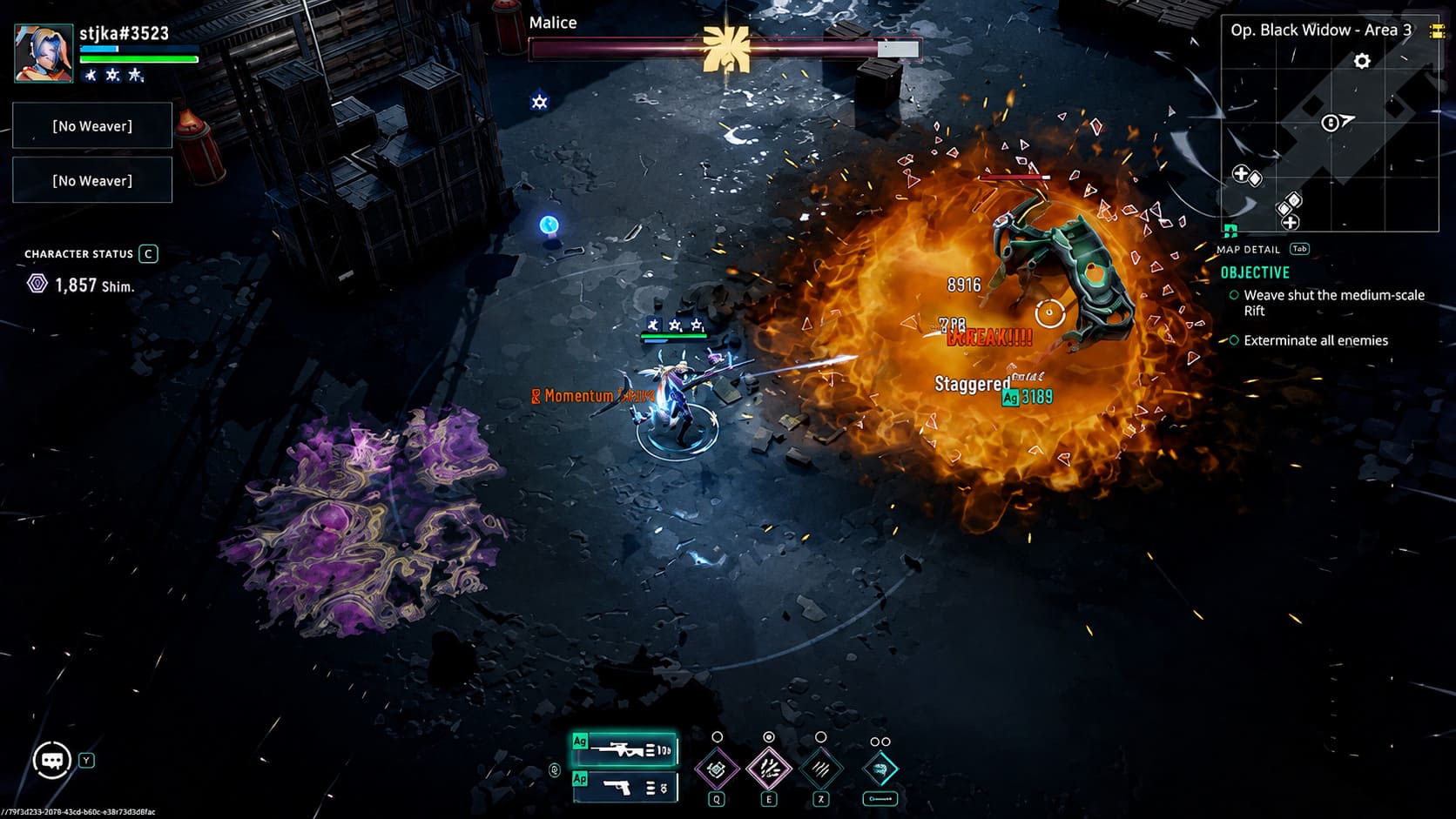
Riftstorm is a fast-paced co-op PvE looter-shooter that looks surprisingly approachable at first. The isometric camera, stylized visuals, and compact arenas might make you think almost any computer can handle it. However, once the real action begins, with massive Mythic enemy waves, glowing abilities, explosions, and several players using powerful skills at the same time, the performance requirements become much clearer.
The good news is that you do not necessarily need an expensive gaming PC to enjoy Riftstorm. The bad news is that older laptops will require some compromises. If you are willing to lower visual settings and optimize your system, you might still get a playable experience.
Riftstorm Steam Deck Best Performance Settings: How to Get Stable 60 FPS
Riftstorm Is More Demanding Than It Looks
One of the biggest surprises about Riftstorm is how quickly the performance changes depending on what is happening on screen. During exploration and quieter moments, even weaker hardware can feel comfortable. The real challenge begins when a Rift opens and the battlefield fills with enemies, special effects, and constant combat calculations.
From my experience with different games in this genre, Riftstorm behaves more like a demanding action game than a simple top-down shooter. The graphics card matters, but the CPU also plays an important role because the game constantly manages enemy AI, physics, abilities, and multiplayer events.
This means some laptops that appear to meet the requirements on paper may still struggle when the action becomes chaotic. A stable experience depends on the balance between your processor, RAM, storage speed, and graphics hardware.
Official Riftstorm System Requirements
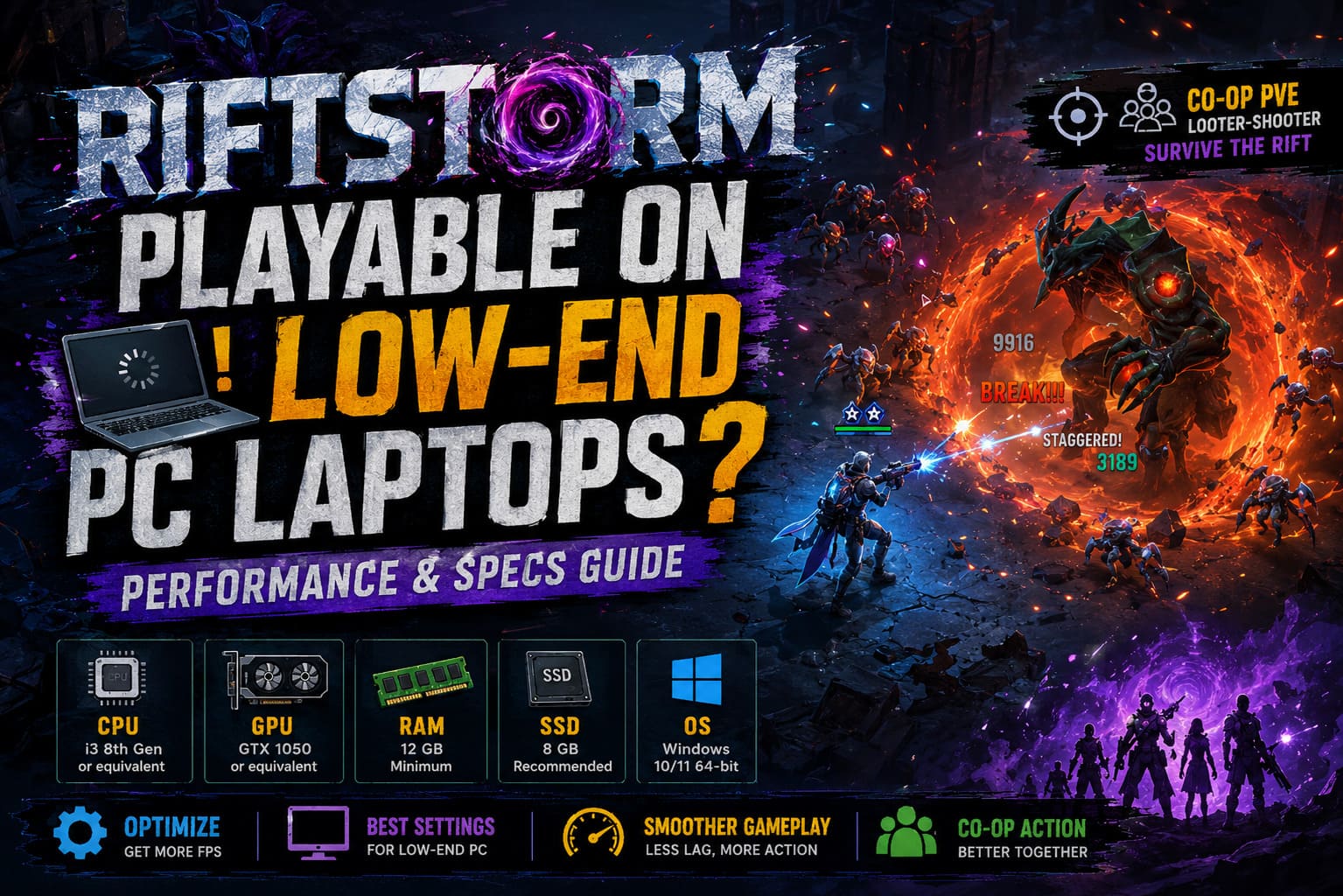
Before deciding whether your laptop can handle Riftstorm, it is important to look at the official hardware expectations. The requirements are not extreme compared to many modern games, but laptop versions of components usually perform below their desktop equivalents.
| Component | Minimum Requirements | Recommended Requirements |
|---|---|---|
| Operating System | Windows 10/11 64-bit | Windows 10/11 64-bit |
| Processor | Intel Core i3 8th Gen or AMD equivalent | Intel Core i3 10th Gen or AMD equivalent |
| Memory | 12 GB RAM | 16 GB RAM |
| Graphics Card | NVIDIA GTX 1050 or AMD equivalent | NVIDIA RTX 3050 or AMD equivalent |
| Storage | 8 GB SSD recommended | 8 GB SSD recommended |
At first glance, the GTX 1050 minimum GPU requirement looks reasonable. However, laptop GPUs often run with lower power limits because manufacturers need to control heat and battery consumption. In real-world gaming, a laptop GTX 1050 can perform noticeably worse than a desktop version.
The Biggest Problem for Budget Laptops Is RAM
Many players focus only on the graphics card, but Riftstorm can also punish systems with limited memory. The official minimum requirement asks for 12 GB RAM, and that number is important.
A lot of affordable laptops still ship with only 8 GB of RAM. While Windows and lighter games can survive with that amount, Riftstorm may start showing problems when the system needs to load enemies, effects, and environmental assets quickly.
Common symptoms of insufficient RAM include:
- Random stuttering during battles.
- Longer loading times.
- Temporary freezes when new enemies appear.
- Unstable frame pacing even when average FPS looks acceptable.
In my opinion, upgrading from 8 GB to 16 GB RAM can sometimes improve the experience more than chasing a slightly stronger graphics card. Smooth gameplay is not only about maximum FPS; consistent frame delivery matters just as much.
Why Installing Riftstorm on an SSD Is Important
Storage speed is another factor that many players underestimate. Modern games constantly move data in the background, and Riftstorm is no exception. The game needs to load effects, environments, enemies, and combat assets quickly.
If you are still using an old mechanical HDD, you may experience:
- Very slow loading screens.
- Small freezes when entering new areas.
- Performance drops during enemy spawns.
An SSD will not magically increase your FPS, but it can make the entire game feel much smoother. For older laptops, moving Riftstorm from an HDD to an SSD is one of the most noticeable improvements you can make.
Can Integrated Graphics Run Riftstorm?
This is probably the biggest question for owners of everyday laptops. Systems using Intel UHD Graphics, Intel Iris Xe, or AMD integrated Radeon graphics can technically launch Riftstorm, but expectations need to be realistic.
At very low settings and reduced resolution, the game can become playable during calm moments. However, large battles are where integrated graphics struggle the most. Riftstorm creates intense visual situations with dozens of enemies, glowing attacks, and multiple abilities happening simultaneously.
If you are using integrated graphics, expect to play closer to a console-style experience with reduced image quality. Lowering resolution and disabling expensive effects will be necessary.
Budget Gaming Laptops Perform Much Better
If your laptop has a dedicated graphics card, the situation improves dramatically. Entry-level gaming laptops with GPUs like the GTX 1650, RTX 2050, or RTX 3050 Laptop can provide a much more enjoyable Riftstorm experience.
These systems can usually handle the game at 1080p with Low or Medium settings. During normal missions, performance often stays around 45-60 FPS depending on the rest of the hardware.
The biggest drops usually happen during intense co-op moments. When multiple players activate Weaver abilities while fighting huge Mythic groups, even stronger budget laptops may experience temporary FPS dips.
Riftstorm Launch Performance Issues
Not every performance problem is caused by weak hardware. Like many Early Access releases, Riftstorm has experienced optimization problems that affect different PC configurations.
Some players have reported dramatic frame drops after completing the tutorial and entering main missions. In certain cases, the game can suddenly fall from smooth performance to extremely low FPS.
When this happens, it may not mean your laptop is too weak. Engine optimization issues, CPU workload distribution, and early patches can heavily influence performance. Since Riftstorm is still being updated, future improvements may help older systems run the game better.
Best Riftstorm Settings for Low-End Laptops
If your laptop is close to the minimum requirements, adjusting the graphics settings can make a huge difference.
Lower Your Resolution
Running Riftstorm at native 1080p can be too demanding for weaker GPUs. Switching to 1600×900 or 1280×720 reduces the workload significantly and can provide a noticeable FPS boost.
Reduce Particle Effects
Particle effects are one of the biggest performance killers in Riftstorm. Since combat is filled with explosions, energy attacks, and visual effects, lowering particle quality can dramatically improve stability.
Lower Shadows and Lighting
Advanced lighting and shadow effects look great, but they are expensive for budget hardware. Setting shadows to Low or disabling them can free additional performance.
Use Resolution Scaling
If your laptop struggles but you still want better image quality, lowering the internal render scale while keeping the interface sharp is a useful compromise.
Close Background Applications
Programs running in the background can steal valuable RAM and CPU resources. Before launching Riftstorm, close unnecessary browsers, launchers, overlays, and other heavy applications.
Should You Upgrade Your Laptop for Riftstorm?
| Upgrade | Expected Improvement |
|---|---|
| Increase RAM from 8 GB to 16 GB | Very High |
| Install SSD | Very High for loading and stuttering |
| Upgrade GPU | High if possible |
| Upgrade CPU | Helpful but usually impossible on laptops |
Most laptops do not allow major CPU or GPU upgrades, but RAM and storage improvements can still completely change how the system feels.
Final Verdict: Is Riftstorm Worth Playing on a Low-End Laptop?
After testing Riftstorm across different hardware levels, I think the game is surprisingly flexible, but only if you understand its limits. A laptop with 16 GB RAM, an SSD, and a dedicated GPU like the GTX 1650 or better should provide a solid experience with adjusted settings.
Players using older laptops with 8 GB RAM and basic integrated graphics will have a much harder time. The game may launch, but stuttering, long loading times, and FPS drops during large fights can make the experience frustrating.
The positive side is that Riftstorm is still developing. Early Access means optimization will continue improving, and future updates could make the game more friendly for weaker machines. For now, the best approach is simple: lower demanding settings, keep expectations realistic, and focus on enjoying the fast-paced co-op gameplay that makes Riftstorm special.