Go-Go Town Characters Disappearing Bug Fix: How to Restore Missing Townies, Workers, and Tourists
Go-Go Town has quickly become one of those cozy management games that somehow convinces you to spend “just ten more minutes” organizing storage or optimizing delivery routes—only to realize three hours have disappeared. I absolutely love how much freedom the game gives you, especially once your town starts running almost entirely on automation.
Unfortunately, there’s one issue that can completely ruin that satisfying flow: NPCs randomly disappearing.
I’m talking about workers that never return to their jobs, tourists that stop arriving, miners who vanish halfway through production, or entire automation chains collapsing because one townie suddenly no longer exists. After spending plenty of time with the game—and reading through dozens of Steam discussions, Reddit posts, and community reports—I found that this bug usually isn’t random at all.
Most of the time there’s a reason behind it, and thankfully there are several ways to recover without restarting your entire save.
In this guide I’ll share the fixes that have consistently helped players (myself included), explain why the bug happens, and cover a few habits that dramatically reduce the chances of it happening again.
Why Do Characters Disappear in Go-Go Town?
One thing I appreciate about Go-Go Town is that every worker actually follows systems rather than simply teleporting resources around the map. The downside is that those systems occasionally become confused.
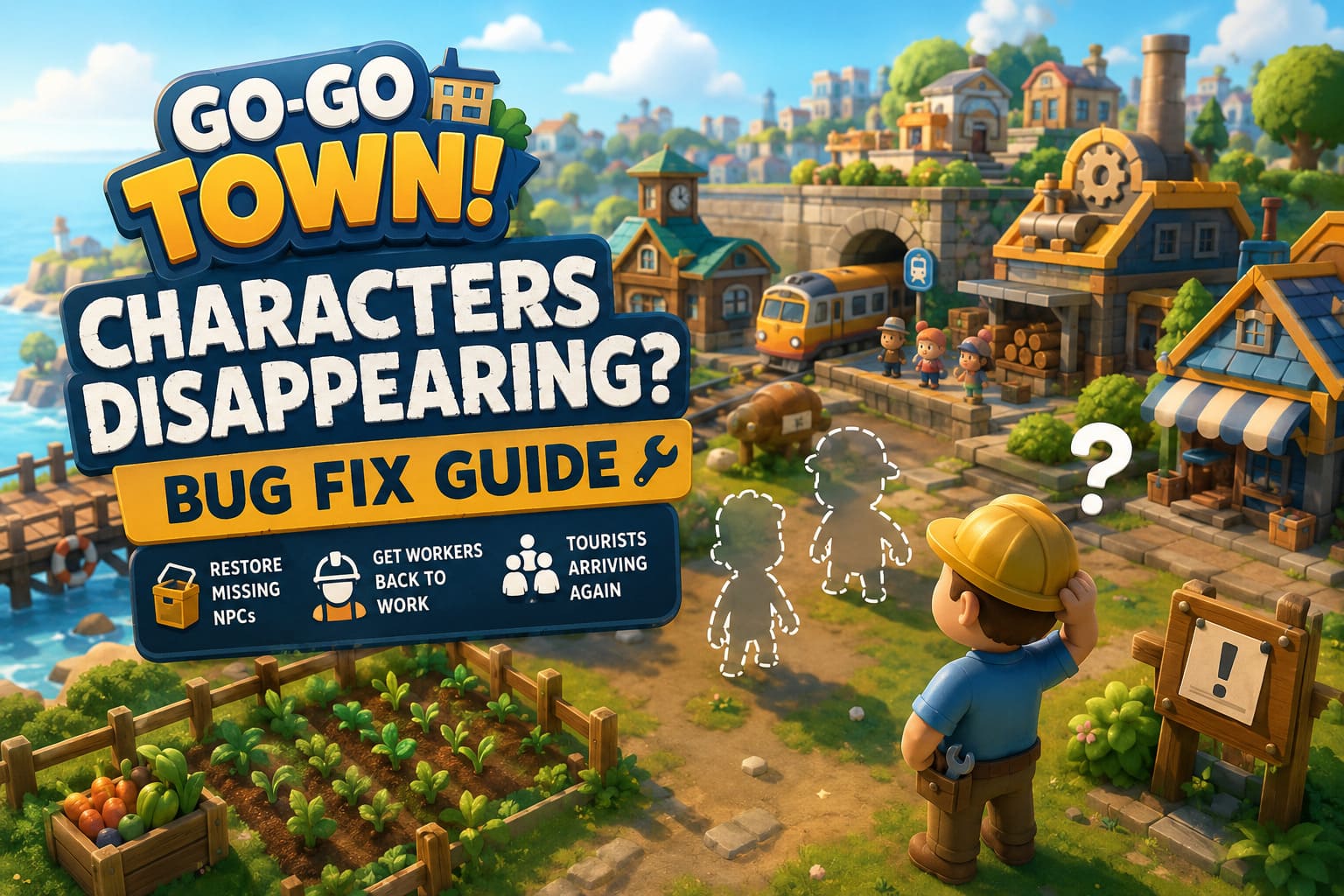
Instead of thinking of missing NPCs as deleted characters, it’s often more accurate to think of them as AI that has become stuck somewhere inside the game’s simulation.
The most common causes include:
| Problem | What Usually Happens |
|---|---|
| Broken AI pathfinding | Workers cannot reach storage or workstations and eventually stop functioning. |
| Storage conflicts | Full or incorrectly configured containers interrupt resource delivery. |
| Multiplayer progression bugs | Major town events sometimes interrupt tourist spawning or worker recruitment. |
| Object collisions | Decorations, fences, or vehicles trap NPCs in invisible positions. |
| Dialogue glitches | Recruitment conversations occasionally fail, causing visitors to disappear before joining your town. |
Once I understood that most disappearing NPCs were really just confused AI rather than corrupted save files, troubleshooting became much easier.
Fix #1 — Check Your Storage Before Anything Else
This solved my issue more often than I expected.
Many production workers are surprisingly picky about where they deliver items. If every nearby container is full—or if the correct storage isn’t inside the assigned work zone—they simply stop completing their task.
Eventually the worker appears to disappear, but they’re often just frozen somewhere waiting for a valid destination.
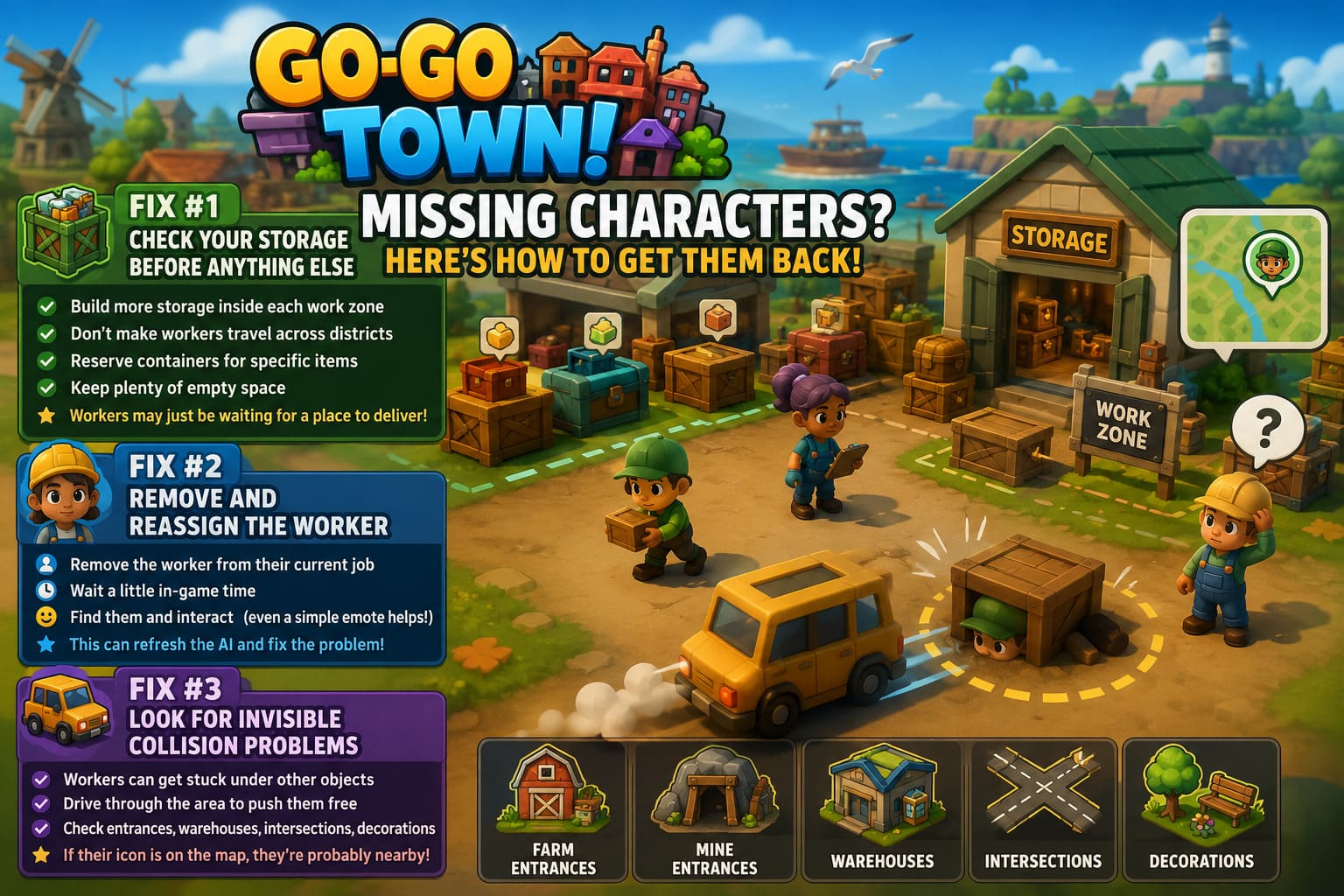
Here’s what I recommend:
- Build additional storage inside each work zone.
- Avoid making workers travel across multiple districts.
- Reserve containers for specific resources.
- Keep plenty of empty space available.
After expanding storage, I usually wait a minute or two before assuming the fix didn’t work. Quite often the missing worker suddenly starts moving again.
Fix #2 — Remove and Reassign the Worker
This feels strangely simple, but it has rescued several of my saves.
Open your management tablet and remove the missing employee from their current profession.
Let a little in-game time pass before assigning the job again.
If you can still find the NPC wandering around town, interact with them first before reassigning them. Even something as simple as a friendly emote seems to force the AI to refresh its current behavior.
I’ve seen miners, farmers, and delivery workers immediately return to normal after doing this.
Fix #3 — Look for Invisible Collision Problems
One thing that surprised me is how often vehicles accidentally become part of the solution.
Several players noticed that workers weren’t actually gone—they had become stuck underneath another object’s collision.
Driving through the area with a vehicle sometimes forces the physics engine to reposition the character.
It’s worth checking:
- Farm entrances
- Mine entrances
- Warehouses
- Crowded intersections
- Areas filled with decorations
If the worker icon still exists on the map, there’s a decent chance the character is still there somewhere.
Fix #4 — Save, Exit, and Reload
Normally I avoid recommending the classic “turn it off and back on” solution, but Go-Go Town’s frequent autosaves sometimes preserve temporary AI problems during a play session.
Creating a fresh manual save before completely restarting the game has fixed disappearing tourists for me more than once.
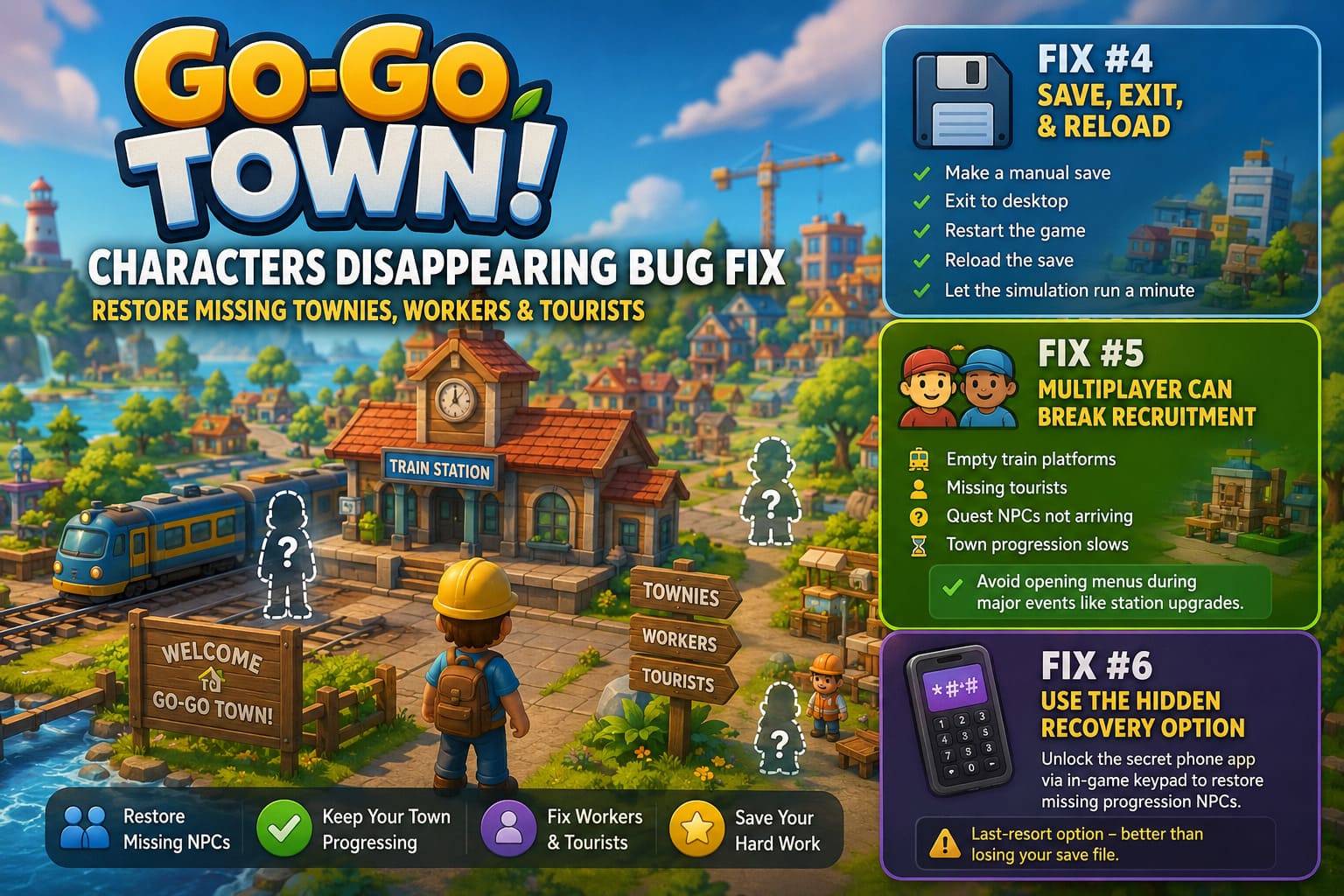
My usual routine looks like this:
- Make a manual save.
- Exit to desktop.
- Restart the game completely.
- Reload the newest save.
- Give the simulation a minute before checking worker locations.
This won’t solve every bug, but it’s quick enough that I always try it early.
Fix #5 — Multiplayer Can Accidentally Break Recruitment
If you mostly play solo, you can probably skip this section.
Players using split-screen or online co-op have reported far more disappearing visitors than solo players.
The pattern seems fairly consistent.
If someone opens appearance customization or another menu during important town progression events—especially train station upgrades—the recruitment sequence occasionally breaks.
When this happens you might notice:
- Empty train platforms.
- Missing tourists.
- Quest NPCs never arriving.
- Town progression slowing unexpectedly.
Whenever my friends and I trigger a major upgrade now, everyone stays out of menus until the event fully finishes.
Since adopting that habit, we haven’t managed to reproduce the issue again.
Fix #6 — Try the Hidden Recovery Option
One of the more interesting discoveries from the community involves the game’s hidden developer utilities.
Some players have successfully restored missing progression NPCs by unlocking the secret phone application through the in-game keypad.
While this obviously isn’t intended for everyday gameplay, it appears to exist specifically for situations where important characters fail to spawn correctly.
If you’re completely blocked from progressing because a required NPC never appears, this option may save dozens of hours invested in your town.
I wouldn’t rely on it as a first solution, but it’s certainly preferable to abandoning an otherwise healthy save file.
Habits That Prevent the Bug
After dozens of hours building increasingly complicated production chains, I’ve noticed the cleanest towns tend to experience fewer AI problems overall.
That doesn’t necessarily mean the bug is completely gone, but reducing unnecessary complexity definitely helps.
Some habits I’ve adopted include:
- Separate industrial zones instead of stacking farming, mining, and forestry together.
- Avoid cluttering roads with decorative objects.
- Leave plenty of walking space around production buildings.
- Expand storage before it’s completely full.
- Keep delivery routes short whenever possible.
- Install new game patches quickly, since AI fixes have appeared in multiple updates.
A town with organized logistics seems far less likely to confuse workers than one giant mixed-use district.
Signs Your Save Is Still Recoverable
One question I see constantly is whether disappearing workers mean the save is permanently broken.
From what I’ve experienced, the answer is usually no.
Your save is probably recoverable if:
| Symptom | Recovery Chance |
|---|---|
| Worker icon still appears | Excellent |
| Production suddenly pauses | Very High |
| Tourist trains stop arriving | High |
| NPC occasionally flickers into view | Excellent |
| Character responds after reassignment | Almost Certain |
Complete save corruption appears to be much rarer than temporary AI failures.
Go-Go Town! Automation Guide: Best Beginner Tips for 1.0 Release
My Biggest Recommendation
If I had to give only one piece of advice, it would be this:
Don’t immediately rebuild your entire town.
The first time this happened to me, I assumed my logistics layout was fundamentally broken. I demolished storage yards, rebuilt roads, moved factories, and wasted almost an hour.
The real problem turned out to be one worker who couldn’t find a valid storage destination.
After fixing that single bottleneck, nearly every other production chain started working again.
That experience completely changed how I troubleshoot automation games.
Instead of assuming the whole system failed, I now look for the smallest AI interruption first.
More often than not, that’s exactly where the issue is hiding.
Go-Go Town! Guide: How to Increase EGO Score and Unlock All Hidden Map Expansions & Secrets
Final Thoughts
Go-Go Town remains one of my favorite cozy management games because its automation systems feel genuinely satisfying once everything starts flowing together. Watching workers harvest crops, deliver materials, stock stores, and keep the entire town alive is incredibly rewarding.
That’s exactly why the disappearing character bug feels so frustrating—it interrupts the game’s best feature.
Fortunately, most cases aren’t permanent. Whether the culprit is blocked storage, broken AI pathfinding, multiplayer synchronization, or collision issues, there are several reliable ways to get your missing townies back without throwing away your save.
Until future updates eliminate these issues entirely, keeping organized work zones, maintaining dedicated storage, and checking worker assignments before making major changes remain the most effective strategies I’ve found. A little preventative maintenance goes a long way, and with the right troubleshooting steps, your miners, farmers, delivery drivers, and tourists should all be back where they belong—keeping your growing town running smoothly once again.