Zombie Army 4: Dead War Xbox Series S Frame Rate Settings: 2026 Optimization Guide
If there is one thing I want from Zombie Army 4: Dead War, it is simple: let me shoot zombies without fighting the frame rate at the same time.
That is exactly why the Xbox Series S version is interesting. The console is obviously not as powerful as the Series X, and you are not getting the same visual targets or hardware headroom. But after spending time with the game and looking at how the Xbox version handles its performance, I think Zombie Army 4 is still a surprisingly good fit for the Series S in 2026.
The important thing to understand is that this is not a game where you need to spend half an hour adjusting individual graphics sliders. The Series S version is built around a straightforward performance profile, and that is actually one of its biggest advantages.
So, does Zombie Army 4 support 120 FPS on Xbox Series S? What resolution should you expect? Does VRR help? And is there anything worth changing in the Xbox dashboard?
Let’s get into it.
The Short Answer: 60 FPS Is the Sweet Spot
The Xbox Series S version of Zombie Army 4: Dead War targets 60 FPS at a 1080p-class resolution.
That is the number I would focus on.
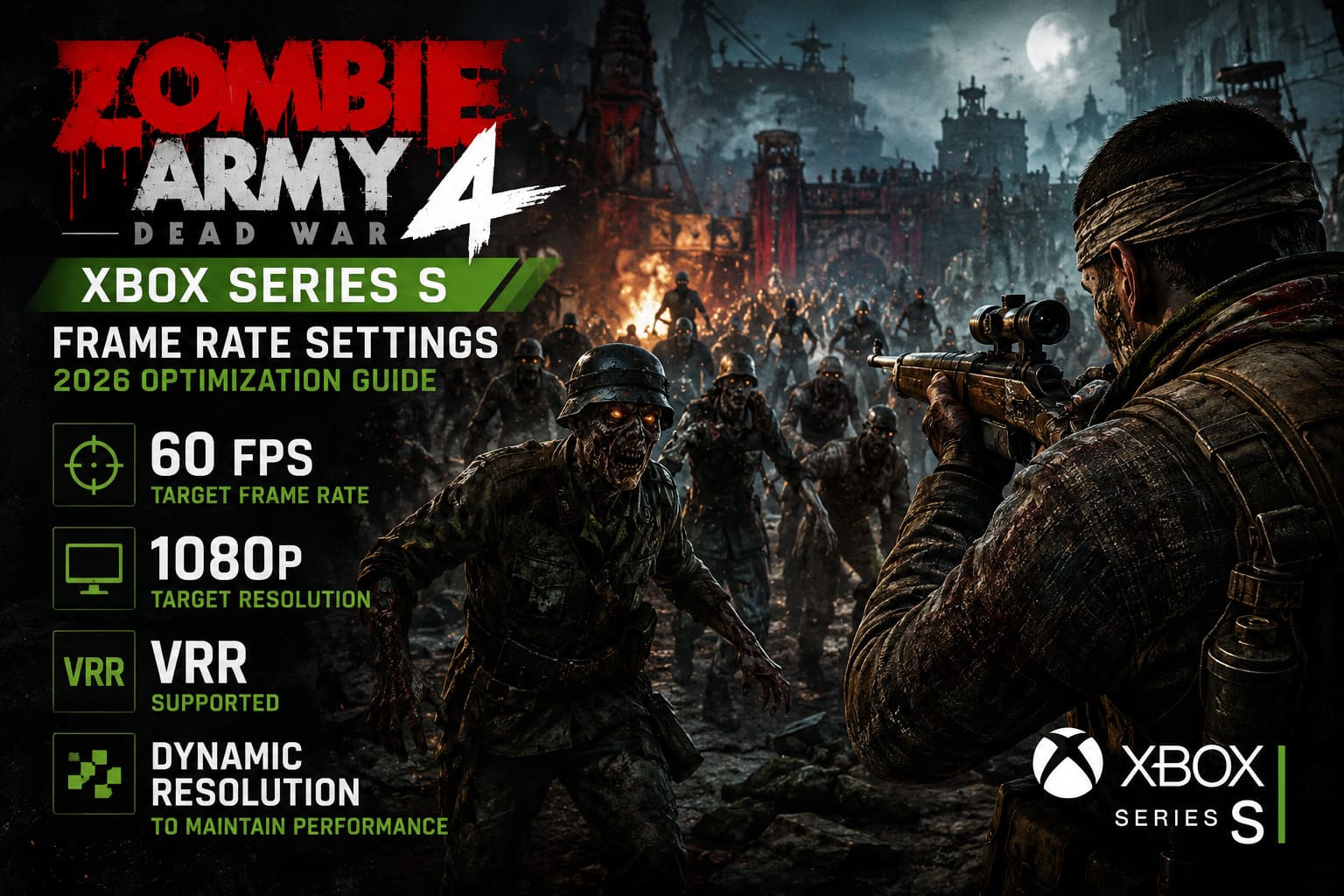
There is no need to chase a mythical 120 FPS mode or expect a PC-style graphics menu with separate Performance and Quality presets. On Series S, the game uses a console-optimized configuration designed around smooth 60 FPS gameplay.
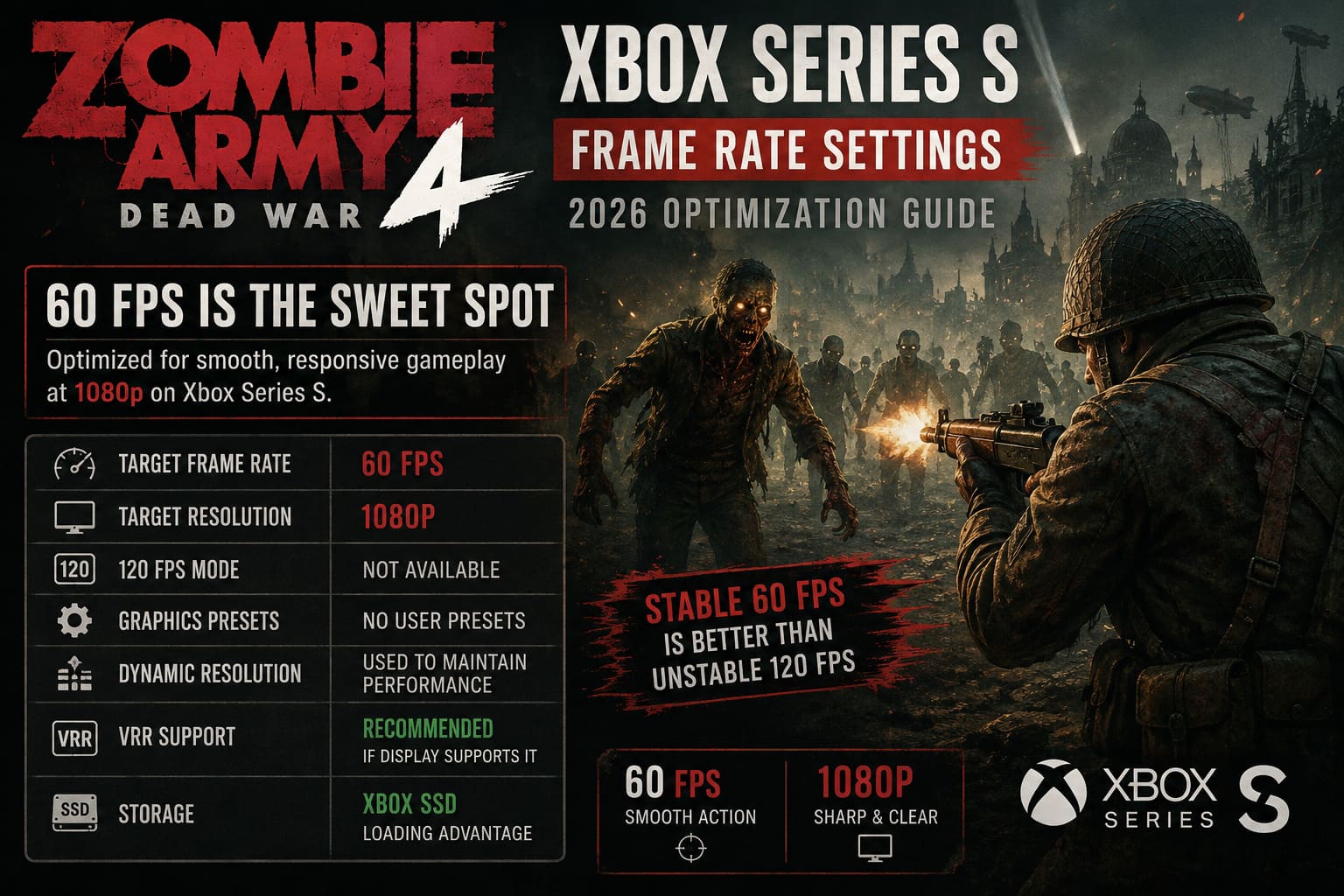
| Feature | Xbox Series S |
|---|---|
| Target Frame Rate | 60 FPS |
| Target Resolution | 1080p |
| 120 FPS Mode | Not Available |
| Graphics Presets | No User-Selectable Presets |
| Dynamic Resolution | Used To Maintain Performance |
| VRR Support | Recommended If Display Supports It |
| Storage | Xbox SSD Loading Advantage |
For me, 60 FPS is exactly where this game needs to be. Zombie Army 4 is a fast arcade shooter, but it is also heavily dependent on precise aiming. When a dozen zombies are rushing toward you and an armored enemy suddenly appears behind them, consistent frame delivery matters much more than having a sharper 4K image.
Is Zombie Army 4 120 FPS on Xbox Series S?
This is probably the biggest source of confusion.
No, you should not expect a native 120 FPS gameplay mode on Xbox Series S.
The fact that your television or monitor supports 120Hz does not automatically mean that the game will render at 120 frames per second. Those are two different things.
You can set the Xbox Series S dashboard to 120Hz if your display supports it, but Zombie Army 4 still operates around its intended 60 FPS profile.
And honestly, I don’t consider that a major disappointment.
The Series S was never designed to deliver the same performance ceiling as the Series X. Trying to force a 120 FPS experience would make little sense if the game has already been optimized around a stable 60 FPS target.
For this particular game, I would take a dependable 60 FPS over an unstable high-frame-rate mode every time.
What About the 1080p Resolution?
The other important number is 1080p.
Zombie Army 4 is not trying to render the Series S version as a native 4K experience. Instead, the game is designed around a Full HD-class presentation that makes much more sense for Microsoft’s smaller console.
On a normal 1080p gaming monitor, the result can look quite clean. Character models remain readable, environments have plenty of detail, and the fast pace of combat hides some of the compromises that become more obvious in slower games.
If you’re playing on a 4K television, the Series S output will naturally be upscaled by the console/display chain. That does not turn it into native 4K, though.
And this is where I think expectations matter.
Don’t buy into the idea that a Series S version has to look like a Series X game running at 4K. It doesn’t. The whole point is to balance image quality with performance on less powerful hardware.
Dynamic Resolution Scaling Does the Heavy Lifting
One of the more interesting parts of the performance profile is Dynamic Resolution Scaling (DRS).
The basic idea is straightforward: the game can reduce its internal rendering resolution when the scene becomes particularly demanding.
Zombie Army 4 can get ridiculously busy.
- Huge zombie hordes filling the screen
- Explosions and environmental destruction
- Smoke, fog, and other particle effects
- Multiple players firing weapons simultaneously
- Special zombie variants entering the fight
- Large areas being rendered during co-op encounters
That is exactly when DRS becomes useful.
Instead of stubbornly trying to maintain a fixed internal resolution and suffering noticeable frame-rate drops, the renderer can temporarily lower the resolution to protect performance.
The trade-off is obvious: the image may become slightly softer during the most chaotic moments.
Personally, I would rather have that than a sudden stutter when I’m trying to land a headshot.
In a game like Zombie Army 4, maintaining responsiveness is more valuable than preserving every last pixel during a five-second explosion-filled firefight.
The Xbox Series S Upgrade Makes a Bigger Difference Than You Might Expect
If you remember playing Zombie Army 4 on older Xbox hardware, the Series S experience can feel like a completely different generation.
The biggest improvements aren’t necessarily about flashy graphical effects. They are about consistency and responsiveness.
60 FPS Changes the Feel of the Game
Moving from a 30 FPS experience toward 60 FPS is immediately noticeable in a shooter.
Camera movement feels cleaner. Aiming feels more direct. Enemy movement is easier to track.
And when you’re using a sniper rifle to line up a critical shot on an approaching elite enemy, that extra responsiveness genuinely matters.
This is one of those cases where performance isn’t just a technical statistic. It changes how the game feels in your hands.
SSD Loading Is Another Major Upgrade
The Series S also benefits from its internal SSD.
Loading screens are dramatically less painful compared with the mechanical hard-drive era of older consoles. Zombie Army 4 has plenty of missions, maps, and co-op content, so shorter loading times make the overall experience feel much more modern.
It isn’t glamorous, but after repeatedly replaying missions, you definitely appreciate it.
My Recommended Xbox Series S Settings
There aren’t many in-game settings to optimize, which is actually good news.
Instead, I recommend concentrating on your Xbox display configuration.
1. Make Sure You’re Running the Optimized Version
First, check that your installation is fully updated and that you’re using the Xbox Series X|S optimized version.
If you’re playing an older version through backward compatibility, you’re potentially leaving performance improvements on the table.
Look at the game tile in My Games & Apps and make sure you’re using the appropriate optimized build.
2. Turn On VRR If Your TV or Monitor Supports It
This is the setting I would prioritize.
Go to:
Settings → General → TV & Display Options → Video Modes
Then enable:
Allow Variable Refresh Rate
If your television or monitor supports VRR, it can make the presentation noticeably smoother whenever the game’s frame output fluctuates.
VRR doesn’t magically increase the game’s frame rate. Instead, it helps the display synchronize itself with the console’s output.
That means minor inconsistencies can feel much less distracting.
For a game with large zombie hordes and four-player co-op chaos, that’s useful.
Should You Set the Xbox to 60Hz or 120Hz?
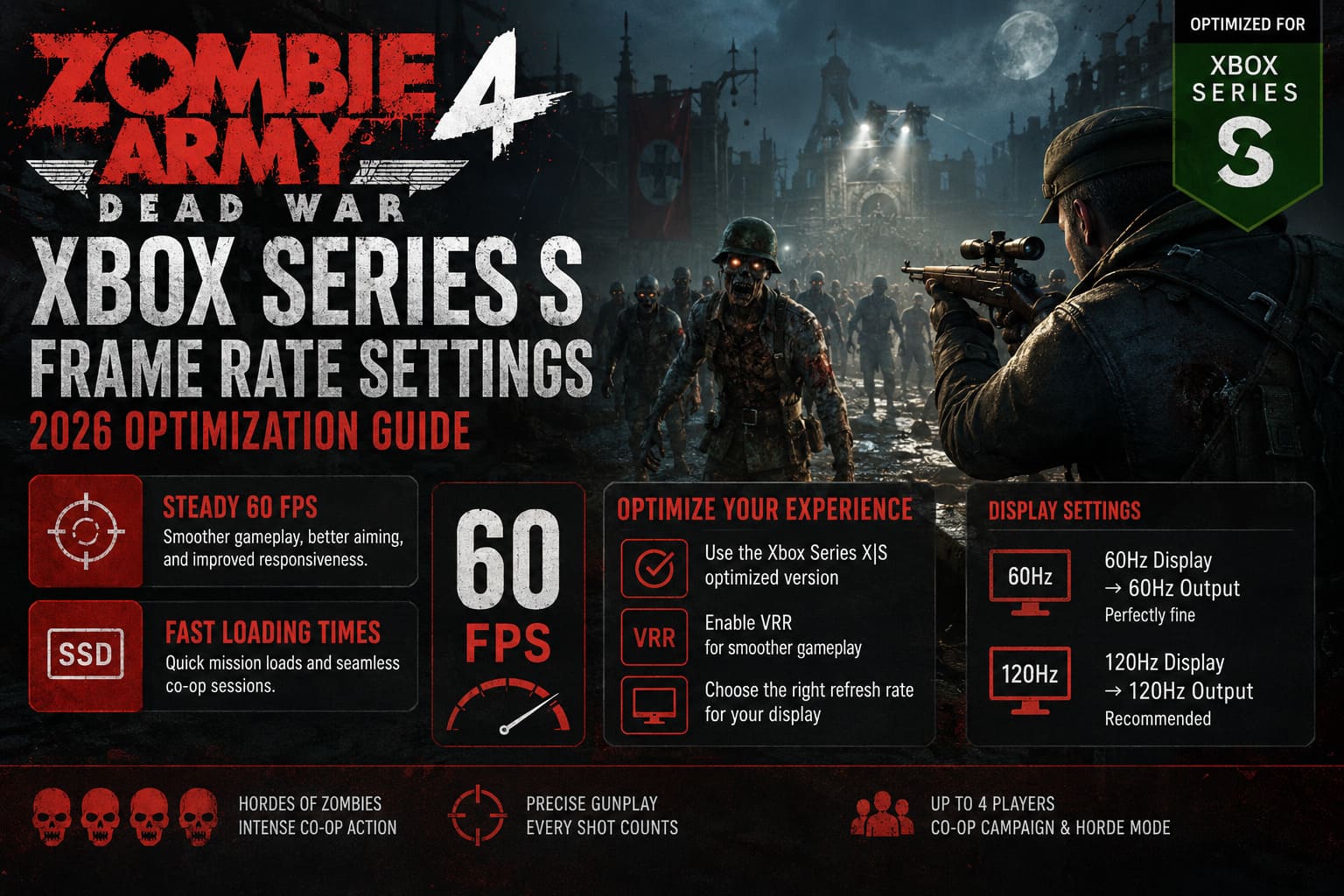
If your display supports 120Hz, I recommend leaving the Xbox Series S output at 120Hz.
That doesn’t mean Zombie Army 4 suddenly becomes a 120 FPS game.
The game remains limited by its own performance profile, while the console and display handle the output appropriately.
If you have a basic 60Hz television, simply use 60Hz. There is no reason to change hardware settings your display cannot meaningfully support.
In other words:
60Hz display → 60Hz output is perfectly fine.
120Hz display → 120Hz output is also fine, especially if you play other 120 FPS games.
What About Four-Player Co-Op Performance?
This is where Zombie Army 4 gets particularly interesting.
The game can become extremely hectic in co-op. Four players firing weapons, explosions going off, zombies spawning from multiple directions, and environmental effects all happening at once can put considerably more pressure on the system than a quiet solo section.
This is another reason I like the Series S approach.
Rather than giving players a bunch of graphics settings they probably wouldn’t touch anyway, the game manages the rendering workload automatically.
When things get crazy, dynamic resolution can sacrifice a little image sharpness to preserve the gameplay experience.
That’s the right compromise for a game like this.
Don’t Waste Time Looking for a Hidden Performance Mode
I’ve seen plenty of confusion around console games where players assume there must be a secret menu somewhere that unlocks additional performance.
Zombie Army 4 isn’t really one of those games.
There isn’t a hidden Series S setting that suddenly transforms the game into a 120 FPS title.
Changing the Xbox dashboard refresh rate does not remove the game’s internal performance limitations.
Likewise, changing your TV to a gaming mode won’t increase the game’s native rendering resolution.
What those settings can do is reduce display-side latency and improve synchronization, which is still worthwhile.
My Ideal Series S Setup
If I were setting up a Series S specifically for Zombie Army 4 today, I’d keep things simple:
- Resolution: 1080p-class output
- Frame Rate Target: 60 FPS
- Xbox Refresh Rate: 120Hz if supported
- VRR: On
- TV Game Mode: On
- Game Version: Xbox Series X|S optimized build
- Motion Processing: Off on the television
The last point is important.
If your TV has artificial motion smoothing, turn it off while gaming. Those television-side effects can add latency and make a responsive shooter feel strangely sluggish.
How to Fix Zombie Army 4: Dead War Crashing on Startup in Windows 11 (2026 Guide)
Is the Series S Version Actually Good Enough in 2026?
Absolutely.
In fact, I think Zombie Army 4 is one of those games where the Series S hardware makes more sense than the raw specifications might suggest.
This isn’t a cinematic single-player game where native 4K is the entire point. It’s a fast, chaotic co-op shooter, and its strengths are enemy density, weapon feedback, ridiculous action, and satisfying precision shots.
The Series S gives you the important part: a smooth 60 FPS-focused experience.
Sure, the Series X has more horsepower. Sure, a powerful PC can push image quality much further. But if you’re sitting on a Series S with a decent 1080p or VRR-capable display, I wouldn’t hesitate to play Zombie Army 4 there.
Final Verdict
Zombie Army 4: Dead War is still a very solid Xbox Series S game in 2026.
You shouldn’t expect a 120 FPS mode or a full suite of console graphics presets. Instead, you’re getting a deliberately streamlined configuration focused on maintaining smooth gameplay.
The combination of a 1080p-class target, 60 FPS performance, dynamic resolution scaling, SSD loading, and optional VRR is a sensible package for Microsoft’s budget console.
And from a player’s perspective, that’s exactly what I want.
When the screen is covered in zombies, explosives are going off everywhere, and your squad is desperately trying to survive the next wave, I don’t care whether every frame is rendered at maximum resolution.
I care that my rifle responds when I pull the trigger.
For that reason, the Xbox Series S remains a very good way to play Zombie Army 4. Keep VRR enabled if your display supports it, use the optimized version, leave the game’s performance management alone, and enjoy the chaos.
Sometimes the best console optimization is simply the one you don’t have to think about.