Xenonauts 2 Game Hangs on Enemy Turn: 2026 Fix & Troubleshooting Guide
If you’ve spent any serious time with Xenonauts 2, you already know: this isn’t just a strategy game—it’s a commitment. It’s the kind of game where every move matters, every soldier counts, and every mission feels like a war story you’ll remember.
And then… it happens.
You hit End Turn, lean back, maybe take a sip of coffee—and the game just stops. The “Enemy Turn” banner hangs there like a bad joke. Music plays. Nothing moves. No crash, no error—just a cold, silent freeze.
As someone who’s sunk dozens of hours into late-game campaigns, I can tell you: this bug is one of the most frustrating things in the entire experience. But the good news? It’s usually fixable. Let’s break it down like real players do—not just theory, but what actually works in 2026.
What’s Really Causing the Enemy Turn Hang?
This isn’t your typical crash. It’s what I’d call a logic deadlock—the game is still running, but the AI gets stuck in a loop it can’t escape.
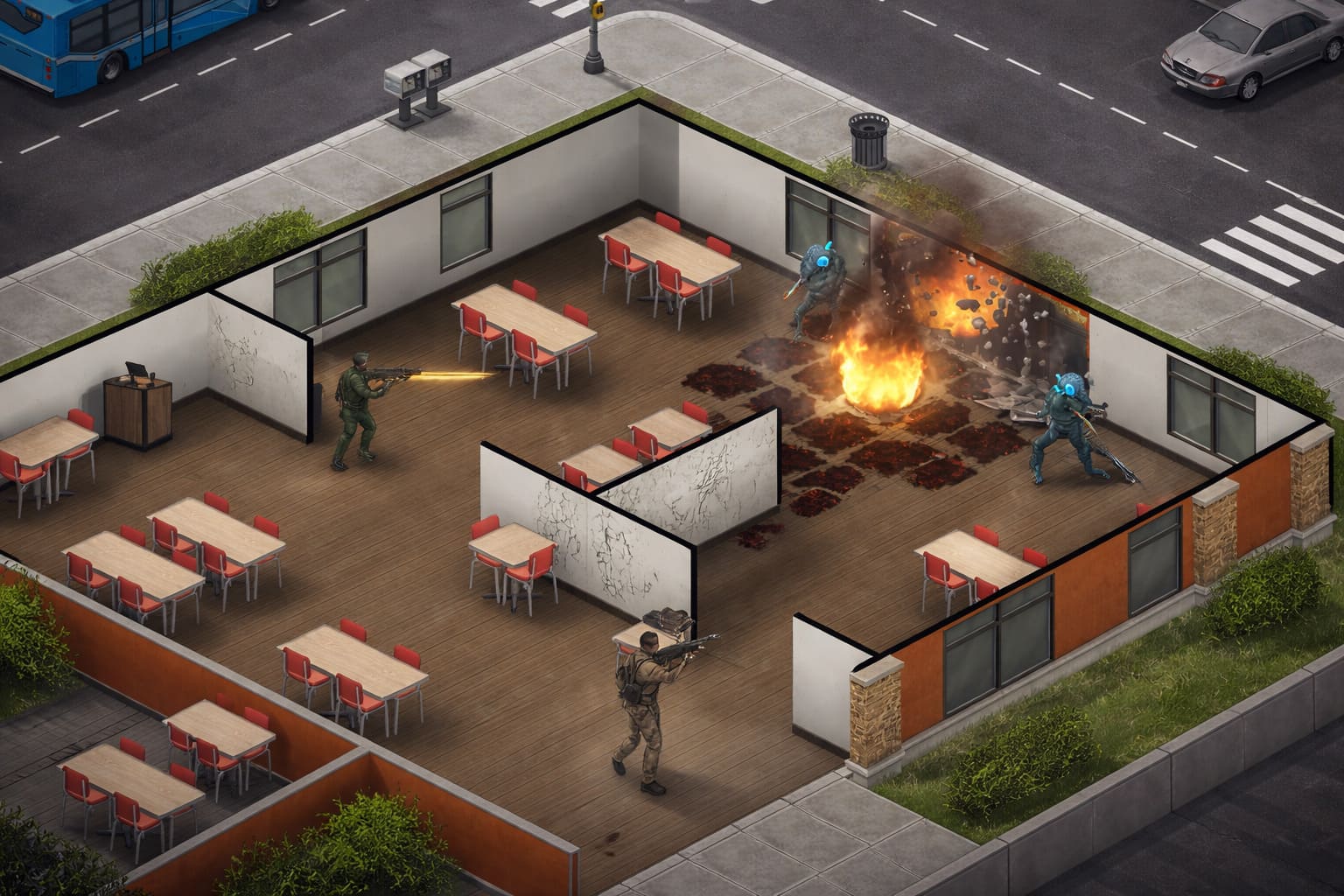
From experience and countless community reports, the main culprits are pretty consistent:
- Broken pathfinding — aliens trying to move through objects the game incorrectly marks as passable
- Animation bugs — hidden units triggering actions that never fully execute
- Line-of-sight overload — too many calculations from smoke, fire, and destruction happening at once
In simple terms, the AI isn’t frozen—it’s stuck thinking in circles.
Quick Fixes You Can Try Immediately (No Restart Needed)
Before you give up on your mission, try these simple tricks. They’ve saved my campaign more than once.
Xenonauts 2 MARS Combat Vehicle Guide (2026): Best Builds, Loadouts, and Tactical Meta
Toggle Fullscreen (Alt + Enter Trick)
Press Alt + Enter twice to switch between fullscreen and windowed mode. This refreshes how the operating system prioritizes the game and can sometimes push the AI to finish its turn.
Camera / Hidden Movement Fix
If you can access the settings menu, toggle the hidden movement or camera tracking option. Sometimes the issue isn’t the AI itself but the camera trying to follow a unit that can’t properly load or move.
Just Wait It Out
Modern builds can take longer than expected to process turns, especially on large maps with many units. Give the game at least 2–3 minutes before assuming it’s completely stuck.
The Most Reliable Fix: Destroy the Problem
If your game consistently freezes on the same turn, this is hands down the most effective solution—and honestly, it fits the spirit of the game perfectly.
What to do:
- Reload your last save
- Identify where the camera was focused during the freeze
- Use explosives to destroy objects in that area
Grenades, rockets, or C4 all work. The goal is to remove whatever the AI is struggling with.
Why this works: destroying terrain forces the game to rebuild its navigation system. If an alien is stuck trying to path through a broken object, removing that object clears the issue.
This method alone has fixed the vast majority of repeat freezes in my experience.
Xenonauts 2 Soldier Training Center Guide: How to Build Elite Squads (2026 Meta)
Advanced Troubleshooting for Persistent Issues
If the problem appears across multiple missions, it’s likely something deeper on your system.
Shader Cache Reset
Graphics shaders handle lighting, fog, and visual effects. If these files become corrupted, the game may freeze during certain AI actions.
Reset your shader cache through your GPU control panel or clear the cache folder manually. This often resolves freezes tied to lighting transitions or night missions.
Clean the LocalLow Folder
Xenonauts 2 stores temporary data in a LocalLow directory. Over time, this can build up and cause issues.
Delete the Internal folder inside the Xenonauts 2 directory. This will reset temporary data without affecting your saves.
This fix is surprisingly effective for long-running campaigns.
Mods: The Hidden Cause of Many Freezes
Mods are fantastic, but they can also introduce instability—especially when they alter AI behavior.
Common problems include outdated scripts, conflicting changes, and broken unit configurations.
Solution: disable all mods and test the same mission again. If the freeze disappears, re-enable mods one by one to find the culprit.
In 2026, script mismatches are one of the leading causes of enemy turn hangs.
High-End PC Issues (Yes, It’s a Thing)
Ironically, powerful systems can sometimes trigger more issues. The game engine may process logic faster than animations can keep up, causing desynchronization.
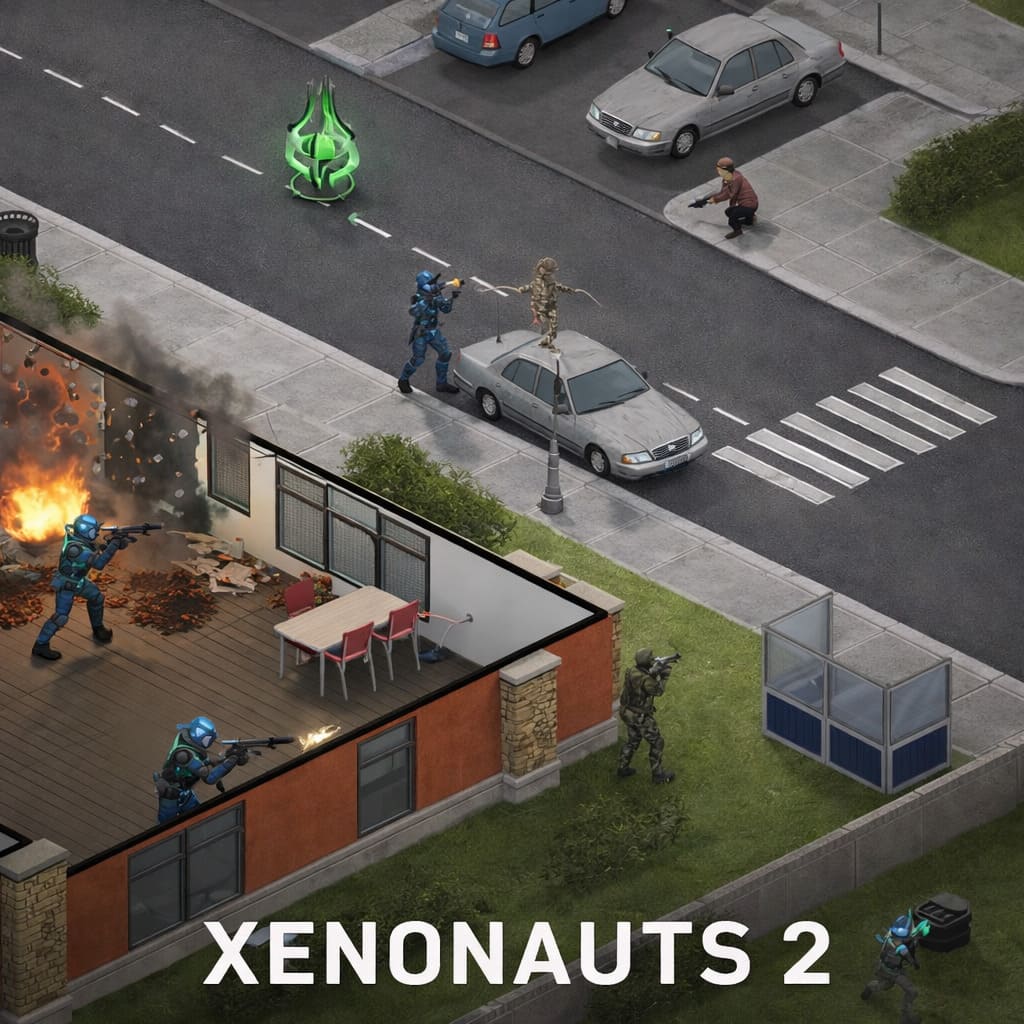
To stabilize performance:
- Limit your frame rate to 60 or 120 FPS
- Adjust CPU affinity and disable Core 0 for the game process
These tweaks can improve AI stability significantly.
Quick Fix Summary
| Issue Type | Best Fix | Effectiveness | Difficulty |
|---|---|---|---|
| Random freeze | Alt+Enter toggle | Medium | Easy |
| Repeat same turn freeze | Destroy terrain | High | Easy |
| Shader-related hang | Clear shader cache | Medium | Medium |
| Long campaign instability | Delete LocalLow Internal folder | High | Easy |
| Mod conflict | Disable mods | Very High | Easy |
| High-end system issues | FPS cap and CPU tweaks | Medium | Medium |
When It’s Actually a Game Bug
Sometimes the issue isn’t on your end. If you encounter errors like NullReferenceException or AI Pathing Error, you’re dealing with a genuine bug.
In that case:
- Check the game log file
- Use the in-game bug report tool
- Send your save file to the developers
The developers are known for actively fixing broken saves, so it’s worth reporting.
Final Thoughts
Xenonauts 2 isn’t perfect, but that’s part of what makes it special. It’s deep, complex, and sometimes unpredictable—but when everything clicks, it delivers one of the best tactical experiences out there.
The enemy turn freeze is frustrating, no doubt. But once you understand what’s causing it, you can usually work around it—and even prevent it in future missions.
And honestly, solving the problem by blowing up half the map? That’s about as Xenonauts as it gets.
FAQ
Can a corrupted save cause this?
Yes. If a save occurs during a broken AI action, that turn can become permanently stuck. Keeping multiple saves is highly recommended.
Does Geoscape speed affect tactical freezes?
Not directly, but long campaigns can create memory issues that show up during missions.
Is there a way to skip the enemy turn?
There’s no official skip option. Developer commands exist, but they typically end the mission and are not intended for normal gameplay.