The Walking Trade: How to Fix Cleaner Stuck at Job Board (2026 Bug Guide)
If you’ve been sinking hours into The Walking Trade, the 2026 post-apocalyptic shop management sim that’s taken Steam by storm, you’ve probably run into one of the game’s most infamous early-access nightmares: the Cleaner Stuck at Job Board bug. Nothing ruins a perfectly run store like watching your NPC staff freeze mid-task while trash piles up and corpses fester.
As someone who’s lost entire shifts of in-game currency watching this happen, I’ve tested every workaround the community swears by. Here’s a detailed, hands-on guide to get your cleaners moving again—and keep them that way.
Why Cleaners Freeze: The Logic Loop Explained
In The Walking Trade, the Job Board is more than just a menu. It’s the NPC AI’s navigation hub. Every time a cleaner spawns or finishes a task, they return to this board to “scan” for garbage, loot, or corpses.
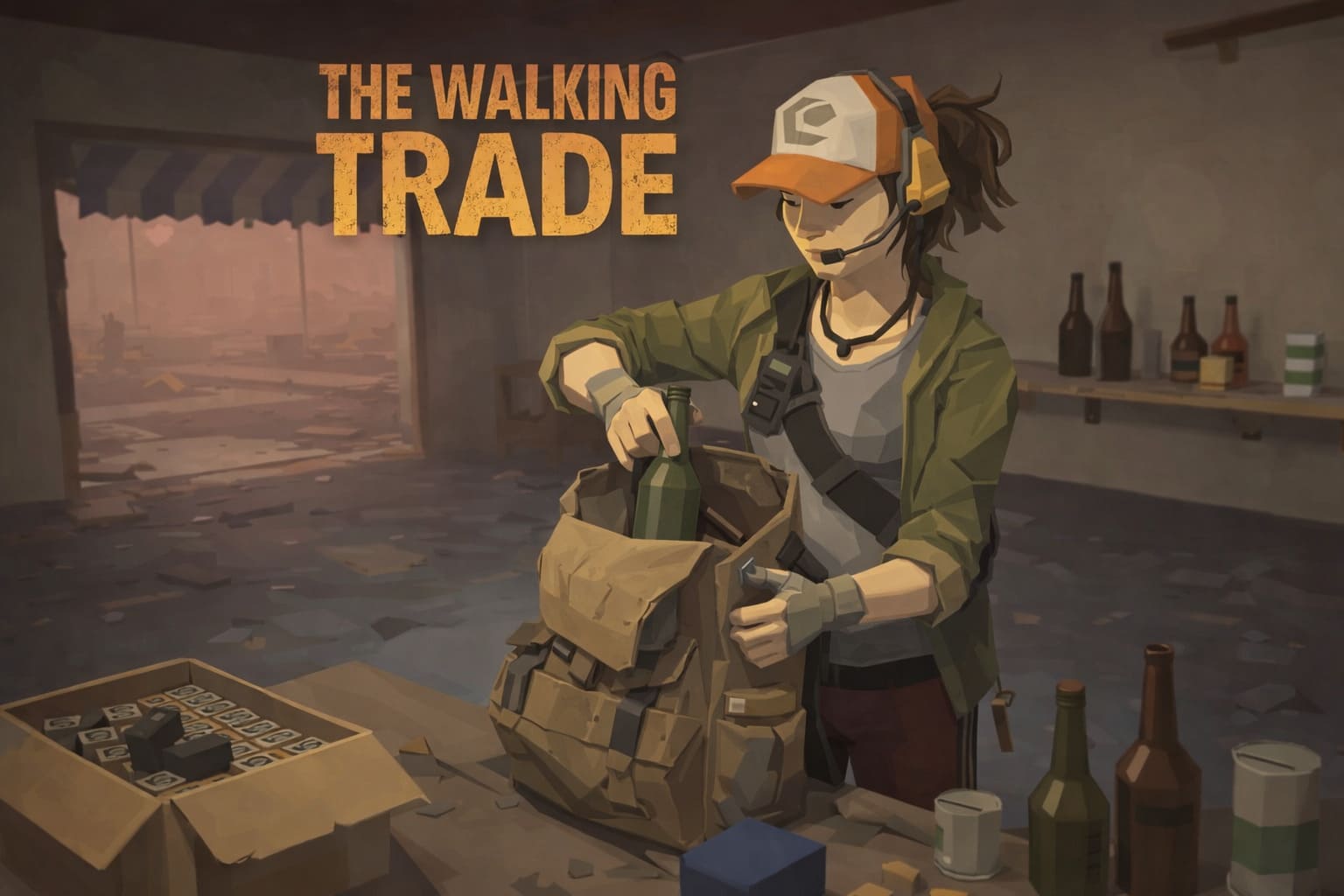
The bug happens when the AI identifies a target but can’t reach it—think a zombie arm clipped through a wall or trash stuck under a shelf. The AI then gets trapped in a frustrating loop:
- Target identified →
- Path blocked →
- Recalculate →
- Target identified
…and repeat indefinitely.
Understanding this makes the fixes make sense: most solutions revolve around clearing the AI’s path or forcing a “reset” of their logic.
Top Fixes to Free Your Stuck Cleaner
1. The Wall-Clip Sweep (Most Effective)
Clipping is by far the most common culprit in 2026. If a corpse or object partially exists outside the navigation mesh, your cleaner is toast.
Steps:
- Inspect Your Shop: Walk every corner. Look for glitching textures or vibrating ragdolls.
- Manual Extraction: Grab the item with your interaction key and move it to an open space.
- Watch the Magic: Once the object is free, your cleaner will snap out of their trance immediately.
This method works 90% of the time and is the quickest fix for early-game stores.
The Walking Trade Boss Guide 2026: Top Strategies for Surviving the Undead Hordes
2. Furniture & Trap Reset
Certain items like bear traps, barbed wire, and large furniture have collision boxes bigger than their visuals. If placed near the Job Board, they can block AI paths entirely.
Fix It:
- Temporarily move any furniture or traps within 3 meters of the Job Board.
- Leave at least a two-character width for NPC movement—2026’s pathfinding is stricter than previous builds.
This small tweak often solves the bug without needing a game restart.
3. Forced AI Refresh (The “Talk” Trick)
Sometimes the bug isn’t physical—it’s a desync between the Job Board and NPC state.
How to Reset:
- Approach the stuck cleaner and start dialogue.
- Ask something like “How’s the shop?” to force the AI out of its logic loop.
- Unassign them from the Cleaner role, wait five seconds, then reassign.
This trick essentially “reminds” the game who’s supposed to do what.
The Walking Trade Guide: Mastering Shelf Management & Shop Efficiency (2026 Edition)
4. Patch Verification
If none of the above works, you may be on an older build. Developers push hotfixes almost daily.
Check Your Version:
- Make sure you’re running v1.0.4 or higher.
- Verify files via Steam: Right-click > Properties > Installed Files > Verify Integrity.
This often fixes corrupted nav-mesh data that causes freezing.
5. Save & Reload (Last Resort)
If your cleaner is still motionless:
- Make a manual save (don’t rely on autosave).
- Exit the game completely.
- Relaunch and reload your save.
The game rescans every object and resets NPC positions, usually freeing even the most stubborn cleaners.
Preventing Future AI Headaches
Once you’ve fixed your shop, here’s how to keep cleaners happy and productive:
- Avoid Corner Kills: Finish zombies in open spaces to prevent clipping.
- Pallet Strategy: Use shelves and pallets to reduce loose items—these cause the most AI freezes.
- Staff Happiness: Low morale increases task-ignoring behavior. Provide comfy beds, food, and a good staff area.
Quick Reference Table
| Bug Type | Cause | Fix |
|---|---|---|
| Stuck on Job Board | Clipped corpse/loot | Wall-Clip Sweep |
| Path Blocked by Furniture | Bear traps, barbed wire, large items | Move items 3m away, allow 2-character path |
| AI Desync | Role/board mismatch | Talk Trick + Reassign Role |
| Outdated Version | Missing Corpse Teleport scripts | Update & Verify Files |
| Ghost Task in Memory | Cached task preventing update | Save & Reload |
Conclusion
The Walking Trade is a complex simulation with a surprisingly realistic AI system, but the Cleaner Stuck at Job Board bug is the price of early access chaos. Luckily, with a little observation, some manual fiddling, and these tested fixes, you can restore order to your shop.
Remember: clearing pathways, moving furniture, and keeping morale high are your best bets to prevent future headaches. Your cleaners are stubborn, but they aren’t immortal—they just need the right space to shine.