Ready or Not Boiling Point: SWAT AI Commands Fix & Tactical Guide (2026)
If you’ve been grinding Ready or Not: Boiling Point lately, you already know the truth: the new DLC is incredible… and your AI squad is also somehow dumber than a breached door hinge.
I’ve put dozens of hours into No Good Deed, All Gods Burn, and A New America, chasing those clean S-rank runs—and nothing kills the vibe faster than your pointman freezing mid-breach or Blue Team deciding they’re suddenly Red Team.
After digging through community threads, testing fixes myself, and rage-restarting more missions than I’d like to admit, here’s a real player’s breakdown of what’s broken—and what actually works.
What Happened to SWAT AI in Boiling Point?
The 2026 update clearly tried to make AI smarter. Enemies flank more, hide better, and punish sloppy play. That part? Great.
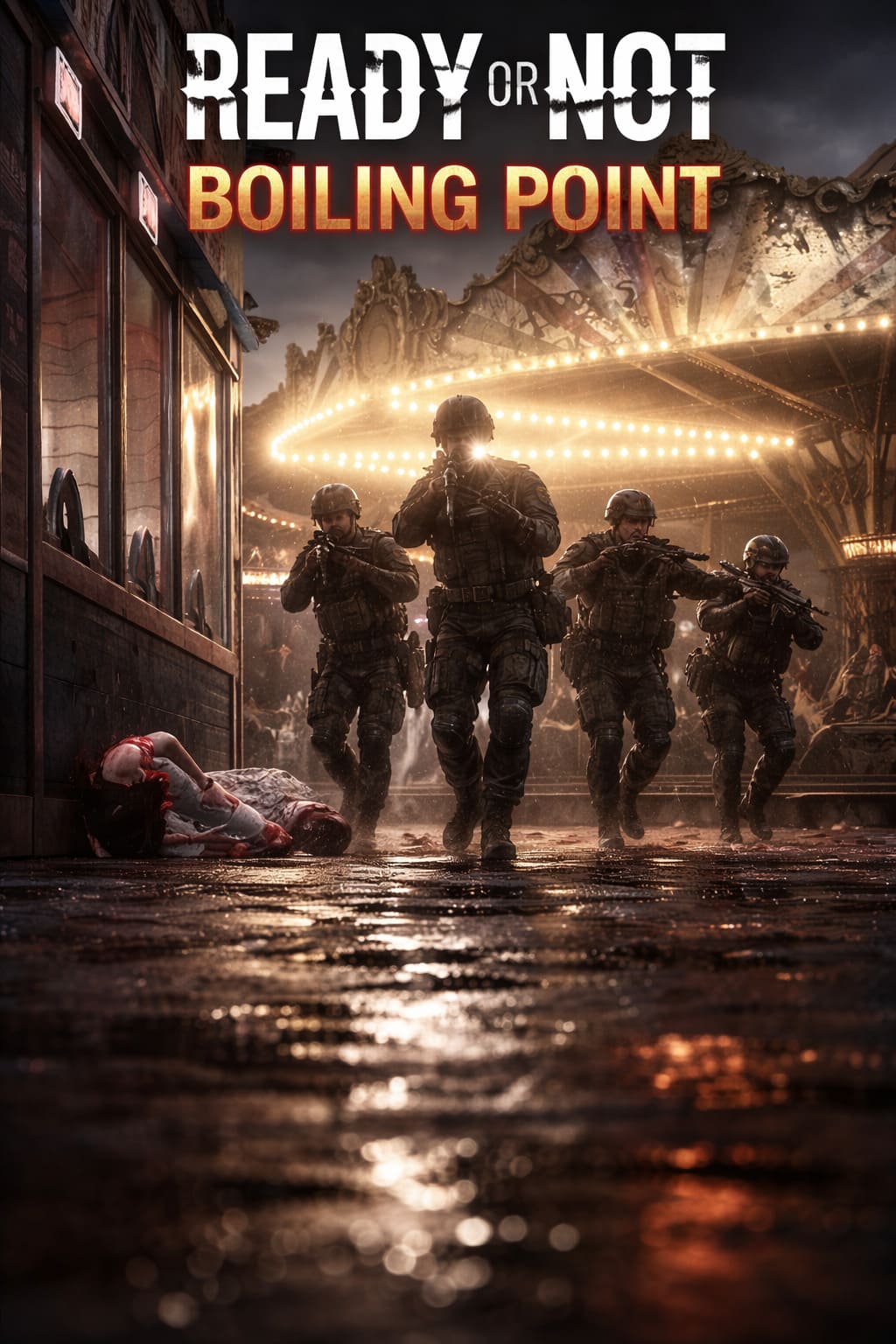
Your squad, though? Not so much.
The new decision system seems to cause weird logic loops, and you’ll notice issues like:
- AI freezing at doors (classic)
- Commands going to the wrong team
- Officers ignoring traps or evidence
- Weird hesitation before engaging threats
It feels like your squad is thinking too much… and doing too little.
Ready or Not: Boiling Point Guide — How to Equip Multiple Rail Attachments (2026 Update)
The Fixes That Actually Work (From Someone Who Tested Them)
Let’s skip the fluff—these are the fixes that consistently saved my runs.
1. Reset the AI’s Brain (Fall In Trick)
This is hands-down the most reliable fix.
- Don’t spam commands (makes it worse)
- Call Fall In
- Move a few steps back
- Then give a Move To order on clear ground
This basically forces the AI to recalculate everything.
My experience: This works about 80–90% of the time. It’s annoying, but it saves runs.
2. Switch Off the Command Wheel (Seriously)
The command wheel looks cool, but in practice? It’s clunky.
Switch to the List UI in settings.
- Faster command input
- Fewer misclicks
- Better control of Red vs Blue teams
Personal take: This alone reduced my command mistakes by half.
3. Always Use Optiwand Yourself First
There’s a weird bug where AI ignores traps unless you scan first.
- Pull out Optiwand
- Scan manually
- Then give the order
It’s like the AI needs you to activate the door logic.
4. Reset Config Files (If AI Feels Completely Broken)
If your AI is consistently acting brain-dead across all missions:
- Delete GameUserSettings.ini
- Verify game files
This clears out weird config corruption from the DLC.
When to use this: Only if everything feels off—not just one mission.
How to Actually Play Around the AI (Tactics That Work Now)
Fixes help—but adapting your playstyle is what really changes the game.
Split Breaching Is Now Mandatory
Trying to push 4 AI through one door?
Bad idea.
- Put Red Team on one entrance
- Blue Team on another
- Queue commands
- Execute simultaneously
This prevents clogging, reduces AI confusion, and feels way more tactical.
Use Gas More Than Flashbangs
This surprised me.
Gas is way stronger now, especially in long hallways.
- Safer room clearing
- AI uses launchers more accurately than throws
- Keeps suspects disoriented longer
Best example: Hospital map—gas turns nightmare corridors into manageable pushes.
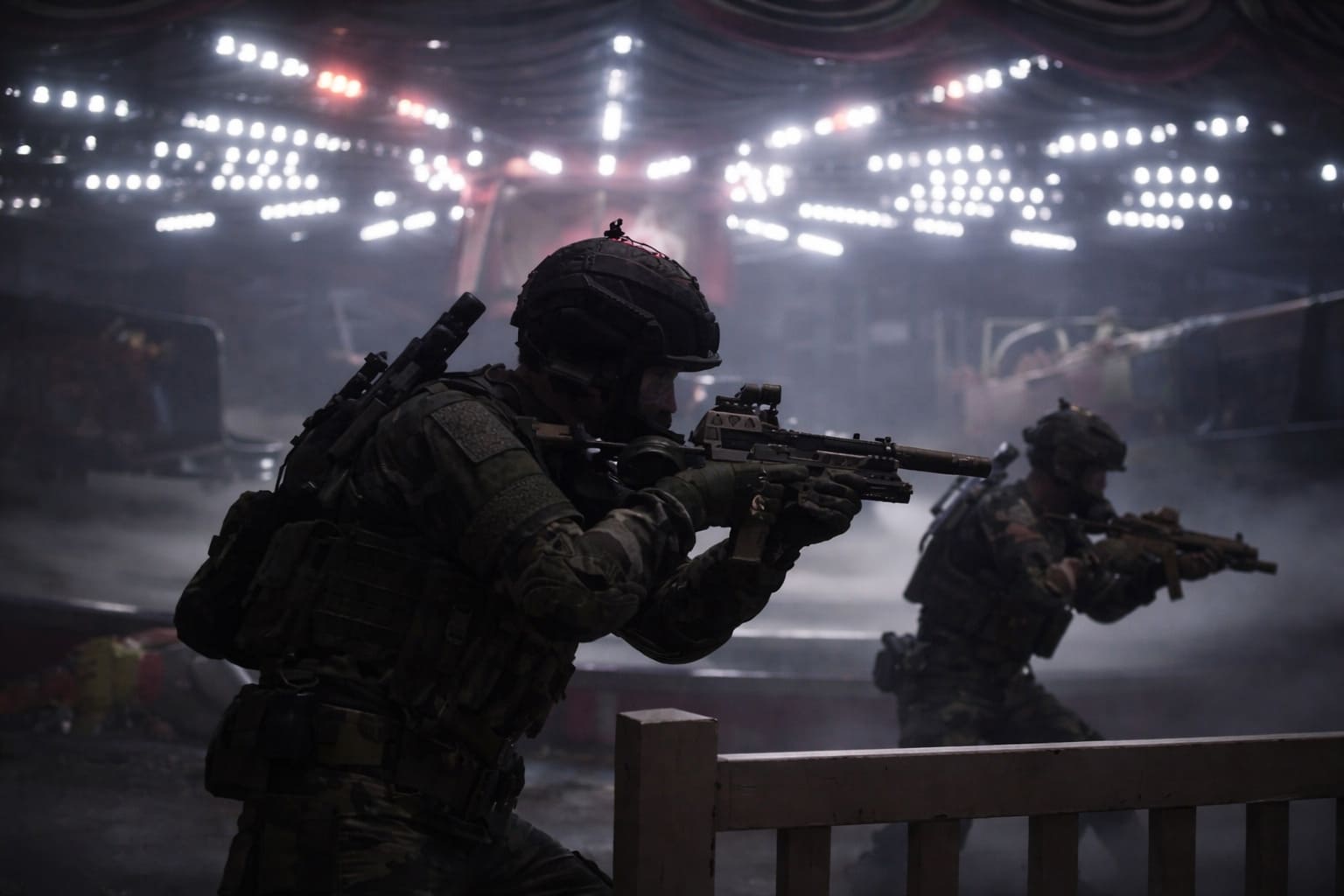
Slow Down — The AI Can’t Handle Chaos
If you rush, AI gets confused, commands overlap, and positioning breaks.
- Clear one room at a time
- Reset positioning often
- Reissue commands cleanly
It’s less action shooter, more methodical sim now.
Quick Breakdown: Problems vs Fixes
| Problem | What’s Causing It | Fix That Works |
|---|---|---|
| AI stuck at doors | Navmesh bug | Fall In + Move To |
| Wrong team executes orders | Command UI confusion | Switch to List UI |
| AI ignores traps | Detection glitch | Manual Optiwand scan |
| AI not reacting | Config corruption | Reset settings file |
| Officers clumping | Pathfinding overload | Split breach strategy |
Mods — Worth It or Not in 2026?
Short answer: yes… but carefully.
A few standout types of mods improve the experience:
- Aggression tweaks → Faster AI reactions
- Anti-stuck scripts → Prevent freeze bugs
- Evidence priority mods → Fix lazy cleanup
My opinion: Vanilla is playable—but mods make it feel how the game should have shipped.
Why Your AI Sometimes Refuses to Shoot
This one confused me at first.
It’s not always a bug—it’s often Rules of Engagement (ROE).
- AI waits for clear threat confirmation
- Hesitates unless suspects aim first
Fix:
- Use more non-lethal tools first
- Or force aggressive behavior with lethal commands
S-Rank Is Harder Now (And Honestly Better)
The new requirements are brutal.
- All evidence secured
- No critical injuries
- Clean execution
This means one stuck AI can fail your run, and one missed weapon forces a restart.
But honestly? It feels more rewarding.
My Honest Take After Hours of Play
Boiling Point is one of the best tactical DLCs in years—but also one of the most frustrating.
The AI isn’t completely broken… it’s just overcomplicated, slightly buggy, and extremely sensitive to bad commands.
Once you learn how to manage it, the game clicks.
You stop fighting your squad—and start leading it.
Final Tips (From Someone Who Learned the Hard Way)
- Never spam commands
- Reset positioning often
- Use split entries whenever possible
- Trust gas more than flashes
- Play slower than you think you should
Conclusion: Adapt or Suffer
Boiling Point doesn’t hold your hand—and neither does your AI.
But if you use the reset tricks, switch to better controls, and adjust your tactics, you’ll go from frustrated to locked in.
And when everything works, there’s nothing else like it.