Ready or Not: Boiling Point Guide — How to Equip Multiple Rail Attachments (2026 Update)
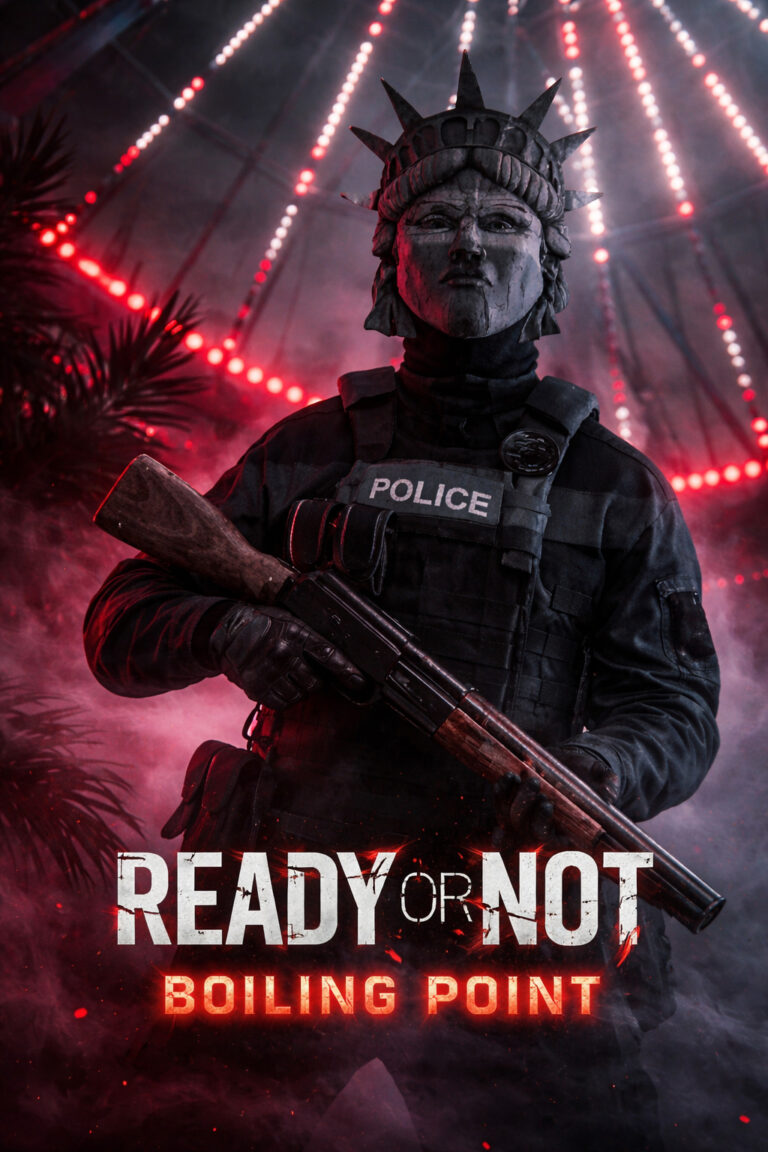
The Boiling Point DLC for Ready or Not dropped on March 12, 2026, bringing a host of exciting changes to the game’s tactical gameplay. One of the most anticipated features, and perhaps the most game-changing, is the ability to equip multiple rail attachments on your weapon. For years, the Ready or Not community has been clamoring for this, and the update has finally delivered. Gone are the days of choosing between a flashlight or a laser on your primary rail. Now, you can have both—and much more.
But how does this new system work, and how can you take full advantage of it to optimize your gear for the brutal new missions like No Good Deed and A New America? Let’s dive into the details of this game-changing feature.
How to Equip Multiple Rail Attachments in Ready or Not: Boiling Point
The introduction of the multi-rail attachment system is a free base game update, meaning you don’t need to buy the Boiling Point DLC to take advantage of this feature. Whether you’re a veteran SWAT officer or a newcomer to Ready or Not, here’s a step-by-step guide to equip and manage multiple attachments.

1. Access the Workbench
First things first, head to the SWAT Equipment Room in the Los Sueños Police Department HQ. You’ll find a workbench or a locker that lets you access the Weapon Customization menu.
2. Select Your Primary Weapon
Choose your preferred firearm. While most modern rifles, like the new RTWC-6.5 Battle Rifle or the MK18, support multiple attachments, some older weapon models might still have limitations in terms of rail configurations.
3. Populating the Rail Slots
Once you’re in the customization interface, you’ll notice that there are now multiple slots under the “Rail” category. Here’s what to expect:
- Primary Rail Slot: Typically used for your main accessory, such as a flashlight.
- Secondary Rail Slot: Allows for a second attachment, such as a red laser or IR laser.
- Furniture/Handle Options: Certain guns, like the G36C and M4A1, now come with additional rail configurations, such as Carry Handle variants, offering even more flexibility.
4. Equip and Save
Select your first attachment (e.g., flashlight) and move to the next available rail slot to add your second (e.g., a laser). Once you’ve set up your weapon the way you like, hit Save, and you’re ready to go.
Ready or Not: Boiling Point Bomb Locations Guide – Los Sueños City Hall (A New America)
Mastering the Controls: Switching Attachments Mid-Mission
Equipping attachments is only half the battle; knowing how to toggle between them while in the heat of action is crucial. The new update introduces new keybinds to manage your attachments quickly:
- T (Default): Toggle your primary rail attachment (usually the flashlight).
- Alt + T (New Default): Toggle your secondary rail attachment (usually the laser).
- Variable Magnification: If you’re using the new RMO Sight with a 3x Magnifier or other variable scopes, use the Sights Toggle (typically Z or Alt + Scroll) to switch between magnifications like 1x and 4x.
- Canted Sights: If your weapon is equipped with the new Canted Iron Sights, use your secondary optic keybind to tilt the weapon for close-quarters combat.
Best Tactical Loadouts for the Boiling Point DLC
The missions in the Boiling Point DLC aren’t for the faint of heart. Expect extreme lighting changes, from pitch-black rooms to well-lit outdoor areas. Choosing the right combination of attachments for your weapon can mean the difference between life and death. Here are a couple of optimal loadout suggestions for the new content:
1. The “Nightstalker” (Stealth & NVG)
For missions that require stealth, such as navigating dark corridors or avoiding enemy detection, the Nightstalker loadout is a solid choice. This setup focuses on maximizing your night vision and stealth capabilities.
- Rail 1: IR Laser (Invisible to the naked eye, but visible through NVGs).
- Rail 2: Tactical Flashlight (Great for quickly identifying targets in mixed lighting).
- Optic: RMO Sight with 3x Magnifier (Great for switching between long-range and close-range engagements).
Ready or Not: No Good Deed Walkthrough – S-Rank Guide (Boiling Point DLC)
2. The “Entry Specialist” (CQC Aggression)
For those intense close-quarters battle situations, the Entry Specialist setup is all about aggression and speed. If you’re rushing through tight rooms and need pinpoint accuracy in the blink of an eye, this is the setup for you.
- Rail 1: Red Laser (Provides point-shooting stability).
- Rail 2: Canted Iron Sights (Allows you to bypass your primary optic for faster targeting at close range).
- Underbarrel: Vertical Grip (Helps manage the high fire rate of the new G18-C full-auto pistol).

Community Feedback & Modding vs. Vanilla
While the Boiling Point DLC has certainly raised the bar, some players on Reddit and in the community forums have expressed concerns about certain weapons still having limitations. These restrictions are mainly tied to “baked-in” furniture on older weapons that prevent players from fully utilizing the new multi-rail system.
If you’re someone who enjoys deep weapon customization, you might be interested in checking out the Attachment Expansion Mod available on Nexus Mods and Mod.io. It’s been updated to work with the v1.4 patch, and it allows you to equip even more attachments—three or more—on compatible weapons. Just keep in mind that mods are not supported in cross-play, so console players (PS5 and Xbox Series X) will have to stick to the vanilla system.
Quick Summary Table: Boiling Point DLC Equipment
| Item | Type | Key Feature |
|---|---|---|
| RTWC-6.5 | Battle Rifle | High stopping power, great for the A New America map. |
| G18-C | Pistol | Full-auto sidearm for “oh crap” moments. |
| 9-Bang | Grenade | Superior to standard flashbangs for large rooms. |
| RMO Sight | Optic | Includes a flip-to-side 3x magnifier. |
| Dual Rail | System | Simultaneous flashlight/laser support. |
Final Thoughts
The Boiling Point update for Ready or Not is a major leap forward for tactical gameplay. The addition of multiple rail slots means more customization and more versatility for your weapon loadouts. However, with the increased difficulty of the enemy AI and the variety of mission environments, it’s more important than ever to master your gear and attachments.
Whether you’re looking to stay in the shadows with night vision and IR lasers, or you prefer an aggressive, in-your-face approach with canted sights and vertical grips, this update allows you to tailor your gear to any situation. Just remember: Ready or Not now demands precision and adaptability more than ever before.