Project Zomboid Build 42 Multiplayer Stability Guide: Fix Lag, Desync, and Low FPS
Build 42 multiplayer in Project Zomboid feels like one of the most ambitious updates the game has ever seen. After spending years in survival sandboxes like DayZ, Rust, and thousands of hours in Project Zomboid itself, it’s clear when a patch fundamentally changes how a game behaves.
This is one of those cases. The world is richer, more dynamic, and far more immersive — but it also pushes hardware and servers much harder than before.
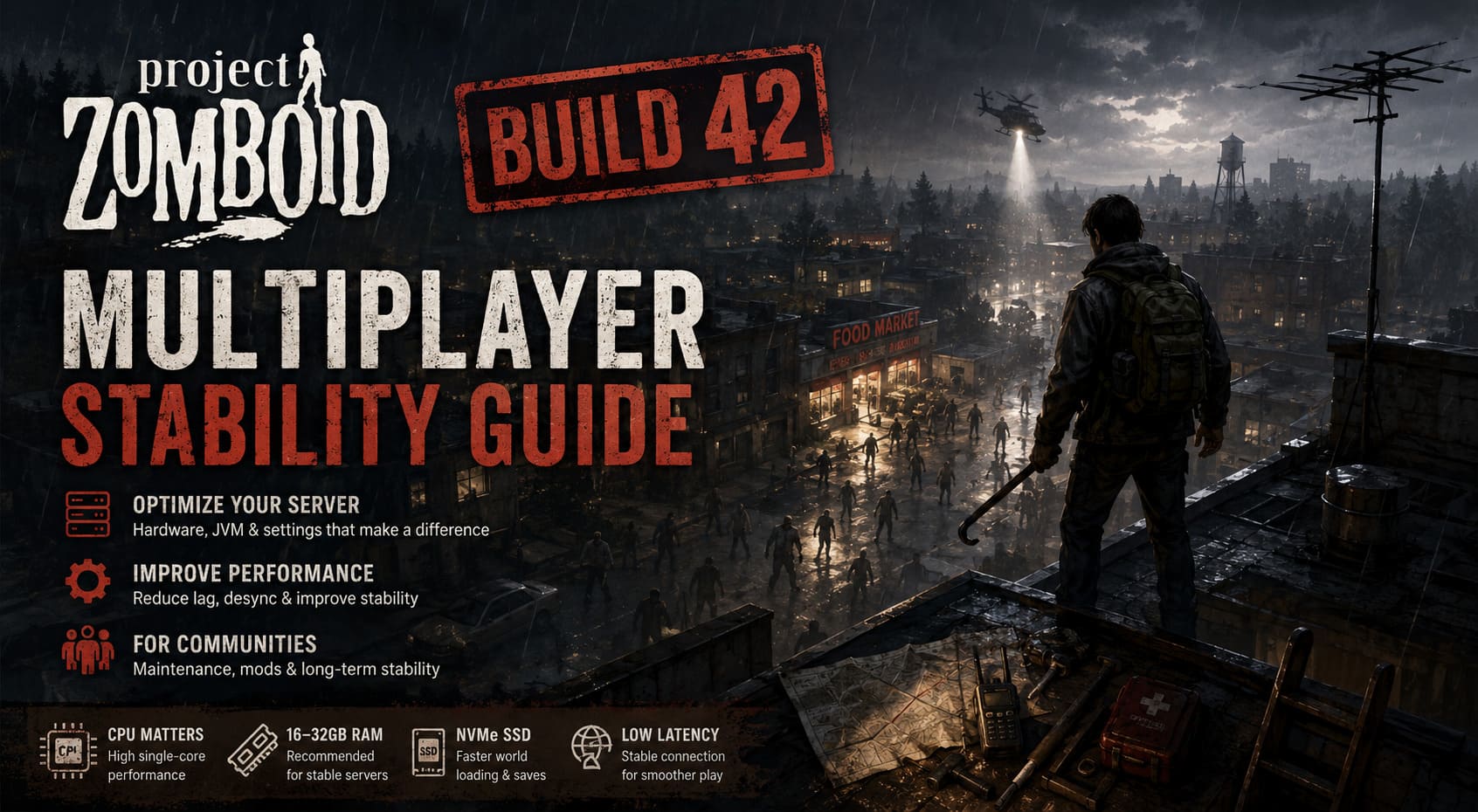
If you’re running a dedicated server or even just hosting a co-op world, you’ve probably already seen the symptoms: lag spikes during peak hours, rubberbanding when driving, delayed interactions, and occasional desync where players appear “out of sync” with the world. These aren’t random bugs — they are structural performance limits of the new Build 42 systems.
Solarpunk Release Date & Xbox Game Pass Guide: Everything You Must Know
Why Build 42 Multiplayer Struggles
Most performance issues don’t come from a single problem but from several systems stacking together. After testing multiple server setups and observing community feedback, three major bottlenecks consistently stand out.
Vertical World Expansion
The introduction of deeper basements and extremely tall buildings significantly increases the amount of active world data the server must track. Even when players are not inside these structures, parts of them still require simulation and memory allocation. This increases chunk complexity dramatically compared to earlier builds.
Gothic 1 Remake Digital Deluxe Edition: Is the Bonus Content Worth It?
Dynamic Lighting and Real-Time Simulation
Lighting is now calculated dynamically across multiple levels of geometry. While visually impressive, it is one of the most CPU-intensive systems in the game. On populated servers, especially during night cycles or group movement, this creates noticeable performance drops due to heavy single-thread CPU usage.
Persistent Entities and World State
Everything in Build 42 feels more persistent — animals, corpses, items, and environmental changes all remain active in the world for longer periods. While this improves immersion, it also increases long-term server load and gradually reduces performance if cleanup systems are not properly configured.
Server Hardware Requirements
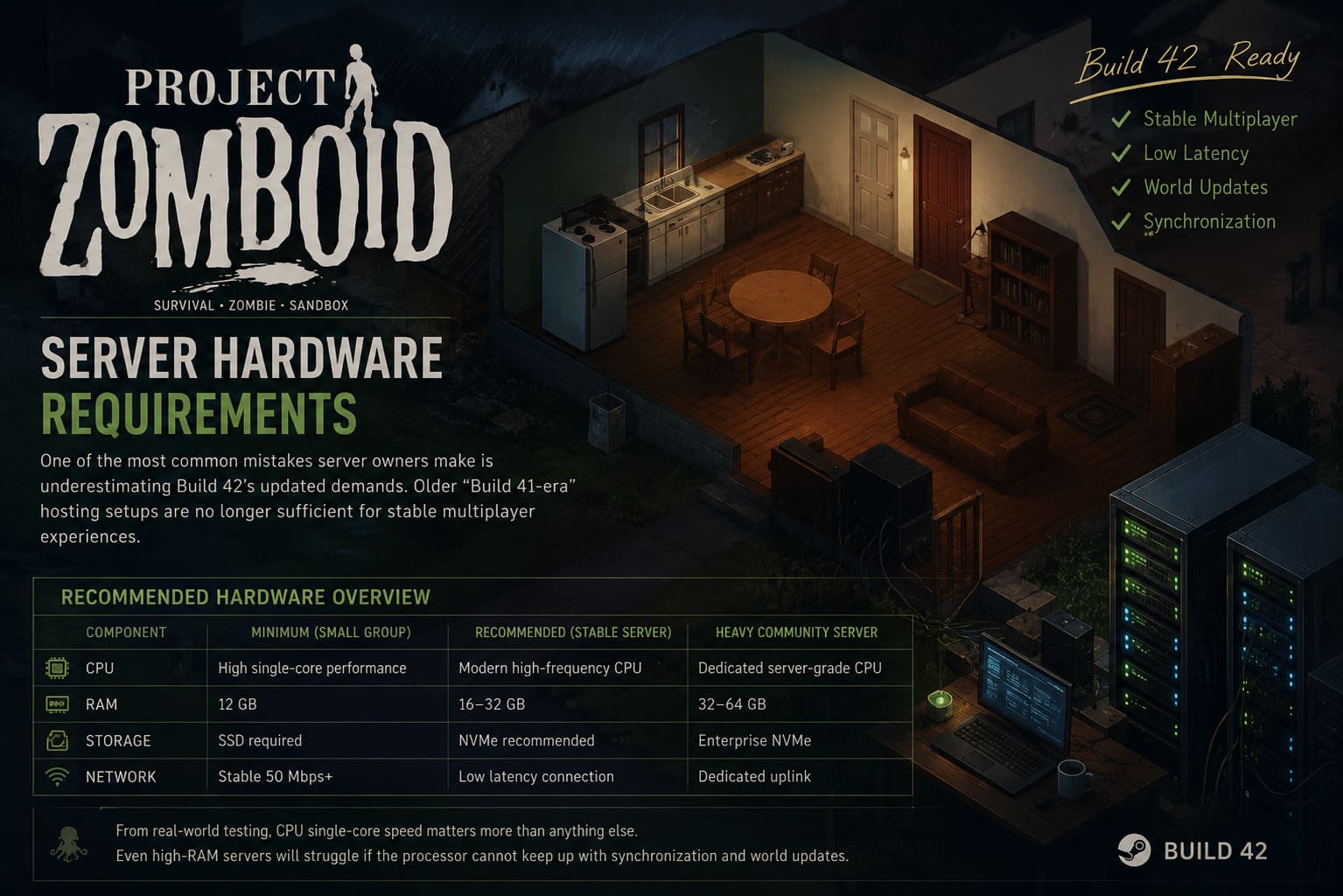
One of the most common mistakes server owners make is underestimating Build 42’s updated demands. Older “Build 41-era” hosting setups are no longer sufficient for stable multiplayer experiences.
Recommended Hardware Overview
| Component | Minimum (Small Group) | Recommended (Stable Server) | Heavy Community Server |
|---|---|---|---|
| CPU | High single-core performance | Modern high-frequency CPU | Dedicated server-grade CPU |
| RAM | 12 GB | 16–32 GB | 32–64 GB |
| Storage | SSD required | NVMe recommended | Enterprise NVMe |
| Network | Stable 50 Mbps+ | Low latency connection | Dedicated uplink |
From real-world testing, CPU single-core speed matters more than anything else. Even high-RAM servers will struggle if the processor cannot keep up with synchronization and world updates.
JVM Optimization and Memory Stability
One of the most effective improvements you can make is adjusting Java Virtual Machine parameters. Default configurations are not optimized for Build 42’s heavier simulation load.
Key Optimization Changes
Stable servers typically use fixed memory allocation instead of dynamic scaling. For example, setting both minimum and maximum heap size to the same value reduces stutter caused by memory resizing.
Recommended configuration includes explicit memory allocation such as Xms16g and Xmx16g for medium servers. Enabling modern garbage collection like ZGC also helps reduce freeze spikes by minimizing stop-the-world events.
Server Settings That Actually Improve Performance
Not all configuration options have equal impact. A few key adjustments can significantly reduce server strain without breaking gameplay balance.
High Impact Settings
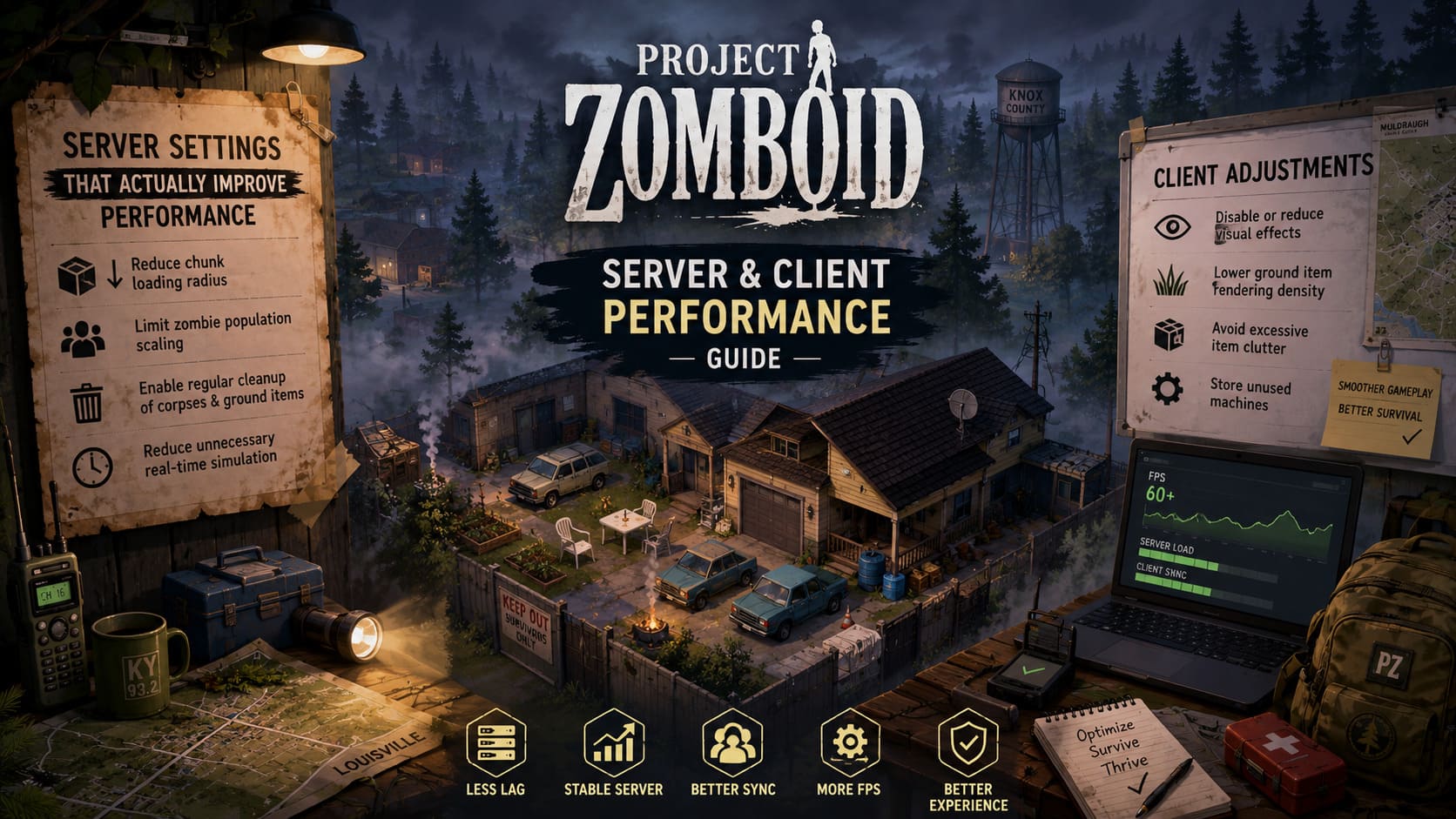
- Reduce chunk loading radius to lower map processing load
- Limit zombie population scaling for multiplayer stability
- Enable regular cleanup of corpses and ground items
- Reduce unnecessary real-time simulation features where possible
In practice, lowering chunk radius slightly and controlling entity density provides the biggest improvement with the least gameplay disruption.
Client-Side Performance Considerations
Even if a server is perfectly optimized, poor client performance can still create desync-like symptoms. The game relies heavily on synchronized updates, so a lagging client can feel like server instability.
Recommended Client Adjustments
- Disable or reduce visual effects like reflections and shadows
- Lower ground item rendering density
- Avoid excessive item clutter in large bases
- Store unused generators and machines instead of leaving them active
Large player bases filled with scattered items are one of the most common hidden causes of FPS drops and sync delays.
Mods and Server Stability
Mods remain one of the most powerful features in Project Zomboid, but in Build 42 they also represent one of the biggest sources of instability. Many performance issues are caused not by the base game, but by outdated or poorly optimized Lua scripts.
Best Practices for Mod Management
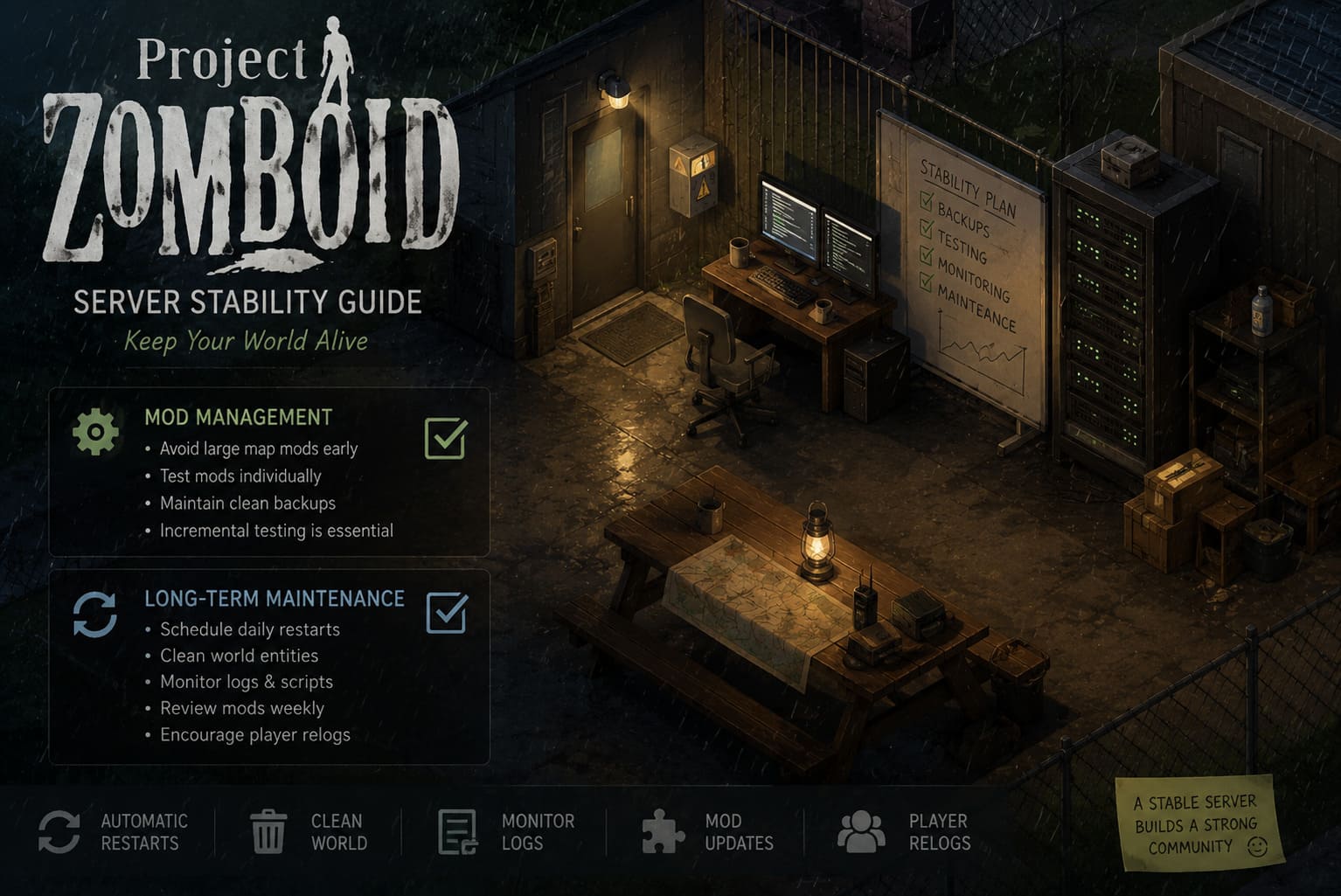
- Avoid large map mods early in a server lifecycle
- Test mods individually before combining them
- Maintain a clean vanilla backup server for comparison
Incremental testing is essential. Adding too many mods at once makes it nearly impossible to identify the source of performance degradation or script errors.
Long-Term Server Maintenance Strategy
Stable multiplayer performance in Build 42 is not a one-time setup task. It requires ongoing maintenance and monitoring.
Practical Maintenance Routine
- Schedule daily automatic server restarts
- Regularly clean up world entities such as corpses and items
- Monitor logs for Lua or script errors
- Review mods weekly for compatibility updates
- Encourage players to relog during desync issues
This routine prevents long-term performance degradation and keeps the server responsive even after extended play sessions.
Conclusion
Project Zomboid Build 42 multiplayer is more demanding than previous versions, but it also delivers one of the most immersive survival experiences the game has ever offered. The key difference is that server management now matters as much as gameplay strategy.
Once properly configured, a Build 42 server can run smoothly even with multiple active players, large bases, and ongoing world simulation. The trade-off is clear: you are no longer just playing or hosting a survival game — you are maintaining a living simulation environment.
With the right balance of hardware, configuration, and maintenance discipline, the experience becomes stable, responsive, and deeply rewarding for long-term communities.