Nightwater System Requirements: Can Your PC Run This Island Factory Automation Game?
Nightwater arrives as one of those indie projects that immediately pulls attention the moment you see it in action. It blends island exploration, narrative mystery, and deep factory automation in a way that feels both familiar and refreshingly experimental. After early showcases and community reactions from Steam Next Fest 2026, the game is already being compared to some of the most engaging sandbox experiences in recent years. From a personal perspective as a player who enjoys both creative survival games and complex automation systems, Nightwater feels like a title that prioritizes curiosity and long-term progression over instant gratification.
What makes Nightwater especially interesting is its structured technological evolution. Players start from primitive survival conditions and gradually move toward highly advanced production chains spread across multiple islands. This kind of progression often leads to performance concerns in similar games, especially when systems become interconnected and heavily optimized factories begin to scale. However, early information suggests that Studio Ashty has invested significant effort into optimization, which is a positive signal for players worried about late-game performance drops.
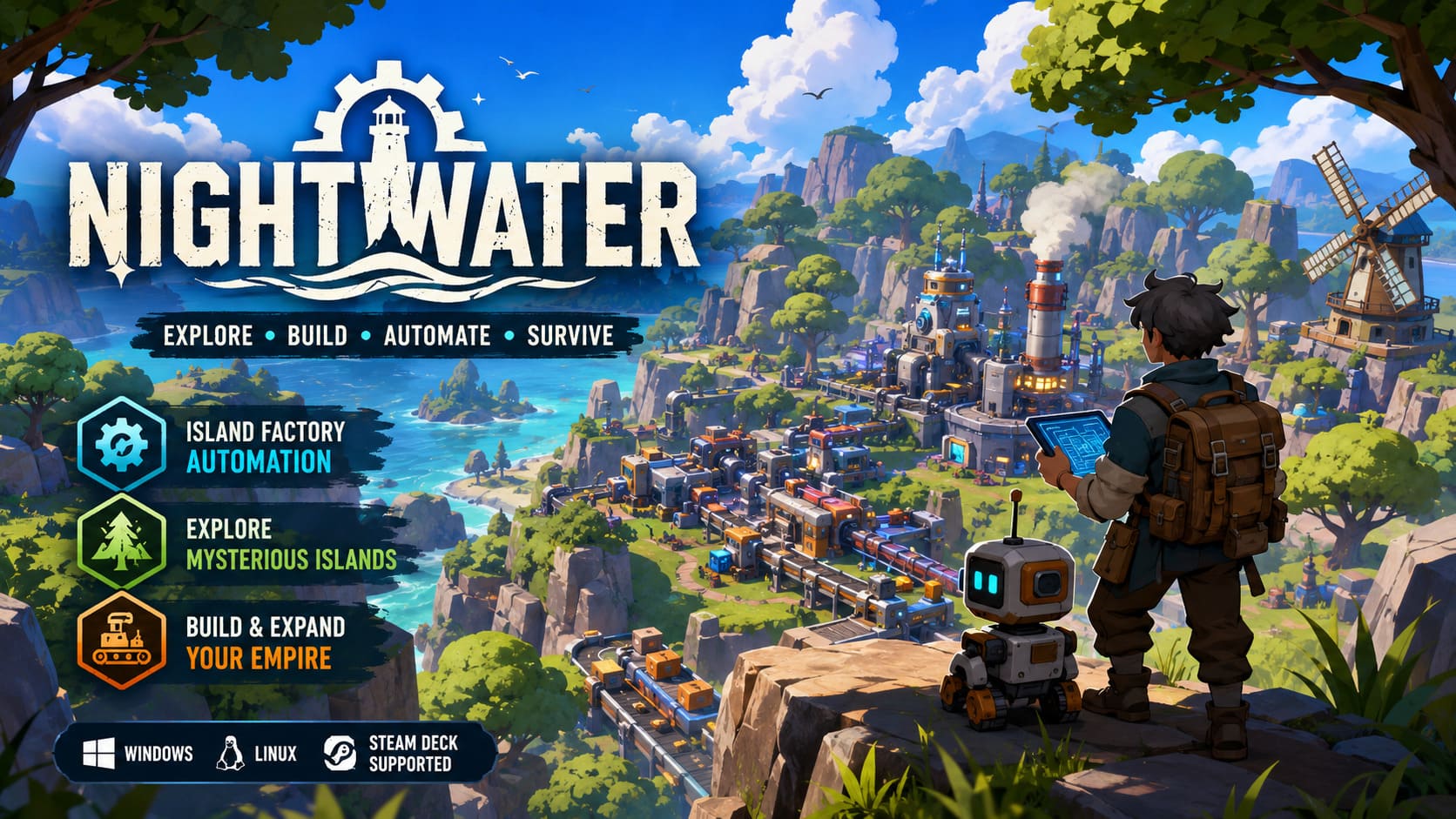
Another notable point is accessibility. Many factory-building games tend to require strong hardware even at medium settings, but Nightwater seems designed with scalability in mind. It allows players to start small without demanding high-end systems, while still offering depth for those who want to build massive automated networks. This balance between accessibility and complexity is one of the most important factors when evaluating system requirements for a modern sandbox game.
Nightwater Endings Guide: How Many Endings Are There and How to Unlock Them
Nightwater Minimum System Requirements (Windows)
Nightwater is surprisingly forgiving for a modern automation game. Even older systems are capable of running it, which makes it accessible to a wide range of players. The minimum requirements suggest a focus on stable baseline performance rather than high-end graphical fidelity, which is often the right choice for this genre.
Minimum Specifications
- Operating System: Windows 10 or later (64-bit)
- Processor: Intel Core i5-3570 (4 cores, ~3.4 GHz) or equivalent
- Memory: 8 GB RAM
- Graphics: NVIDIA GTX 1050 Ti / GTX 1650 or AMD RX 470 / RX 570
- Storage: 10 GB available space
From a technical standpoint, these requirements indicate a design that does not rely heavily on modern hardware features. The use of older quad-core processors shows that the base simulation is optimized to run efficiently without requiring cutting-edge CPUs. Similarly, the modest GPU requirements suggest stylized visuals rather than demanding photorealistic rendering. However, players should keep in mind that automation games tend to scale in complexity, meaning performance may gradually decrease as factories expand across multiple regions.
Nightwater Recommended System Requirements (Windows)
While the game is playable on modest systems, the recommended configuration is where Nightwater begins to fully express its visual and mechanical depth. This setup ensures smoother performance during large-scale automation, more stable frame rates, and improved responsiveness when switching between different gameplay systems such as exploration and production management.
Recommended Specifications
- Operating System: Windows 11 (64-bit)
- Processor: AMD Ryzen 5 5600X / Intel Core i5-12400 (6 cores minimum)
- Memory: 12 GB RAM
- Graphics: NVIDIA RTX 2070 or AMD RX 5700
- Storage: 10 GB SSD recommended
The shift from four cores to six cores is particularly important in the context of automation-heavy gameplay. As factories expand, the game must process a large number of simultaneous operations, including resource flow, machine behavior, and path optimization. Additional CPU cores help distribute these calculations more efficiently, reducing stuttering during peak load moments.
The recommended memory and GPU requirements also reflect the game’s scaling ambitions. With 12 GB of RAM, players gain additional stability when running complex systems or multitasking between gameplay layers. The recommended graphics cards indicate enhanced environmental effects, smoother lighting transitions, and improved visual clarity when viewing large factory layouts from above.
Performance Comparison Overview
To better understand how the two configurations compare in practical terms, it helps to break them down side by side. This gives a clearer picture of what kind of experience each tier is designed to deliver, especially in a game where complexity grows over time.
| Component | Minimum Setup | Recommended Setup |
|---|---|---|
| CPU | Intel i5-3570 (4 cores) | Ryzen 5 5600X / i5-12400 (6+ cores) |
| RAM | 8 GB | 12 GB |
| GPU | GTX 1050 Ti / RX 470 | RTX 2070 / RX 5700 |
| Storage | 10 GB | 10 GB SSD recommended |
This comparison highlights a familiar pattern in automation games: early gameplay is lightweight, but system demands grow as complexity increases. Nightwater appears to follow this trajectory, although its optimization efforts may help reduce the severity of late-game performance drops compared to similar titles.
Linux and SteamOS Support
One of the standout features of Nightwater is its native support for Linux and SteamOS. This immediately makes it appealing to Steam Deck users and players who prefer open-source environments. The reduced requirements for Linux systems also suggest efficient optimization, particularly for portable gaming devices.
Linux / SteamOS Specifications
- Operating System: Ubuntu 18.04 / SteamOS 3.0 or later
- Processor: AMD Zen 2 architecture or equivalent
- Memory: 8 GB RAM
- Graphics: NVIDIA GTX 1050 or equivalent
- Storage: 5 GB available space
This configuration clearly aligns with handheld gaming performance targets. The reduced storage footprint and modest GPU requirements indicate careful asset management and efficient compression systems. For Steam Deck players, this means Nightwater is likely to deliver a stable and enjoyable portable experience, especially during early and mid-game stages.
Community Performance Insights and Optimization Tips
Early community discussions around Nightwater highlight several important performance considerations that players should keep in mind. While the game is well optimized at the start, long-term factory expansion introduces typical challenges associated with simulation-heavy systems.
Key Optimization Observations
- SSD usage improves performance: Faster loading times and smoother asset streaming significantly enhance the experience.
- Factory scale impacts performance: Large automated systems may cause CPU load spikes in late-game stages.
- Background applications matter: Closing unnecessary programs improves stability, especially on 16 GB systems.
- Efficient design helps: Optimized conveyor layouts reduce unnecessary processing overhead.
These observations are consistent with most large-scale automation games. However, Nightwater seems to reward efficient design choices more than brute-force hardware upgrades, which is a positive sign for players who enjoy optimization challenges.
Conclusion
Nightwater positions itself as a flexible and ambitious sandbox experience that blends exploration, storytelling, and deep factory automation into a single evolving world. From a hardware perspective, it is accessible at the entry level but scales meaningfully as gameplay complexity increases. This makes it suitable for both casual players and dedicated optimization enthusiasts.
For those with modest systems, Nightwater still offers a complete experience with room for creativity and exploration. For players with stronger hardware, it promises smooth performance and the ability to build massive, intricate production networks without immediate technical limitations. Overall, it stands out as a thoughtfully optimized automation game that respects both performance and player creativity.