Gunman Contracts Stand Alone Non-VR Guide: How to Play in Flat Mode
When I first heard that Gunman Contracts – Stand Alone was getting a proper Non-VR mode, I honestly wasn’t sure what to expect.
This is a game that grew out of the Half-Life: Alyx Gunman Contracts mods, and those projects were built around everything that makes VR shooting so satisfying: physically grabbing weapons, manually reloading, snatching guns from enemies, throwing knives, and generally treating every firearm like an actual object rather than a collection of animations.
So, naturally, the big question for the standalone release is simple: does Gunman Contracts Stand Alone actually work on a normal monitor?
After seeing how the flat-screen version approaches the problem, my answer is a pretty confident yes.
It isn’t simply a VR game with the headset requirement switched off. The developers have clearly put thought into translating the physicality of the original experience into mouse-and-keyboard controls. And for anyone who likes tactical shooters but has no interest in buying a VR headset, that makes Gunman Contracts Stand Alone one of the more interesting Early Access releases to keep an eye on.
Gunman Contracts Stand Alone Is Finally More Than a VR Curiosity
The standalone game launched into Steam Early Access on September 10, 2026, from solo developer ANB_Seth and publisher 2080 Games.
That date matters because the project has already had a rather unusual journey.
Before becoming its own game, Gunman Contracts existed as a pair of extremely popular Half-Life: Alyx total conversion mods. The concept was straightforward but incredibly effective: take the cinematic fantasy of being a professional assassin and build a VR shooter around it.
The result felt like somebody had mashed together a John Wick movie, a tactical shooting range and a very dangerous afternoon at the office.
The standalone version takes that idea much further.
And the addition of native Non-VR / Flat Mode is arguably one of the smartest decisions the developers could have made.
There are plenty of VR games that technically support playing on a monitor through workarounds, but that isn’t the same thing as designing around flat-screen players from the beginning. Gunman Contracts Stand Alone appears to understand that distinction.
Why Flat Mode actually matters
For me, the biggest advantage isn’t just accessibility. It’s the fact that the game can now reach an audience that already loves tactical shooters.
You don’t need:
- A VR headset
- SteamVR running in the background
- A complicated community mod
- Third-party software
- A room dedicated to waving controllers around
You can simply sit down, grab your mouse and keyboard or controller, and start shooting.
That’s a pretty big deal for a game whose entire identity was previously tied to VR.
How to Play Gunman Contracts Stand Alone in Non-VR Mode
Launching the flat version is thankfully much less complicated than some PC games make it.
From Steam, you should be presented with the appropriate launch choice. Select the Non-VR / Flat Mode option rather than the VR version.
If your PC keeps attempting to initialize VR hardware, make sure applications such as SteamVR, Meta’s PC VR software or Virtual Desktop aren’t actively running.
There is also a launch-option approach for players who want to force the game into desktop mode. The commonly referenced parameter is:
-nohmd
The important thing is that you shouldn’t need to install some ancient community patch just to play on a monitor. Flat Mode is supposed to be part of the actual game.
And that’s exactly how it should be.
The Biggest Challenge: Making VR Gunplay Feel Good With a Mouse
This is where I was most skeptical.
Gunman Contracts isn’t supposed to feel like Call of Duty. A lot of its charm comes from making weapons feel slightly awkward, heavy and mechanical.
In VR, you can physically manipulate a firearm.
On a mouse and keyboard, obviously, you can’t.
The solution is to turn those physical interactions into deliberate inputs rather than reducing everything to one-button automation.
Reloading still has some personality
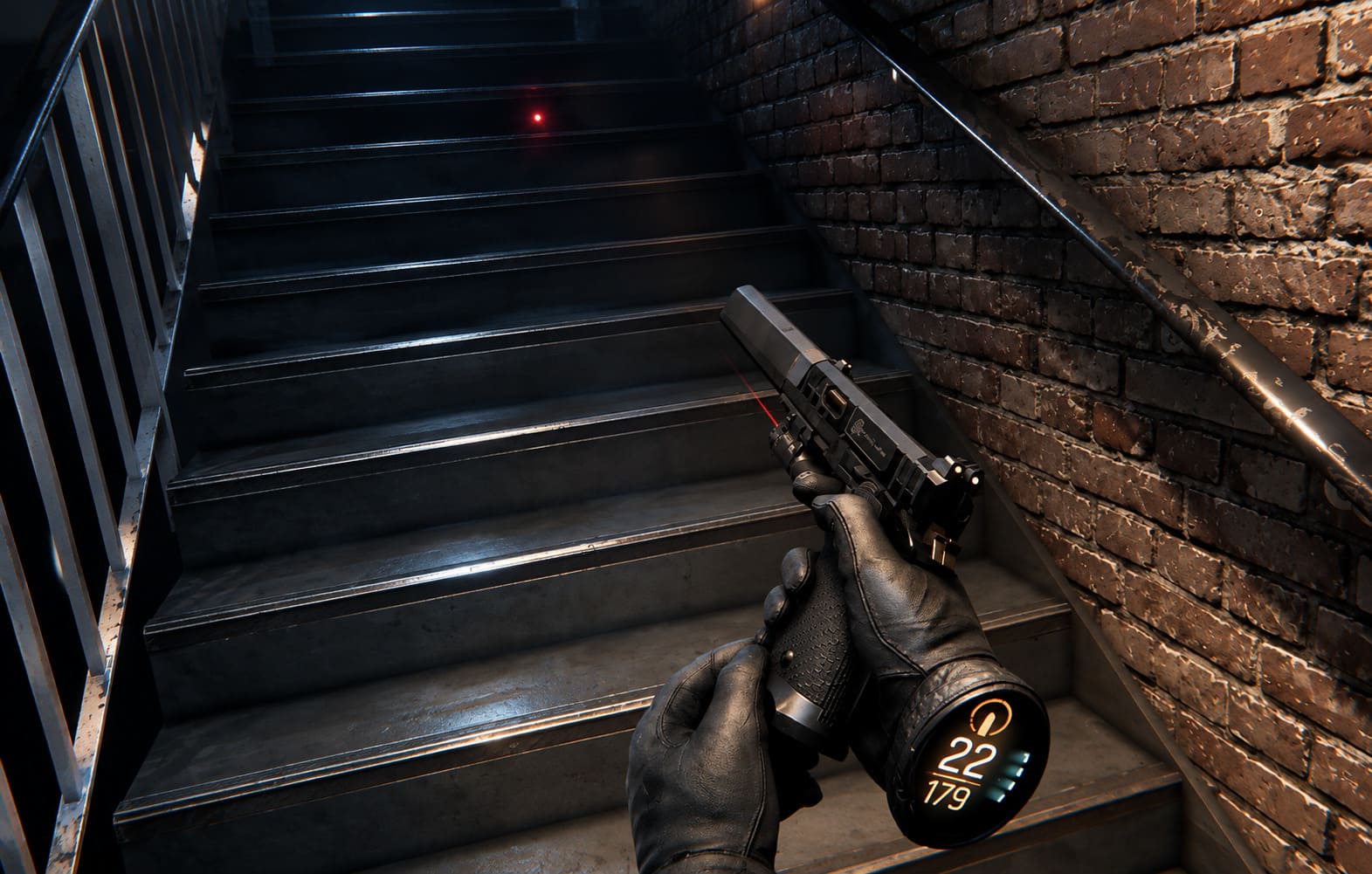
Flat Mode keeps a more involved reload philosophy than most conventional shooters.
Instead of simply pressing R and watching an animation play, the game can require additional input when the weapon has been completely emptied. That extra step creates a nice little bit of tension during firefights.
You start thinking about ammunition differently.
Do I reload now?
Do I duck behind cover?
Do I risk staying exposed for another second?
That is exactly the kind of decision-making I want from a tactical shooter.
| Feature | Flat Mode Approach |
|---|---|
| Movement | WASD / standard FPS controls |
| Aiming | Mouse-based aiming |
| Reloading | Multi-step weapon handling |
| CQC | Contextual melee/interactions |
| Bullet Time | Tactical slow-motion ability |
| Throwing Weapons | Assisted trajectory system |
| Customization | Menu-based weapon modification |
The mouse also gives the game something the VR version can’t quite replicate in the same way: extremely fast aiming.
That makes enemy encounters potentially more aggressive in Flat Mode, because you’re able to snap between targets much faster.
CQC and Weapon Stealing Could Be the Secret Sauce
One of the mechanics I really don’t want the developers to lose during Early Access is weapon stripping.
The idea is simple. Get close enough to an enemy and you can interact with their weapon rather than merely shooting them.
That can turn a close-range encounter into something much more cinematic.
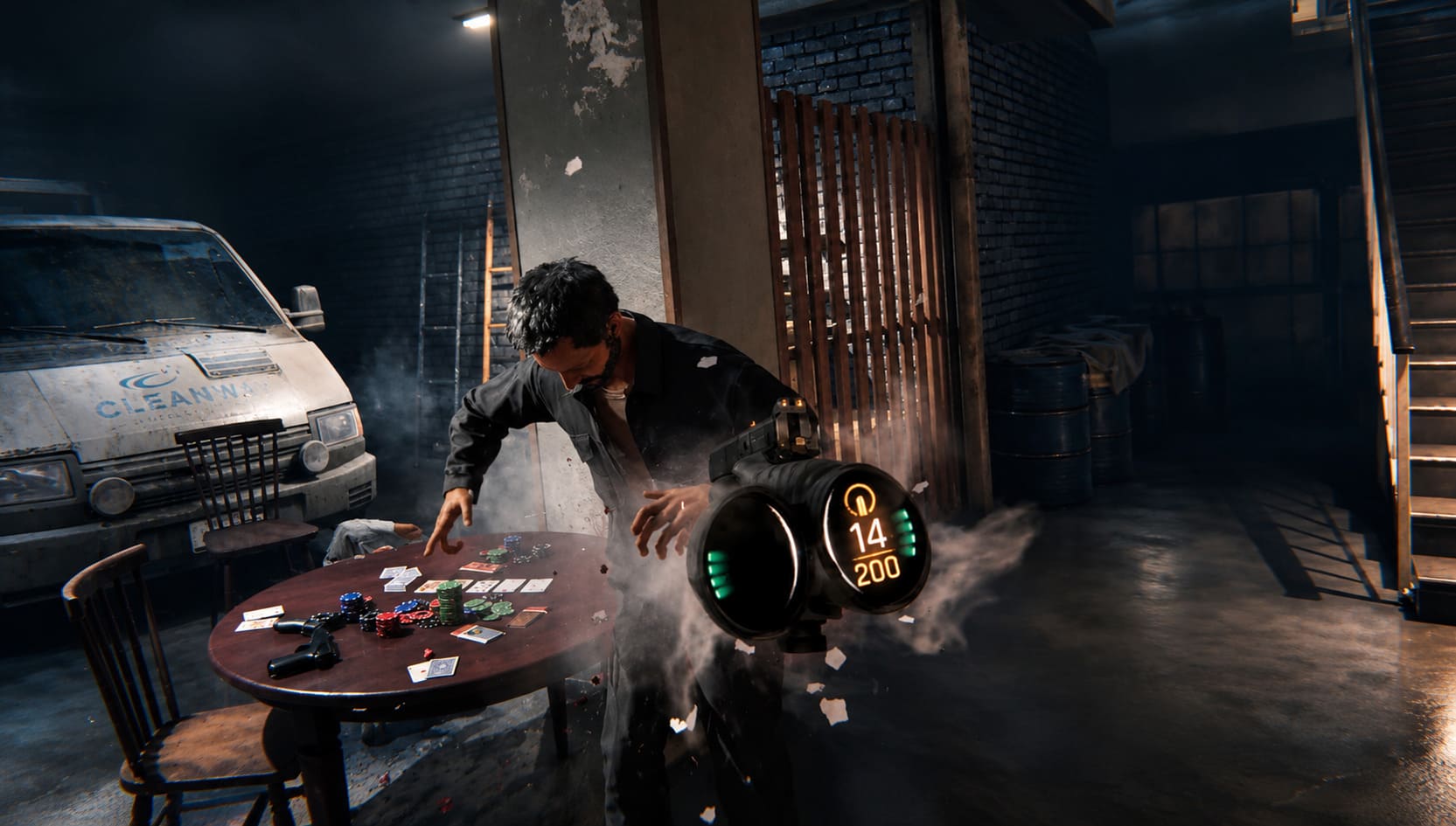
You aren’t just clearing a room. You’re reacting to what’s happening in front of you.
An enemy raises a rifle. You close the distance. Their weapon becomes an opportunity.
That kind of interaction is what originally made Gunman Contracts stand out among VR shooters, and Flat Mode needs to preserve that personality.
If the developers continue improving these contextual interactions, this could become one of the game’s defining features.
Bullet Time Makes More Sense Than It Sounds
Yes, Gunman Contracts Stand Alone has cinematic slow motion.
At first, I wondered whether that would feel too gimmicky in a conventional FPS.
Actually, it fits surprisingly well.
The game’s entire presentation is built around the fantasy of being an absurdly competent movie assassin. Bullet Time lets you lean into that fantasy without completely turning the game into an arcade shooter.
The trick is resource management.
You can’t simply activate slow motion forever. The ability uses a regenerating meter, so the player has to decide when a situation is dangerous enough to justify it.
A room full of enemies?
Save it.
A single guy standing in a doorway?
Probably don’t.
That sounds obvious, but those small choices are what can make the mechanic satisfying rather than just flashy.
The Hive Is More Important Than It Looks
One of my favorite ideas in Gunman Contracts Stand Alone is The Hive, the player’s underground base of operations.
It isn’t just a menu disguised as a room.
The Hive gives you a place to experiment with weapons, modify your equipment and practice before jumping into a contract.
That is especially useful in Non-VR mode because mouse sensitivity, recoil and weapon behavior can take some adjustment.
The shooting ranges provide a natural place to figure things out without immediately being punished for every mistake.
There is also a holographic combat arena where you can practice against simulated enemies.
Honestly, I would spend more time here than the game probably expects me to.
If the weapon handling is one of Gunman Contracts’ biggest selling points, having a proper sandbox where you can test everything is a very good design decision.
What You Actually Get in Early Access
The launch version isn’t trying to pretend it’s a 40-hour AAA campaign.
Instead, it focuses on a smaller collection of polished contracts.
At launch, the package includes:
- A full prologue mission
- Three voice-acted story contracts
- Challenge versions of completed contracts
- Training areas inside The Hive
- Weapon customization
- Global leaderboards
The prologue introduces the player to the basic rhythm of the game, including stealth, room clearing and hostage extraction.
The story contracts then expand on that formula.
One example is a warehouse mission involving a large criminal operation and more than 100 armed enemies. That’s where the game’s systems start to collide: stealth, positioning, ammunition management, cover, weapon handling and fast target acquisition.
It sounds like chaos.
And, frankly, that’s part of the appeal.
Steam Deck Could Be the Wild Card
This is another area where Flat Mode makes a lot of sense.
A VR-first game becoming playable on Steam Deck is an interesting transition. Obviously, you aren’t going to get the same physical interaction you have with motion controllers, but handheld controls open up a completely different way of enjoying the game.
The Deck’s trackpads and gyro aiming can be particularly useful for a shooter like this.
I wouldn’t expect the handheld version to magically reproduce the precision of a high-end gaming mouse. But for short sessions, travel or simply playing from the couch, it could be an excellent fit.
Performance will ultimately depend on how Early Access optimization develops, so I wouldn’t treat launch-day settings as the final word.
That’s one of the realities of buying a game this early.
Gunman Contracts Stand Alone Weapon Customization Guide: All Attachments, Skins, and Audio Mods
Is Flat Mode Actually Worth Playing?
This is the question that matters.
Yes — especially if you already like tactical FPS games.
The important thing is that Gunman Contracts Stand Alone doesn’t appear to treat Non-VR players as an afterthought.
The game still wants you to manage ammunition, control engagements, use cover and learn weapon behavior. The controls have simply been redesigned around the equipment you actually have in your hands.
And that makes a huge difference.
There are plenty of shooters where realism means adding increasingly complicated systems just for the sake of saying they’re realistic. Gunman Contracts takes a more interesting route. Its mechanics are there to create a particular fantasy: you are the professional who walks into an impossible situation and somehow comes out on top.
Sometimes that means carefully clearing a corridor.
Sometimes it means throwing a knife.
Sometimes it means stealing an enemy’s rifle.
And sometimes it means hitting slow motion and turning an entire room into an action-movie sequence.
How to Fix Gunman Contracts Stand Alone Crashing on Launch: Complete Troubleshooting Guide
Final Verdict
Gunman Contracts Stand Alone Flat Mode is not merely a consolation prize for people who don’t own VR.
That’s probably the most important thing I can say about it.
The game’s VR origins are still obvious, and I’m sure some interactions will feel more natural with motion controllers. But the Non-VR version has the potential to stand on its own because the fundamentals are already strong.
The combination of tactical shooting, detailed weapon handling, cinematic bullet time, CQC interactions and contract-based missions gives it a personality that most indie shooters simply don’t have.
There is still plenty to prove during Early Access. Content, optimization, control refinement and long-term replayability will determine whether Gunman Contracts Stand Alone becomes a genuinely great tactical shooter or simply an impressive curiosity.
But on day one, I’m already glad the flat-screen option exists.
For players who watched the original Gunman Contracts VR mods from the sidelines, this is finally your chance to step into the Hive without buying a headset first.
And considering how many shooters have forgotten that shooting a gun can actually be fun when every encounter has a little bit of weight behind it, that’s a pretty exciting prospect.