Graveyard Keeper FAQ: Common Bugs, Fixes & Questions Answered
I have played a ridiculous number of management sims, crafting games, farming games, and RPGs over the years, but Graveyard Keeper still manages to stand out because of how much stuff it tries to throw at you at once. One minute you are digging a grave, the next you are performing an autopsy, researching body parts, making wine, preaching in church, helping an NPC, or wondering why a donkey has suddenly decided that delivering corpses is no longer part of his job.
That chaos is a huge part of the game’s charm. It is also the reason Graveyard Keeper can be surprisingly frustrating. The game has a massive number of interconnected systems, and a tiny mistake in a quest, NPC schedule, save state, or crafting requirement can make it look like something is completely broken. After spending plenty of time with games like this, my biggest piece of advice is simple: do not immediately assume you have found a bug. Quite often, the game is hiding a requirement somewhere you have not noticed yet.
Still, Graveyard Keeper absolutely has its share of genuine technical problems. Players have reported crashes, stuck NPCs, disappearing interfaces, quest triggers that refuse to fire, strange save behavior, and platform-specific problems. This FAQ collects the issues I would check first, along with practical solutions and gameplay tricks that can save a lot of unnecessary frustration.
Graveyard Keeper Zombie Guide: How to Unlock & Automate Workstations
Graveyard Keeper Bug Fixes: The Problems Players Run Into Most Often
| Problem | What I Would Check First | Possible Solution |
|---|---|---|
| Speed suddenly becomes extremely slow | Active movement buff when saving | Let the effect expire before sleeping or saving |
| Donkey stops bringing corpses | Carrots and morgue capacity | Stock carrots and clear the autopsy table |
| NPC refuses to move | Quest or dialogue event | Reload, sleep, or change the in-game day |
| Cathedral cannot be entered | Quest-state problem | Reload an earlier save if available |
| Cutscene crashes | Console memory/load issue | Save beforehand and avoid rapidly skipping dialogue |
| Blue points seem impossible to obtain | Technology progression | Research items and craft advanced church products |
| Church income appears to vanish | UI/save synchronization | Save before sermons and restart if rewards fail to appear |
| Steam Cloud rolls back progress | Sync conflict | Protect the newer local save |
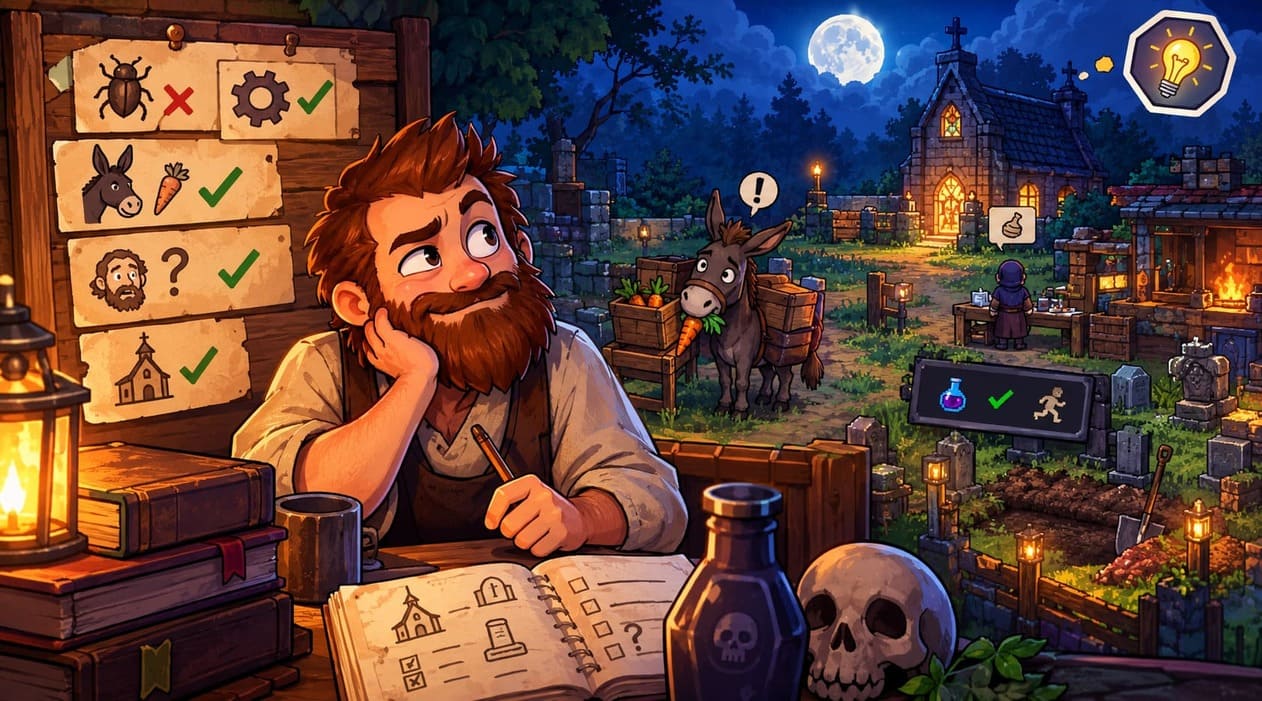
The Speed Potion Bug Can Be Particularly Annoying
One of the stranger problems involves Speed Potions and movement speed. If you save or sleep while a movement-speed effect is still active, the game can occasionally reload your character with an incorrect movement value. Instead of returning to normal speed, your character may suddenly move at what feels like half speed.
I would treat this as a prevention problem rather than something worth experimenting with. If the Speed Potion icon is still active, wait until the effect completely disappears before sleeping or saving. You can spend those few minutes sorting storage, preparing crafting materials, cutting wood, or doing another harmless task.
If the problem has already affected an existing PC save, things become considerably more complicated. A save editor may be required to correct the affected character value, so I would make a backup of the save before touching anything. On console, the options are obviously much more limited, which makes keeping several backup saves even more valuable.
Game of Crones Refugee Camp Bed Problem
The Game of Crones DLC adds another potential progression headache with refugee tents. Sometimes a tent appears to be constructed correctly, but the game does not register the required empty beds. The result is particularly irritating because visually everything looks fine while the quest system behaves as though you never completed the construction.
My preferred approach is to create a manual save before finishing the tent. After construction, immediately check the refugee camp statistics. If the beds have not been registered, reload the earlier save rather than continuing for several in-game days and hoping the quest eventually fixes itself.
This is one of those situations where a few seconds of preparation can save an hour of troubleshooting. Graveyard Keeper has enough long quest chains that I would rather keep an earlier save than discover several steps later that an important progression flag never activated.
Donkey Not Delivering Corpses? Check the Morgue
The Donkey is one of the most important NPCs in the entire game, despite being one of the most frustrating characters when his delivery schedule stops working.
The obvious thing to check is the carrot supply. Make sure there are carrots in the box near the morgue. But that is not the only possible cause. If your morgue is full, if a corpse is sitting around waiting to be processed, or if the autopsy area is effectively blocked, you can end up thinking the Donkey is bugged when the actual problem is your corpse workflow.
I would clear the autopsy table first, make sure there is room for another body, and then give the game some time to advance. Sleeping through a couple of days can also help reset NPC routines. It is not the most scientific troubleshooting method, but with Graveyard Keeper, changing the in-game day often fixes situations that appear completely stuck.
Cathedral and Building Access Problems
A much more serious problem can occur when a quest progression state fails and the Cathedral or other building entrances stop responding properly. If doors make their interaction sound but your character cannot actually enter, while parts of the user interface also disappear, I would stop progressing immediately.
Do not spend hours completing other quests on the assumption that the problem will eventually correct itself. First, restart the game and check whether the behavior persists. If it does, an earlier save from before the quest transition is potentially your safest option.
This is exactly why I recommend keeping several manual saves in Graveyard Keeper rather than relying entirely on one constantly overwritten file. The game has enough quest dependencies that a backup from a few in-game days earlier can sometimes be worth far more than a mountain of freshly crafted materials.
When an NPC Gets Stuck in the Wrong Place
NPC pathfinding can occasionally produce some bizarre situations. The Farmer, for example, can become stuck after a dialogue event near your home and refuse to return to his normal routine.
Before assuming the quest is permanently broken, save, exit, reload, and advance time. Sleeping or using meditation can also push NPC schedules forward and sometimes reset a character’s position.
It sounds almost too simple, but this is one of the first things I try in any simulation game with scheduled NPCs. Characters are often controlled by several overlapping conditions, and forcing the game to reload their routines can be enough to get everything moving again.
Graveyard Keeper Quest FAQ
How Do You Get Blue Technology Points?
Blue points are probably one of the biggest early-game progression walls for new players. Red and green points come relatively naturally through ordinary gathering and crafting, while blue points feel much more mysterious.
The trick is to start thinking of blue points as knowledge points rather than ordinary crafting XP. Researching complicated objects at the Study Table is one of the most useful methods. Once your church basement and research equipment are ready, body parts, gravestones, fences, and other advanced objects can provide valuable blue technology points.
You can also earn them through higher-level church crafting and related theological items. The Astrologer can be another source of books and useful progression depending on where you are in the game.
If you are desperately short on blue points, I would stop randomly unlocking technologies for a moment and focus on your Study Table, Faith, Science, and researchable materials. That usually gives you a much clearer route forward.
Snake’s Quest and the Necronomicon
Snake’s storyline is another classic example of Graveyard Keeper making players think something is broken when they have actually missed a prerequisite.
Snake only appears according to his specific schedule, so check the calendar rather than repeatedly visiting the cellar on random days. His questline also connects with other NPCs, including the Astrologer, meaning simply talking to the Astrologer over and over again will not necessarily advance the story.
The key here is to follow Snake’s prerequisites in order and make sure you have completed the relevant key-related tasks before expecting new dialogue. If an NPC suddenly refuses to discuss an important item, there is usually another quest flag waiting somewhere else in the chain.
Why Won’t the Bishop Accept My Graveyard Rating?
The Bishop’s church progression can be confusing because your visible graveyard rating is affected by more than the decorations you have placed.
Open graves can hurt your rating significantly, so if you are trying to reach a required threshold, inspect the entire cemetery rather than looking only at your best graves. Remove unfinished grave plots or deal with bodies that are dragging the rating down.
Also remember that NPC schedules matter. Talking to an NPC on the wrong day will not advance a quest simply because you have technically completed its requirements.
For later Bishop requests involving fish, pay attention to the quality requirement. If the quest specifically asks for Silver-quality fish, handing over a different quality level may accomplish absolutely nothing.
Why Has the Astrologer Stopped Giving Me Quests?
The Astrologer’s storyline is heavily connected to other characters. If his reputation appears to hit a wall, I would not immediately assume that you need to grind more reputation with him.
Check the other relevant questlines, particularly Ms. Charm and Vagner. Graveyard Keeper loves creating these chains where Character A sends you toward Character B, who then requires something from Character C.
That interconnected structure is one of my favorite parts of the game, but it is also responsible for a lot of the ‘Where am I supposed to go now?’ moments.
How Do I Unlock Corpse Burning?
If you have discovered the crematorium area but cannot find the funeral pyre blueprint, this is usually not a bug.
The important detail is the Cremation technology in the Theology tree. Unlock the appropriate technology and the construction option should become available.
This is a good example of why checking the technology tree is worthwhile before searching for a bug fix. Graveyard Keeper often hides progression behind technologies rather than directly explaining that you are missing a particular research node.
Advanced Graveyard Keeper Gameplay Tips
How I Approach Autopsy and High-Quality Corpses
Autopsy is where Graveyard Keeper stops feeling like a simple farming game and starts behaving like a strange little optimization puzzle.
Blood and fat are generally the most useful early extractions because they can improve the corpse’s skull profile. Removing the skull itself can make the corpse worse, while skin has its own trade-off. The brain, heart, and intestines are more complicated because their effects can vary.
The Cultist perk becomes especially useful because it lets you understand the quality of organs before making decisions. Once you start paying attention to skull values rather than blindly removing every available body part, producing high-quality corpses becomes much more manageable.
For serious graveyard optimization, I would always inspect the corpse first and make a plan instead of treating every autopsy identically.
Building an Efficient Zombie Workforce
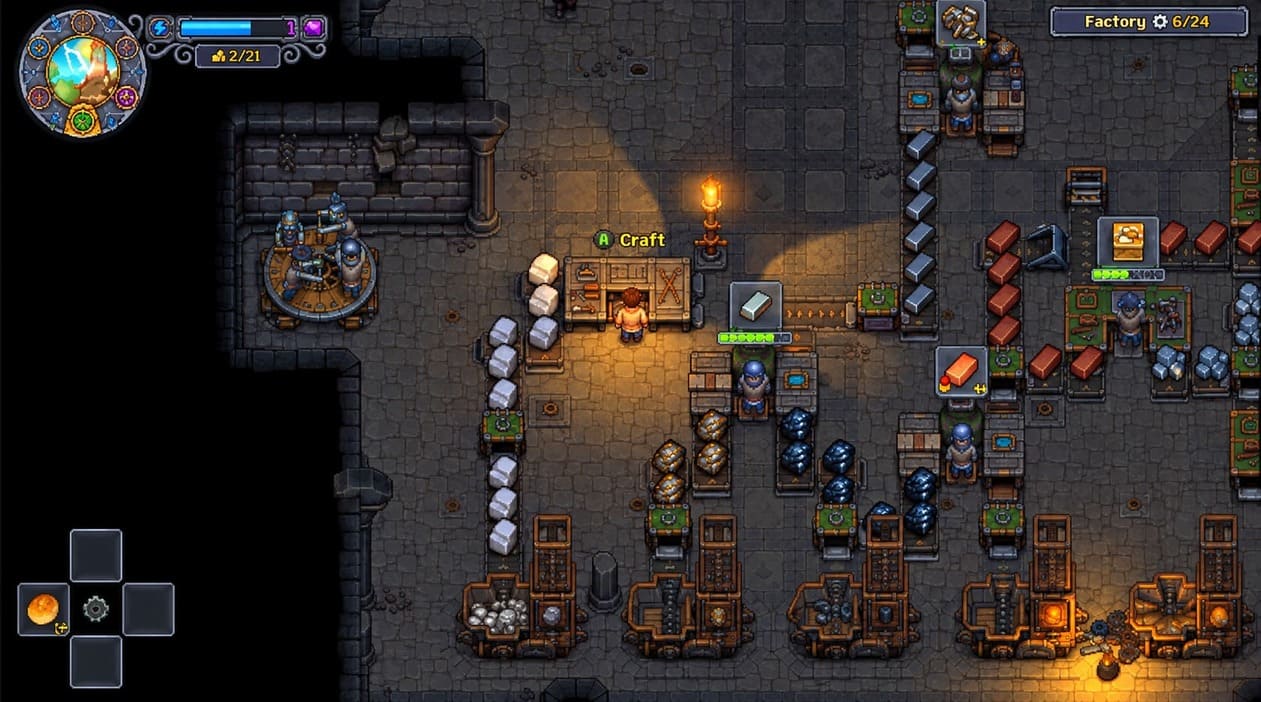
The Breaking Dead DLC completely changes the rhythm of Graveyard Keeper once you start using zombies for automation.
Zombie efficiency is tied heavily to the quality of the corpse used for resurrection. A badly prepared body creates a worker that feels painfully slow, while a high-quality corpse can produce a much more useful automated worker.
That means your best corpses are not necessarily disposable. If you are planning a long-term automation setup, it can make sense to reserve strong bodies for zombie production and use weaker corpses for less important purposes.
Transportation is another piece people overlook. A production building can technically be working while the resources it generates sit uselessly at the remote location. Zombie Porters help connect those remote operations with your main storage network.
Useful Alchemy Recipes
Alchemy becomes much easier once you stop treating the workstation like a slot machine.
- Energy Elixir: Acceleration Powder + Slowing Solution
- Growth Enhancer: Ash + Toxic Solution + Life Extract
- Golden Elixir: Gold Powder + Toxic Solution + Chaos Extract
- Silver Elixir: Silver Powder + Order Solution + Life Extract
- Black Ink: Graphite Powder + Water, or Ash + Oil
I would still keep a notebook or screenshot of recipes you use regularly. Experimenting is fun early on, but once rare ingredients become part of a larger production chain, accidentally turning valuable materials into something useless gets old very quickly.
What Does the Sleepy Status Actually Do?
The blue sleepiness indicator can confuse new players because it looks more serious than it really is.
Rather than causing your buildings to randomly fail, the status is primarily associated with your available energy and the fact that your character needs proper rest. Food can keep you working, but it does not replace the importance of using the bed when you need to save and advance your routine.
Personally, I would not try to play permanently without sleeping. The whole game is built around its calendar, and sleeping is also an important part of controlling NPC schedules and maintaining safe save points.
Performance and Save Problems
Fixing Stutters and Frame Drops
Graveyard Keeper is hardly a demanding modern 3D game, so seeing stuttering can be surprising. If you experience hitching while moving around the map, especially in busier areas, experiment with the game’s V-Sync setting and your GPU driver’s synchronization options.
You can also try restarting the game after long sessions. Simulation-heavy games can accumulate strange state problems even when their graphical requirements are low.
On PC, I would test one change at a time rather than changing ten graphics settings simultaneously. That way, if the stuttering disappears, you actually know what fixed it.
Steam Cloud and Steam Deck Save Conflicts
This is one issue where being impatient can genuinely cost you progress.
When playing between a desktop PC and Steam Deck, give Steam Cloud enough time to finish synchronizing before shutting down the device. If you close the game and immediately put the Deck to sleep, you increase the chance of running into a synchronization conflict.
If Steam presents a choice between saves, read the timestamps carefully. Do not automatically choose the cloud version simply because it sounds safer. The newest local save may contain several hours of progress that the cloud copy has not received yet.
I also recommend making manual backups if you have invested dozens of hours into a single cemetery. Losing a few minutes is annoying. Losing an entire optimized graveyard, technology tree, and production network is something else entirely.
My Final Graveyard Keeper Advice
After playing enough games with complicated crafting and progression systems, I have learned that the best way to handle Graveyard Keeper bugs and quest blockers is to separate genuine technical problems from hidden requirements. Check the calendar, inspect your technology tree, verify NPC prerequisites, clear blocked workstations, and reload before assuming your save is permanently damaged.
At the same time, do not underestimate the game’s real bugs. Keep manual saves, especially before major quest events, DLC construction, important deliveries, and complicated story transitions. That single habit can turn a potentially disastrous progression problem into a five-minute reload.
Graveyard Keeper is messy, occasionally cryptic, and sometimes downright stubborn. But that complexity is also why I keep coming back to it. Once the systems start clicking together, the game becomes a wonderfully strange management sandbox where corpse processing, farming, theology, alchemy, fishing, brewing, and zombie labor somehow become part of the same daily routine.
Graveyard Keeper is at its best when you stop trying to rush it. Build your production chains gradually, learn which NPC appears on which day, protect your saves, and treat every new technology as another piece of a much bigger machine. Once you understand that machine, the graveyard stops feeling like a collection of random chores and starts feeling like a system you can actually control.