Deltarune Chapter 5: How to Import and Transfer Chapter 4 Save Files (PC, Switch 2, PS5)
Anyone jumping into Deltarune Chapter 5 probably wants one thing above all else: to continue the exact story they built in Chapter 4. Whether you spent hours chasing every optional encounter, collecting rare rewards, or experimenting with different story routes, losing that progress is the last thing you want when a new chapter finally arrives.
After spending time testing the transition process and reading through community reports from dedicated players, I’ve noticed that most save-transfer problems come from one simple misunderstanding: many people assume Deltarune handles chapter progression like a traditional RPG. It doesn’t.
The game tracks a surprisingly large amount of hidden information behind the scenes, and if your completion data isn’t properly recognized, Chapter 5 may not reflect the choices you actually made.
This guide covers everything you need to know about importing Chapter 4 saves on PC, Nintendo Switch 2, and PlayStation 5, along with several solutions for the most common transfer issues players are encountering.
Why Your Chapter 4 Completion Matters
One of the most interesting aspects of Deltarune is how heavily future chapters depend on previous decisions.
When Chapter 4 ends, the game creates a special completion record that acts as a bridge between chapters. This record contains important information such as:
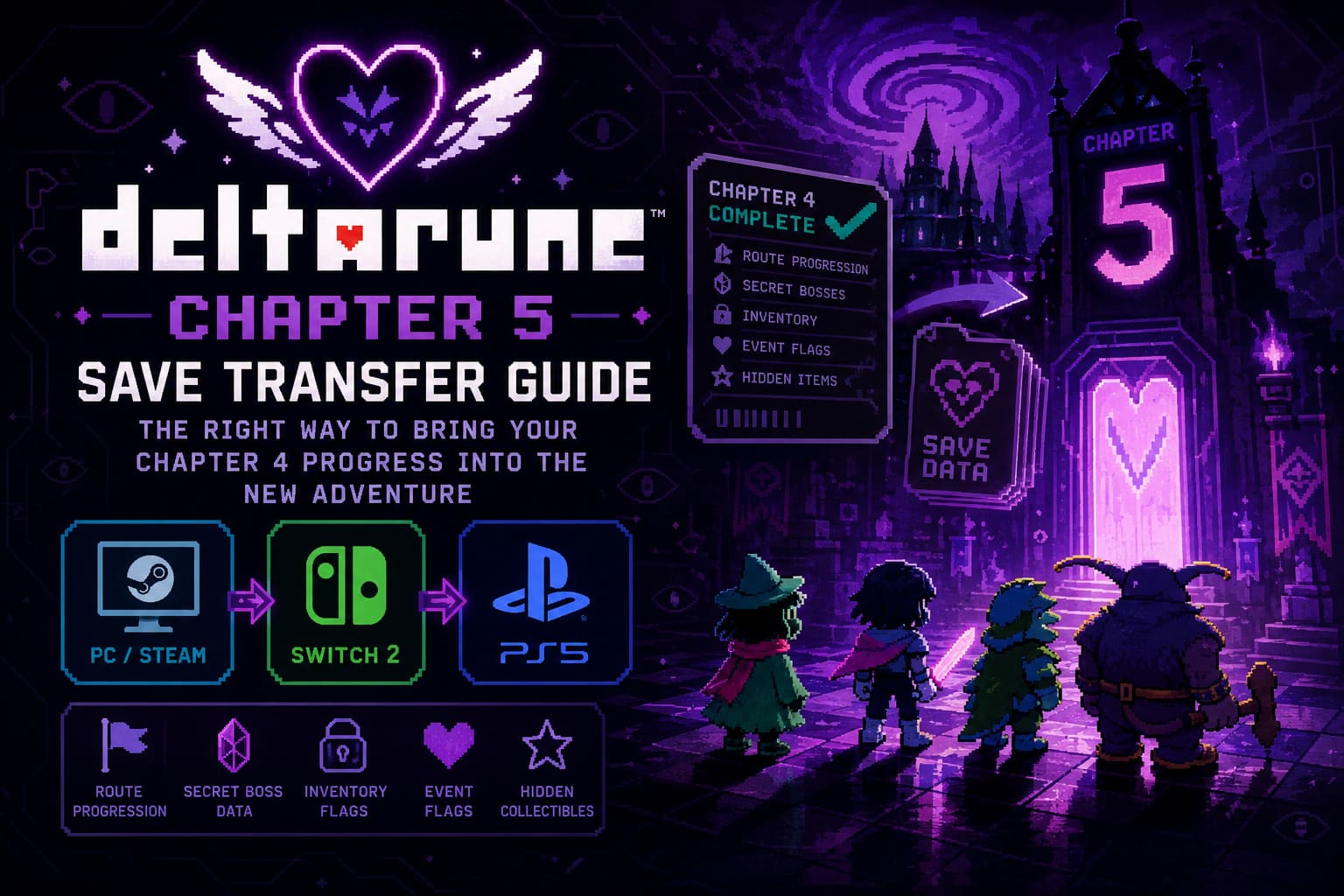
- Route progression
- Secret boss completions
- Inventory-related data
- Character outcomes
- Special event flags
- Hidden collectibles
Because of this system, Chapter 5 doesn’t simply ask, “Did you finish Chapter 4?” Instead, it checks for specific completion data and attempts to rebuild your story timeline from that information.
That’s why some players are discovering that certain rewards or story outcomes are missing despite technically completing the previous chapter.
The Biggest Mistake Players Are Making
This is something I’ve seen mentioned repeatedly in gaming communities.
A player finishes Chapter 4, watches the ending sequence, and receives completion data. Later, they reload an older save to finish side activities, defeat optional bosses, or collect missed items.
The problem?
The completion file generated before those extra activities may still be the one the game recognizes.
As a result, Chapter 5 can load outdated information.
If you’ve done anything significant after your first completion, it’s worth replaying the final portion of Chapter 4 and reaching the ending again. This ensures the game generates fresh completion data containing your most recent accomplishments.
It’s a small inconvenience, but it can prevent hours of confusion later.
PC Save Import (Steam and Windows)
For PC players, the process is usually automatic.
In most cases, launching Chapter 5 immediately detects eligible Chapter 4 completion data and presents an import option during startup.
However, if something goes wrong, you’ll want to verify your local save directory.
Finding Your Save Files
Open the Windows Run dialog and navigate to your Deltarune save folder.
Inside, you’ll typically find multiple save records corresponding to different save slots and chapter completions.
The most important files are the completion records generated after finishing Chapter 4. These are what Chapter 5 scans for during the import process.
What Each Save Slot Represents
| Save Element | Purpose |
|---|---|
| Main Chapter Save | Active gameplay progress |
| Completion Data | Story transfer information |
| Route Flags | Special route tracking |
| Inventory Flags | Item carryover information |
| Secret Boss Data | Optional encounter tracking |
| Endgame Records | Chapter completion verification |
Understanding this distinction is important because copying only your active save while forgetting completion data can lead to missing content after import.
Moving Saves to a New Computer
If you’ve upgraded your PC or reinstalled Windows, don’t rely entirely on cloud synchronization.
I’ve personally seen cloud services overwrite perfectly good saves with older versions.
For the safest transfer:
- Close the game completely.
- Back up your entire Deltarune save folder.
- Move all files to the new system.
- Launch the game only after confirming the files are in place.
- Verify that Chapter 5 detects your completed Chapter 4 slots.
Creating a backup before launching is always a smart precaution.
Nintendo Switch 2 Save Transfer
The Nintendo ecosystem handles save recognition differently from PC.
Instead of reading standalone save files, the game checks profile-associated system data.
When Chapter 5 starts for the first time, it searches your user profile for compatible Deltarune records and may present an import prompt.

Things to Double-Check
Before launching Chapter 5:
- Make sure you’re using the same Nintendo profile.
- Verify that Chapter 4 save data exists on the console.
- Confirm cloud synchronization has completed.
- Avoid switching profiles during setup.
One issue several players have reported involves accidentally declining the import prompt on first launch.
Once the game creates new Chapter 5 data, the initial transfer prompt may no longer appear automatically.
If that happens, resetting Chapter 5 save data and restarting the setup process often restores the import option.
PlayStation 5 Save Import
The PlayStation version is generally straightforward, though cross-generation saves can occasionally complicate things.
Players who completed Chapter 4 on a PlayStation 4 version and then moved to the PlayStation 5 release should verify that the previous save data has been successfully downloaded onto the console before launching Chapter 5.
The game typically checks available save records during startup and provides access to import functions through its chapter selection interface.
Recommended Checklist
Before opening Chapter 5:
| Check | Status Needed |
|---|---|
| Chapter 4 Completed | Yes |
| Save Data Available | Yes |
| Cloud Sync Finished | Yes |
| Correct PSN Profile | Yes |
| Storage Access Verified | Yes |
Missing any of these steps can potentially prevent successful detection of your previous progress.
Missing Shadow Crystals and Secret Rewards
Among all reported issues, disappearing rewards seem to generate the most frustration.
Many players assume these items are bugged.
In reality, the game often treats them as unavailable because the corresponding completion flag was never properly recorded.
If a secret boss reward doesn’t appear in Chapter 5:
- Verify the boss was defeated on the imported save slot.
- Confirm the completion file was generated afterward.
- Check that you imported the correct chapter completion.
- Avoid manually moving save records between slots.
Deltarune’s progression system is surprisingly strict about slot consistency.
A completion generated in one slot generally expects to continue through that same progression chain.
How to Avoid Save Corruption
Although outright corruption is uncommon, there are several habits worth adopting.
- Always create backups before major updates.
- Never edit save files unless absolutely necessary.
- Finish a chapter completely after completing optional content.
- Allow cloud synchronization to finish before switching devices.
- Keep multiple save slots whenever possible.
These simple practices dramatically reduce the risk of losing important story progress.
Deltarune Chapter 5 Full Game Walkthrough: Complete Guide, Secrets, and Routes (2026)
Final Thoughts
After testing multiple save scenarios and following community discussions, my biggest recommendation is simple: don’t rush into Chapter 5 the moment it becomes available.
Take a few minutes to confirm your Chapter 4 completion data is current and reflects everything you’ve accomplished.
Deltarune is becoming increasingly interconnected with each new chapter, and the game remembers more of your actions than many players realize. A properly imported save doesn’t just carry over items—it preserves the unique version of the story you’ve created.
Whether you’re following a peaceful route, hunting every secret boss, or exploring one of the game’s darker narrative paths, ensuring that your Chapter 4 completion data is accurate is the best way to experience everything Chapter 5 has prepared for you.
And trust me, if you’ve spent dozens of hours building your perfect save file, those extra few minutes of preparation are absolutely worth it.