Corsair Cove: How to Fix Drifters Idle Bug (Complete Guide)
There are few things more frustrating in a city-building game than watching your entire economy grind to a halt because your workers suddenly decide they’ve had enough. I’ve played everything from classic management sims to modern survival city builders, and one pattern always repeats itself: when worker AI breaks, your settlement follows soon after. That’s exactly what can happen in Corsair Cove, where the annoying Drifters Idle Bug can leave dozens of workers standing still while construction sites, warehouses, and production buildings slowly stop functioning.
The good news is that this bug usually isn’t the end of your save. After experimenting with different settlements and comparing experiences from other players, I’ve found that most cases are caused by logistics problems rather than permanent save corruption. A few adjustments to your infrastructure, worker priorities, and resource management are often enough to get your pirate crew moving again.
How to Fix Corsair Cove Crash After Raid Battle & Save Bug (Limbic Entertainment 2026)
Why Drifters Are So Important in Corsair Cove
Unlike specialized workers, Drifters are the backbone of your settlement. They are your flexible workforce, taking care of transportation, construction, gathering, and many other tasks whenever your economy needs extra hands. If they stop working, the effects spread quickly through every part of your island.
From my experience with strategy and management games, worker systems are usually the heart of the entire gameplay loop. When the AI behaves correctly, building a settlement feels rewarding. When workers freeze or ignore tasks, even the best-designed city can collapse within minutes.
The Drifters Idle Bug becomes much more noticeable once your settlement grows vertically. Early-game islands rarely suffer from serious issues, but after adding multiple cliff levels, rope systems, warehouses, and complicated production chains, the AI has many more routes and tasks to calculate.
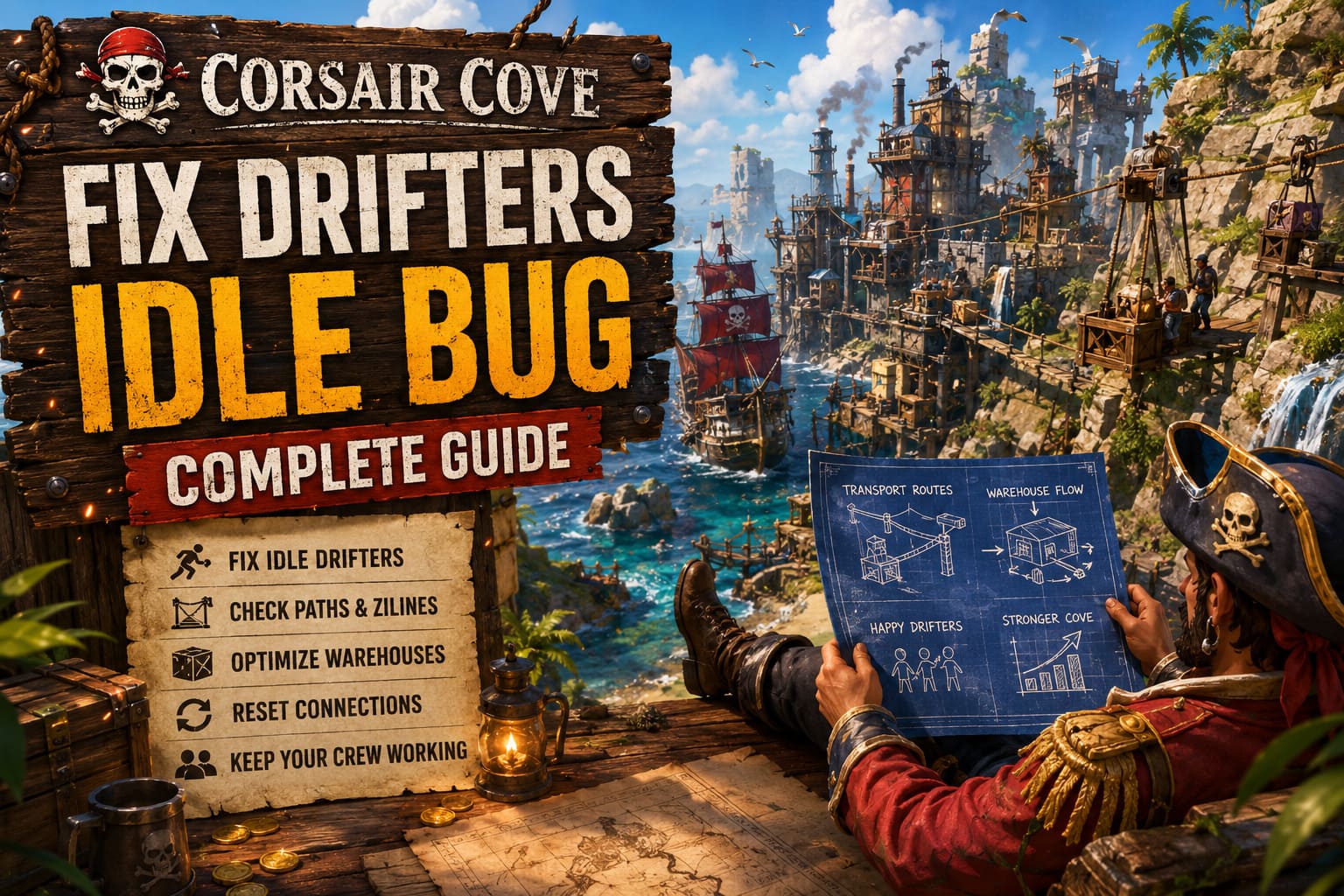
What Causes the Drifters Idle Bug?
After spending time testing different settlement layouts, several common causes appear again and again. The problem usually isn’t one specific mistake but rather several small issues combining together and confusing the worker AI.
The most common triggers include:
- Broken vertical pathways caused by missing or blocked ziplines, bridges, ladders, or winches.
- Overloaded warehouse systems where too many hauling tasks compete for the same resources.
- Construction assignments that cannot be reached because routes are incomplete.
- Stuck worker priorities caused by canceled or changed tasks.
- Temporary AI synchronization problems after large building projects.
Understanding these causes makes fixing the problem much easier. Instead of randomly rebuilding your entire settlement, you can focus on the systems that actually affect Drifter behavior.
Check Your Vertical Infrastructure First
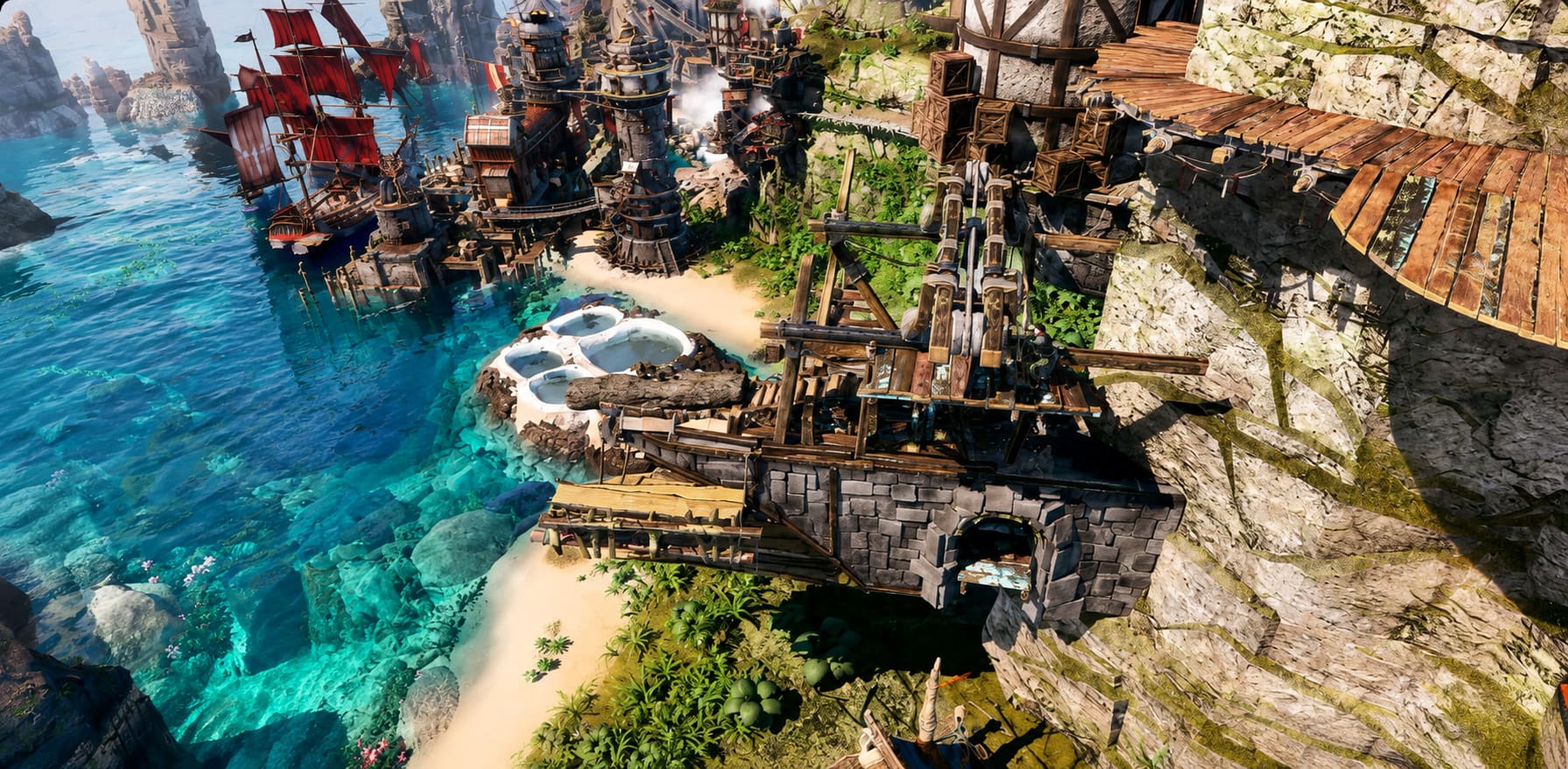
One of the biggest features that makes Corsair Cove different from other city builders is the focus on vertical construction. Your pirate settlement is not limited to flat land, so workers constantly depend on transportation networks built into cliffs and elevated platforms.
If even one connection breaks, an entire section of your settlement can become practically unreachable. A Drifter might receive a job assignment but have no valid path to complete it, causing the AI to freeze.
Look for These Problems:
- Incomplete rope bridges.
- Broken winch connections.
- Blocked zipline routes.
- Construction objects interrupting travel paths.
- Buildings placed before transportation routes were finished.
Whenever I notice workers standing still, this is always the first thing I check. In many cases, rebuilding a single connector forces the game to recalculate movement paths and instantly wakes up a large group of idle workers.
Fix Warehouse and Fetcher Problems
Another major cause of the Drifters Idle Bug is warehouse management. Corsair Cove encourages players to create complex production networks, but the more connections you create, the harder it becomes for the AI to manage every hauling request efficiently.
Many players make the mistake of building one giant warehouse connected to every production building. While this looks organized, it often creates a massive traffic problem where workers are constantly fighting for the same delivery jobs.
| Problem | Better Solution |
|---|---|
| One huge warehouse controlling everything | Build multiple smaller storage areas |
| Long hauling distances | Place storage closer to production buildings |
| Too many reserved inventory slots | Remove unnecessary item restrictions |
| Heavy traffic through one route | Create alternative transportation paths |
A cleaner logistics system does not just prevent bugs. It also makes your entire settlement run faster and more efficiently.
Reset Warehouse Connections
If your Drifters are frozen near storage buildings, refreshing warehouse connections is one of the easiest fixes to try. Sometimes the game keeps old hauling assignments active even when the original task no longer makes sense.
Remove the existing connections between warehouses and production buildings, wait a few seconds, and then reconnect them. This forces the game to clear old resource reservations and rebuild the worker assignment system.
I’ve seen situations where dozens of inactive workers suddenly started moving again immediately after this simple reset.
Pause Large Construction Projects
Large building expansions are another hidden cause of worker problems. Corsair Cove allows players to create impressive cliffside pirate cities, but ambitious projects can overwhelm the AI if you build too quickly.
If you place multiple buildings across different elevations before completing transportation routes, Drifters may receive impossible assignments. Instead of finding another task, some workers simply remain idle.
The Best Expansion Order:
- Complete transportation routes first.
- Make sure workers can physically reach the area.
- Build production structures afterward.
- Expand gradually instead of creating dozens of unfinished projects.
This approach may feel slower at first, but it saves a huge amount of time later when your settlement becomes larger.
Use Population Management Tools
Many players ignore the settlement management interface, but it can help when workers become stuck. If Corsair Cove provides options to refresh, reorganize, or rally unassigned workers, these tools are worth using.
Forcing the game to recalculate your available workforce can break invisible task loops and return Drifters to normal behavior. It isn’t guaranteed to solve every situation, but it is one of the fastest solutions before attempting bigger changes.
Save, Exit, and Reload Your Game
Sometimes the classic solution is still the best one. If your Drifters completely refuse to move after infrastructure fixes, the simulation state may simply be out of sync.
Create a manual save, close Corsair Cove completely, restart the game, and load your settlement again. A fresh session forces the engine to rebuild parts of the AI routing system and can remove phantom assignments.
I’ve experienced cases where workers remained frozen for several in-game days but immediately returned to work after a simple reload.
How to Prevent the Drifters Idle Bug in Future Saves
Fixing the bug is useful, but preventing it is even better. Once your settlement becomes large, organization matters more than raw expansion speed.
These habits helped keep my settlements stable:
- Build infrastructure before production. Complete transportation routes before placing important buildings.
- Keep warehouse networks simple. Avoid forcing every resource through one storage location.
- Expand carefully. Finish one section before starting another massive construction project.
- Remove abandoned tasks. Cancel projects that no longer fit your current plan.
- Watch logistics constantly. A clean resource flow prevents many AI problems.
My Experience After Multiple Corsair Cove Playthroughs
After testing different settlement designs, I don’t believe the Drifters Idle Bug comes from one single issue. It feels more like a combination of pathfinding limitations, complicated logistics, and large-scale construction confusing the worker system.
The interesting thing is that simplifying my settlements often improved everything. Smaller warehouse networks, clearer transportation routes, and better planning made my pirate cities feel smoother and more alive.
Corsair Cove is at its best when you create a massive vertical fortress filled with docks, production zones, and connected platforms. The game encourages creativity, but that creativity works best when your infrastructure grows together with your economy.
Final Thoughts
The Corsair Cove Drifters Idle Bug is frustrating, but it usually does not mean your save is ruined. Before deleting your settlement or starting over, check your pathways, warehouse connections, and construction priorities.
In most cases, your workers are not refusing to help your pirate empire. They are simply stuck trying to understand a complicated system. Once your logistics are organized and your vertical routes are working correctly, Drifters become reliable again and your settlement can continue growing.
From my experience with strategy games, worker AI always rewards good planning. Corsair Cove is no exception. Build smart, keep your transportation network clean, and you can spend more time creating a legendary pirate city instead of watching your crew stand around doing nothing.