Burglin Gnomes Network Interpolation Lag Fix: How to Stop Stuttering and Teleporting in Co-Op Mode (2026 Guide)
There’s a special kind of rage that only co-op games can create.
You and your squad finally sneak past the human, someone grabs the microwave, another guy is dragging a TV across the kitchen floor like a complete goblin maniac, and right before the perfect escape — your friend suddenly teleports into the ceiling, the toaster launches into orbit, and the entire lobby starts moving at three frames per century.
That’s the current reality for Burglin’ Gnomes.
Solo mode? Surprisingly smooth.
Online co-op? Absolute physics nightmare fuel.
After spending way too many late-night sessions testing fixes, reading Steam discussions, digging through Reddit threads, and experimenting with every possible network tweak, I finally managed to stabilize the game to the point where four-player raids actually feel playable.
This guide focuses on the real fixes that actually improve multiplayer performance in Burglin’ Gnomes — not fake “boost FPS instantly” garbage copied from random AI-written websites.
If your lobby suffers from:
- rubberbanding
- teleporting teammates
- delayed item physics
- stuttering movement
- freezing props
- weird desync while carrying objects
- RC car lag
- infinite loading into houses
…this is the stuff that genuinely helps.
Why Burglin’ Gnomes Multiplayer Breaks So Easily
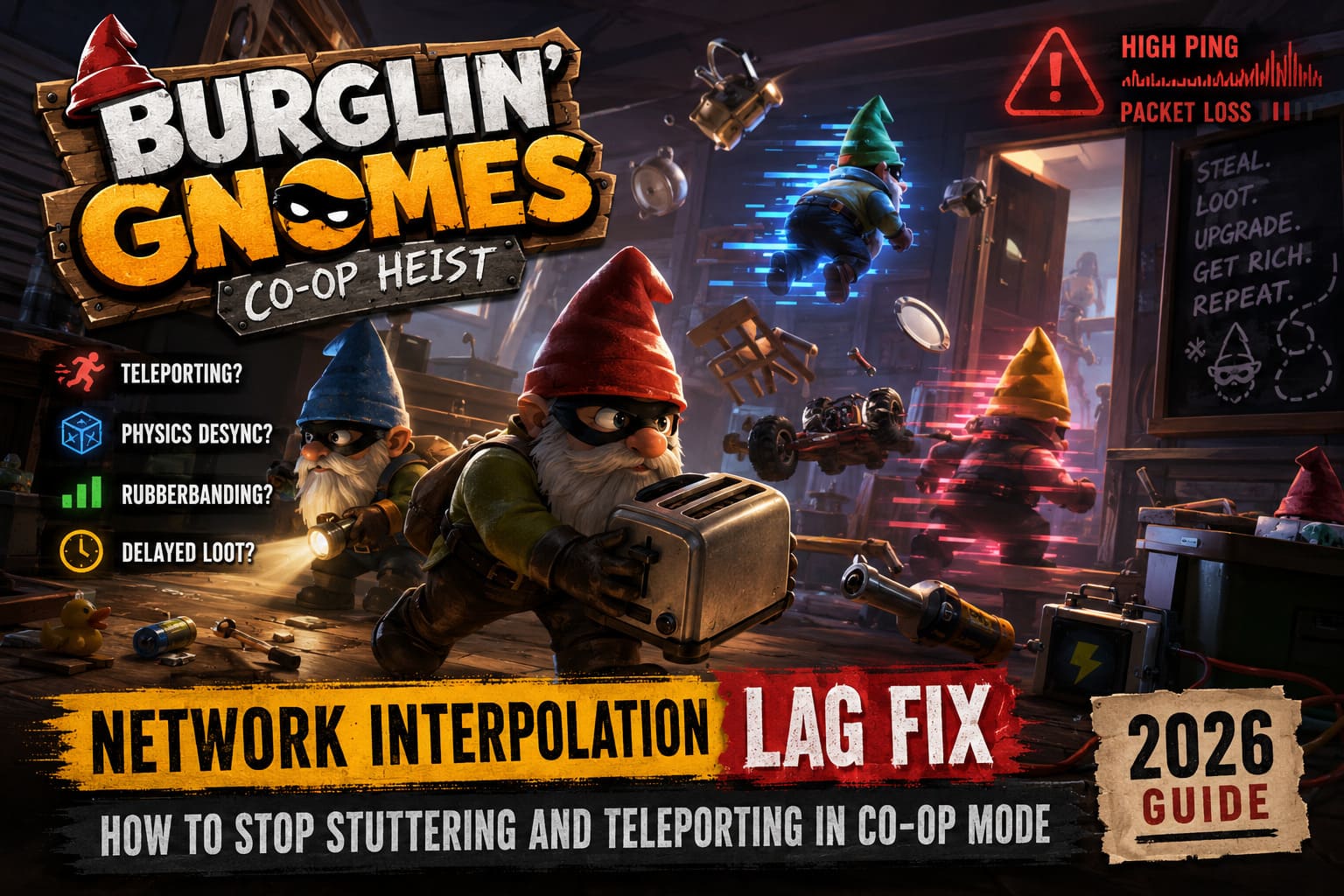
The core problem is the game’s physics system.
Unlike most co-op games where players mostly shoot enemies or walk around static maps, Burglin’ Gnomes constantly tracks moving objects. Every plate, chair, battery, pipe, toy car, and stolen appliance exists as an active physics entity.
That sounds awesome on paper.
Until the network starts choking.
The moment packet delivery gets inconsistent, the game’s interpolation system begins guessing object positions between updates. When the prediction fails, chaos starts happening:
| Problem | What It Looks Like |
|---|---|
| Rubberbanding | Your character snaps backward randomly |
| Physics Desync | Objects freeze or fly away unexpectedly |
| Teleporting Players | Teammates blink across rooms |
| Delayed Interaction | Picking up loot feels laggy |
| Host Advantage | Host plays smoothly while clients suffer |
| RC Car Bugging | Vehicles jitter uncontrollably |
The more cluttered the house becomes, the worse it gets.
Honestly, Burglin’ Gnomes feels like somebody mixed a co-op stealth game with a physics sandbox and then held it together using duct tape and caffeine.
And somehow… it’s still ridiculously fun.
Best Burglin’ Gnomes Lag Fixes That Actually Work
1. Force Steam Networking Relay Mode
This was the single biggest improvement for my group.
Steam sometimes routes peer-to-peer traffic through awful relay paths. Burglin’ Gnomes absolutely hates unstable routing because physics updates need consistent delivery timing.
How to change it:
- Open Steam
- Go to Steam → Settings
- Open the In-Game section
- Find Steam Networking
- Change it to Always
After switching this setting, our teleporting issues dropped massively.
Not completely gone — this game still has some jank baked into its DNA — but movement became far smoother.
Important Host Rule
The lobby host matters more than people realize.
If one player has:
- unstable Wi-Fi
- overloaded internet
- packet loss
- background downloads
…the whole session becomes cursed.
For best results:
- use wired Ethernet
- let the strongest connection host
- keep all players geographically close
A US East + EU mixed lobby is basically asking the physics engine to explode.
2. Reset Your Windows Network Stack
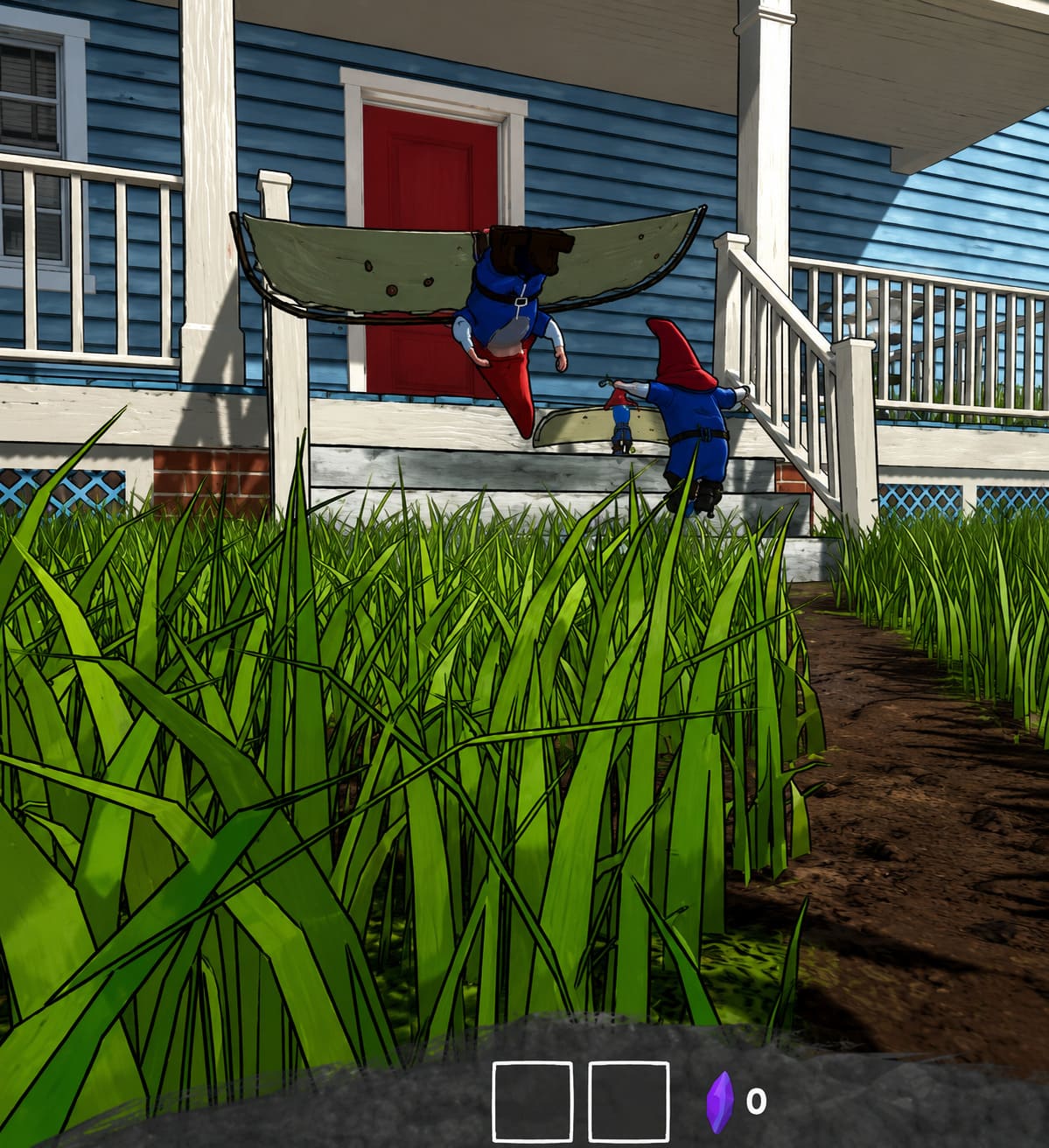
This sounds like fake tech-support wizardry, but it genuinely helps if your PC has accumulated network junk over time.
I’ve seen Burglin’ Gnomes become dramatically smoother after a full Winsock reset.
Open Command Prompt as Administrator and run:
ipconfig /flushdns
ipconfig /release
ipconfig /renew
netsh winsock reset
Then restart your PC.
This clears cached routing issues and refreshes your network configuration.
No, it won’t magically give you NASA internet.
But if your connection has packet instability or weird DNS routing behavior, this can stabilize things enough for co-op sessions to stop imploding.
3. Verify Game Files Before Blaming Your Internet
I ignored this at first because it sounded too basic.
Big mistake.
One of our friends had corrupted game files after a patch update, and it caused insane synchronization bugs whenever certain house assets loaded in.
Steam fixed it immediately.
Verify files like this:
- Open Steam Library
- Right-click Burglin’ Gnomes
- Click Properties
- Open Installed Files
- Select Verify Integrity of Game Files
Steam will automatically replace damaged or missing files.
If your game only lags in certain maps or after long sessions, corrupted assets are surprisingly common.
4. Disable Fullscreen Optimizations
Windows “optimization” features sabotage more games than they help.
Burglin’ Gnomes especially hates background thread interruptions because physics calculations happen constantly during multiplayer sessions.
Do this:
- Open Steam Library
- Right-click the game
- Choose Manage → Browse Local Files
- Find the game EXE
- Right-click → Properties
- Open Compatibility tab
- Enable Disable Fullscreen Optimizations
After that:
- Launch the game
- Open Task Manager
- Go to Details
- Find the game process
- Right-click → Set Priority → High
This helps the CPU prioritize:
- physics calculations
- network synchronization
- multiplayer object tracking
The improvement won’t double your FPS, but it absolutely reduces random stutter spikes during chaotic raids.
5. Cap Your FPS (Seriously)
This game behaves weirdly at uncapped framerates.
I know some PC players treat FPS caps like a personal insult, but Burglin’ Gnomes clearly ties parts of its physics timing to frame pacing.
When one player runs 200 FPS and another sits at 60 FPS, desync gets dramatically worse.
Recommended Setup
| Monitor Refresh Rate | Recommended FPS Cap |
|---|---|
| 60Hz | 60 FPS |
| 120Hz | 120 FPS |
| 144Hz | 144 FPS |
| 165Hz | 165 FPS |
Use:
- NVIDIA Control Panel
- AMD Software
- RivaTuner
…to set a proper frame cap.
Also:
- enable V-Sync if tearing appears
- avoid unstable FPS swings
- prioritize consistency over max performance
A stable 90 FPS feels infinitely better than bouncing between 200 and 50 while carrying a refrigerator through a hallway.
6. Stop Hoarding Trash Everywhere
This one sounds stupid until you test it.
Burglin’ Gnomes multiplayer performance tanks when players leave hundreds of loose physics objects scattered around the base.
Every object:
- updates position
- syncs movement
- calculates collision
- interacts with nearby items
Eventually the host machine starts wheezing like a dying laptop from 2009.
What helps:
- store loot in containers
- clean up broken junk
- avoid dropping items everywhere
- organize storage early
Our group saw huge improvements after we stopped treating the base like a garbage landfill.
Physics-heavy games always suffer from entity overload, and Burglin’ Gnomes is no exception.
Mods Can Completely Destroy Multiplayer Stability
This deserves its own warning.
A lot of players install:
- visual mods
- physics tweaks
- gameplay overhauls
- custom object packs
…and then wonder why the game becomes a teleporting disaster.
If even ONE player has mismatched mod versions, the synchronization system can break instantly.
Symptoms include:
- infinite loading
- disappearing objects
- frozen players
- delayed movement
- broken inventories
If you mod the game:
- every player needs identical versions
- keep mods updated
- remove outdated packages after patches
Especially after major updates from the developers.
Burglin Gnomes Early Game Crafting Guide: Best Gear to Build First
Is the Developer Fixing the Problem?
Thankfully, yes.
The dev team has already pushed several patches targeting:
- interpolation smoothing
- object movement stability
- ragdoll synchronization
- carried item desync
- RC vehicle jitter
The game is improving patch by patch.
Still rough around the edges? Definitely.
But compared to launch week, multiplayer feels far less catastrophic now.
Honestly, the core gameplay loop is so entertaining that players keep tolerating the network chaos anyway.
Sneaking into a house with friends while screaming over voice chat because somebody accidentally knocked over a lamp at the worst possible moment creates the kind of multiplayer nonsense that people remember for years.
That’s why players keep coming back despite the bugs.
Burglin Gnomes Guide: Best High-Gnome Value Items to Steal (2026)
Final Verdict
Burglin’ Gnomes is one of those beautiful disasters where the technical issues somehow become part of the experience.
The game absolutely needs more optimization work, especially for:
- high-ping lobbies
- physics synchronization
- object-heavy raids
- long multiplayer sessions
But with the right setup, you can massively reduce:
- rubberbanding
- stuttering
- teleporting
- physics freezing
The biggest improvements usually come from:
- proper Steam networking settings
- stable lobby hosting
- FPS caps
- reducing physics clutter
- avoiding broken mods
Once the lobby stabilizes, the game becomes wildly addictive.
There’s nothing quite like watching three tiny criminal gnomes desperately drag a washing machine down the stairs while the homeowner chases everyone with complete chaos unfolding in every room.
Peak co-op energy.