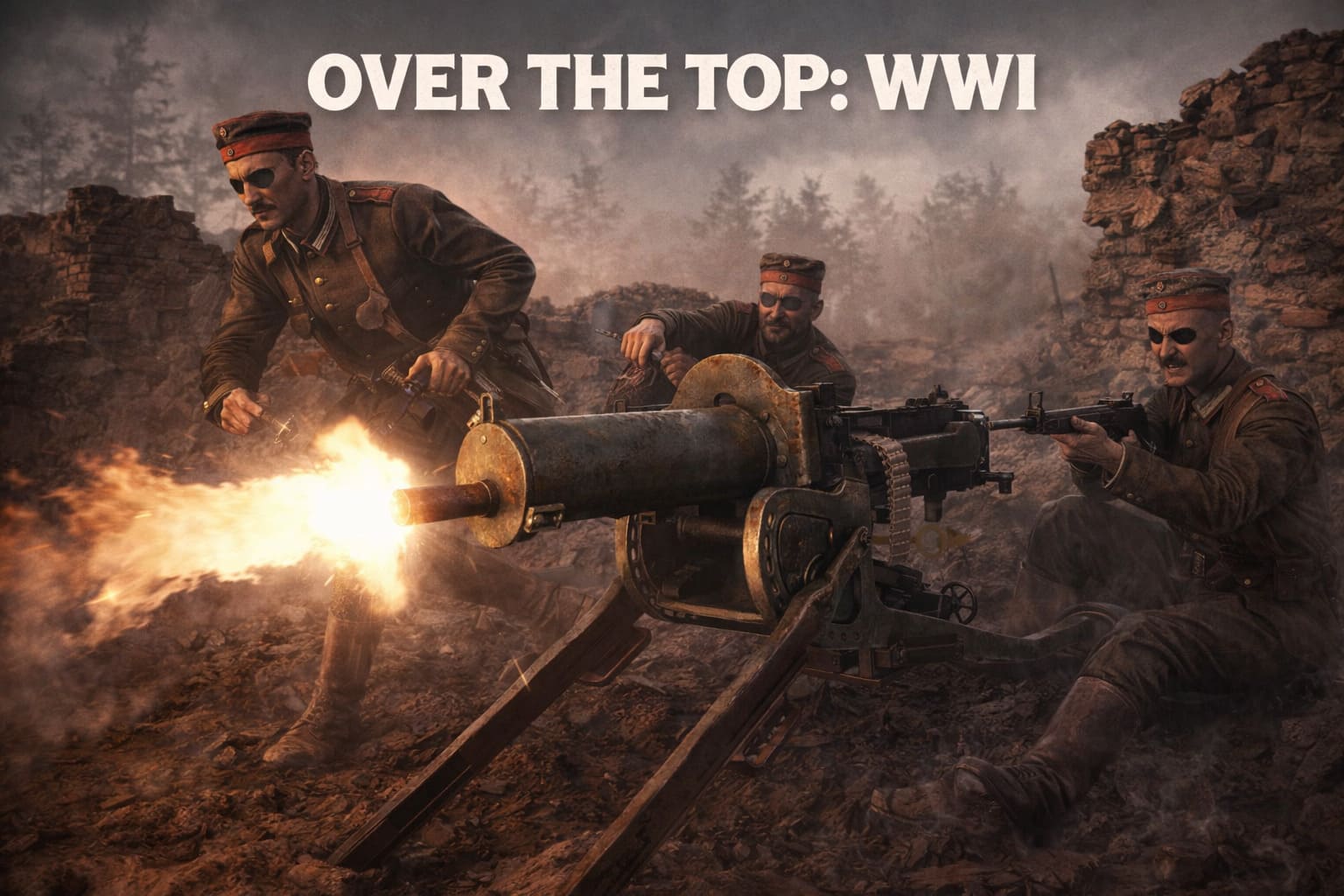
Over The Top: WWI Steam Deck Performance Guide (2026)
There’s something strangely fascinating about playing a massive historical shooter on a handheld device. When I first heard that Over The Top: WWI was running on the Steam Deck, I honestly expected a slideshow. A 200-player battlefield, fully destructible trenches, artillery raining down every few seconds — that doesn’t sound like something a portable console should handle well.
But after spending quite a few late nights testing it myself, tweaking settings, and jumping into chaotic matches, I can say this: playing Over The Top: WWI on Steam Deck in 2026 is surprisingly good — if you know how to tune it properly.
This article isn’t just a technical guide. It’s the kind of experience report you’d read on Reddit or in a gaming magazine — a mix of performance tips and real impressions from someone who actually loves messing with handheld gaming setups.
The Current State of Over The Top: WWI on Steam Deck
Since the Spring Offensive 2026 update, the game has improved dramatically on handheld hardware. Earlier builds had noticeable stutters whenever artillery strikes or smoke grenades filled the battlefield. The CPU simply couldn’t keep up.
Now, thanks to improvements in Proton compatibility and shader caching, the experience is far smoother.
Here’s what you can realistically expect today.
| Performance Metric | Steam Deck Result |
|---|---|
| Target FPS | 30–40 FPS |
| Typical Power Draw | 12W–15W |
| Battery Life (LCD) | ~90 minutes |
| Battery Life (OLED) | ~130 minutes |
| Install Size | ~8 GB |
| Recommended Storage | SSD |
The game still sits in the “Playable” category rather than Verified, mainly because some UI elements are small on the Deck’s screen. But gameplay itself works very well.
And honestly, once you’re in the trenches, you stop noticing the UI quirks pretty quickly.
Over The Top: WWI Medic Class Guide 2026 — Master the Frontline Arts
Best Graphics Settings for Stable FPS
If you launch the game with default high settings, prepare for your Steam Deck to sound like a jet engine while your frame rate collapses into the low 20s.
After a lot of trial and error, these settings gave me the most stable results.
Display Settings
- Resolution: 1280 × 800 (native)
- Fullscreen mode
- V-Sync: Off (Use the SteamOS frame limiter instead)
Graphics Settings
| Setting | Recommended Value | Why |
|---|---|---|
| Overall Preset | Custom / Low | Best performance baseline |
| Texture Quality | Medium | Deck’s memory handles it fine |
| Shadow Quality | Low | Biggest FPS killer |
| Anti-Aliasing | FXAA or Off | FSR helps smooth edges |
| Anisotropic Filtering | 4x | Keeps terrain readable |
| Particles | Low | Prevents chaos during smoke battles |
The key takeaway: Shadows and particles destroy performance in this game.
Reducing those two settings alone can add 10–15 FPS during intense firefights.
FSR Makes a Huge Difference
One of the biggest reasons the game feels playable on Steam Deck is AMD FidelityFX Super Resolution.
With FSR 3.1, the image scaling is surprisingly clean on a small screen.
Recommended configuration:
- Scaling Mode: Quality or Balanced
- Sharpness: ~0.4
- Motion Blur: Off
If performance gets rough in massive battles, dropping the internal resolution to around 540p with FSR enabled still looks very sharp on the 7-inch display.
It’s honestly impressive how much visual clarity you can keep while gaining extra performance.
The Real Performance Killer: 200 Players
The biggest challenge isn’t graphics.
It’s AI and entity simulation.
The entire identity of Over The Top: WWI revolves around gigantic battles. Up to 200 soldiers on a single map means the CPU has to constantly process AI pathfinding, bullet trajectories, destructible environments, artillery physics, and gas or smoke effects.
That’s a lot for the Steam Deck’s Zen 2 processor.
My Sweet Spot for Bot Matches
If you’re playing offline or hosting custom matches, do not max out bot counts.
Here’s what actually works.
| Bot Count | Performance |
|---|---|
| 60–80 bots | Stable ~40 FPS |
| 100 bots | Occasional dips |
| 150+ bots | Frequent stutter |
| 199 bots | ~18–22 FPS |
For handheld play, 60–80 bots feels perfect. Battles are still chaotic, but the frame pacing stays smooth.
Controller Setup That Actually Works
The game technically supports controllers, but it has a ton of commands like whistles, bayonets, building defenses, and bolt-action reloads.
The default layout feels cramped.
The Steam Deck’s extra controls fix this.
My Favorite Control Tweaks
- Right Trackpad as Mouse — This is a game changer for sniping because analog sticks simply cannot match the precision.
- Back Buttons (L4/L5/R4/R5) — Map these to important actions like reload, crouch, and the command whistle.
- Gyro Aiming — Set gyro to activate when touching the right stick for precise aim adjustments.
Being able to issue commands without removing your thumbs from the sticks makes a huge difference in chaotic trench fights.
Managing Heat and Battery
Large matches push the hardware pretty hard. Without tweaking power limits, the system can get hot quickly.
My recommended setup:
| Setting | Value |
|---|---|
| TDP Limit | 13W |
| FPS Limit | 40 |
| Fan Curve | Slightly aggressive |
Reducing TDP from default to 13W only costs around 2–3 FPS, but it lowers heat, reduces fan noise, and extends battery life.
For handheld gaming sessions, that trade-off is absolutely worth it.

The Handheld Immersion Factor
This might sound strange, but playing a large WWI shooter on a handheld actually adds to the immersion.
The small screen pulls you into the battlefield.
You’re lying in a trench, smoke drifting through the air, artillery exploding nearby, teammates shouting commands — all while holding the device in your hands.
It feels personal in a way that playing on a big monitor sometimes doesn’t.
And when a massive 100 vs 100 charge happens and you’re part of that chaos on a portable system, it’s hard not to smile a little.
Final Verdict
Is Over The Top: WWI perfect on Steam Deck? Not quite.
But it’s absolutely worth playing handheld.
With the right tweaks you can get stable 30–40 FPS gameplay, good battery life, surprisingly sharp visuals with FSR, and excellent control customization.
For a game built around huge multiplayer trench warfare, the fact that it runs this well on a portable system is impressive.
If you enjoy historical shooters and love tinkering with handheld performance settings, this is one of the most unique experiences you can have on the Steam Deck in 2026.
And honestly, charging across No Man’s Land while sitting on your couch with a handheld PC still feels like gaming magic.