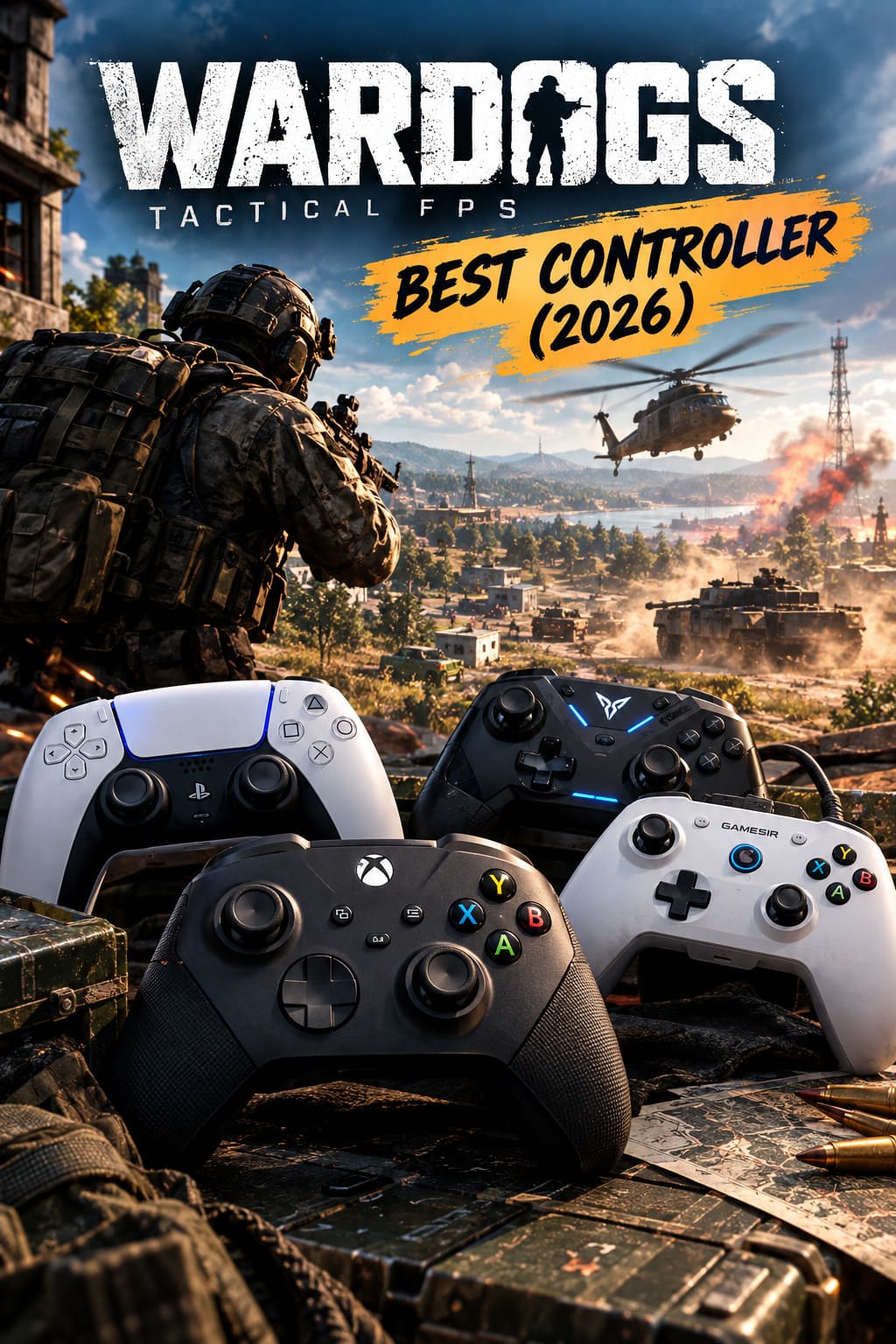
Best Controller for WARDOGS (2026): Top Gamepads for Bulkhead’s Tactical FPS
There is a certain type of shooter where choosing a controller is almost as important as choosing your weapon. WARDOGS is shaping up to be exactly that kind of game. BULKHEAD’s tactical FPS throws players into enormous battles where infantry combat, vehicles, fortifications, communication, money management, and destruction all collide, and after spending years jumping between Battlefield-style shooters, tactical games, and more traditional arena FPS titles, I know how quickly a mediocre controller can become the weakest part of the setup.
WARDOGS entered Steam Early Access on September 10, 2026, bringing its 100-player, three-team battles into a huge Eastern European sandbox. On paper, it sounds like a recipe for chaos, but the interesting part is that the game isn’t simply asking you to shoot everything that moves. You may be driving an armored vehicle one minute, clearing a building the next, then buying equipment or throwing up defensive structures while your squad is trying to hold an objective. That variety changes what I want from a gamepad.
I’ve played shooters where a standard Xbox controller was perfectly good enough, and I’ve played competitive games where the difference between a cheap stick and a properly adjustable one became painfully obvious. For WARDOGS, I’d strongly lean toward a controller with extra buttons, reliable sticks, and configurable triggers. You don’t necessarily need the most expensive gamepad available, but choosing the right features can make a surprisingly big difference.
Best Starter Weapons in WARDOGS The Ultimate Beginner’s Guide
Why Your Controller Matters More in WARDOGS
The first thing I noticed when looking at WARDOGS as a controller game is how many different jobs you’re expected to perform. In a traditional infantry shooter, your controller might mainly handle movement, aiming, shooting, jumping, reloading, and interacting with objects. WARDOGS adds another layer on top of that with vehicles, construction, team communication, inventory management, and its persistent cash economy.
That means your thumbs are going to be busy.
The biggest problem with a conventional controller is having to constantly remove your right thumb from the aiming stick to perform basic actions. That’s manageable when you’re casually playing, but it becomes frustrating when you’re trying to track an enemy across an open field and suddenly need to crouch, ping a target, interact with something, or communicate with your squad.
This is where back paddles become much more than a luxury feature.
Vehicles Are Another Major Factor
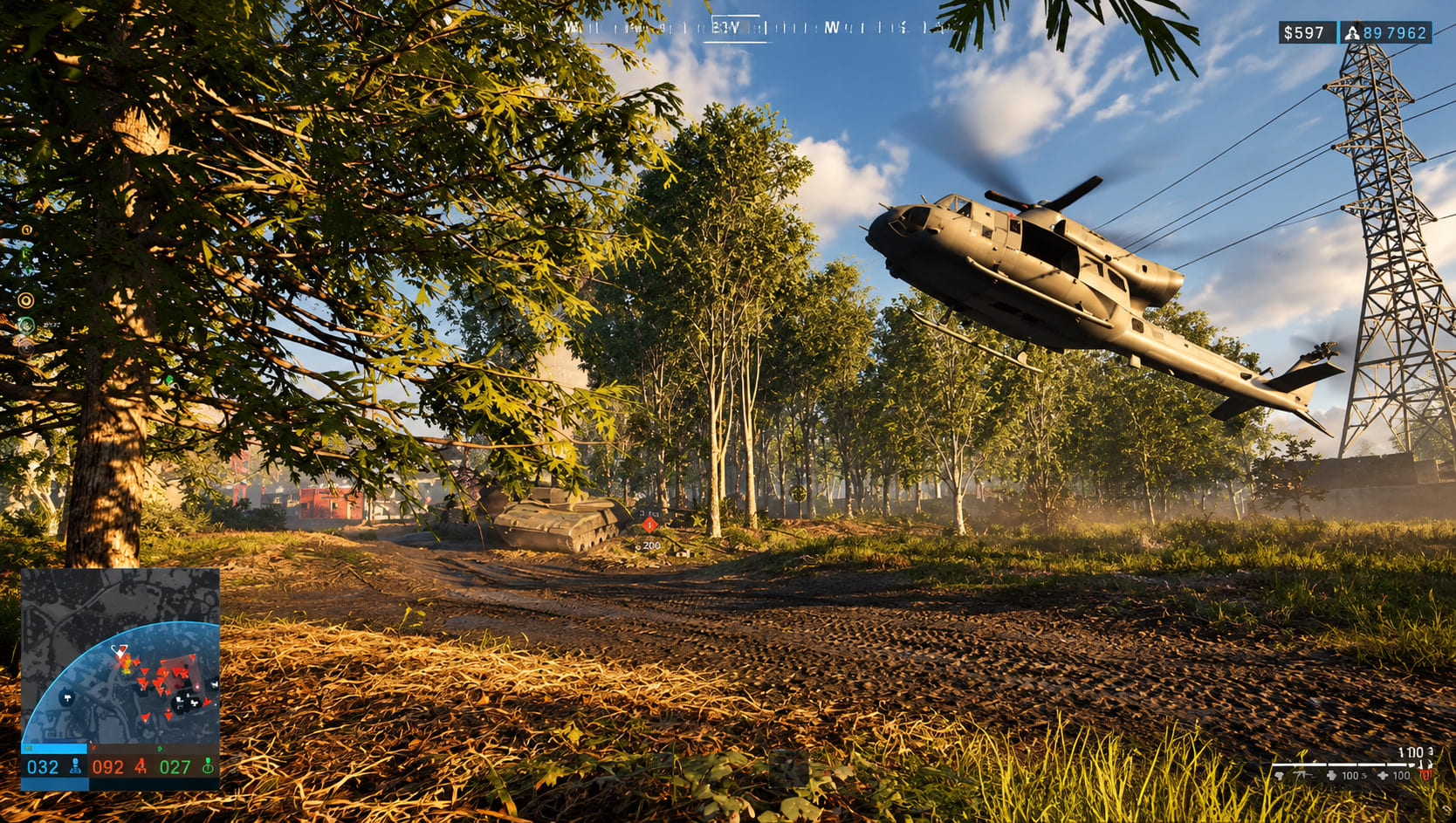
WARDOGS isn’t designed around infantry alone. Tanks, helicopters, trucks, and other vehicles introduce a completely different style of input. Personally, this is one area where I almost always prefer a controller over keyboard and mouse.
Analog triggers simply feel better for controlling acceleration and braking. The same applies to steering with an analog stick. Keyboard inputs are either on or off, while a controller gives you a much smoother range of control.
If you’ve ever driven a vehicle in a Battlefield-style game with a keyboard and then switched to a controller, you probably know exactly what I mean. The controller just feels more natural behind the wheel.
What I Look for in a WARDOGS Controller
I wouldn’t choose a controller for WARDOGS simply because it has a premium price tag. There are a few specific features that actually matter during a long tactical match.
- Hall Effect thumbsticks for accurate movement and better resistance to stick drift.
- Rear paddles or buttons so important actions don’t require removing your thumb from the aiming stick.
- Adjustable trigger stops for switching between infantry combat and vehicle control.
- Low input latency for fast close-range engagements.
- Good ergonomics because WARDOGS matches can become long sessions.
- Reliable PC compatibility without spending half an evening fighting with configuration software.
Hall Effect sticks are particularly interesting. Traditional potentiometer sticks can eventually develop drift, and nothing destroys confidence faster than watching your crosshair slowly move while you’re trying to line up a distant shot.
I also wouldn’t obsess over massive polling-rate numbers. A high polling rate can be useful, but good stick quality, sensible deadzones, and consistent wireless or wired performance matter more to most players than chasing a specification that looks impressive on a box.
My Best Controllers for WARDOGS in 2026
After considering what actually matters in a game like this, these are the controllers I’d put at the top of my list.
| Controller | Best For | Biggest Advantage | Main Drawback |
|---|---|---|---|
| Xbox Elite Series 2 | Overall Performance | Paddles and adjustable sticks | Traditional analog sticks |
| Flydigi Apex 4 | Advanced Features | Hall Effect technology and customization | Software takes time to learn |
| GameSir G7 SE | Best Value | Hall Effect sticks at a lower price | Wired only |
| DualSense Edge | PlayStation Layout Fans | Modular stick system | Shorter battery life |
1. Xbox Elite Series 2 — Best Overall for WARDOGS
The Xbox Elite Series 2 is probably the safest recommendation here. I’ve always liked controllers that don’t try to reinvent everything and instead focus on making familiar controls better, and the Elite Series 2 fits that philosophy.
The four rear paddles are the biggest reason I’d choose it for WARDOGS. You can keep your thumbs on both sticks while assigning movement-heavy actions to your fingers. Jumping, crouching, interacting, switching equipment, or other frequently used commands can all be moved away from the face buttons.
The adjustable stick tension is another feature I appreciate. For long-range shooting, a little extra resistance on the right stick can make those tiny corrections feel more controlled. You don’t want to fight the stick when tracking a target hundreds of meters away, but you also don’t want the slightest accidental movement throwing off your aim.
The trigger locks are equally useful. I’d use the shorter trigger setting for infantry weapons and switch back to longer travel when driving vehicles. That small mechanical adjustment makes the controller feel surprisingly versatile.
There is one significant weakness: the Elite Series 2 uses traditional analog stick technology rather than Hall Effect sensors. For a controller this expensive, that’s something I wish Microsoft had addressed.
2. Flydigi Apex 4 — Best High-Tech Choice
If you’re the type of player who enjoys tweaking every little part of your setup, the Flydigi Apex 4 is much harder to ignore.
Its Hall Effect sticks are the headline feature, giving you precise analog input while avoiding many of the long-term durability concerns associated with traditional potentiometers. For a shooter like WARDOGS, that matters because tiny stick movements can determine whether your crosshair stays on a distant target or drifts just enough to ruin the shot.
The Apex 4 also goes much further with its customization options. Its adjustable stick tension lets you change the feel of the controller depending on whether you’re concentrating on precision shooting or fast movement. The force-feedback triggers are another interesting touch, particularly when switching between infantry and vehicle gameplay.
There are also four rear buttons, which is exactly the number I’d want for WARDOGS.
My only hesitation is that the controller requires more setup than a mainstream Xbox pad. If you enjoy configuring hardware, that’s part of the fun. If you just want to plug something in and start shooting, the Apex 4 may feel like homework before it feels like an upgrade.
3. GameSir G7 SE — Best Budget Controller
The GameSir G7 SE is the controller I’d recommend to someone who doesn’t want to spend premium money just to get competitive features.
This is where the market has become much more interesting. You no longer have to spend a fortune to get Hall Effect sticks, and the G7 SE demonstrates that nicely. Its sticks offer the kind of smooth, precise movement I’d want when playing a tactical shooter, while the wired connection keeps things simple.
There are two rear buttons rather than four. That’s not ideal, but honestly, two extra buttons are still dramatically better than none.
The biggest disadvantage is obvious: this is a wired controller. Some players won’t care at all, especially on a desktop gaming PC. Others will immediately reject the idea because they like playing from a couch or simply hate cables.
For competitive WARDOGS players who want accuracy and don’t mind being tethered to the PC, though, this is probably the easiest value recommendation on the list.
4. DualSense Edge — Best for PlayStation-Style Ergonomics
The DualSense Edge is my choice for players who simply prefer the symmetrical PlayStation controller layout.
The biggest selling point isn’t just its premium construction. It’s the modular stick system. If a stick module eventually develops a problem, you can replace the module rather than throwing away the entire controller.
That’s a genuinely useful feature for anyone who plays shooters heavily.
The rear controls are also excellent, and the trigger stops make the controller well suited to fast-paced shooting. Combined with Steam Input, it can be configured effectively for PC gaming, although the experience isn’t quite as straightforward as using an Xbox controller on Windows.
Battery life is another compromise. It’s not terrible, but compared with some alternatives, you’ll find yourself reaching for the charging cable sooner than you’d probably like.
Still, if the DualSense shape fits your hands better than the Xbox layout, comfort should win. A controller that feels natural for three hours is better than a technically superior controller that gives you hand fatigue after forty minutes.
The WARDOGS Settings I’d Start With
Buying a good controller is only half the battle. The default settings aren’t necessarily going to give you the best experience, so I’d spend some time tuning them.
Stick Deadzones
I’d start with an inner deadzone somewhere around 2% to 5%, assuming the controller isn’t showing any unwanted movement. The lower the deadzone, the sooner the game responds to tiny stick movements.
That is particularly useful when making small corrections while aiming at distant targets.
Don’t blindly use the lowest possible value, though. If your stick is drifting, reducing the deadzone will only make the problem more obvious. Stability is more important than chasing a tiny number.
Sensitivity
For a starting point, I’d try:
- Horizontal sensitivity: 6–7
- Vertical sensitivity: 5–6
- ADS multiplier: 0.75–0.85
I prefer slightly faster horizontal movement because tactical shooters can suddenly become extremely hectic. You might spend thirty seconds watching a road through a scope and then have someone appear directly behind you.
A slightly lower vertical sensitivity helps keep the crosshair stable, particularly during recoil control.
Response Curve
If WARDOGS gives you several response-curve options, I’d start with Linear.
Linear gives you a predictable relationship between physical stick movement and camera movement. That’s useful for building consistent muscle memory.
However, there’s no reason to force yourself to use Linear if it feels uncomfortable. If your micro-adjustments are too twitchy, an Exponential or Standard curve can make the center of the stick easier to control.
My Recommended Paddle Layout
If your controller has four rear controls, I’d keep the most important actions away from the face buttons.
- Left upper paddle: Jump / Vault
- Right upper paddle: Crouch / Prone
- Left lower paddle: Interact / Loot
- Right lower paddle: Ping / Proximity Voice Chat
The exact commands will depend on WARDOGS’ final control options, but the principle is simple: anything you might need while simultaneously aiming should ideally be available without removing your thumb from the right stick.
This setup is especially useful when clearing buildings. You can move, aim, crouch, vault over debris, and react to enemies without constantly moving your thumb between the analog stick and face buttons.
If you’re using a standard controller, don’t worry. A Tactical or Bumper Jumper-style configuration can achieve some of the same benefits without rear paddles.
What About Aim Assist?
This is an area where controller players should keep their expectations realistic.
WARDOGS is fundamentally a tactical shooter, so I wouldn’t approach it expecting the kind of aggressive aim assistance found in some arcade shooters. If the game’s assistance remains relatively subtle, controller players will still need to do the majority of the tracking themselves.
That isn’t necessarily a bad thing.
Personally, I prefer weaker aim assist in tactical shooters because winning a gunfight feels more satisfying when your own tracking and positioning actually matter. A little aim slowdown around targets can help with fine adjustments, but you shouldn’t expect the game to drag your crosshair onto a moving opponent for you.
One technique worth practicing is strafing while shooting. Use the left stick to move laterally while making small corrections with the right stick. Once that becomes muscle memory, your aim can feel considerably more stable.
So, Which WARDOGS Controller Would I Buy?
If money wasn’t an issue and I wanted the most flexible setup, I’d probably choose the Xbox Elite Series 2 because its paddles, stick tension adjustments, and trigger locks make it extremely adaptable to WARDOGS’ mixture of infantry and vehicle gameplay.
For someone who prioritizes modern stick technology, I’d take a serious look at the Flydigi Apex 4. Hall Effect sensors, adjustable tension, four rear controls, and a high-performance feature set make it arguably the more interesting piece of hardware for enthusiasts.
The GameSir G7 SE is the one I’d recommend to most players who simply want excellent value. You lose wireless freedom and two additional rear buttons, but you still get Hall Effect sticks and a competitive feature set without spending premium money.
And if you already love the PlayStation layout, the DualSense Edge remains a very compelling option. Its modular stick system alone makes it worth considering for anyone who expects to spend hundreds of hours playing shooters.
Ultimately, there isn’t one magical controller that will suddenly make you a better WARDOGS player. Hardware can remove limitations, but it can’t replace positioning, communication, map knowledge, and good aim. What a great controller can do is make those skills easier to express.
WARDOGS looks like the sort of FPS where one match can contain everything from a careful sniper engagement to a chaotic building assault followed by a desperate vehicle escape. That’s exactly why I’d avoid treating the controller as an afterthought. Pick something that fits your hands, give yourself enough buttons to keep your thumbs on the sticks, tune the deadzones properly, and then spend the rest of your time learning the battlefield.
For me, that’s the real goal: not owning the fanciest gamepad on the desk, but having a controller that disappears from your thoughts once the match begins.