Agent 64 Spies Never Die Split Screen Guide: Local Co-Op Setup & Dynamic Display Options
There’s something about split-screen shooters that modern gaming has almost forgotten.
You sit on the same couch, hand a controller to a friend, and suddenly the game becomes less about perfect graphics and more about yelling at each other after someone gets ambushed from behind. That old-school feeling is a huge part of what makes Agent 64: Spies Never Die so appealing.
The game clearly wears its late-’90s influences on its sleeve. If you grew up playing GoldenEye 007 or Perfect Dark, the low-poly visuals, chunky weapons, secret-agent atmosphere, and deliberately old-school pacing feel immediately familiar. But Agent 64 isn’t simply trying to copy that era. Its local multiplayer options add a few modern conveniences that make setting up a couch session much less painful than it used to be.
I’ve spent enough time fighting with controllers, Steam settings, and split-screen layouts to know that the fun can disappear pretty quickly if the setup is wrong. So here’s my practical Agent 64 split-screen guide, covering local co-op, Arena multiplayer, controller assignments, dynamic screen layouts, Remote Play Together, and the settings I’d actually use.
Does Agent 64: Spies Never Die Have Split-Screen Multiplayer?
Yes. Local multiplayer is one of the game’s strongest features, especially if you’re specifically looking for that classic console FPS experience.
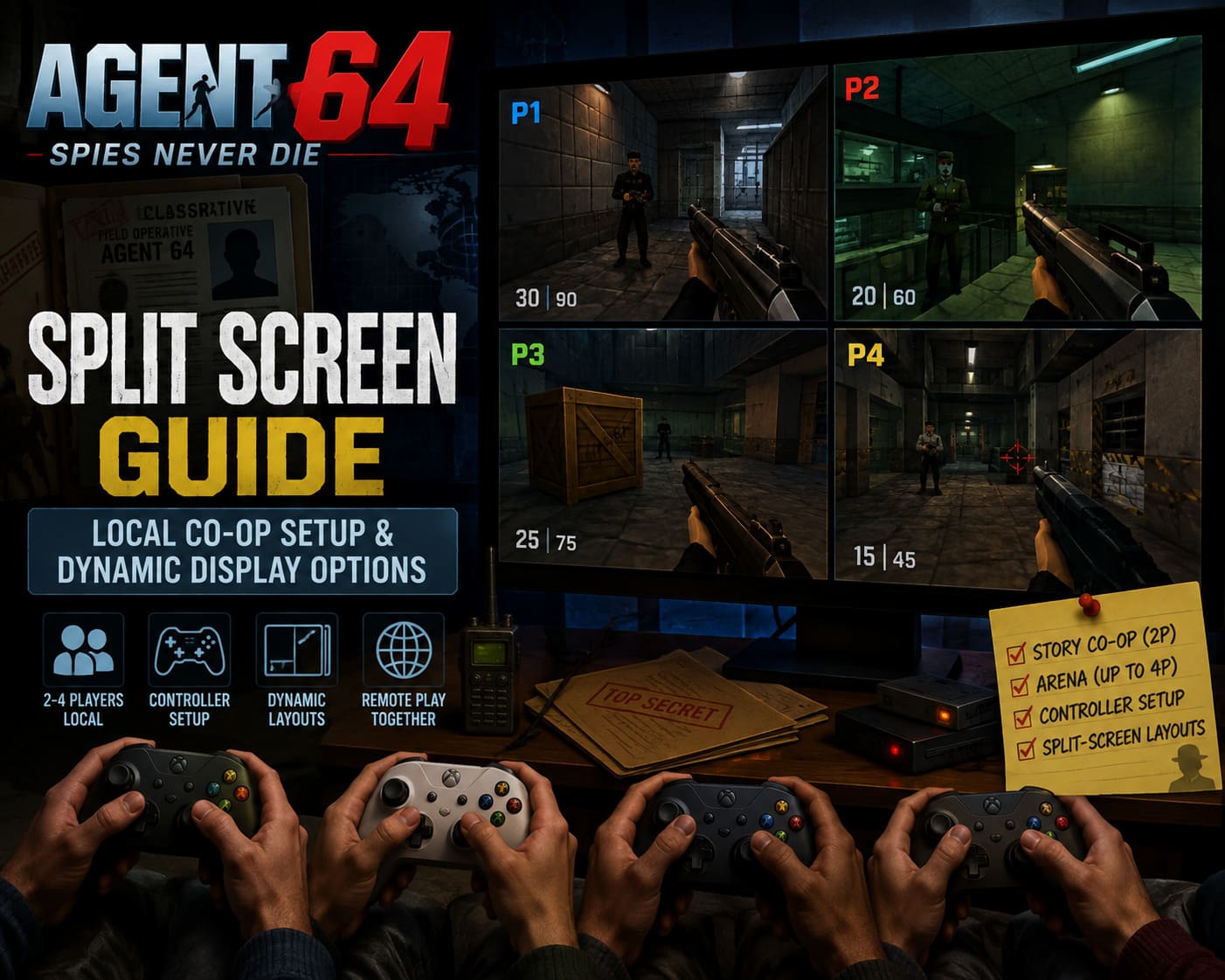
Agent 64 supports up to two players in Story Mode and up to four players in local Arena matches. That distinction is important because you can’t simply throw four controllers into the campaign and expect everyone to join.
The basic setup is refreshingly straightforward:
| Mode | Local Players | Best For |
|---|---|---|
| Story Co-Op | 2 | Playing missions together |
| Local Arena | 4 | Competitive deathmatches |
| Split-Screen | 2–4 | Couch multiplayer |
| Steam Remote Play | Depends on local mode | Playing remotely |
The real trick isn’t finding the multiplayer menu. It’s getting every controller recognized correctly before the match starts.
Getting Your Controllers Ready
Before launching Agent 64, connect every controller you’re planning to use.
For a serious four-player session, I’d strongly recommend plugging the pads directly into the PC whenever possible. Bluetooth works, but when you’re trying to get four different wireless controllers behaving at the same time, you’re adding another potential failure point for absolutely no reason.
Agent 64 supports common XInput-style controllers, including Xbox pads and a number of PlayStation controllers. Generic PC gamepads can work too, although compatibility can depend on how Windows and Steam identify the device.
My preferred order is simple:
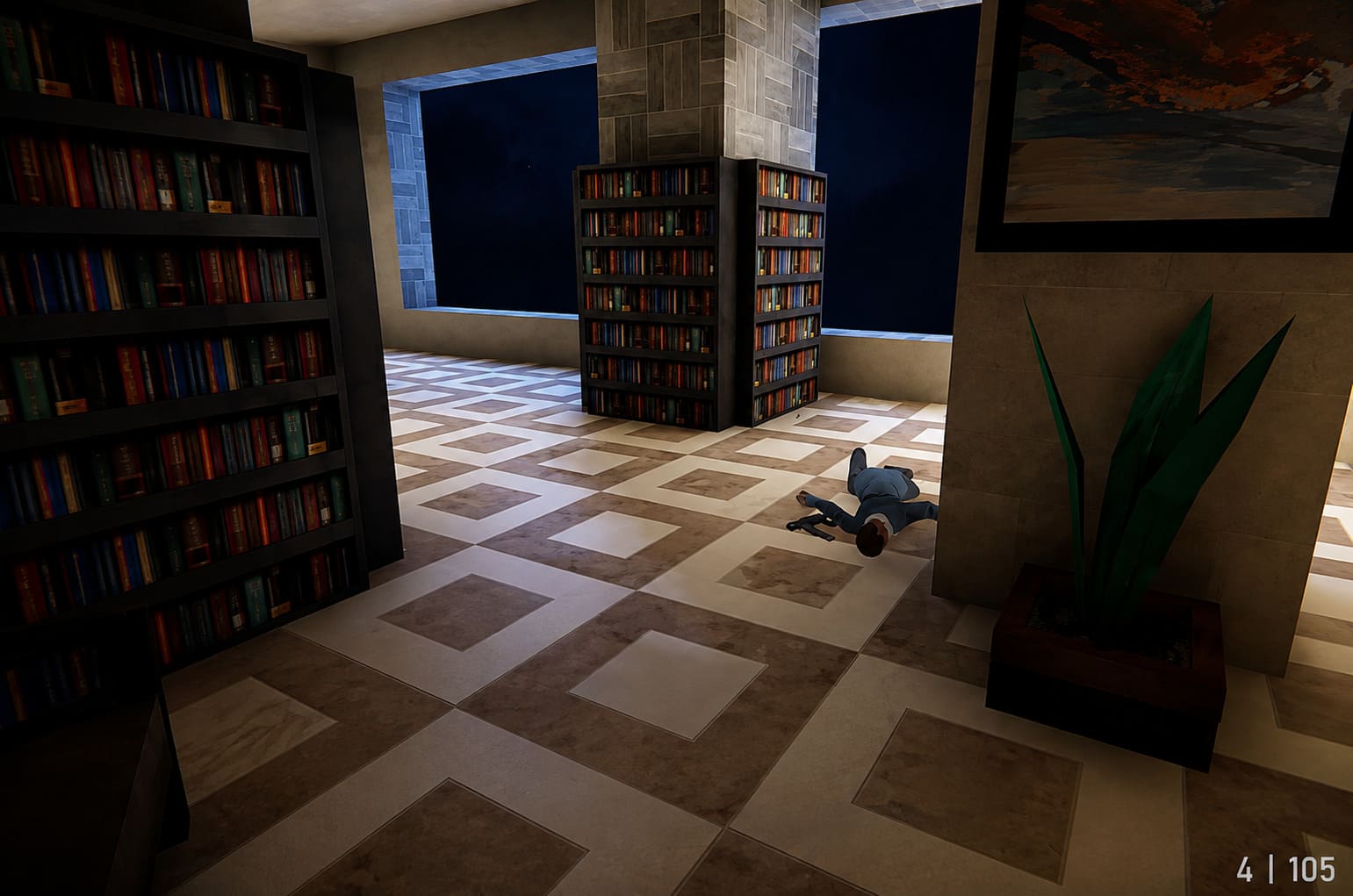
- Connect all controllers before starting the game.
- Check that Windows detects each one separately.
- Launch Agent 64 through Steam.
- Open Options → Controls.
- Assign each controller to the correct player slot.
If you’re using four gamepads, don’t assume that the order in which you physically plug them in will always match the player numbers you expect. Check the assignments manually.
That five-second check can save you from the classic multiplayer nightmare where Player 3 suddenly discovers they’re controlling Player 1’s character.
How to Set Up Agent 64 Local Co-Op
Once your controllers are recognized, getting into the campaign is fairly painless.
From the main menu, head into Story Mode and select the co-op option. Player 2 should then be able to join using their assigned controller.
Once the second player joins, the game switches into split-screen mode and you can choose your mission and difficulty.
The campaign supports the familiar difficulty structure, so you can pick something forgiving for a casual session or go higher if both players know what they’re doing.
And honestly, I’d recommend starting on an easier setting if you’re introducing someone to the game.
Why? Because split-screen already makes navigation and enemy awareness more demanding. Add a difficult mission on top of that and you can end up spending more time restarting than actually playing.
A Small Controller Tip That Matters
One potential annoyance is that some control preferences can carry over between player profiles.
For example, if Player 1 uses inverted Y-axis controls or a very specific sensitivity level, Player 2 may initially find themselves dealing with settings they didn’t choose.
So I’d configure Player 1’s controls first, then let Player 2 join and adjust their own options.
It sounds trivial. It isn’t.
Anyone who has watched a friend spend five minutes complaining that the camera “feels broken” only to discover the controls are inverted will understand.
Four-Player Local Arena Is Where Things Get Interesting
If you’re recreating the classic GoldenEye experience, Local Arena is probably the mode you really want.
Arena supports up to four players on the same machine, with each person occupying their own section of the display.
The setup is simple:
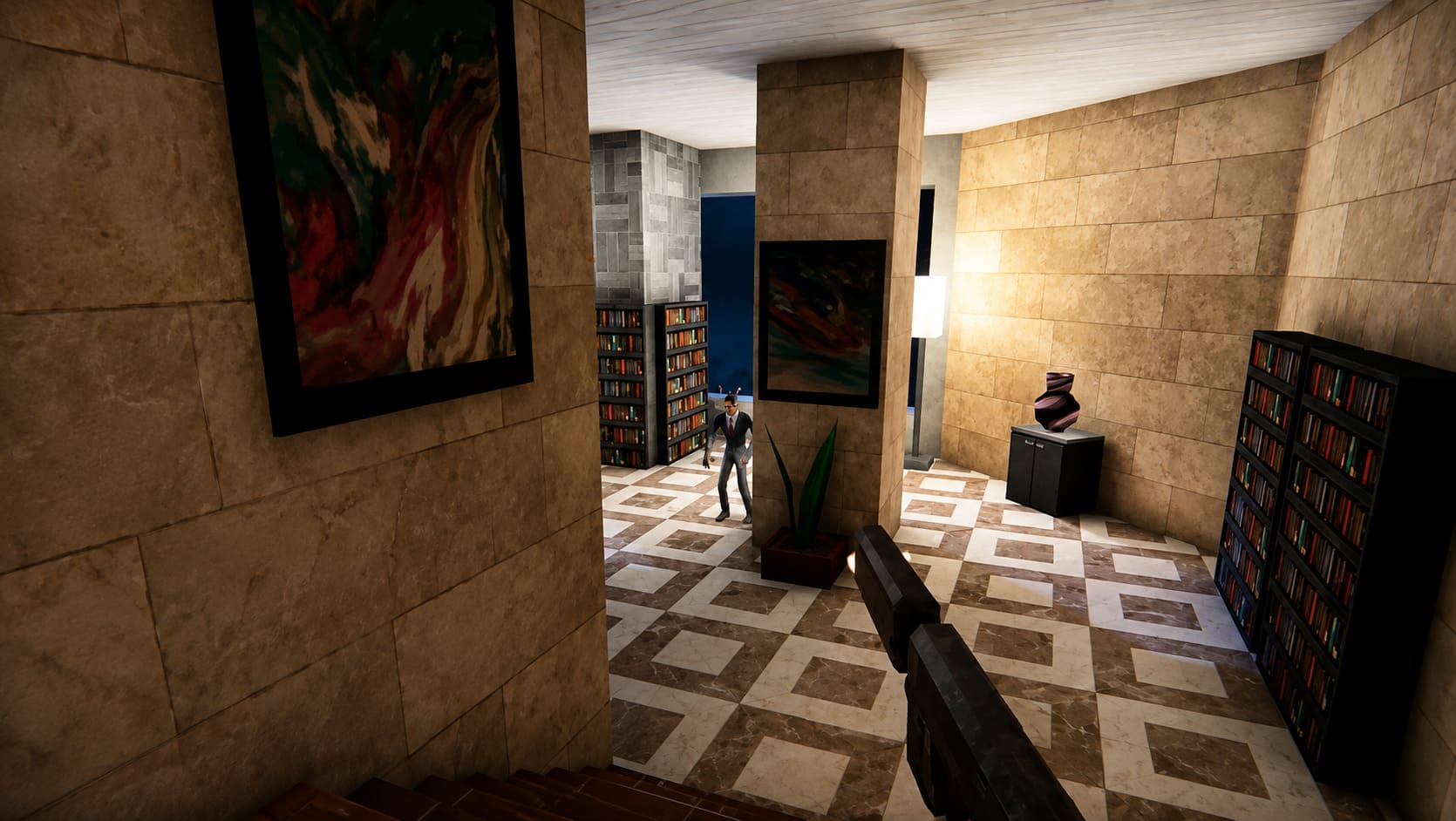
- Open Arena from the main menu.
- Select Local Arena.
- Have each player press Start/Options on their controller.
- Assign everyone to an available player slot.
- Choose the map and match rules.
- Start the game.
You can customize things such as weapon availability, time limits, and other match parameters. Depending on the ruleset you’re using, you can create something close to the chaotic weapon playground that made old-school console deathmatches so memorable.
And yes, four-player split-screen on one monitor can still be ridiculously fun.
It doesn’t matter that modern shooters offer enormous online maps with dozens of players. There is a particular kind of tension that comes from knowing the person sitting beside you is probably watching your corner of the screen.
Which Split-Screen Layout Should You Use?
This is where Agent 64 gets more interesting than a simple retro FPS throwback.
The game provides different display arrangements for local multiplayer, and the best option depends heavily on your monitor.
Horizontal Split
The traditional top-and-bottom layout.
For two players, this is probably the first arrangement I’d try. Each player gets a relatively wide image, which works nicely for corridors and straightforward environments.
The downside is obvious: vertical visibility takes a hit.
If you’re fighting around multiple floors or climbing vertical structures, you may find yourself constantly looking upward or downward.
Vertical Split
This divides the display into left and right sections.
Personally, I like this layout more than I expected.
It gives each player more vertical space, which can be useful when you’re dealing with staircases, catwalks, multi-level rooms, and enemies appearing above or below you.
The trade-off is that each player’s view becomes narrower.
There’s no universal winner here. Try both for a few minutes and see which one feels natural on your monitor.
Four-Player Grid
With four players, the screen is divided into four sections.
It’s not exactly luxurious in terms of screen real estate, but that’s part of the charm.
A large modern monitor or TV makes a noticeable difference here. On a smaller display, four-player Agent 64 can quickly become a test of eyesight.
Still, if you’re chasing that old-school party FPS experience, the tiny quadrants are almost part of the entertainment.
Can You Prevent Screen Peeking?
Technically, screen-looking has always been one of the unwritten rules of split-screen gaming.
You know what I’m talking about.
Someone suddenly starts staring suspiciously at your side of the screen. You accuse them of cheating. They deny it. Five seconds later, they’re waiting behind a doorway you haven’t even reached yet.
Agent 64’s display and visibility options can help reduce some of that nonsense.
Environmental fog and visibility-related settings can make long-distance screen peeking less useful, while encouraging players to rely more heavily on sound and map knowledge.
Personally, I’d keep the experience fairly traditional. Part of the fun is the paranoia.
Just establish the house rule before the first match: no looking at someone else’s screen.
Then immediately ignore that rule when your younger brother starts winning.
What About Steam Remote Play Together?
This is probably the most useful modern addition for people who don’t have a full couch of players available.
With Steam Remote Play Together, the host runs the game locally while another player connects remotely. Their input is sent back to the host machine, effectively allowing them to participate in the local multiplayer session.
The basic process is:
- Launch Agent 64 through Steam.
- Open the Steam Overlay with Shift + Tab.
- Invite your friend using Remote Play Together.
- Accept the connection.
- Give the remote player controller access.
- Assign them to Player 2.
- Enter the local co-op mode.
- Have them press Start to join.
The biggest thing to remember is that you’re still essentially running a local split-screen game. Remote Play doesn’t magically turn the mode into a dedicated online multiplayer architecture.
That means your host PC’s performance and internet connection matter.
Agent 64 Split-Screen Performance Tips
Agent 64 isn’t a visually demanding game by modern standards, but rendering multiple viewpoints simultaneously can still put more work on the system.
Four players means four cameras. The engine has to deal with additional rendering work, AI, effects, geometry, and everything else happening in the level.
For two-player co-op, a decent modern mid-range PC should have little trouble. Four-player Arena is where I’d pay closer attention to frame pacing.
Here are the settings I’d start with:
- Use a sensible FPS cap matching your display, such as 60, 120, or 144 FPS.
- Disable V-Sync if you’re prioritizing the lowest possible input latency in competitive matches.
- Use a stable fullscreen or borderless configuration rather than chasing an uncapped frame rate.
- Close unnecessary background applications before a four-player session.
- If you’re using wireless controllers, make sure their batteries are charged before starting.
- Use wired controllers whenever practical.
I’d also prioritize consistent frame pacing over chasing the highest possible FPS.
In a split-screen shooter, a stable 60 FPS feels much better than a wildly fluctuating 100–160 FPS.
Agent 64 Spies Never Die Co-Op Guide: How to Beat All 14 Missions With Friends
Recommended PC Specs for Split-Screen
You don’t need a monster gaming PC to run Agent 64, but multiplayer puts more pressure on the system than standard single-player gameplay.
| Component | Practical Recommendation |
|---|---|
| OS | Windows 10/11 64-bit |
| CPU | Intel Core i5-10400 / Ryzen 5 3600 or better |
| RAM | 16 GB |
| GPU | GTX 1660 Super / RX 5600 XT or better |
| DirectX | DirectX 12 |
| Storage | SSD with around 4 GB free |
These aren’t the sort of specifications I’d worry about if you’re playing the campaign alone. They’re more useful as a comfortable target for consistent local multiplayer performance, particularly with several active viewpoints.
Agent 64 Spies Never Die Walkthrough: Complete Strategy Guide, Missions, and Cheats
Final Verdict: Agent 64 Gets Why Split-Screen Still Matters
The best thing about Agent 64’s local multiplayer isn’t really the number of players or the different screen layouts.
It’s the fact that someone clearly understands why people still want split-screen shooters in 2026.
Online multiplayer is convenient. It’s also impersonal in a way. You don’t hear your opponent laughing when you walk into a trap. You don’t get accused of screen-looking from three feet away. And you don’t have that moment after a ridiculous kill where everyone in the room starts shouting at once.
Agent 64: Spies Never Die brings some of that feeling back.
For two players, I’d start with horizontal split-screen and adjust from there. For four-player Arena, use the largest display you have, plug in the controllers, agree on the no-peeking rule, and embrace the chaos.
And if your PC can handle it comfortably, four-player local Arena is the mode I’d recommend first to anyone buying Agent 64 for its retro multiplayer appeal.
It isn’t trying to replace modern online shooters. It doesn’t need to.
Sometimes you just want four people, one screen, a pile of ridiculous weapons, and the inevitable argument over who was looking at whose screen.
That’s the kind of multiplayer Agent 64 understands.