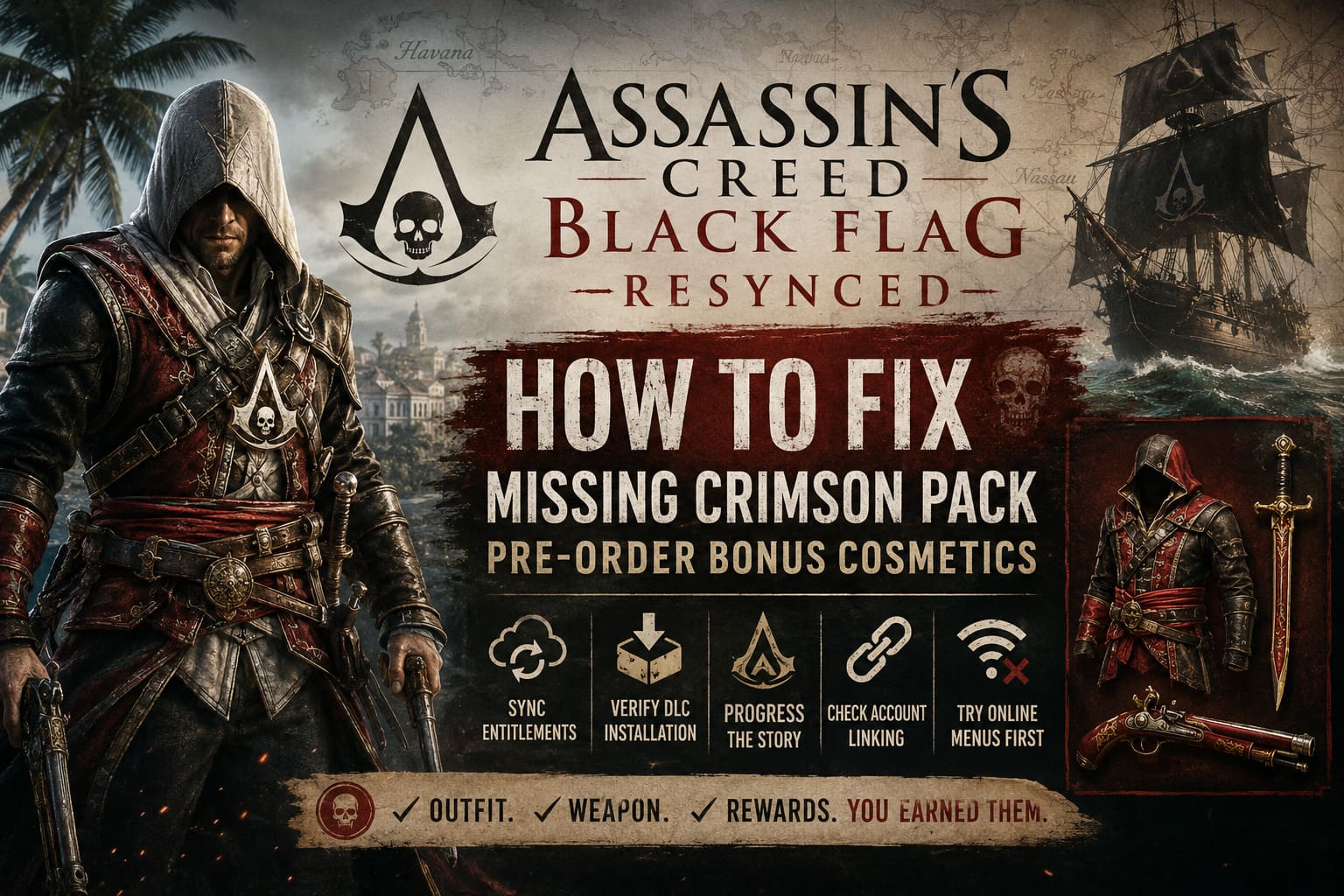
Assassin’s Creed Black Flag Resynced: How to Fix Missing Crimson Pack Pre-Order Bonus Cosmetics
There are few things more frustrating than pre-ordering a game, paying extra for exclusive content, and then discovering that the promised rewards simply aren’t there when you finally jump into the adventure. That was exactly my experience with Assassin’s Creed Black Flag Resynced.
Like many longtime Assassin’s Creed fans, I couldn’t wait to return to the Caribbean. Seeing Edward Kenway rebuilt with modern graphics, improved animations, and updated lighting felt incredible. But after finishing the opening missions, I opened my inventory expecting to equip the exclusive Blackbeard’s Crimson Pack…and nothing appeared.
After spending hours browsing player discussions, trying different fixes, and comparing experiences with other players, I finally managed to get everything working. If you’re dealing with the same issue, this guide covers the methods that seem to solve the problem for most players.
Why the Crimson Pack Doesn’t Always Appear
From what I’ve seen, the missing cosmetics usually aren’t caused by a corrupted save file. Instead, the game often struggles to verify that your account actually owns the pre-order content.
Modern Ubisoft games rely heavily on online entitlement verification. Even if your purchase was successful, the game still needs to receive confirmation from Ubisoft Connect before unlocking exclusive rewards.
During launch week, thousands of players are connecting simultaneously, and that’s when synchronization issues become much more common.
Some of the biggest reasons include:
- Delayed license verification between your platform and Ubisoft Connect.
- Incomplete DLC installation after preloading the game.
- Campaign progression requirements before cosmetic items become available.
- Incorrect account linking if you purchased through another storefront.
- Temporary server congestion during the game’s launch period.
In my case, everything looked normal inside my Ubisoft account, but the game itself simply refused to recognize the entitlement until I refreshed the connection.
Don’t Panic if You’re Still in the Opening Chapters
This is probably the easiest mistake to make.
When I first launched the game, I assumed the Crimson outfit would be available immediately. Instead, Edward continued wearing his default clothing, and none of the exclusive weapons appeared.
After reading through community discussions, I realized the game intentionally delays access to several customization options.
Before assuming something is broken, make sure you’ve reached the point where:
| Story Progress | Expected Result |
|---|---|
| Early tutorial missions | No bonus cosmetics yet |
| Havana storyline completed | Equipment options begin unlocking |
| Access to the Jackdaw | Cosmetic inventory becomes available |
| General Store unlocked | Bonus weapons may finally appear |
If you’re still working through the opening hours, simply continue the main story first.
Double-Check That the DLC Is Actually Installed
This sounds obvious, but it solved the issue for more people than I expected.
Preload installations sometimes download only the base game while leaving optional bonus content unchecked.
Depending on your platform, verify that the Crimson Pack has actually been installed.
Steam
Open the game’s properties, navigate to the DLC section, and confirm the Crimson Pack is enabled.
If it already appears checked, try disabling it, closing the window, reopening Steam, and enabling it again. This forces Steam to verify the DLC files.
PlayStation 5
Open Manage Game Content and look for the bonus add-on.
If there’s a download icon next to the Crimson Pack, install it manually.
Xbox Series X|S
Open Manage Game and Add-ons, then confirm every downloadable bonus included with your edition is selected for installation.
It sounds simple, but several players discovered the bonus content had never been downloaded despite the game installing successfully.
My Favorite Fix: Refresh Ubisoft Connect
Out of every workaround I tested, this one produced the most consistent results.
It appears Ubisoft Connect occasionally keeps outdated entitlement information stored in its cloud cache.
Refreshing that connection forces the game to request your licenses again.
Here’s what I did:
- Completely close the game.
- Visit your Ubisoft account page.
- Review your linked platform accounts.
- Disconnect the console account.
- Launch the game offline once.
- Exit the game.
- Link your account again.
- Restart the game.
The first time I loaded my save afterward, the notification announcing the Crimson Pack immediately appeared.
Obviously, this won’t work for every player, but judging by community reports, it’s one of the highest-success solutions currently available.
Open an Online Menu Before Loading Your Save
This sounds almost ridiculous, yet it actually helped me.
Instead of immediately continuing my campaign, I stayed on the title screen and opened several online features first.
I visited:
- Ubisoft Connect
- Community challenges
- Store page
- News section
After everything finished loading, I backed out and entered Story Mode.
For whatever reason, the game finally synchronized my account during that process.
It feels like those online menus trigger an additional entitlement check that doesn’t always happen when loading directly into gameplay.
Could Your Purchase Be the Problem?
Unfortunately, yes.
Players who purchased from third-party retailers appear to encounter this issue more frequently than those buying directly from official storefronts.
If your retailer accidentally distributed an incorrect product key, Ubisoft’s servers may believe you own only the standard version of the game.
That means the Crimson Pack never becomes attached to your account.
If you purchased from a marketplace instead of the official PlayStation Store, Xbox Store, Steam, or Ubisoft Store, double-check that your order specifically included the pre-order bonus.
Signs That Everything Is Working Correctly
| Feature | What You Should See |
|---|---|
| Wardrobe | Crimson Outfit available |
| Weapon Rack | Crimson Sword unlocked |
| Pistol Selection | Crimson Pistol available |
| Ubisoft Connect | Bonus recognized on account |
| Save File | Cosmetic items remain after restart |
If one item appears while another doesn’t, give the servers a little more time before assuming something else is broken.
Several players reported the outfit appearing first while weapons unlocked several minutes later.
When Contacting Ubisoft Is the Best Option
If you’ve already progressed through the early campaign, confirmed the DLC is installed, refreshed Ubisoft Connect, restarted the game several times, and verified your account links, there’s a good chance the problem isn’t on your end anymore.
At that point, opening a support request becomes the fastest solution.
Include as much information as possible, including:
- Proof of purchase.
- Platform.
- Ubisoft username.
- Screenshots of missing content.
- Order confirmation.
- Game edition purchased.
Providing complete information usually speeds up the verification process and reduces unnecessary back-and-forth with customer support.
My Personal Thoughts
I’ve played Assassin’s Creed games since the Ezio trilogy, and this isn’t the first time Ubisoft has struggled with launch-day bonus content. It has happened in different forms over the years, especially when multiple storefronts and online account systems have to communicate with each other.
The good news is that most cases don’t seem to involve permanently lost content. Nearly every successful report I’ve read eventually came down to synchronization rather than missing files.
If I had to recommend only three things to try first, they would be:
- Progress further into the main story.
- Verify that the Crimson Pack DLC is actually installed.
- Refresh your Ubisoft Connect account by forcing a new synchronization.
Those three steps appear to solve the overwhelming majority of cases.
Assassin’s Creed Black Flag Resynced VRAM Leak: How to Fix Heavy Naval Battle Crashes
Final Verdict
The missing Blackbeard’s Crimson Pack in Assassin’s Creed Black Flag Resynced is annoying, but it usually isn’t a permanent bug. In most situations, the issue comes from delayed license verification between your gaming platform and Ubisoft Connect rather than broken save data or corrupted game files.
While Ubisoft will hopefully improve the activation process through future patches, players can often restore access to their exclusive cosmetics without reinstalling the entire game. Taking a few minutes to verify your DLC installation, allowing the campaign to progress naturally, and refreshing your Ubisoft account connection can make all the difference.
For me, the fix turned out to be surprisingly simple after hours of trial and error. If you’re still missing the Crimson outfit, sword, or pistol, don’t give up just yet—there’s a very good chance your rewards are only waiting for the game’s entitlement system to catch up.