ReStory Chill Electronics Repairs Guide: Full Workshop Upgrade List, Tool Unlocks, and Shop Management Strategies
If there’s one thing I didn’t expect from ReStory: Chill Electronics Repairs, it’s how quickly I became obsessed with organizing a tiny repair shop instead of chasing action-packed gameplay. I’ve played plenty of management sims over the years, but there’s something incredibly satisfying about taking apart an old handheld console, cleaning years of dust from its internals, replacing a damaged capacitor, and watching it come back to life.
What surprised me even more is that the workshop itself becomes your biggest progression system. Sure, you earn money by repairing electronics, but every yen you invest into your workspace completely changes how the game feels. Better tools don’t simply speed things up—they remove frustration, unlock entirely new repair opportunities, and let you take on devices that were impossible earlier.
If you’re wondering which upgrades deserve your money first, what tools are worth unlocking, and how to avoid wasting time during the campaign, this guide covers everything I’ve learned after spending far too many hours fixing retro gadgets.
Why Workshop Upgrades Matter More Than Expensive Repairs
At first glance it’s tempting to save your cash for expensive replacement parts or rush toward higher-paying jobs.
I honestly think that’s a mistake.
The biggest bottleneck early in ReStory isn’t your income—it’s your workshop efficiency.
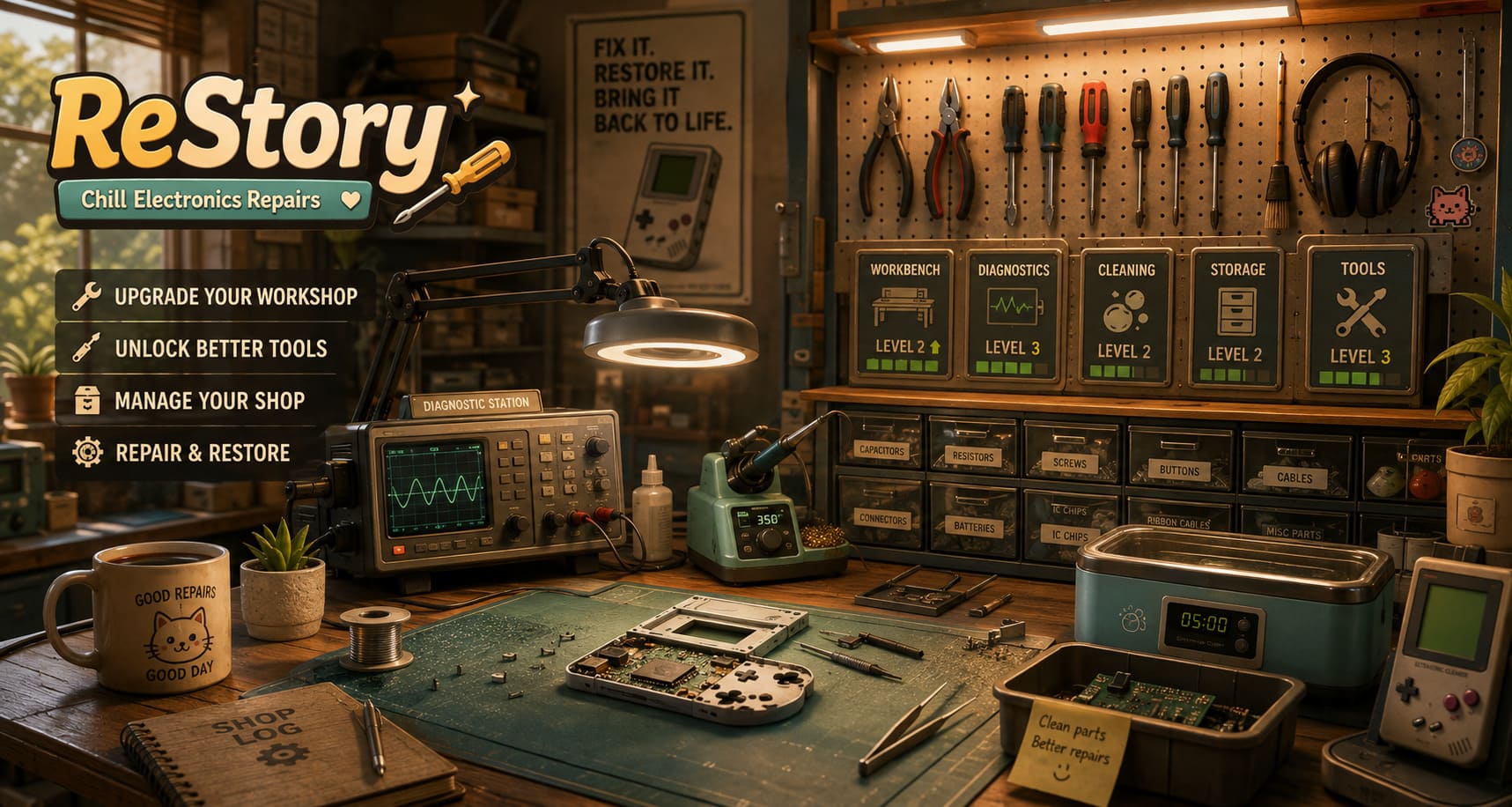
Every improvement reduces downtime somewhere in your repair cycle. Sometimes that means diagnosing faults faster. Other times it means cleaning components while you’re already working on another device.
Those small improvements add up surprisingly quickly.
Instead of completing two or three repair tickets in a day, you’ll suddenly realize you’re finishing five or six without feeling rushed.
Workshop Upgrade Overview
Here’s a quick comparison of the major workshop categories.
| Upgrade Area | Primary Benefit | Recommended Priority |
|---|---|---|
| Main Workbench | Faster repairs and easier disassembly | High |
| Diagnostic Station | Accurate fault detection | Very High |
| Cleaning Station | Better restoration quality | High |
| Inventory Storage | More efficient parts management | Medium |
| Specialty Tools | Unlock advanced repair jobs | Essential |
Upgrade Your Diagnostic Bench First
This is probably the best investment you can make.
Early on, you’ll spend far too much time guessing what’s actually broken inside a device. Visual inspection only gets you so far before hidden electrical faults begin appearing.
As your diagnostic equipment improves, troubleshooting becomes dramatically faster.
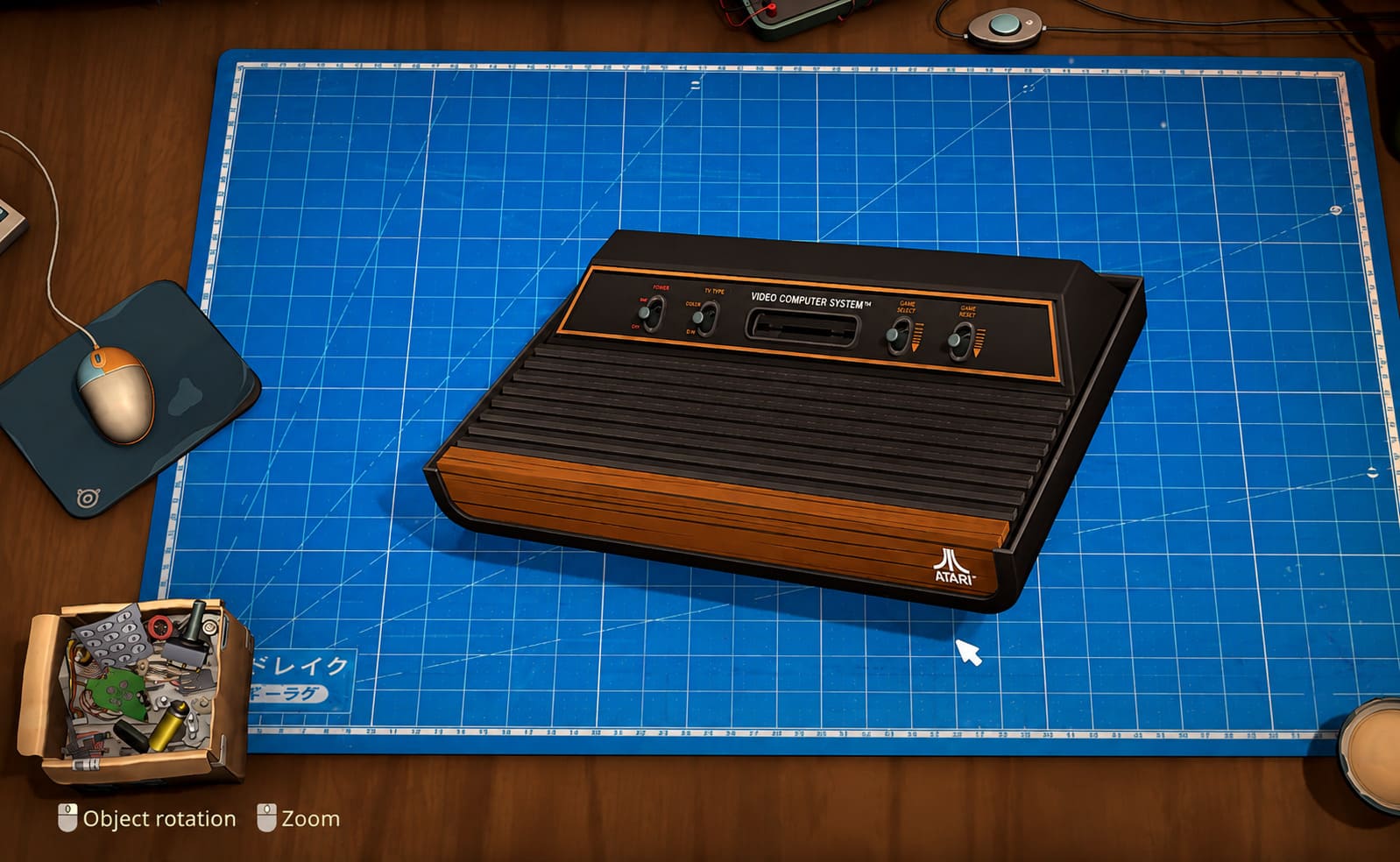
Entry-Level Equipment
The basic testing setup handles simple power problems well enough.
Battery failures, broken switches, and straightforward electrical issues become easy to identify.
Mid-Game Equipment
Once oscilloscopes and advanced voltage testing become available, repairs feel much more rewarding.
Instead of replacing random components and hoping for the best, you can actually trace damaged circuits and pinpoint failed capacitors.
This saves both money and repair time.
Late-Game Diagnostics
The automated logic analyzer is easily one of my favorite workshop additions.
Rather than spending several minutes manually following traces across a motherboard, the machine immediately highlights damaged chips and failing electronic components.
It doesn’t remove the challenge—it simply removes unnecessary repetition.
The Workbench Is Where Speed Comes From
Although diagnostics help identify problems, your workbench determines how quickly you can solve them.
The starter table gets the job done, but it constantly feels cramped.
Tiny screws disappear.
Parts become difficult to organize.
Lighting isn’t ideal.
After upgrading to a professional workstation, the difference becomes obvious.
Some of my favorite improvements include:
- Magnetic anti-static work surface
- Better lighting for tiny motherboard damage
- Organized component trays
- Improved airflow for dusty hardware
- Faster cleaning between repair stages
The workshop gradually transforms from a messy hobby desk into something resembling a professional electronics laboratory.
Cleaning Is More Important Than It Looks
Cleaning initially feels like busywork.
After several hours, though, I realized skipping it usually created more problems later.
Dust falls into sensitive components.
Corrosion hides cracked solder joints.
Dirty boards make visual inspections significantly harder.
The cleaning station evolves nicely throughout the game.

Basic Stage
Manual brushes and alcohol work perfectly for beginners, although they’re slow.
Intermediate Stage
Compressed air becomes a massive quality-of-life improvement.
Dust removal that once took minutes suddenly takes seconds.
Advanced Stage
The ultrasonic cleaning tank completely changes your workflow.
Instead of babysitting dirty components, you simply drop them into the cleaner while continuing another repair.
Multitasking becomes one of the biggest efficiency boosts available.
Storage Upgrades Prevent Constant Delays
Inventory management probably isn’t the most exciting part of ReStory, but ignoring it creates unnecessary headaches.
Running out of common components forces frequent online orders.
Waiting for deliveries slows your progression more than almost anything else.
I eventually started keeping large supplies of universal items like:
- Capacitors
- Ribbon cables
- Common screws
- Generic buttons
- Battery connectors
Once larger storage becomes available, keeping these essentials in stock makes daily repairs much smoother.
The digital inventory system is especially useful because it warns you before supplies become critically low.
Essential Tool Unlocks
Not every tool deserves immediate attention, but several become mandatory surprisingly quickly.
Screwdriver Collections
You’ll begin with standard Phillips and flathead drivers.
Soon afterward, security screws begin appearing on more expensive electronics.
Eventually you’ll unlock:
- Torx drivers
- Security bit sets
- Tri-wing drivers
- Micro pentalobe tools
Without them, many premium repair jobs simply cannot be accepted.
Soldering Equipment
One thing I really appreciate is how soldering gradually becomes more advanced instead of overwhelming players immediately.
The progression feels natural.
| Tool | Purpose | When It Becomes Important |
|---|---|---|
| Basic Iron | Battery terminals and simple repairs | Early Game |
| Temperature-Controlled Station | Precision motherboard work | Mid Game |
| Hot Air Rework Station | Surface-mounted components | Late Game |
The hot-air station is probably the biggest milestone because it opens repairs involving charging ports, display connectors, and integrated chips that would otherwise be nearly impossible to replace safely.
Opening Tools
Plastic pry tools don’t seem exciting until you accidentally scratch an expensive handheld console.
These inexpensive tools quickly become indispensable.
The display separator deserves similar attention.
Older LCD panels can be surprisingly fragile, and this upgrade dramatically lowers the risk of damaging expensive screens during removal.
Managing Your Repair Shop Efficiently
One lesson the game teaches surprisingly well is that successful technicians aren’t simply skilled—they’re organized.
Money disappears quickly if every repair requires separate shipping orders.
Instead, I found it much more effective to batch purchases together whenever possible.
Express shipping should be reserved for premium clients paying significant rewards.
Routine repair jobs rarely justify paying extra delivery fees.
Small financial decisions like these quietly improve long-term profits.
Story Choices Actually Feel Meaningful
Many simulation games include dialogue simply to add flavor.
ReStory goes further.
Customers don’t just bring broken electronics.
They bring pieces of their lives.
While repairing devices you’ll occasionally discover personal messages, photographs, forgotten memories, and information that clearly wasn’t meant for strangers.
The game generally encourages two different approaches.
Playing completely honestly tends to improve your public reputation while opening more professional repair opportunities.
Taking the community-focused approach, however, often results in unusual rewards, exclusive collectibles, rare retro hardware, and memorable character interactions.
Personally, I enjoyed the second path much more.
It made the neighborhood feel alive instead of turning every customer into another transaction.
Chill Electronics Repairs & Steam Deals 2026: Where to Download Full Games Safely
My Favorite Time-Saving Tips
After experimenting with different upgrade paths, these habits consistently made the biggest difference:
- Prioritize diagnostic equipment before cosmetic workshop upgrades.
- Keep universal replacement parts in storage whenever possible.
- Always clean electronics before opening them.
- Don’t overspend on express shipping.
- Unlock specialized screwdrivers as soon as reputation requirements allow.
- Invest in multitasking upgrades like the ultrasonic cleaner early.
None of these strategies are particularly flashy, but together they make progression noticeably smoother.
Final Thoughts
What impressed me most about ReStory: Chill Electronics Repairs isn’t the nostalgia—although the early-2000s gadgets certainly help. It’s the way every workshop upgrade feels tangible. You don’t simply buy better statistics; you genuinely feel your repair shop becoming more capable with every investment.
The progression rarely feels forced because each new tool solves a real problem you’ve already encountered. Better diagnostics reduce guesswork. Improved storage eliminates unnecessary delays. Advanced soldering equipment opens repairs that once seemed intimidating.
By the time your workshop is fully upgraded, you’re no longer struggling through basic repairs. You’re confidently restoring vintage consoles, classic music players, old mobile phones, and delicate electronics with an efficiency that feels genuinely earned.
If I could offer only one piece of advice to new players, it would be this: don’t rush toward the biggest repair contracts. Build a smarter workshop first. The better your equipment becomes, the easier every future job feels, and that’s ultimately what makes ReStory such a relaxing and rewarding simulation to come back to after a long day.