Does The Adventures of Elliot Demo Progress Carry Over? Full Save Transfer Guide
When I first started playing The Adventures of Elliot: The Millennium Tales, I honestly treated it like any other modern RPG demo—quick test, maybe an hour or two, then move on. But the more I played, the more it felt less like a “preview” and more like the actual beginning of the full game. That immediately raised the one question every RPG player eventually asks: does demo progress actually carry over, or is it all for nothing?
After spending time with both versions of the demo and comparing notes with other players, the answer is mostly reassuring—but with a few important details worth understanding before you commit your time.
The Adventures of Elliot Steam Deck Performance Guide: Best Settings for 45 FPS and 60 FPS
Short Answer: Yes, But Only for the Right Demo Version
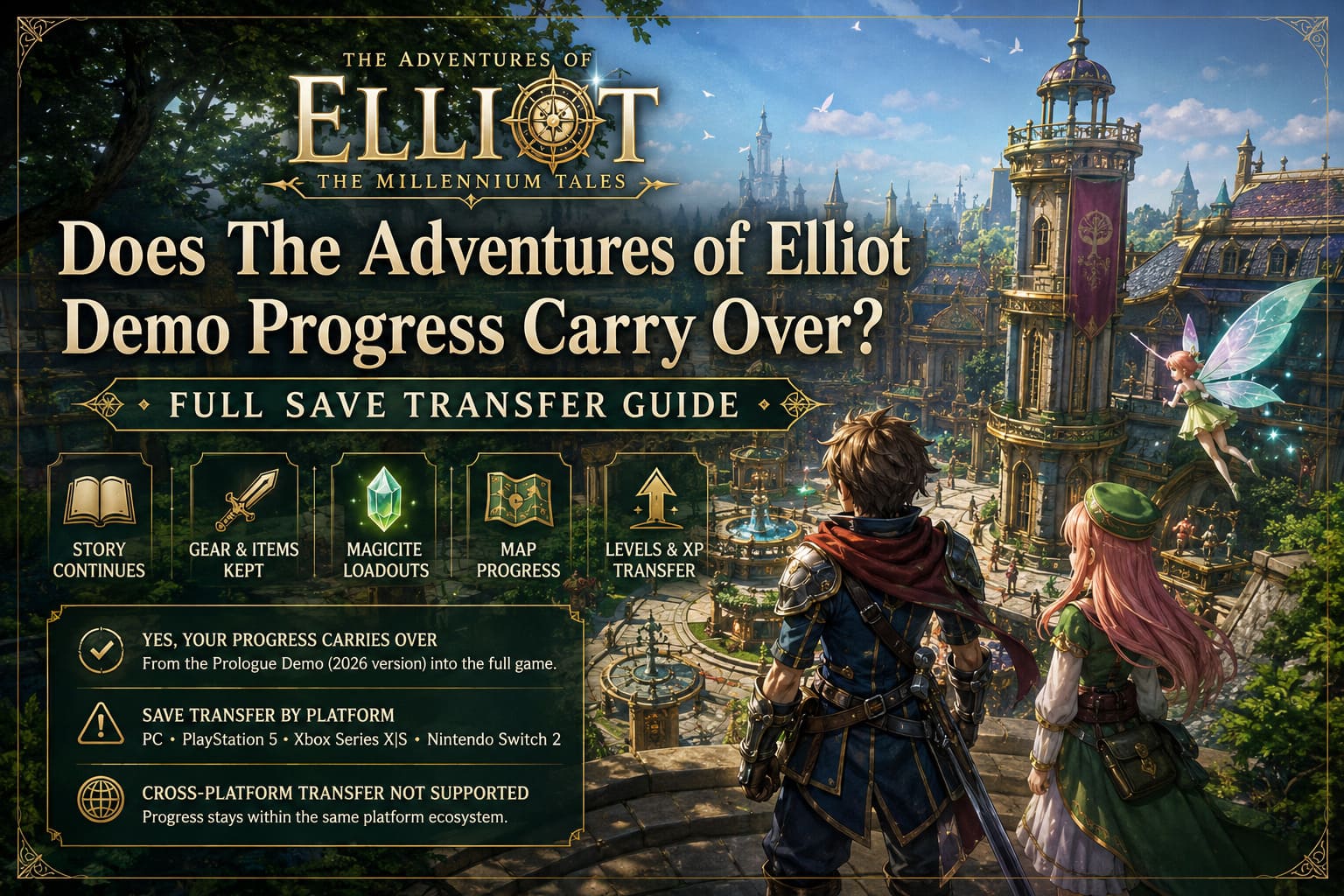
The key point is simple: progress carries over from the Prologue Demo into the full game.
However, not all demos are equal. There are two different versions floating around, and only one of them supports save transfer:
- Prologue Demo (2026 version) – Fully compatible with the final game and designed as the opening chapter.
- Debut Demo (2025 version) – A separate showcase build with no save transfer support.
If you downloaded the demo close to release, you are almost certainly playing the Prologue version, meaning your progress is safe.
What Actually Carries Over Into the Full Game
From my own playthrough, the transition from demo to full release feels surprisingly smooth. It doesn’t feel like a reset—it feels like continuing a session that just got unlocked further.
Core Progress That Transfers
- Story progression continues directly from the demo ending
- Character levels and experience carry over
- Weapons, armor, and consumables remain intact
- Magicite loadouts and builds are preserved
- Exploration data like map progress and discovered areas is saved
This is one of those rare cases where a demo actually respects your time instead of treating it as disposable content.
What Doesn’t Fully Transfer (And Why It Matters)
Even though the system is generous, there are still intentional limitations built in. These aren’t bugs—they’re design choices to preserve balance and pacing in the full release.
Key Restrictions
- Zone barriers – Certain late-game areas remain locked in the demo
- Soft level limits – Enemies stop scaling meaningfully after a point
- Achievements inconsistency – Some unlock automatically, others require redoing actions
From a long-time RPG perspective, this is actually expected. Developers want you to start the full game fresh in terms of pacing, even if your character carries over.
Save Transfer by Platform
The transfer system is mostly automatic, but it behaves slightly differently depending on where you play.
Platform Breakdown
| Platform | Transfer Method | Notes |
|---|---|---|
| PC (Steam / Microsoft Store) | Auto-detection | Requires same account; very seamless |
| PlayStation 5 | Cloud + local sync | Prompt appears on first launch |
| Xbox Series X|S | Cloud sync | Usually instant detection |
| Nintendo Switch 2 | System integration | Keep demo installed until first boot |
On PC especially, the process feels effortless—you launch the game and it simply asks if you want to continue from your demo save.
Cross-Platform Limitations
One important reality check: save data does not transfer between platforms.
If you start on PC, you stay on PC. If you switch ecosystems later, you’ll be starting fresh. This is standard for modern RPGs, but still worth knowing before you invest hours into your first playthrough.
Is Playing the Demo Worth It?
After finishing the Prologue Demo twice, my honest take is simple: yes, absolutely—but not just for curiosity. It actually improves the full-game experience.
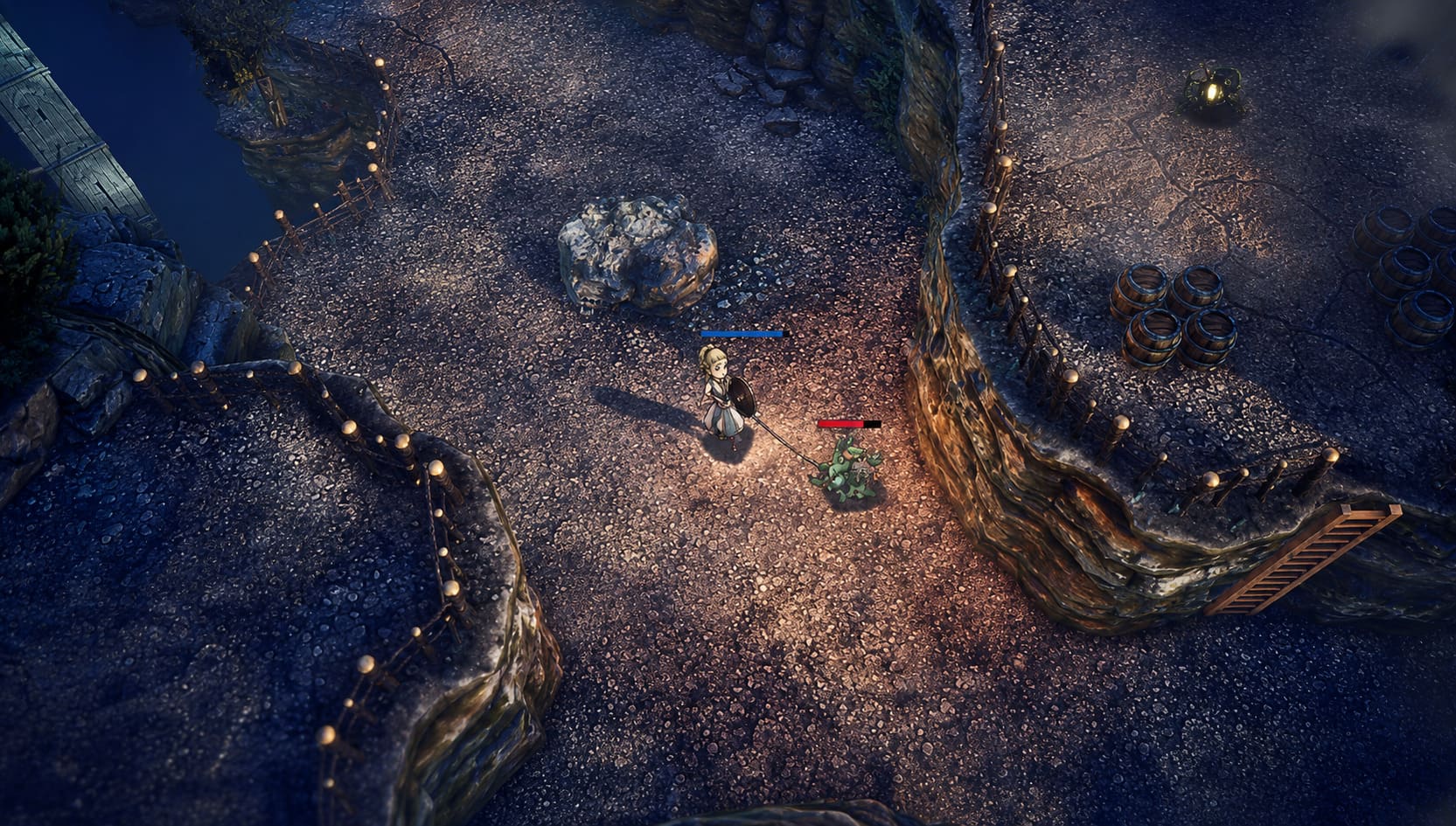
The combat system in particular (real-time weapon switching, fairy support mechanics, and early build customization) takes a bit of adjustment. Carrying that learning curve into the full release gives you a noticeable head start.
In fact, skipping the demo almost feels like skipping the first chapter of the game entirely.
Final Thoughts
The demo system in The Adventures of Elliot is one of the more player-friendly implementations I’ve seen in recent RPG releases. Instead of treating the demo as separate content, it’s integrated into the full experience.
To sum it up:
- Yes, your progress carries over
- Only if you’re using the Prologue Demo
- The transition is mostly seamless
- Cross-platform transfers are not supported
If you enjoy action RPGs with strong progression systems, the demo isn’t just worth playing—it’s basically part of the game.