Docked 2026 Machinery Guide: Premium Reach Stacker Stats & STS Crane Operation
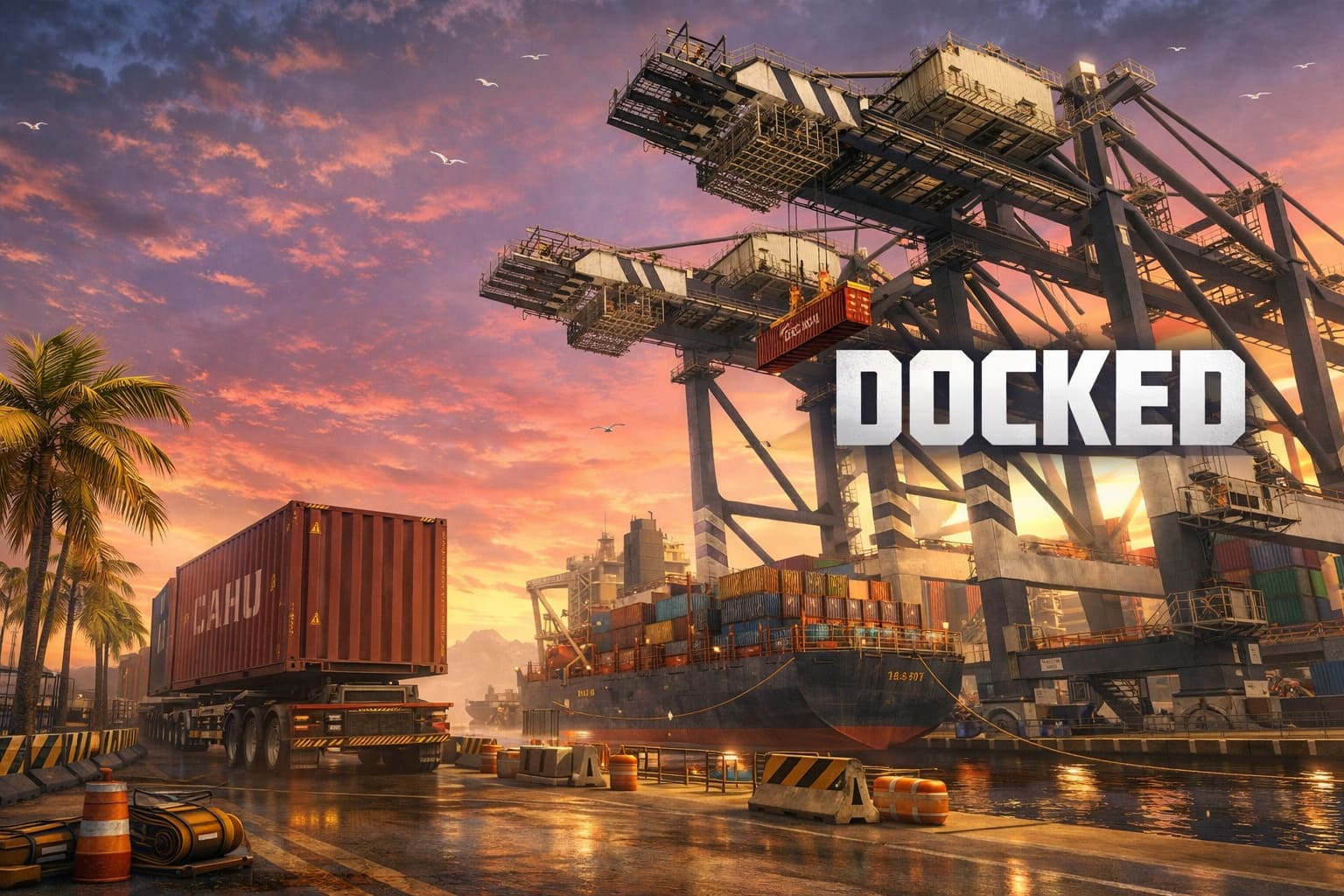
If you’ve jumped into Docked, Saber Interactive’s latest port management simulator, you know that every second counts when running your family business. Among all the machinery, the Premium Reach Stacker truly stands out, offering an efficiency boost that makes you wonder how you ever managed without it. This isn’t just a fancy skin—it’s a game-changer for anyone aiming to maximize productivity in Port Wake.
How to Use Mui Hypnosis in Planet of Lana 2: Puzzle Solutions Guide
Why the Premium Reach Stacker is a Game-Changer
The Premium Reach Stacker isn’t your average yard vehicle. Its enhancements make moving containers smoother, faster, and more precise:
- 15% Faster Boom Lift: Lifting and lowering containers is noticeably quicker, which is a lifesaver for tight schedules.
- Boosted Engine & Acceleration: You can zip across the port effortlessly, cutting down idle time between tasks.
- Improved Braking System: Precision matters, and these brakes let you stop exactly where you need to, avoiding costly collisions.
- Three-Tone Custom Design: Beyond function, it looks sleek and modern—definitely a standout in the industrial yard.
Strategic Advantages in Port Operations
Within Docked, machinery hierarchy matters. The Reach Stacker fits perfectly between massive STS cranes and nimble Terminal Tractors:
- Versatility: Unlike stationary STS cranes, the Reach Stacker can move containers throughout the yard and directly onto trucks or trains.
- Stacking Capability: Perfect for tight areas where gantry cranes can’t reach, making it invaluable for dense container zones.
- Precision Handling: With Docked’s HUD indicators, aligning twist locks becomes both satisfying and efficient—ideal for perfectionists.
Tips & Tricks from the Docked Community
Redditors and early players swear by these strategies to squeeze every ounce of value from the Premium Reach Stacker:
- Prioritize the Train Yard: Its speed makes moving hazardous freight to rail lines faster than a Straddle Carrier for select pick-and-place tasks.
- Camera Modes Matter: First-person mode is immersive, but switching to third-person helps navigate debris-filled ports efficiently.
- Upgrade for Maximum Gains: Completing jobs faster with the Premium Reach Stacker generates cash to expand your yard and unlock the late-game “New Horizons” content.
How to Get Your Hands on It
The Premium Reach Stacker is primarily available as a pre-order bonus for Standard and Deluxe Editions. Missed the pre-order? No worries—the Deluxe Edition usually includes it, along with the “New Horizons” expansion and an exclusive Premium Terminal Tractor.
For anyone passionate about optimizing every move in Port Wake, the Premium Reach Stacker isn’t just a tool—it’s an experience. Its speed, precision, and versatility elevate gameplay and make container management deeply satisfying. Personally, I find myself preferring it over the heavier cranes, especially when racing against the clock. If you’re serious about mastering Docked, this is the machine to invest in.
Mastering the STS Crane in Docked: Your Ultimate Guide to Port Wake Operations
If you love simulation games and enjoy the thrill of handling massive machinery, Docked’s Ship-to-Shore (STS) crane is a dream challenge. Unlike arcade-style simulators, this game doesn’t just hand you controls—it makes you work for every precise lift and careful maneuver.
Docked captures the scale, physics, and tension of real port operations, and mastering the STS crane is both rewarding and meditative.
🏗️ Boarding the STS Crane: First Steps
Reaching the crane cockpit in Docked is an adventure in itself. You navigate narrow walkways, climb ladders, and ride elevators to reach the control hub. Some paths are physically restricted depending on the crane’s boom position, which adds realism and immersion. Before lifting a single container, you must power up the crane by interacting with several control panels. Don’t forget the floodlights—they are your eyes during night shifts or heavy storms.
🕹️ Core Crane Mechanics
Once inside, the controls follow real-world gantry logic:
- The Gantry: Moves the crane along the pier rails.
- The Trolley: Shifts the cabin and spreader forward or backward toward the ship or shore.
- The Hoist: Raises and lowers the spreader using steel ropes.
- The Spreader: The “claw” that locks onto containers; alignment is critical.
- Twist Locks: Engage them to secure the container before lifting.
⚓ Precision Loading Tips
Docked’s STS crane is all about finesse. Here are techniques I’ve found indispensable:
- Target the yellow guide circles for container placement.
- Wait for the landing light—it signals the perfect alignment.
- Practice “floating” the spreader above the target before lowering.
- Level containers carefully, especially on larger ships, to avoid tilts.
⛈️ Environmental Challenges
Docked isn’t just about mechanics—weather plays a huge role. Rain, thunder, and night operations can obscure your vision and affect crane handling. Use floodlights to track the spreader’s shadow and container positions. Extra caution is needed with fragile or explosive cargo, as sudden movements can be disastrous due to the game’s realistic physics engine.
🛠️ Comparing STS Crane to Other Port Vehicles
While the STS crane is the hero of loading operations, the port ecosystem relies on several support machines:
| Vehicle | Primary Function |
|---|---|
| Reach Stackers | Stack and move containers in the yard |
| Straddle Carriers | Transport containers through tight spaces |
| Terminal Tractors | Short-distance hauling of containers |
Learning the STS crane transforms Port Wake from a bustling harbor into a highly profitable operation. For newcomers, the Docked demo on Steam is perfect for practice, allowing you to hone your skills before tackling more complex cargo missions.