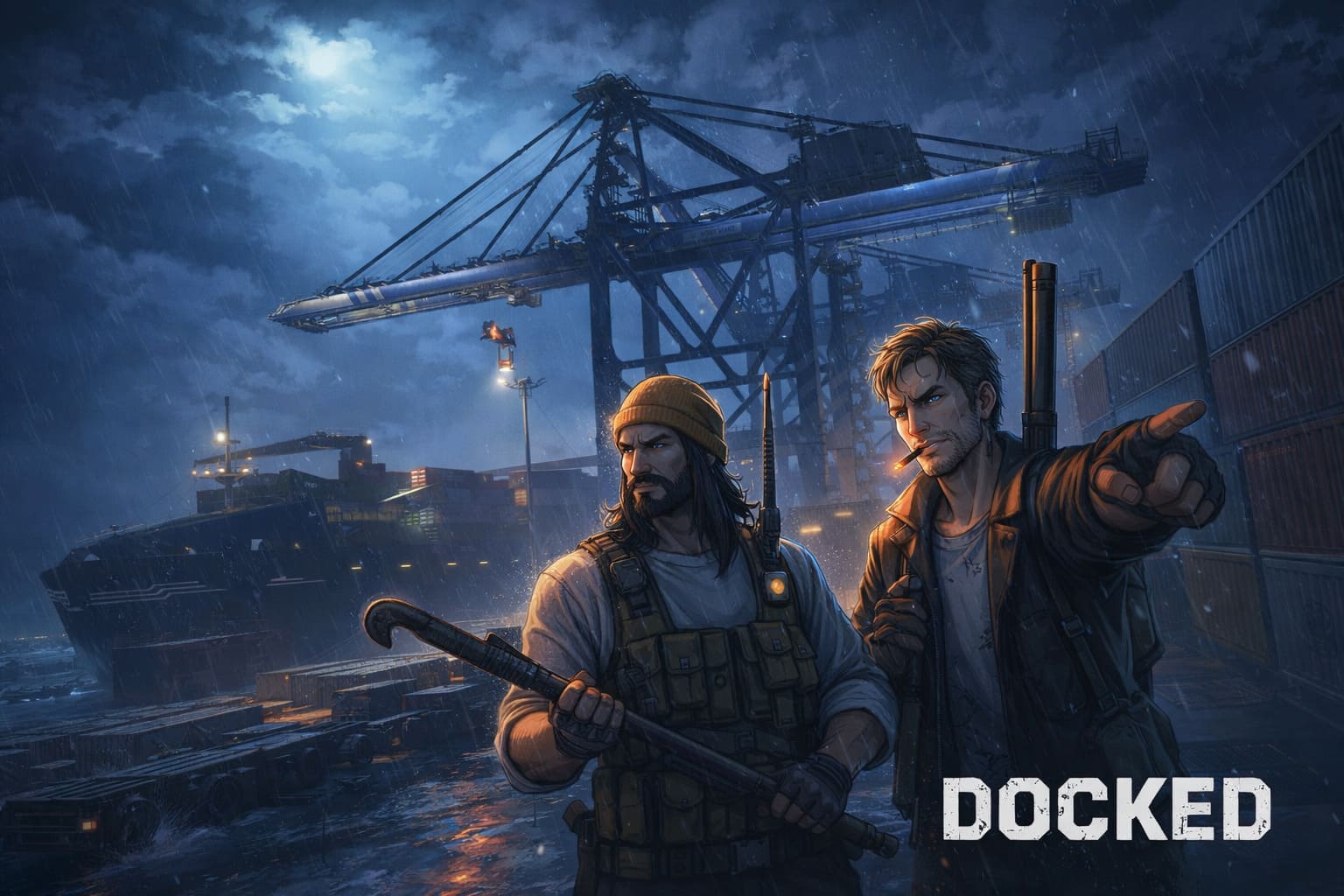
Docked Game 2026: Ship-to-Shore Crane & Container Handling Tutorial
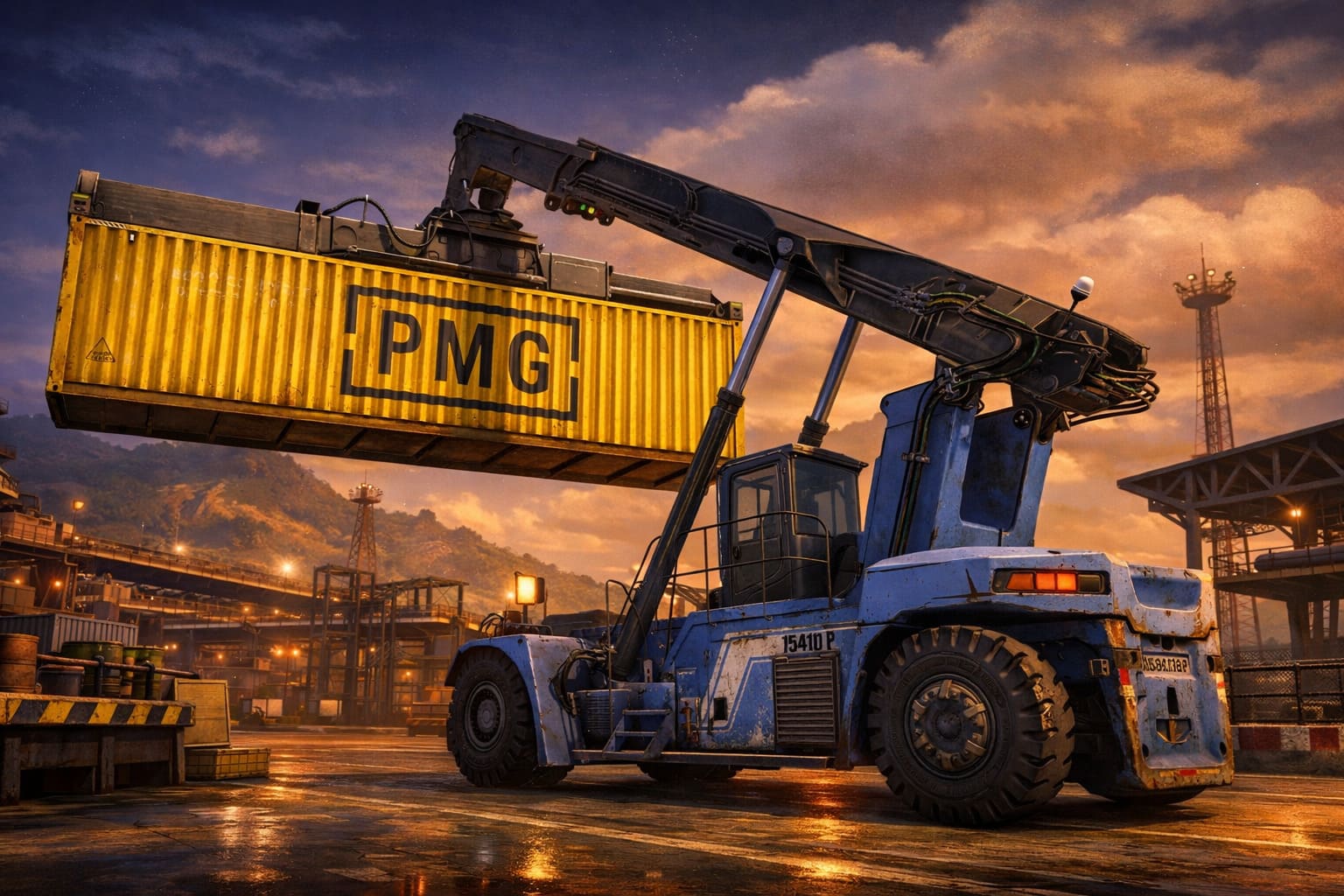
If you’ve ever watched container ships unload at a port, you know it’s like watching a perfectly coordinated strategy game come to life. Ship-to-Shore (STS) cranes, sometimes called Quay Cranes (QC), are the real MVPs here, bridging the gap between massive ocean freighters and land-based terminals.
By 2026, with Ultra Large Container Vessels stretching over 202 feet wide, these towering metal titans aren’t just cool to watch—they’re crucial for keeping the global supply chain running smoothly.
Jackal Combat Mechanics Guide & Best Weapons Tier List (2026)
Core Anatomy and Crane Classes
STS cranes aren’t one-size-fits-all. Their reach, lifting height, and speed are designed to match the size of the ships they serve. Here’s the breakdown:
- Panamax Cranes: Ideal for vessels with 12–13 container rows (up to 106 ft wide).
- Post-Panamax Cranes: Handle ships up to 161 ft wide, usually 18–19 container rows.
- Super-Post-Panamax (Megamax): The kings of the dock, managing 22+ rows across for Ultra Large Container Vessels.
Key Specs in 2026
| Feature | Standard Capability | Purpose |
|---|---|---|
| Outreach | 46m to 73m+ | Reaches the farthest container on the ship’s beam |
| Lifting Capacity | 65 to 100+ tons | Handles “twin-20” or heavy 40ft containers |
| Lifting Height | ~37m | Clears container stacks above the deck |
| Gantry Speed | 100–140 m/min | Lateral movement along dock rails |
2026 Tech Trends: Automation & Electrification
As a tech enthusiast, watching cranes evolve is like seeing your favorite game get a next-gen graphics update. Ports in North America are moving fast:
- Electrification: Over 56% of cranes now run on electric power, cutting emissions and energy costs.
- Smart Diagnostics: IoT sensors + AI predict maintenance needs before disaster strikes.
- Remote Operation: Operators can control these giants from miles away, keeping safety high.
- Energy Regeneration: Some systems feed power back into the port grid when lowering containers.
Safety & Operational Protocols
Think of STS crane operation like playing a hardcore survival game—you ignore safety, and the consequences are massive. Key frameworks include:
- OSHA 1910.179: Rated load markings and hoist checks
- ASME B30: Comprehensive lifting codes
- IEC 60204-32: Electrical safety for hoists
Pre-Operation Checklist:
- Inspect ropes, chains, blocks, and hooks
- Verify safety guards and emergency switches
- Check fluid levels and leaks
- Monitor weather; stop operations during storms
Maintenance Like a Pro
Downtime is the ultimate “game over.” Keeping cranes in top shape is non-negotiable:
- Routine visual inspections for cracks, rust, or loose bolts
- Fatigue monitoring for structures designed to last ~40 years
- Non-Destructive Testing (MT & UT) for internal cracks
- Lubricate trolleys and bogies regularly
Economic Impact & Market Outlook
STS cranes aren’t just impressive—they’re expensive and strategically important. A single crane costs around $10 million USD, with the global market projected to hit $35 billion by the end of 2026. The U.S. is even teaming up with companies like Mitsui E&S to bring domestic manufacturing back, reducing dependency on imports.
Training With High-Fidelity Simulators
Nothing beats practice, and these days that means simulators. Systems like the Vortex STS Crane Simulator let operators:
- Train on realistic machine physics, including cable systems and booms
- Practice high-risk scenarios: storms, mechanical failures
- Master “inching” and anti-sway skills for precision moves
From a gamer’s perspective, STS crane operation is strategy, skill, and timing all rolled into one massive mechanical adventure. Watching these giants at work, or even learning to control them in a simulator, gives you a real sense of mastery over the shipping world.
Mastering Game Server Hosting with Docker: Your Complete 2025 Guide
If you’re anything like me, juggling multiple game servers on your PC or VPS can be a nightmare. Different games, different dependencies, and constant crashes—sounds familiar? Enter Docker. This tool isn’t just a trend; it’s a lifesaver for gamers who want smooth, isolated, and portable servers. From a cozy Minecraft realm to a full-blown Palworld adventure, Docker keeps your setup clean and your performance top-notch.
Why Docker Is a Gamer’s Best Friend
Traditional game hosting often leads to the dreaded “dependency hell”—one game breaks another because of conflicting libraries. Docker changes the game:
- Isolation: Each game runs in its own sandbox. A crash in one doesn’t ruin your other servers.
- Portability: Move your server from your PC to a cloud VPS like AWS or Hostinger in minutes without reconfiguring.
- Resource Control: Limit CPU and RAM so your gaming rig doesn’t slow down.
- Rapid Deployment: Launch servers like Valheim, Rust, or CS2 in a single command using pre-made images from Docker Hub.
Step 1: Setting Up Your Environment
Before spinning up containers, you need Docker on your system:
- Download Docker Desktop for Windows/macOS, or install via CLI on Linux.
- Enable Virtualization: WSL 2 is essential on Windows for smooth performance.
- Verify: Run
docker --versionin your terminal to confirm the installation.
Step 2: Building Your First Game Container
You can either grab a pre-built image or create a custom one. For custom games, here’s a simple Dockerfile setup:
# Start with lightweight OS
FROM ubuntu:latest

# Install libraries like steamcmd
RUN apt-get update && apt-get install -y lib32gcc-s1 curl

# Set working directory
WORKDIR /game

# Copy game files
COPY . .

# Expose game ports
EXPOSE 25565/tcp
EXPOSE 25565/udp

# Start the server
CMD ["./start_server.sh"]
Tip: Use multi-stage builds to reduce final image size and speed up deployment.
Step 3: Manage Your Servers Like a Pro
Handling multiple containers manually can get exhausting. Here’s how to level up:
- Docker Compose: Use a YAML file to define ports, volumes, and environment variables.
- Pterodactyl & AMP: Visual dashboards make server management effortless. Pterodactyl is open-source, while AMP offers polished one-click installs for many games.
Step 4: Optimize Performance
For smooth gameplay, low latency, and maximum FPS, follow these tips:
- Networking: On Linux, use
network_mode: hostto bypass Docker’s virtual bridge overhead. - Storage: Always store game data in Docker Volumes. Containers are temporary; don’t risk your save files.
- CPU Pinning: Dedicate physical cores to your server using
--cpuset-cpusto avoid micro-stutters.
Step 5: Security First
Hosting online can attract risks. Protect your servers:
- Don’t run as root—use a non-privileged user inside Docker.
- Scan images for vulnerabilities using tools like Trivy.
- If on AWS, consider Global Accelerator for DDoS protection.
Popular Game Containers
| Game | Recommended Image | Key Features |
|---|---|---|
| Minecraft | itzg/minecraft-server | Auto-updates, mod support, easy configuration |
| Palworld | thijsvanloef/palworld-server | Built-in SteamCMD handling |
| Valheim | lloesche/valheim-server | Integrated backups, Discord webhooks |
| Counter-Strike 2 | joedwards32/cs2 | Optimized for low latency |