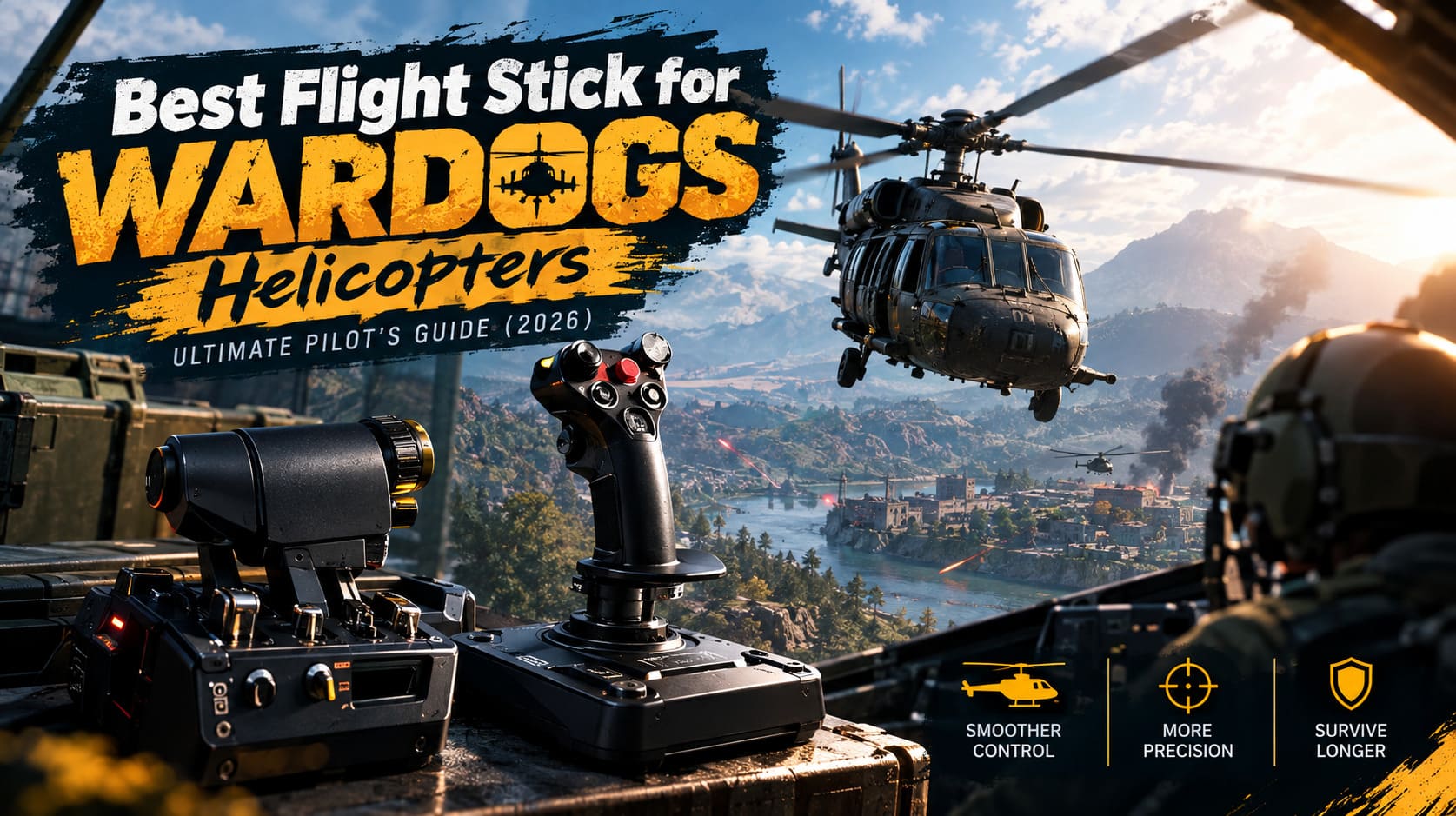
Best Flight Stick for WARDOGS Helicopters: Ultimate Pilot’s Guide (2026)
There are plenty of ways to play WARDOGS, but after spending time with different tactical shooters and vehicle-heavy games, I have to say that helicopters are where this game starts feeling completely different. A good pilot can change the outcome of an entire battle. You can move an infantry squad across the map, rescue players from a collapsing frontline, destroy a vehicle column, or keep an enemy position under constant pressure. The problem is that helicopters are also extremely unforgiving, and trying to control one with a keyboard and mouse can become frustrating very quickly.
That is why I started looking seriously at flight sticks and HOTAS setups for WARDOGS. Analog controls simply make more sense for helicopter flight. Instead of tapping a key and getting a fixed movement, you can make tiny corrections, gradually increase pressure, and react much faster when the aircraft starts drifting. In a game where one badly timed turn can put you directly in front of an RPG or missile launcher, those small corrections matter.
This guide is based on the kind of setup I would recommend to someone who actually wants to spend serious time flying in WARDOGS rather than simply buying a joystick because it looks cool on a desk. There are expensive options, affordable options, and a few pieces of hardware that offer surprisingly good results for the money.
WARDOGS Artillery Guide How to Master Mortars and Artillery Trucks
Why Helicopter Controls Feel Better With a Flight Stick
The biggest advantage of a flight stick is not realism. Honestly, I don’t care whether my desk looks like a real military cockpit. The advantage is control.
A helicopter has several different movements happening at once. You need to manage lift with the collective, control forward and backward movement with pitch, bank the aircraft using roll, and constantly adjust yaw to keep the nose where you want it. On a keyboard, these controls are basically digital: you press a key, the input happens, and you release it.
A stick gives you a much wider range of movement.
| Helicopter Control | What It Does | Ideal Input |
|---|---|---|
| Collective | Controls climb and descent | Throttle/lever |
| Pitch | Controls forward and backward movement | Stick axis |
| Roll | Controls banking | Stick axis |
| Yaw | Controls heading | Rudder/pedals/twist |
This becomes especially noticeable when hovering, landing, strafing targets, or trying to make a quick evasive maneuver. The difference between ‘I can fly the helicopter’ and ‘I can actually control the helicopter’ is surprisingly large.
My Favorite Overall Setup: VKB Gladiator NXT EVO
If money isn’t the main concern, the VKB Gladiator NXT EVO is the setup I would look at first. I’ve used plenty of gaming peripherals over the years, and VKB’s hardware falls into that category where you immediately notice that it was designed for people who care about precision rather than flashy marketing.
For WARDOGS, I particularly like the idea of combining a Gladiator with an Omni Throttle or using a dual-stick HOSAS configuration. It gives you extremely fine control over movement and makes those little adjustments during combat much easier.
The stick uses contactless sensors, which is important for a game where small movements can have a major effect. You aren’t constantly fighting cheap sensor behavior or wondering whether the hardware is interpreting your movement correctly.
Another big advantage is customization. VKB’s configuration software gives you a lot of control over curves, deadzones, and button assignments. That may sound like something only hardcore sim players care about, but helicopter pilots can benefit enormously from it.
My favorite part is the ability to make the controls feel less twitchy around the center. That’s exactly where you spend a lot of time when hovering or making small corrections.
Why I Would Buy It
- Excellent analog precision.
- Strong build quality.
- Extensive customization options.
- Great choice for aggressive helicopter flying.
- Suitable for both WARDOGS and dedicated flight simulators.
- Excellent long-term investment if you play other vehicle games.
The downside is obvious: it isn’t cheap. If WARDOGS is the only game you intend to play with a stick, spending this much might be difficult to justify.
Best Value: Thrustmaster T.16000M FCS HOTAS
For most players, however, I think the Thrustmaster T.16000M FCS HOTAS makes more sense.
This is the setup I’d recommend to someone who says, ‘I want proper helicopter controls, but I’m not spending several hundred dollars on my first flight setup.’ You get a joystick and separate throttle unit, which immediately gives you more flexibility than a basic standalone stick.
The magnetic sensing on the main stick is one of its biggest strengths. It feels smooth and predictable, especially compared with cheaper sticks that can develop annoying inconsistencies.
The TWCS throttle is also useful for helicopter flying because you can dedicate it to collective control. That leaves your primary stick free for pitch and roll while your other hand manages altitude.
There are some compromises. The construction doesn’t feel as premium as VKB or high-end Virpil hardware, and the twist axis can be overly sensitive. Personally, I would spend some time adjusting the deadzone before jumping into serious combat.
Still, for the money, this is one of the easiest setups to recommend.
The Cheap Option: Logitech Extreme 3D Pro
Not everyone wants to turn their desk into a flight simulator cockpit. If you just want to know whether flying with a joystick is actually better, the Logitech Extreme 3D Pro is still worth considering.
It is old-school, inexpensive, simple, and widely available. There is nothing particularly glamorous about it, but that is part of its charm.
Plug it in, assign your controls, adjust the sensitivity, and you can immediately start learning helicopter flight without spending a fortune.
I wouldn’t choose it for a competitive setup, though. The potentiometer-based controls aren’t on the same level as modern contactless sensors, and long-term use can result in unwanted axis drift. For casual transport flying, that’s not necessarily a deal-breaker. For precision attack runs, it absolutely can be.
Think of this as a test drive rather than your final destination.
Premium Hardware: WinWing and Virpil
If you already own serious simulation hardware because you play DCS, Microsoft Flight Simulator, or Arma, then moving to something from WinWing or Virpil can make sense.
These setups are built like tanks. Metal construction, adjustable resistance, large numbers of buttons, switches, hats, and mounting options are all fantastic if you want maximum control.
But here’s my honest opinion: WARDOGS doesn’t require this level of hardware.
A premium HOTAS can make the experience more tactile and give you plenty of buttons for countermeasures, communications, weapon selection, and other functions. However, the game itself isn’t a hardcore flight simulator. Buying a massive metal cockpit setup exclusively for WARDOGS would be overkill for most players.
If you’re already a simulation enthusiast, though, it’s a different story. You can use the same hardware across multiple games, which makes the investment much easier to justify.
Don’t Ignore Rudder Control
One mistake I see people making with flight sticks is assuming the twist axis is good enough for everything.
It works, but helicopter yaw can be extremely sensitive. When you’re trying to stabilize an aircraft while simultaneously aiming a minigun or lining up a rocket attack, having yaw tied to your wrist can sometimes make your movements feel messy.
Dedicated rudder pedals are much better if you plan to become a serious pilot.
Your feet can handle yaw corrections while both hands remain focused on the main flight controls. That sounds like a small improvement, but once you get used to it, going back to twist controls can feel surprisingly awkward.
If pedals aren’t an option, don’t worry. Just make sure your yaw deadzone and sensitivity are tuned properly. A slightly slower yaw response is usually much easier to manage than an aircraft that spins every time you make a tiny correction.
The Most Important Part: Calibration
Buying an expensive flight stick won’t magically make you a better WARDOGS pilot.
Calibration matters more than the price tag.
The default settings are unlikely to be perfect for everyone, so don’t be afraid to spend time adjusting them. I recommend starting with moderate sensitivity rather than immediately pushing everything to maximum.
A small deadzone can also help eliminate unwanted stick movement. Around 0.05 is a reasonable starting point, although your exact value should depend on your hardware. If the stick is perfectly stable, you may be able to use less. If you’re experiencing drift, increase it gradually.
Yaw deserves special attention. I generally prefer a slightly lower yaw sensitivity because over-correcting the tail while flying at low altitude is an excellent way to turn a perfectly good helicopter into expensive scrap metal.
Flight assists are another personal preference. Beginners can absolutely leave stabilization features enabled while learning the basics. Once you become comfortable with the helicopter, however, turning some assistance down or off gives you much more freedom.
That is when flying starts to feel genuinely satisfying.
How I Would Approach Low-Level Flying
One of my favorite things about helicopter gameplay is terrain masking. Instead of flying high over the battlefield and announcing your position to every anti-air weapon on the map, you can stay low and use the environment to your advantage.
Hills, buildings, trees, and industrial structures can all become part of your defensive strategy.
The trick is not simply to fly low. You need to fly low while constantly thinking about your escape route.
If you enter an enemy-controlled area without knowing where the nearest piece of cover is, you’re gambling with the helicopter. A missile warning gives you very little time to react, so your safest flight path should already include terrain that can break line of sight.
This is another reason I prefer analog controls. Tiny pitch and roll adjustments are much easier when you’re weaving between obstacles than when you’re repeatedly tapping keyboard keys.
Don’t Turn the Helicopter Into a Stationary Target
Transport pilots often make the same mistake: they arrive at the objective, hover almost perfectly still, and wait for the squad to jump out.
It feels safe because the helicopter is stable.
It isn’t.
A stationary helicopter is basically an invitation for every enemy with a launcher to take a shot.
Instead, approach the landing zone with momentum and use a controlled braking turn. Pull the nose up to reduce forward speed, combine that with a bank, and use yaw to keep the aircraft oriented toward your exit route.
You don’t need to perform some spectacular movie-style maneuver every time. The goal is simply to spend as little time as possible sitting still over the objective.
That alone can dramatically improve your survival rate.
Which Flight Stick Should You Buy for WARDOGS?
Here is how I would break it down after considering the different types of players.
| Setup | Best For | My Take |
|---|---|---|
| VKB Gladiator NXT EVO | Serious pilots | Best overall |
| Thrustmaster T.16000M FCS HOTAS | Most players | Best value |
| Logitech Extreme 3D Pro | Beginners | Best cheap option |
| WinWing / Virpil | Simulation enthusiasts | Excellent but excessive |
If I were building a WARDOGS setup from scratch today, the VKB Gladiator NXT EVO would be my personal choice. It offers the kind of precision that makes a difference when you’re hovering, landing under pressure, or trying to keep a weapons platform stable during an attack.
For someone who isn’t sure how much time they’ll spend flying, I’d go with the Thrustmaster T.16000M FCS HOTAS. It provides the important controls without requiring a massive investment.
And if your budget is extremely tight, grab the Logitech Extreme 3D Pro and learn the basics first. You can always upgrade later.
Final Thoughts
The best flight stick for WARDOGS isn’t necessarily the most expensive one. What matters is having smooth analog control, a comfortable way to manage collective and yaw, and enough precision to make tiny corrections when the helicopter starts getting unstable.
For casual players, a basic stick can already be a huge improvement over keyboard controls. For dedicated pilots, a good HOTAS or HOSAS setup can completely change how the game feels.
My biggest recommendation is simple: don’t buy the hardware and immediately jump into the hardest combat situation you can find. Spend time calibrating your axes, learn how the helicopter reacts to small inputs, practice low-altitude flying, and figure out how quickly you can recover from a bad approach.
Once those movements become muscle memory, helicopter combat becomes one of the most rewarding parts of WARDOGS. And when you pull off a dangerous squad extraction, dodge incoming fire behind a hill, and get everyone home in one piece, that’s when you’ll understand why I think investing in proper controls is absolutely worth it.