How to Fix Yakuza Kiwami 3 & Dark Ties Graphical Issues: Steam Deck 2026 Optimization Guide
When Yakuza Kiwami 3 finally launched in 2026, I was genuinely hyped. Okinawa rebuilt in the Dragon Engine? Instant nostalgia mixed with next-gen energy. But like many PC players, my first few hours were rough: strange bloom, oversaturated sunlight, blue-tinted Kamurocho nights, and random stutter spikes that made the experience feel unpolished. It wasn’t a disaster, but it definitely didn’t feel like the definitive remake fans had imagined.
To be fair, Ryu Ga Gotoku Studio reacted quickly with Patch v1.11, addressing major lighting and visual bugs. The update improved things, especially around Downtown Ryukyu and the Kubochi River area. Still, even after the patch, some PC users continue to experience performance inconsistencies. So here’s a practical, community-tested optimization breakdown written by someone who has spent far too many hours tweaking settings instead of playing the actual story.
Fixing the “Blinding” Lighting & Oversaturation (PC)
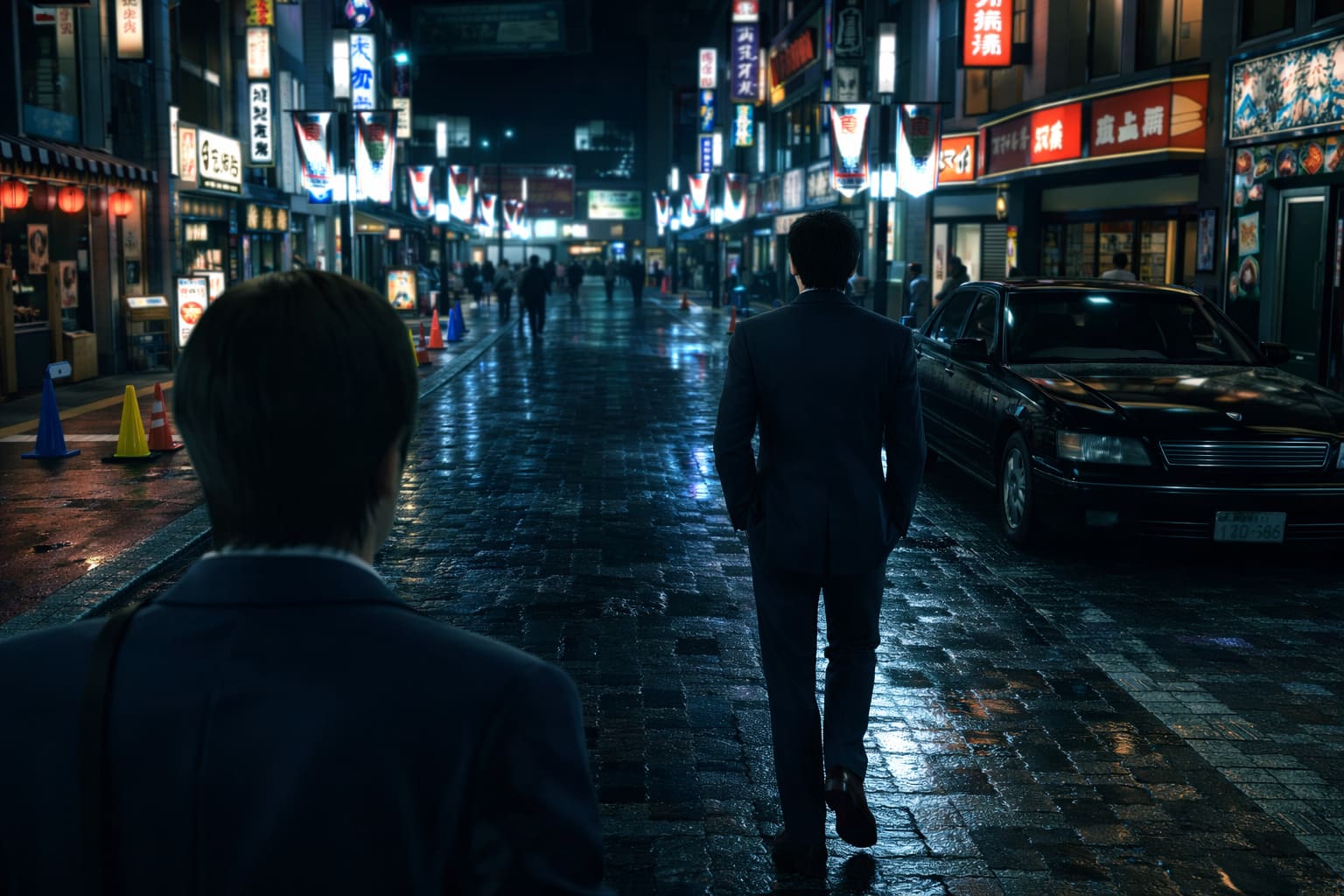
One of the most common complaints at launch was the aggressive lighting. Okinawa sometimes looked like it was filmed through a glowing Instagram filter, while Kamurocho suffered from a heavy blue tone during night scenes. The atmosphere felt off compared to the original Yakuza 3.
The first and most important step is making sure your game is updated to at least v1.11. This patch specifically reduced bloom intensity and corrected problematic lighting zones. If you are still on an earlier build, update immediately before trying anything else.
For PC players who want a more faithful visual tone, the community-created “Natural Lighting Mod” has become the go-to solution. This mod restores a more natural color balance, tones down oversaturation, softens bloom, and removes the excessive blue filter in Kamurocho while preserving the Dragon Engine’s high-resolution assets. The result feels closer to how long-time fans remember the original atmosphere—just sharper and more detailed.
How to Eliminate Stuttering & Micro-Lag
If your FPS counter says 60 but the game feels unstable or jittery, you’re likely dealing with asset streaming or system-level conflicts rather than raw GPU power. The Dragon Engine is sensitive to storage speed and certain Windows features.
The single biggest improvement comes from installing the game on an internal SSD. Running it from a traditional HDD or external USB drive often causes micro-stutters when assets load dynamically. Moving the installation to a fast internal SSD dramatically improves frame consistency.
Another surprisingly effective fix is disabling Hardware-Accelerated GPU Scheduling (HAGS). You can find this under System → Display → Graphics → Default Graphics Settings in Windows. Several players reported reduced flickering and smoother night scenes after turning this off.
V-Sync configuration also matters. Disable V-Sync inside the game’s settings menu and instead enable it through your NVIDIA Control Panel or AMD Software. Then set an in-game frame limit to 60 FPS. This combination stabilizes frame pacing far better than relying on the default in-game synchronization.
FPS Boost Guide for Mid-Range PCs
Although the recommended specs suggest an RTX 3060 for stable 1080p at 60 FPS, you can achieve smoother performance on mid-range hardware with a few targeted adjustments.
First, experiment with upscaling technologies. Even if you own an NVIDIA GPU, DLSS may not always provide the most stable frametimes in this title. Many users report better stability using AMD FSR 3.1 or Intel XeSS 2.0 directly from the in-game menu. It may sound counterintuitive, but testing alternative upscalers can noticeably improve smoothness.
Next, reduce Shadows and Reflections to Medium or Low. The Dragon Engine’s real-time reflections look fantastic, especially on wet streets and coastal surfaces, but they are extremely GPU-intensive. Lowering these two settings typically delivers the biggest performance gains with minimal visual sacrifice.
Yakuza Kiwami 3 & Dark Ties: All Okinawa Substories & “Dark Ties” Missions Guide (2026)
Fixing Black Screens & Startup Crashes
If the game crashes at startup or goes black during cutscenes, start with your GPU drivers. Install the latest versions optimized for 2026 releases. For NVIDIA users, that means GeForce 591.86 or newer. For AMD users, Adrenalin 26.1.1 or newer is recommended. Updated drivers include specific stability improvements for newer game builds.
If crashes occur when Alt-Tabbing or switching focus, change the Screen Mode to Windowed Borderless. This setting reduces fullscreen-related instability and prevents many mid-cutscene crashes.
Ultrawide monitor users running 21:9 or 24:10 resolutions should be aware of a known aspect ratio issue affecting certain minigames, particularly baseball. A confirmed workaround is temporarily switching to a standard 16:9 resolution such as 1920×1080 during those segments. It’s not elegant, but it reliably resolves interaction glitches.
2026 Optimization Checklist
| Issue | Primary Fix |
|---|---|
| Oversaturated Colors | Install Natural Lighting Mod or Update to v1.11 |
| Stuttering | Move to Internal SSD and Disable HAGS |
| Low FPS on NVIDIA | Switch to AMD FSR 3.1 |
| Black Screen | Update GPU Drivers |
| Alt-Tab Crashes | Use Windowed Borderless |
| Ultrawide Bugs | Switch to 16:9 Temporarily |
Underneath the technical hiccups, Yakuza Kiwami 3 (2026) is genuinely a strong remake. The Dragon Engine brings Okinawa to life with dynamic lighting, detailed reflections, and smoother combat transitions that make revisiting Kiryu’s story feel fresh again. The emotional weight of the Okinawa arc still hits, and when the performance is stable, the atmosphere shines.
That said, the PC version clearly required more tuning at launch. Thankfully, with the right updates, driver versions, storage setup, and a few smart graphics tweaks, the experience becomes dramatically smoother. If you’re returning to Kiryu’s Okinawa chapter or playing it for the first time, investing a little time in optimization is absolutely worth it.
Once properly configured, the game runs smoothly, looks vibrant without being overblown, and finally feels like the definitive version fans were waiting for. Start with storage fixes and lighting adjustments first, as they resolve the majority of common complaints, then fine-tune from there.
Yakuza Kiwami 3 & Dark Ties on Steam Deck
When Yakuza Kiwami 3 and its surprise companion Dark Ties launched on February 11, 2026, I knew two things: I was clearing my weekend, and my Steam Deck was about to work overtime. Developed by Ryu Ga Gotoku Studio and published by SEGA, this remake brings the 2009 Okinawa arc into the Dragon Engine era—and honestly, it feels like it was built with handheld play in mind.
Let’s talk real performance, real settings, and what it’s actually like playing this on Steam Deck.
Is Yakuza Kiwami 3 Verified on Steam Deck?
Yes — and not in a “technically playable” way. It has the full green Steam Deck Verified badge, and it earns it.
Here’s what that means in practice:
- Full controller support
- Clean UI scaling on 1280×800
- No launcher issues
- Stable performance presets out of the box
- Steam Cloud, Achievements, and Trading Cards support
More importantly, it doesn’t feel compromised.
Yakuza Kiwami 3: How to Level Up Kanda’s Charisma Rank, All Good Deed Quest Locations
Real Performance on Steam Deck (Not Marketing Talk)
Right out of the box, using the Medium preset, you’re looking at 30–40 FPS during open-world exploration in Okinawa and Kamurocho, with combat generally staying above 35 FPS. Cutscenes are often locked at 60 FPS, which looks fantastic on the OLED model. The game is clearly GPU-bound, so your graphical settings matter more than CPU tweaks.
Performance vs Visual Quality
| Settings | Performance | Visual Quality |
|---|---|---|
| Medium + FSR 3 (Quality) | 35–45 FPS | High, clean image |
| Low Preset | 50–60 FPS | Noticeable shimmer |
| High Preset | 25–30 FPS | Beautiful, but unstable |
If you’re chasing 60 FPS, you’ll have to sacrifice too much. For me, the sweet spot is 45 FPS.
Best Steam Deck Settings for a Stable 45 FPS
If you want the “golden handheld experience,” here’s what I recommend after hours of testing.
In-Game Settings:
- Resolution: 1280×800 (Native)
- Upscaling: AMD FSR 3.1 – Quality
- Frame Generation: Off (reduces input lag in fights)
- Texture Filtering: 8x
- Shadow Quality: Low
- Geometry: Medium
- Reflections: Medium
- SSAO: Off
SteamOS Settings:
- Refresh Rate: 45Hz
- FPS Cap: 45 FPS
This setup gives you smooth combat, solid battery life, minimal visual compromise, and stable frame pacing. It genuinely feels tailor-made for handheld play.
Let’s Talk About Dark Ties
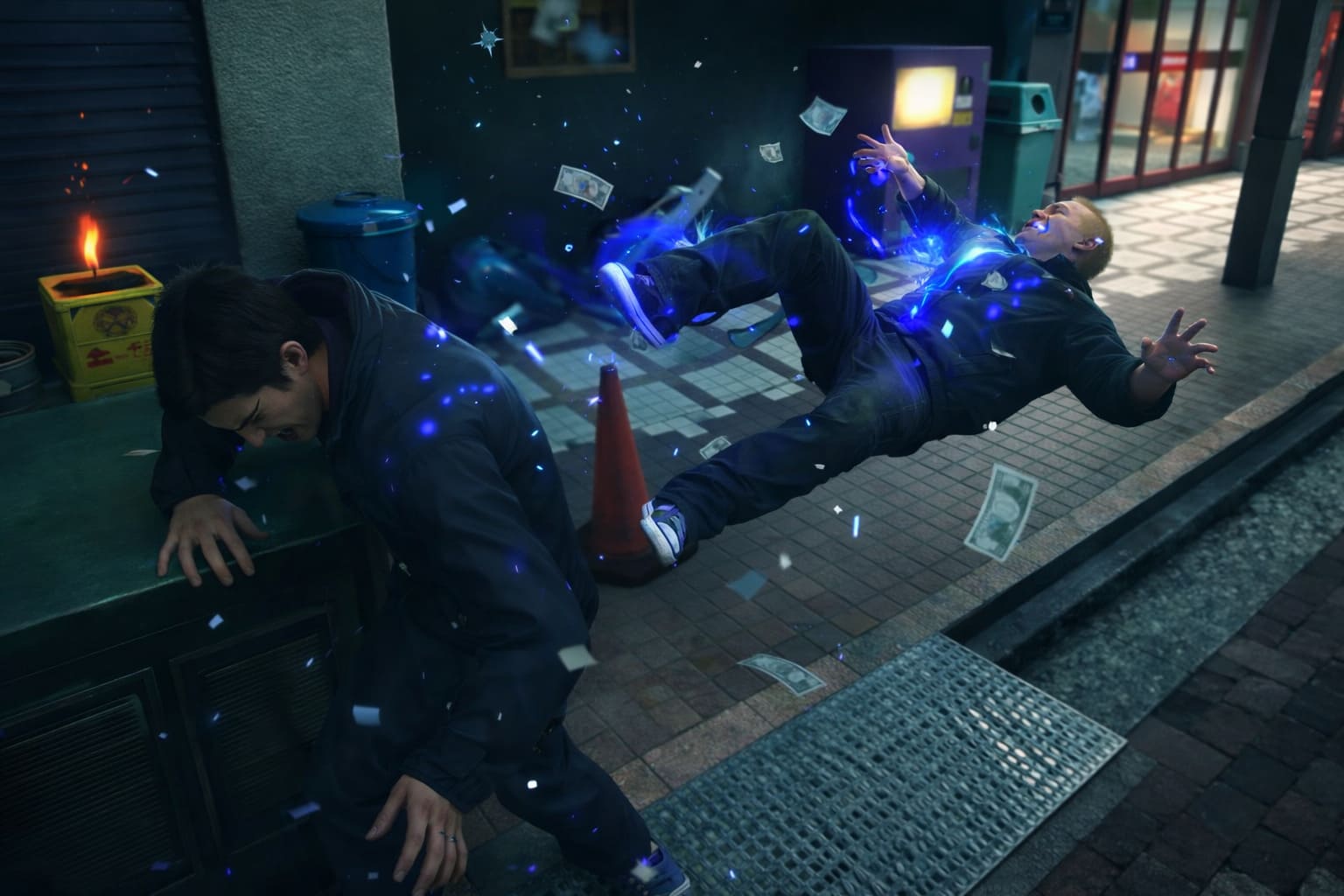
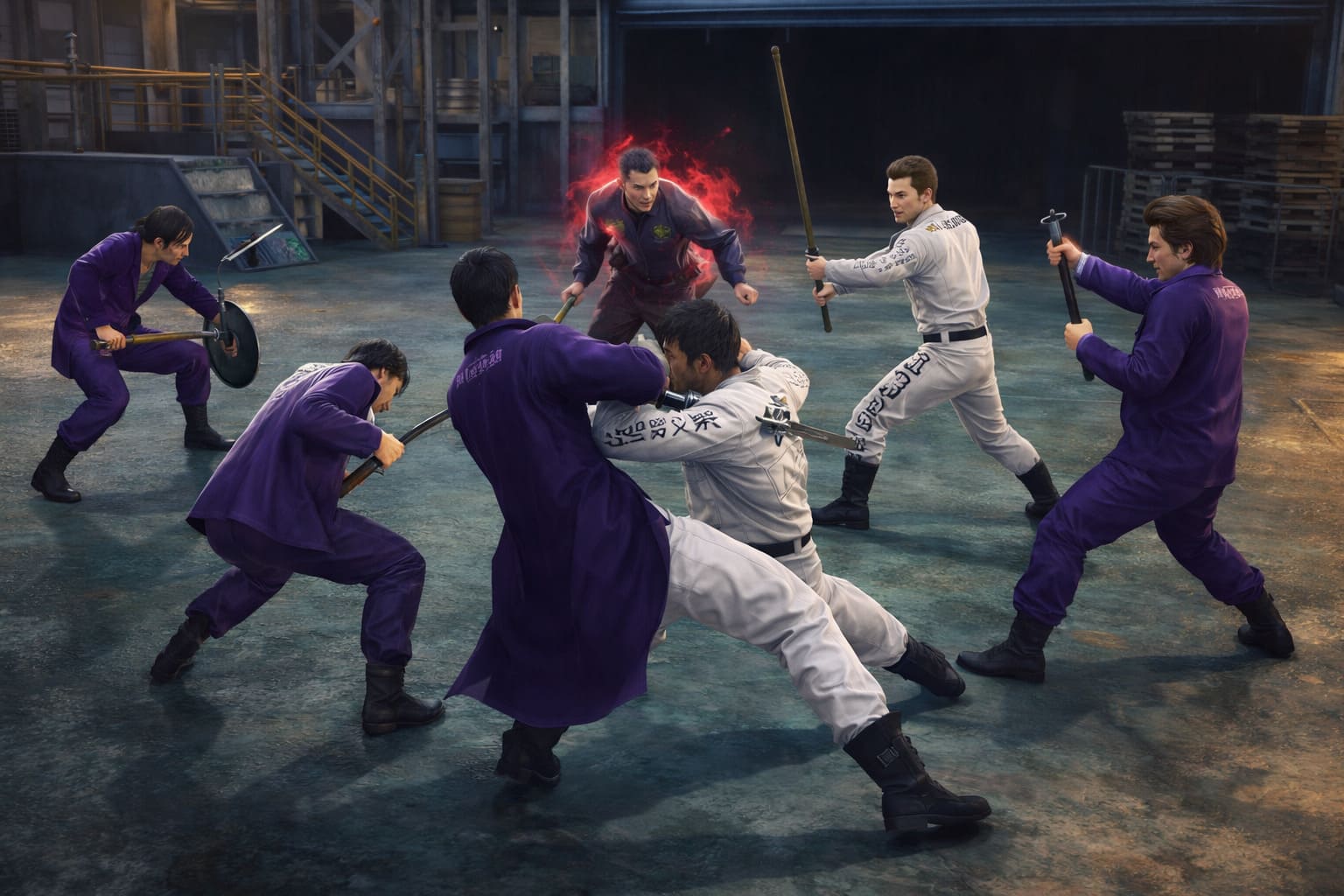
Unlike previous Kiwami releases, this package includes Dark Ties, a separate campaign starring Yoshitaka Mine. If you’ve played Judgment, imagine Mine fighting somewhere between Kiryu’s raw power and Yagami’s agility. He’s fast, stylish, and aggressive.
Performance-wise, it’s identical to the main game because it uses the same engine and assets. Narratively, it explores Mine’s climb within the Tojo Clan. It’s shorter than many fans expected, which explains the mixed reception, but mechanically it’s fantastic.
Community Reception: Why “Mixed”?
The game currently holds a “Mixed” rating on Steam at around 60 percent. From what I’ve seen, the criticism and praise break down like this.
Pros:
- Modernized combat with far less enemy blocking
- Stunning remake of Okinawa
- Excellent Steam Deck optimization
- Strong emotional story beats
Cons:
- Narrative tweaks to the finale
- Dark Ties campaign feels short
- Not as content-heavy as later Yakuza entries
From a technical standpoint though, this is one of RGG Studio’s best PC launches.
Storage & Installation Notes
Before you install, make sure you have enough space. The game requires 58 GB of storage, and an SSD is strongly recommended. The Steam Deck’s 16 GB of RAM handles it perfectly, with no unusual crashes or shader compilation issues. You can pretty much install and play.
Final Thoughts – Is It Worth Playing on Steam Deck?
Absolutely. As someone who played the original Yakuza 3, this remake feels like the definitive way to experience the Okinawa arc. The Dragon Engine makes the combat weightier, the lighting transforms the tropical setting, and at 45 FPS on Steam Deck it feels incredibly smooth.
It’s rare that a 2026 AAA release feels this at home on handheld hardware. If you love story-driven action games, Japanese crime dramas, deep combat systems, and portable gaming without compromise, this is an easy recommendation. Playing Kiryu’s orphanage story in bed on a Steam Deck just hits differently.