STALKER 2 Heart of Chornobyl Best Graphics Settings for RTX 5080 (2026 Guide)
If you have an RTX 5080 and you’re still playing S.T.A.L.K.E.R. 2: Heart of Chornobyl with everything locked to Epic, I honestly think you’re leaving performance on the table.
The RTX 5080 is an absurdly powerful GPU. It has more than enough muscle for S.T.A.L.K.E.R. 2, but this isn’t one of those games where simply owning a high-end graphics card guarantees a perfectly smooth experience. Unreal Engine 5 is doing a ridiculous amount of work behind the scenes, from Lumen lighting and dynamic shadows to dense vegetation, streaming assets and NPC-heavy settlements.
And that’s the important part: the best STALKER 2 graphics settings for RTX 5080 aren’t necessarily the highest settings.
After spending a lot of time tweaking the game, comparing image quality, and paying attention to the areas that actually punish your hardware, I’ve settled on a setup that makes much more sense for 2026. It keeps the Zone looking filthy, atmospheric and brutally detailed while avoiding some of the pointless performance hits caused by a handful of Epic settings.
My RTX 5080 Philosophy: Don’t Chase Epic Just Because You Can
There’s a temptation with an RTX 5080 to turn every slider to maximum and call it a day.
I get it. I’ve done it too.
But S.T.A.L.K.E.R. 2 is one of those games where the difference between High and Epic can be surprisingly difficult to notice while you’re actually playing, especially when you’re moving through the Zone, fighting mutants or exploring during bad weather.
What you do notice is frame-time consistency.
A forest that suddenly tanks your FPS. A settlement where NPCs cause CPU spikes. A firefight where explosions and volumetric effects hammer your frame rate. That’s the stuff that ruins the experience.
So my goal here isn’t a ridiculous benchmark number. It’s a stable, responsive and visually impressive STALKER 2 setup for RTX 5080 owners.
Best STALKER 2 Graphics Settings for RTX 5080
Here’s the configuration I’d start with.
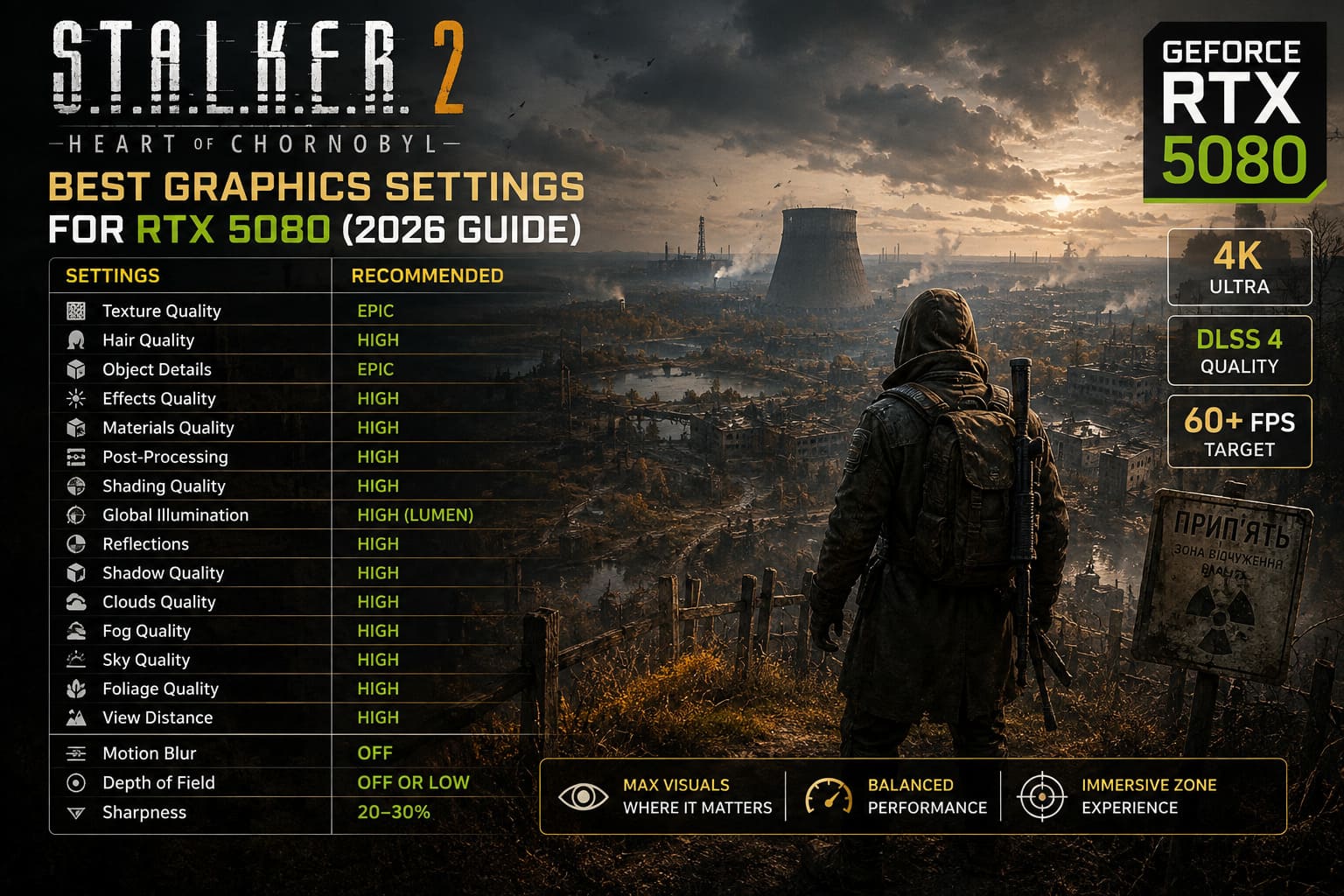
| Setting | Recommended Value | Why |
|---|---|---|
| Texture Quality | Epic | Excellent detail with little reason to reduce it |
| Hair Quality | High | Keeps NPCs looking good without unnecessary cost |
| Object Details | Epic | Helps preserve environmental detail |
| Effects Quality | High | Strong visual quality without excessive GPU load |
| Materials Quality | High | Keeps surfaces detailed and realistic |
| Post-Processing | High | Good image quality with sensible performance |
| Shading Quality | High | Important for realistic materials and lighting |
| Global Illumination | High | Excellent Lumen quality without Epic’s extra cost |
| Reflections | High | Strong visual quality for a reasonable performance hit |
| Shadow Quality | High | Better frame pacing than Epic |
| Clouds Quality | High | Maintains the atmosphere of the Zone |
| Fog Quality | High | Keeps the signature STALKER mood intact |
| Sky Quality | High | Very small reason to sacrifice performance here |
| Foliage Quality | High | One of the biggest performance-saving choices |
| View Distance | High | Good draw distance without going overboard |
| Motion Blur | Off | Much cleaner aiming and movement |
| Depth of Field | Off or Low | Better clarity at longer distances |
| Sharpness | 20–30% | Avoids ugly oversharpening |
The key theme is simple: Epic where the visual difference is obvious, High where Epic mostly burns performance.
Texture Quality: Keep It at Epic
This one is easy.
Texture Quality should stay at Epic.
The RTX 5080 has enough VRAM for the game’s high-resolution textures, and lowering this setting doesn’t give you much in return unless you’re dealing with a specific memory limitation.
Weapons, equipment, buildings and environmental surfaces benefit from the extra texture detail. This is exactly the sort of setting I don’t want to compromise.
If you’re using an RTX 5080, there’s very little reason to run textures at Medium or Low.
Foliage Quality Is the Setting I’d Watch First
If there’s one setting I’d tell RTX 5080 owners to change from Epic immediately, it’s Foliage Quality.
The Zone is packed with vegetation. Grass, bushes, trees and other environmental clutter are everywhere, and rendering all of that isn’t cheap.
Epic foliage looks great in screenshots, but during actual gameplay the difference from High is much harder to appreciate. Meanwhile, the performance cost can become obvious in large outdoor areas.
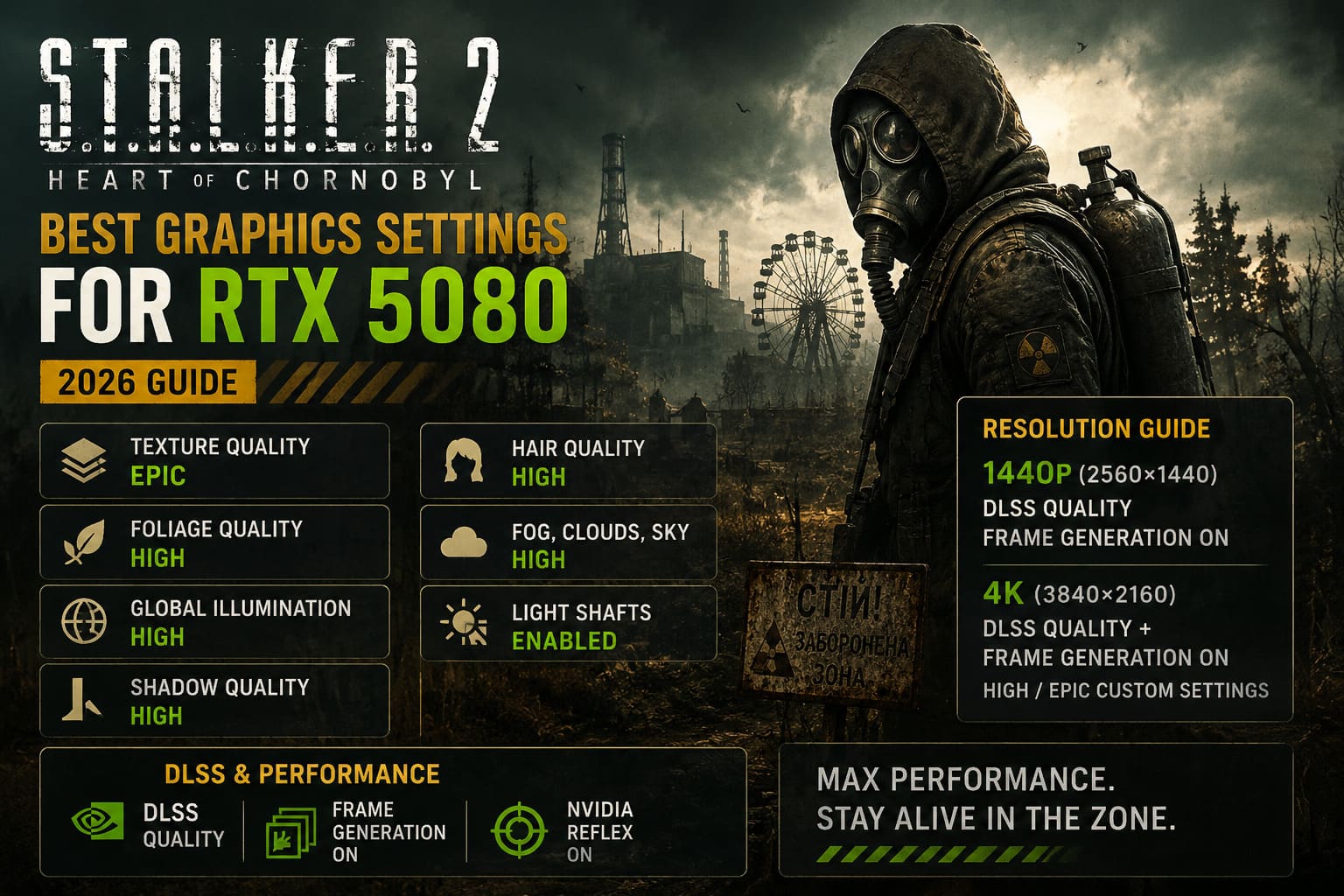
Set Foliage Quality to High.
Your game will still look incredibly dense. You’re just avoiding a setting that can hammer performance for relatively little visual benefit.
And during firefights, I’ll take those extra frames every time.
Global Illumination: High Is the Sweet Spot
Lumen is one of the reasons S.T.A.L.K.E.R. 2 can look so good.
Walk into a dark building, look at how light leaks through windows, then step outside during bad weather. The lighting gives the Zone its personality.
That’s why I wouldn’t recommend dropping Global Illumination too aggressively.
But I also don’t think Epic is necessary.
High is my preferred setting.
You still get strong indirect lighting and convincing environmental illumination while giving the GPU some breathing room. Temporal reconstruction can also make certain lighting situations look cleaner when you’re not pushing every related setting to the ceiling.
For me, this is one of those settings where High feels like the “intended” enthusiast option.
Shadows: High Instead of Epic
Shadows are another easy place to save performance.
Epic can extend shadow rendering and increase the amount of environmental detail being processed, but the practical difference while you’re sprinting through a forest isn’t dramatic.
High still delivers convincing shadows from buildings, trees and characters.
More importantly, it helps reduce those ugly moments where the FPS suddenly dips because you’ve entered an especially dense section of the map.
Shadow Quality: High.
That’s an easy recommendation.
Hair Quality: Don’t Waste Performance in Settlements
Hair isn’t something you’ll think about while exploring an abandoned factory.
You’ll notice it more around NPCs.
Large settlements and populated areas can already be demanding, particularly when the CPU is being hammered by AI and world simulation. There’s little point in making character hair one of your most expensive visual features.
I’d use High here.
If you’re experiencing noticeable drops specifically around crowded camps, try Medium. The visual difference is tiny during normal gameplay.
Fog, Clouds and Atmosphere
I wouldn’t cheap out on the atmospheric settings.
S.T.A.L.K.E.R. 2 depends heavily on weather, fog and lighting to create its mood. Remove too much of that and you’re left with a technically faster game that doesn’t feel like STALKER anymore.
- Fog Quality: High
- Clouds Quality: High
- Sky Quality: High
- Light Shafts: Enabled
You could push some of these to Epic with an RTX 5080, especially if you’re chasing screenshots. For regular gameplay, though, High is the smarter balance.
The Zone should feel oppressive. That’s part of the experience.
1440p RTX 5080 Settings
At 2560×1440, the RTX 5080 has a lot of horsepower available.
This is where I’d actually consider using native resolution if your CPU is strong and your monitor isn’t demanding an extreme refresh rate.
For a high-refresh setup, however, DLSS Quality + Frame Generation makes more sense.
You’re already starting from a very high image-quality baseline, and DLSS Quality generally preserves the fine details that matter most in this game.
If you’re using a 165Hz or 240Hz display, this is where Frame Generation becomes particularly attractive.
Just remember that generated frames don’t magically make the underlying game simulation faster. Input response still depends heavily on the base frame rate.
4K RTX 5080 Settings
4K is where things get much more interesting.
Native 4K looks fantastic, but S.T.A.L.K.E.R. 2 can punish even extremely powerful hardware once you combine high-resolution rendering with Lumen, foliage and heavy environmental detail.
For 4K, my preferred setup is:
DLSS Quality + Frame Generation + High/Epic custom settings.
If you’re desperate for additional performance, DLSS Balanced is the next step.
I would avoid Performance mode unless you have a very specific reason to use it. Fine vegetation, wires, distant objects and other thin geometry can start looking noticeably worse.
At 4K, I would rather sacrifice a few settings than destroy the image reconstruction quality.
DLSS and Frame Generation: The RTX 5080 Advantage
This is where the RTX 5080 really gets to show off.
Use NVIDIA DLSS rather than forcing native rendering just because you can.
My preferred setup:
- DLSS: Quality
- DLSS Frame Generation: On
- NVIDIA Reflex: On
- DLSS Balanced: Only when additional 4K performance is needed
Frame Generation is particularly useful when the underlying frame rate is already healthy.
And don’t forget NVIDIA Reflex.
If you’re using Frame Generation, Reflex is important because it helps keep latency under control. In a first-person shooter like STALKER 2, that’s not some technical footnote. You can actually feel the difference when aiming, turning quickly or reacting to a mutant jumping out of the darkness.
Windows Tweaks That Actually Matter
The graphics menu isn’t the entire story.
If you’re chasing consistent frame times, make sure your system is properly configured.
Update Your GPU and Chipset Drivers
Keep your NVIDIA driver current, but don’t forget the chipset driver either. CPU scheduling and asset streaming can matter a lot in this game, especially in settlements.
Enable Hardware-Accelerated GPU Scheduling
If you’re using Frame Generation, HAGS should be enabled in Windows.
You can find it under the Windows graphics settings.
Enable Resizable BAR
Check your motherboard BIOS and make sure Resizable BAR is enabled.
It won’t suddenly add 30 FPS, but every little improvement to memory access and frame-time consistency is useful on a demanding UE5 game.
Don’t Ignore Background Software
Steam overlays, Discord overlays, browser windows, recording applications and monitoring software can occasionally cause weird behavior.
If you’re troubleshooting stutters, turn unnecessary overlays off before blaming the GPU.
That’s one of the first things I test whenever a game suddenly starts behaving badly.
STALKER 2 Update 2.0 Patch Notes: Faction Wars, Download Size, and Cost of Hope DLC Changes
The CPU Still Matters More Than You Think
Here’s the part that catches some RTX 5080 owners off guard.
You can have one of the fastest consumer GPUs available and still experience bad FPS in S.T.A.L.K.E.R. 2 because the CPU is struggling.
Settlements are the obvious example.
There are NPCs, AI routines, physics, world simulation and streaming happening simultaneously. If your GPU usage suddenly drops while your frame rate tanks, don’t immediately start changing graphics settings.
Check your CPU behavior first.
A strong gaming CPU such as the Ryzen 7 7800X3D or Ryzen 7 9800X3D is a much better pairing for this kind of workload than an older processor that happens to be paired with a monster GPU.
My Final RTX 5080 Setup
If I were installing S.T.A.L.K.E.R. 2 on a fresh RTX 5080 system today, this is exactly where I’d start:
- 1440p: Native or DLSS Quality, depending on the monitor and target refresh rate.
- 4K: DLSS Quality + Frame Generation.
- Textures: Epic.
- Foliage: High.
- Global Illumination: High.
- Shadows: High.
- Shading: High.
- Effects: High.
- Fog: High.
- Clouds: High.
- View Distance: High.
- Hair: High.
- Motion Blur: Off.
- Depth of Field: Off or Low.
- Sharpness: Around 20–30%.
This setup isn’t designed to win a screenshot benchmark. It’s designed to make S.T.A.L.K.E.R. 2 feel good.
That’s an important distinction.
The RTX 5080 is powerful enough that you don’t need to compromise heavily. Keep the settings that genuinely improve the visual presentation at Epic, then pull back the options that mainly punish your frame rate. High-quality textures, strong lighting, dense foliage and good shadows are still here. You’re simply avoiding the settings that offer diminishing returns.
And honestly, that’s how I’d recommend playing this game.
The Zone is already beautiful, miserable and terrifying. You don’t need an Epic preset badge to make it look impressive.
You need consistent frame times, clean image quality and responsive controls.
Once you’ve got those three things, stop staring at the FPS counter and go back into the Zone.
There’s probably something trying to kill you.