Warlord Awaji System Requirements: Full PC Specs, Download Size, and Hardware Optimization Guide
There is something refreshingly strange about Warlord: Awaji. On paper, it sounds like the kind of game that should need a monster PC: a huge open-world island, hundreds of soldiers, first-person combat, dynamic battles, horses, forests, villages, forts, and a persistent strategy layer where individual warriors actually matter.
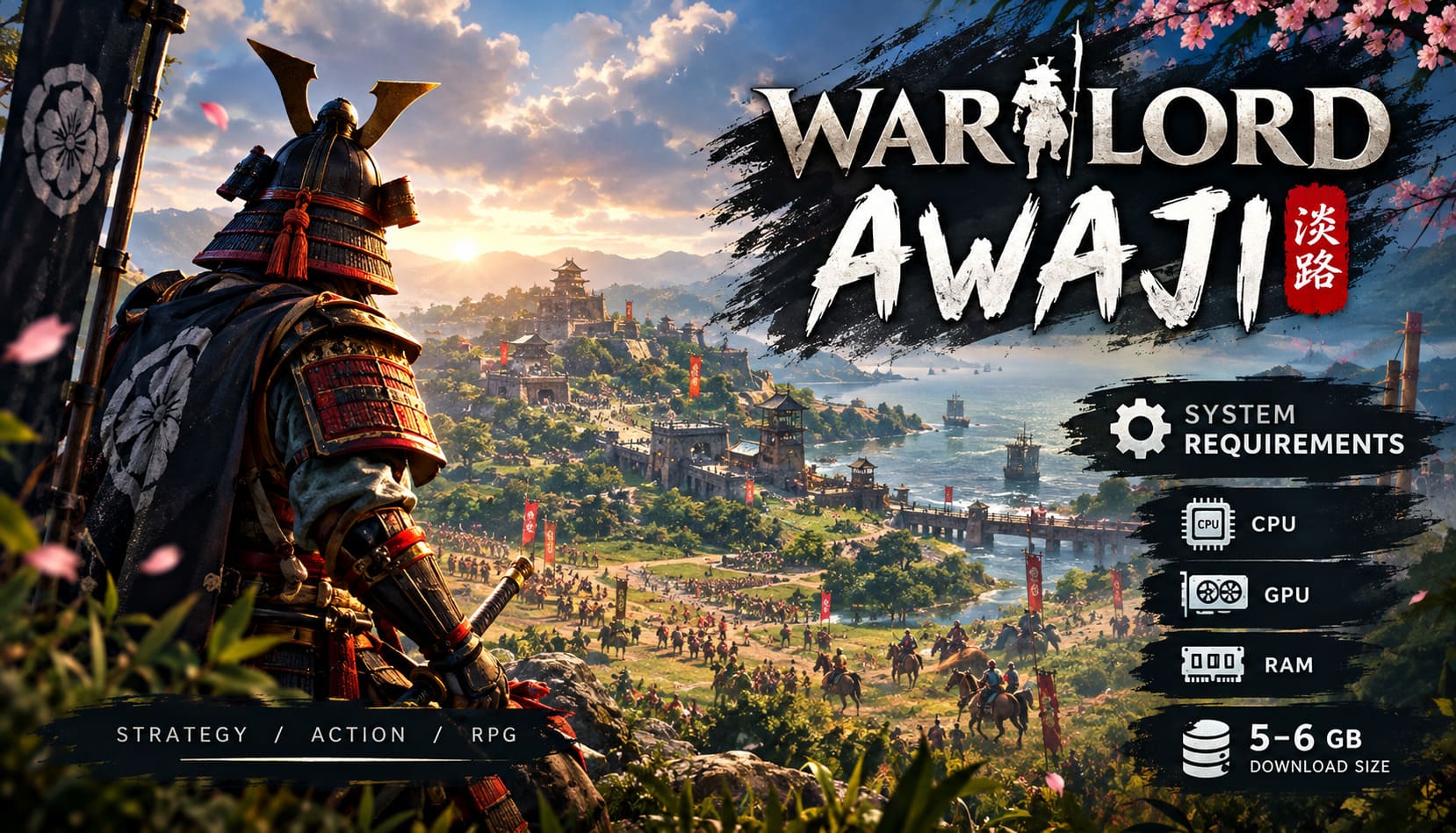
Then you look at the storage requirement and see roughly 5–6 GB.
My first reaction was basically: There is no way all of that fits into six gigabytes.
But that is exactly what makes the technical side of Warlord: Awaji so interesting. Instead of throwing enormous texture packs and cinematic assets at your SSD like a modern AAA game, Darkmatter Games has built something that relies heavily on efficient world data, reusable assets, terrain information, and simulation systems.
And while the small installation size is great news, don’t make the mistake of assuming that a tiny download means this is an easy game to run.
Warlord: Awaji can be surprisingly demanding in the places that actually matter for an immersive strategy game. Your CPU and RAM can become just as important as your GPU, especially once the battles get chaotic.
So, if you’re wondering about the Warlord: Awaji system requirements, download size, SSD recommendations, and what hardware you should actually be using, here’s my take after going through the game’s technical requirements.
Warlord: Awaji System Requirements at a Glance
Before getting into all the details, here is the quick version of what you’ll want.
| Component | Minimum | Recommended |
|---|---|---|
| OS | Windows 10 64-bit | Windows 11 64-bit |
| CPU | Intel Core i5 / AMD Equivalent | Intel Core i7 / Ryzen 7 |
| RAM | 16 GB | 32 GB |
| GPU | GTX 1060 / GTX 3050 Ti / AMD Equivalent | RTX 2060 / RTX 3070 / AMD Equivalent |
| DirectX | DX11 / DX12 | DX12 |
| Storage | 5–6 GB | 6 GB, SSD Recommended |
For me, the important part of this table isn’t actually the graphics card. It’s the 16 GB versus 32 GB RAM difference and the CPU recommendation.
That’s where I think many players could underestimate the game.
Minimum PC Specs: Enough to Play, But Don’t Expect Miracles
The minimum requirements should get you into Warlord: Awaji without needing an absurdly expensive setup.
The baseline is:
- Windows 10 64-bit
- Intel Core i5 or equivalent AMD processor
- 16 GB RAM
- GTX 1060, GTX 3050 Ti, or comparable AMD GPU
- DirectX 11/12 support
- Around 5–6 GB of free storage
If your PC roughly matches these specifications, you should be able to play the game at lower settings and sensible resolutions.
However, I wouldn’t interpret “minimum” as “this is the hardware I recommend.”
There’s a huge difference between loading into a quiet part of Awaji and standing in the middle of a giant battle with soldiers, horses, buildings, foliage, projectiles, AI calculations, and multiple factions all doing different things.
That’s when the hardware requirements become much more interesting.
A GTX 1060 may be enough to get started, but the CPU is what I’d pay close attention to.
Why the CPU Matters So Much
This is probably the part of the Warlord: Awaji PC requirements that deserves the most attention.
In a conventional first-person game, you can often get away with focusing primarily on GPU performance. The graphics card handles the visual workload while the CPU supports everything happening behind the scenes.
Warlord: Awaji is different.
Every battle can involve a large number of independent units, and those units aren’t just decorative NPCs. The game has to deal with movement, pathfinding, combat behavior, positioning, equipment, and other simulation elements.
Now imagine dozens or even hundreds of soldiers doing this simultaneously.
That’s where an older CPU can start struggling.
You might have perfectly acceptable GPU performance, but still experience frame-time spikes, simulation slowdowns, or stuttering during large encounters.
Personally, I’d rather have a strong modern six- or eight-core processor paired with a reasonable GPU than build an unnecessarily expensive graphics-focused machine and cheap out on the CPU.
For Warlord: Awaji, the processor is part of the battlefield.
32 GB RAM Is the Sweet Spot
The game can run with 16 GB of RAM, but if you’re building or upgrading a PC specifically for Warlord: Awaji, I’d seriously consider 32 GB.
The reason is simple: the game isn’t only storing what you see on screen.
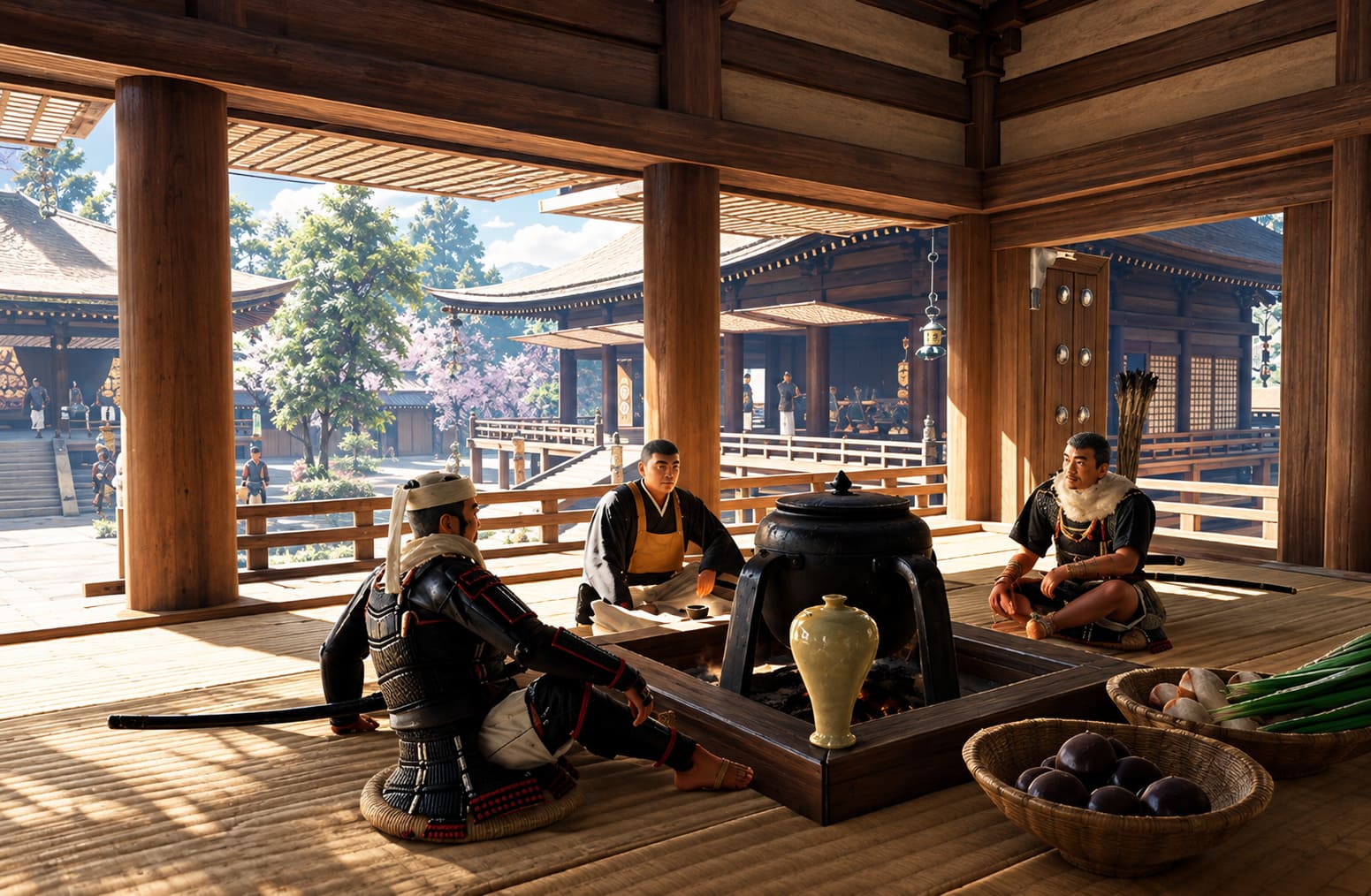
There’s a persistent world underneath the graphics. Your clan develops, individual warriors gain experience, factions interact, territories change, resources move around, and the game has to maintain a considerable amount of world information.
And then there is Windows itself.
If you launch Warlord: Awaji with a browser containing 30 tabs, Discord, recording software, launchers, background utilities, and several other programs running, your 16 GB system can suddenly become much less comfortable.
With 32 GB RAM, you have considerably more breathing room.
It’s not necessarily going to double your FPS. That’s not how RAM works. Instead, it can help prevent the system from becoming cramped and relying heavily on slower virtual memory.
For a game built around a large persistent simulation, that’s exactly the kind of upgrade I would prioritize.
The Surprisingly Tiny Warlord: Awaji Download Size
Now we get to the weirdest part.
Warlord: Awaji requires only around 5–6 GB of storage space.
In 2026, that feels almost ridiculous.
We’re used to seeing games that consume 80, 100, or even 150+ GB after installation. Some AAA releases can eat more storage than several older games combined.
Warlord: Awaji goes in the opposite direction.
And honestly, I love seeing this.
The large map doesn’t necessarily require gigantic amounts of unique data for every square meter. The game’s 16 × 16 km environment can use terrain and heightmap information efficiently, while buildings, vegetation, camps, shrines, and other assets can be reused intelligently.
That means a massive-looking world doesn’t automatically translate into a massive installation.
Does the Small File Size Mean It Runs on Anything?
Absolutely not.
This is an important distinction.
Storage size and performance requirements are two completely different things.
A game can occupy 6 GB and still put considerable pressure on your CPU, RAM, and GPU.
In fact, Warlord: Awaji’s large world makes storage speed relevant too.
Why I Recommend an SSD
If you still have Warlord: Awaji installed on an old mechanical HDD, you’re making life harder for yourself.
The game allows you to travel through a large environment while assets need to be loaded as the world changes around you. You’re not simply sitting inside one small arena.
With an SSD, particularly an NVMe M.2 drive, asset streaming and loading should be considerably more comfortable.
The difference isn’t necessarily going to be a magical FPS boost. That’s not what SSDs are for.
Instead, you’re looking at things like:
- Faster loading screens
- Better asset streaming
- Less chance of noticeable texture pop-in
- Smoother transitions between areas
- Reduced loading-related stutter
If your PC already has an SSD, I wouldn’t lose sleep over buying an expensive new one solely for this game. But if you’re still gaming exclusively from a mechanical HDD, moving Warlord: Awaji to an SSD is one of the easiest quality-of-life improvements you can make.
What GPU Do You Actually Need?
The GPU requirements are fairly reasonable by modern standards.
The minimum class includes hardware around the GTX 1060 / GTX 3050 Ti level, while the recommended range moves toward cards such as the RTX 2060 and RTX 3070, alongside comparable AMD hardware.
For 1080p gaming, you don’t necessarily need a high-end graphics card.
The real question is what visual settings and resolution you’re targeting.
At 1080p, a reasonable mid-range GPU should be perfectly sensible. At 1440p, I’d want something stronger, especially if you’re trying to keep the settings high while fighting large battles.
And 4K?
That’s where I’d stop thinking about minimum requirements entirely.
If you’re planning to play at 4K with high settings, heavy foliage, detailed shadows, and demanding effects, a substantially more powerful GPU becomes the sensible choice.
The Settings I Would Lower First
If your PC is hovering around the minimum requirements, don’t immediately turn every graphical option down to Low.
I’d approach it differently.
1. Shadow Quality
Lower shadows first.
Large battles mean lots of characters, objects, terrain, and vegetation potentially producing shadows. Going from Ultra or High to Medium can produce a noticeable performance improvement without making the entire game look terrible.
2. Foliage Density
Awaji is supposed to look lush. That’s part of its appeal.
Unfortunately, all those trees, bushes, grass, and environmental details have to be rendered.
If you’re struggling for FPS, reducing foliage density or view distance is an easy way to lighten the workload.
3. Ambient Occlusion
Ambient occlusion adds depth and realism, but it’s not something I would sacrifice smooth combat for.
If you’re struggling, reduce or disable it.
4. Upscaling
If Warlord: Awaji supports technologies such as NVIDIA DLSS or AMD FSR on your configuration, I’d absolutely experiment with them.
Rendering at a lower internal resolution and reconstructing the image can provide a substantial performance advantage while keeping the game looking much better than simply dropping the resolution.
Don’t Build a Mega-Fortress and Then Blame Your PC
One of the more interesting performance considerations is something that has nothing to do with your graphics settings.
It’s your own creativity.
Warlord: Awaji lets you construct camps and military infrastructure around the island. That’s fantastic for gameplay, but there’s an obvious technical trade-off.
If you create an enormous fortress packed with structures, guards, objects, supplies, and other interactive elements, you’re essentially creating your own performance stress test.
A gigantic, cluttered base can require more rendering and additional AI/pathfinding calculations whenever you’re nearby.
So if you notice that your FPS is perfectly fine everywhere else but suddenly collapses around your home base, don’t immediately assume the game is broken.
You might simply have built the samurai equivalent of a GPU benchmark.
Personally, I actually like this kind of problem. If my ridiculous fortress is causing performance issues, at least I know I did it to myself.
My Ideal PC for Warlord: Awaji
If I were putting together a PC specifically for Warlord: Awaji, I wouldn’t chase the minimum requirements.
My target would be something along these lines:
- Modern Core i7 or Ryzen 7-class CPU
- 32 GB RAM
- RTX 3070-class GPU or better
- Fast NVMe SSD
- Windows 11 64-bit
You don’t need exactly those components, of course. Hardware generations move quickly, and equivalent modern AMD, Intel, and NVIDIA parts can provide similar or better performance.
The important idea is the balance.
Strong CPU + 32 GB RAM + capable mid/high-range GPU + SSD is a much more sensible Warlord: Awaji setup than spending nearly your entire budget on the graphics card.
How to Fix Shroom and Gloom Black Screen on Startup: Complete Troubleshooting Guide
Final Verdict: Is Warlord: Awaji Hard to Run?
Surprisingly, not in the way I expected.
The game’s tiny 5–6 GB footprint is one of its coolest technical achievements, but the storage requirement doesn’t tell the whole story.
The actual challenge comes from simulating a large world filled with individual soldiers, dynamic battles, persistent progression, terrain, factions, and player-built structures.
If you’re running a PC around the minimum requirements, you should be able to play, but you’ll probably want to be realistic about graphical settings and large-scale battles.
If you have 32 GB RAM, a modern CPU, a decent RTX/Radeon-class GPU, and an SSD, you’re in a much more comfortable position.
And honestly, that’s the setup I’d recommend.
For me, the appeal of Warlord: Awaji is that it isn’t trying to win the “largest installation size” competition. Instead, it uses a relatively small amount of disk space to create a surprisingly ambitious sandbox where you’re simultaneously a warrior and commander.
That’s exactly why the hardware discussion matters.
The game may only need around 6 GB of storage, but the simulation itself is doing a lot more than that number suggests.
So before you ride into Awaji with hundreds of samurai behind you, check your CPU, give yourself 32 GB of RAM if possible, install the game on an SSD, and don’t be afraid to sacrifice a little foliage or shadow quality for a smoother battlefield.
After all, I’d much rather see a slightly less detailed forest than watch my samurai army turn into a slideshow the moment the enemy arrives.