The Guild 1 Remake Europa 1410 System Requirements: Unreal Engine 5 & Size Requirements Explained
There is something wonderfully dangerous about a game like The Guild 1 Remake: Europa 1410. On the surface, it looks like another medieval strategy game with pretty towns, merchants, workshops, political families, and muddy streets. Then you spend a few hours playing and realize that almost every person walking through those streets is part of a much larger simulation.
That is exactly why the The Guild 1 Remake: Europa 1410 system requirements deserve a closer look.
This is not simply a game where you select a unit and send it toward an objective. Your family, businesses, employees, rivals, markets, political relationships, and daily routines all interact. With the remake moving to Unreal Engine 5, the visual presentation has taken a huge step forward, but so has the hardware workload.
I’ve always liked strategy games that make a city feel alive rather than turning it into a collection of menus. The original Guild had that quality in abundance, and Europa 1410 is clearly trying to preserve that feeling while rebuilding the experience for modern PCs.
So, how powerful does your computer actually need to be? And is that surprisingly small 20 GB installation size telling us anything about performance?
Let’s break it down.
The Guild 1 Remake: Europa 1410 PC System Requirements
The first thing to understand is that the minimum requirements are not aimed at running the game with every graphical option turned up. They are more of a starting point for getting into Europa 1410 at playable settings.
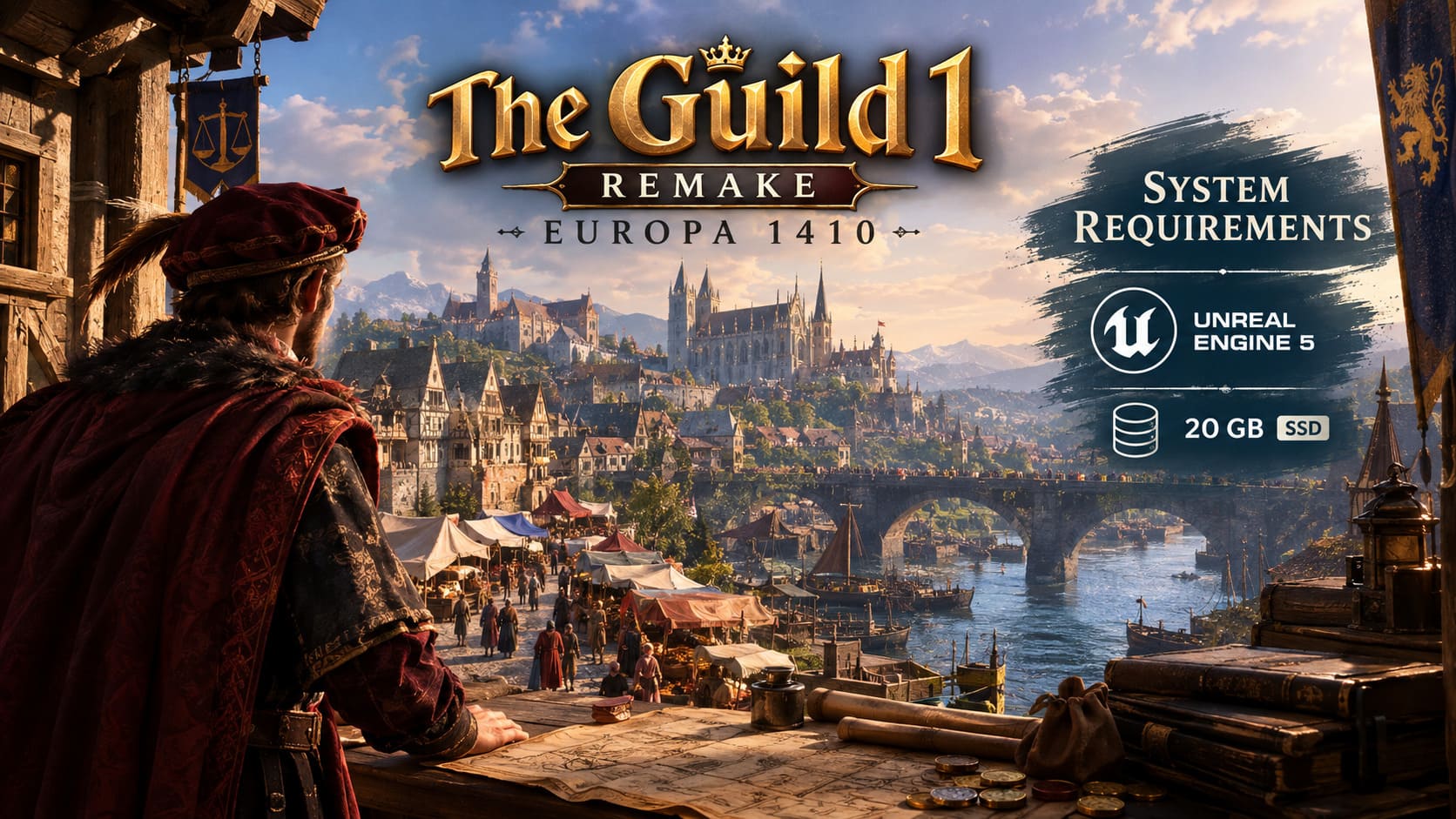
The recommended hardware, meanwhile, is considerably more powerful, particularly on the GPU side.
| Component | Minimum Requirements | Recommended Requirements |
|---|---|---|
| OS | Windows 10/11 64-bit | Windows 10/11 64-bit |
| CPU | Intel Core i5-10400 / Ryzen 5 3600 | Intel Core i7-12700K / Ryzen 7 5800X |
| RAM | 16 GB | 16 GB |
| GPU | RTX 2060 / RX 5700 XT | RTX 4070 / RX 7800 XT |
| DirectX | DirectX 12 | DirectX 12 |
| Storage | 20 GB | 20 GB |
| Storage Type | SSD recommended | SSD required |
For a modern strategy game built around a detailed simulation, 16 GB of RAM is a sensible baseline. The more interesting part is the CPU requirement.
An i5-10400 or Ryzen 5 3600 is hardly cutting-edge hardware anymore, but these processors still offer enough multi-core performance to handle the game’s simulation at its lower target.
The recommended jump to an i7-12700K or Ryzen 7 5800X, however, tells us something important: Europa 1410 isn’t going to be purely GPU-bound.
And that matters a lot once your little medieval settlement stops being little.
Why CPU Performance Matters So Much
One of the things I enjoy about The Guild series is that the world doesn’t simply wait for the player.
People have jobs. Families grow. Businesses produce goods. Markets change. Political relationships shift. Characters move around the city and interact with systems that you may not even be paying attention to.
That creates a completely different workload from something like a linear action game.
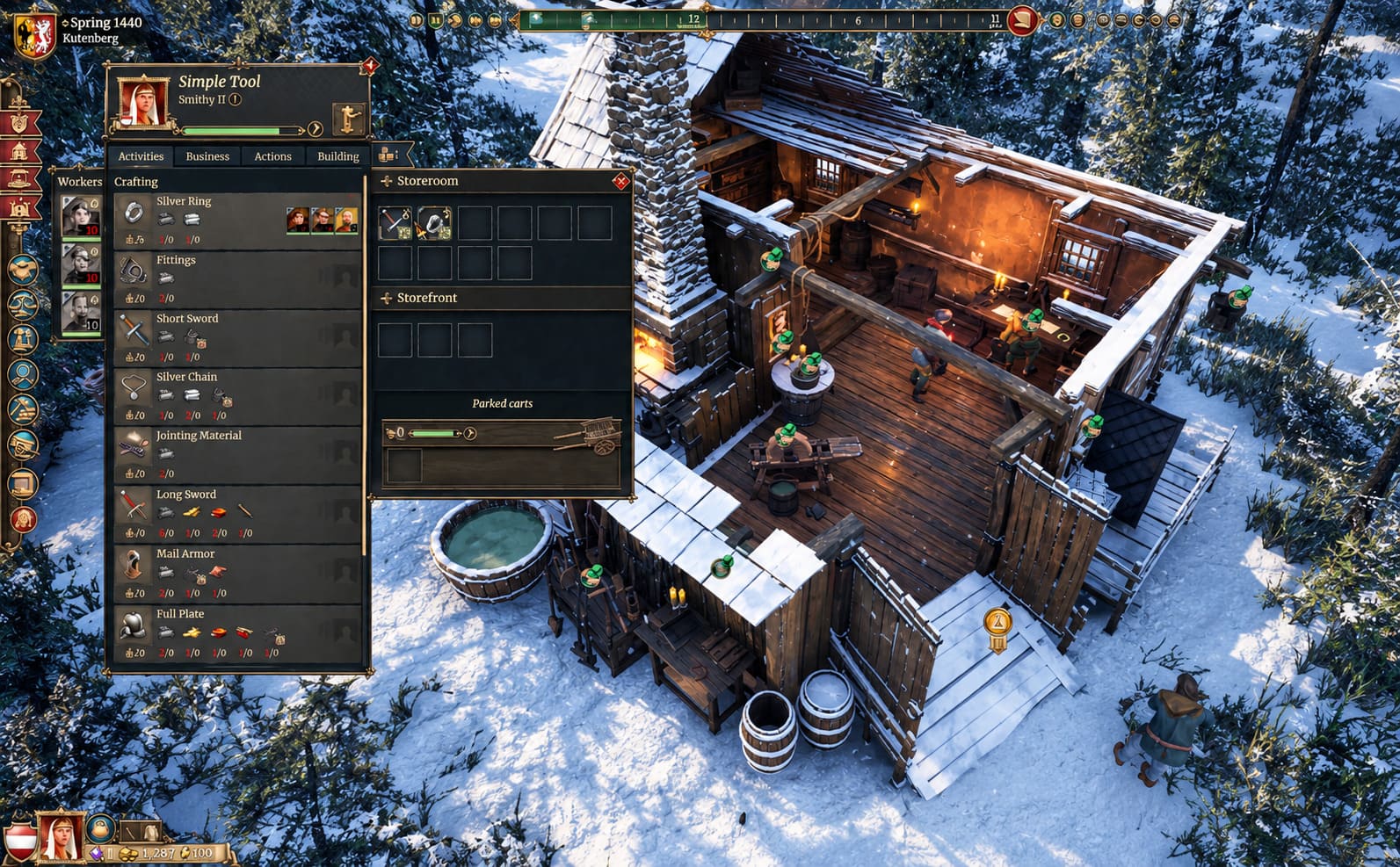
The Guild 1 Remake: Europa 1410 can put substantial pressure on the CPU, especially as a campaign becomes more complicated.
Early on, your family might control one business and a handful of characters. Several hours later, you can have multiple businesses, employees, properties, political connections, family members, and entire chains of economic activity working simultaneously.
This is where a stronger processor starts making sense.
A powerful graphics card can render a beautiful medieval marketplace, but it cannot magically speed up every simulation calculation happening behind the scenes.
For that reason, I would pay particularly close attention to the CPU if your goal is a long campaign.
Minimum CPU
The Core i5-10400 and Ryzen 5 3600 should provide the basic foundation required by the game.
They are reasonable choices for players who are primarily interested in 1080p gaming and don’t mind adjusting settings when performance becomes heavier.
Recommended CPU
The Core i7-12700K and Ryzen 7 5800X provide considerably more headroom.
That extra processing power becomes especially useful when the game world gets busy and your dynasty expands.
In other words, don’t judge the hardware requirements only by what happens during the first hour of gameplay.
The late game is where strategy simulations tend to show their teeth.
GPU Requirements and Unreal Engine 5
The other major part of the equation is Unreal Engine 5.
The move to UE5 gives Europa 1410 a much more modern visual foundation than the original game ever had. Medieval architecture, lighting, atmospheric effects, materials, shadows, and environmental details can all look dramatically more convincing.
But there is a price for that visual upgrade.
The minimum GPU requirement sits around the RTX 2060 or RX 5700 XT class, while the recommended specification jumps all the way to an RTX 4070 or RX 7800 XT.
That’s a substantial difference.
For me, this is probably the most revealing part of the requirements. The game isn’t asking for a ridiculous amount of storage, but it does expect a fairly respectable gaming PC if you want high settings and smoother performance.
What About VRAM?
VRAM becomes increasingly important as you increase texture quality and resolution.
A card with around 6–8 GB of VRAM can make sense for lower or medium settings, while having 12 GB or more gives you considerably more breathing room.
That doesn’t mean every player needs an expensive modern GPU. It simply means that higher resolutions and higher-quality graphical presets will benefit from additional VRAM.
If you’re playing at 1080p, you have more flexibility.
If you’re targeting 1440p with high settings, the recommended hardware starts looking much more attractive.
The 20 GB Storage Requirement Is Surprisingly Small
Here’s one thing I genuinely appreciate: The Guild 1 Remake: Europa 1410 requires only 20 GB of available storage space.
That’s tiny by modern AAA standards.
We’re living in an era where some games happily consume 100 GB, 150 GB, or even more after several updates. Against that backdrop, a 20 GB installation is refreshingly modest.
However, don’t make the mistake of assuming that a small game size automatically means it will run comfortably from an old hard drive.
It won’t.
Why You Should Install Europa 1410 on an SSD
An SSD is strongly recommended, and the faster your drive, the better the overall experience should feel.
There are several reasons.
- Faster asset streaming: The game has to move environmental data and other assets as you navigate through detailed medieval settlements.
- Quicker loading: Save files and simulation data can involve a surprising amount of information.
- Better consistency: A slower mechanical drive can contribute to stuttering when the game is loading new data.
If you still have a large HDD sitting inside your PC, you can certainly use it for storage. But for Europa 1410, I’d put the game on an SSD whenever possible.
The difference between a cheap SATA SSD and a modern NVMe drive probably won’t transform the game overnight, but moving away from an aging mechanical HDD is a much more meaningful upgrade.
What Kind of Performance Should You Expect?
The official requirements give us a useful framework, but Early Access games are always moving targets.
That’s especially true for a UE5 title.
Optimization can change considerably between patches. Shader compilation behavior, streaming, CPU workloads, memory usage, and GPU utilization can all improve as development continues.
For a system around the minimum specification, I’d approach the game with realistic expectations.
1080p at Low-to-Medium settings is the sensible starting point.
You may also want to use an available upscaling option such as DLSS, FSR, or XeSS, depending on your graphics card and the options offered by the current build.
Players with recommended hardware have much more room to experiment with higher settings and resolutions.
But even then, I wouldn’t blindly set everything to Ultra.
Strategy games have a nasty habit of exposing performance problems only after the player has built half an empire.
The Settings I Would Change First
If performance isn’t where you want it to be, you don’t need to destroy the visual quality of the entire game.
I’d start with the settings that usually have the biggest performance impact.
1. Lower Shadows
Shadows can be surprisingly expensive in modern engines.
Dropping them from Ultra to High or Medium can provide a useful performance improvement without making the medieval world suddenly look terrible.
2. Reduce Volumetric Effects
Fog and atmospheric effects can look fantastic, especially during darker scenes, but they’re also good candidates for reduction when your GPU is struggling.
3. Use Upscaling
If your GPU supports DLSS, FSR, or XeSS, test the Quality preset first.
The goal isn’t simply to chase the biggest FPS number. You want a good balance between image clarity and frame rate.
4. Close Unnecessary Background Software
Chrome tabs, Discord streams, recording applications, RGB utilities, overlays, and other background processes can consume CPU and memory resources.
That matters more in a simulation-heavy game than many players realize.
Don’t Ignore Graphics Driver Updates
This is one of those boring recommendations that I still think is worth following.
New games can expose driver issues that weren’t obvious in older releases. Unreal Engine 5 titles can also behave differently depending on the GPU generation and driver version.
Before spending hours changing Windows settings, check that your NVIDIA or AMD graphics driver is current.
If you’re experiencing strange crashes, visual artifacts, or unexplained performance drops, a clean driver installation can also be worth considering.
How to Fix Aniimo CPU Freezing, Sudden Game Crashes, and Low FPS on PC
My Take on the PC Requirements
What stands out to me about The Guild 1 Remake: Europa 1410 is the imbalance between its storage requirement and its actual hardware demands.
20 GB is tiny. The CPU and GPU requirements are not.
And honestly, that makes sense.
The interesting part of Europa 1410 isn’t simply the size of its map or the quality of its textures. It’s the simulation underneath everything.
A medieval town full of people, businesses, political relationships, production chains, family members, and economic changes is constantly doing work in the background.
That’s why I’d prioritize the CPU and SSD alongside the GPU when building or upgrading a PC specifically for this game.
If your machine is around the minimum specification, don’t expect maximum settings. Start at 1080p, use sensible graphics presets, and take advantage of upscaling where appropriate.
If you’re running something close to the recommended configuration, you should have much more freedom to enjoy the visual improvements that Unreal Engine 5 brings to the series.
And that’s ultimately what I’m most interested in seeing.
The original Guild had a special kind of chaos. You could start with a modest profession and somehow end up tangled in family politics, business rivalries, economic problems, and questionable decisions several generations later.
If Europa 1410 can combine that old-school simulation depth with modern visuals and steadily improve its Early Access optimization, it could become exactly the sort of strategy game that quietly eats an entire weekend.
Just make sure your PC is ready before you start building the dynasty.