Starseeker Astroneer Expeditions Crossplay Multiplayer Setup: 2026 Complete Guide
When I first jumped into STARSEEKER: Astroneer Expeditions, one question immediately came to mind: How easy is it actually going to be to play with friends on different platforms?
The original Astroneer was an incredible sandbox adventure, but cross-platform multiplayer often felt like a puzzle that required more troubleshooting than exploration. This time, however, System Era Softworks clearly understood what players wanted. The entire experience is built around cooperative expeditions, shared objectives, and seamless squad-based gameplay.
After spending dozens of hours organizing expeditions from the ESS Starseeker station, testing connections between platforms, and helping friends solve networking problems, I’ve come to appreciate just how much smoother the multiplayer experience has become.
If you’re planning to explore alien worlds with friends on PC, Xbox Series X|S, or PlayStation 5, here’s everything you need to know.
Why Crossplay Feels Like a Core Feature Instead of an Afterthought
One of the first things I noticed is that STARSEEKER doesn’t treat crossplay as a bonus feature hidden somewhere in the menus.
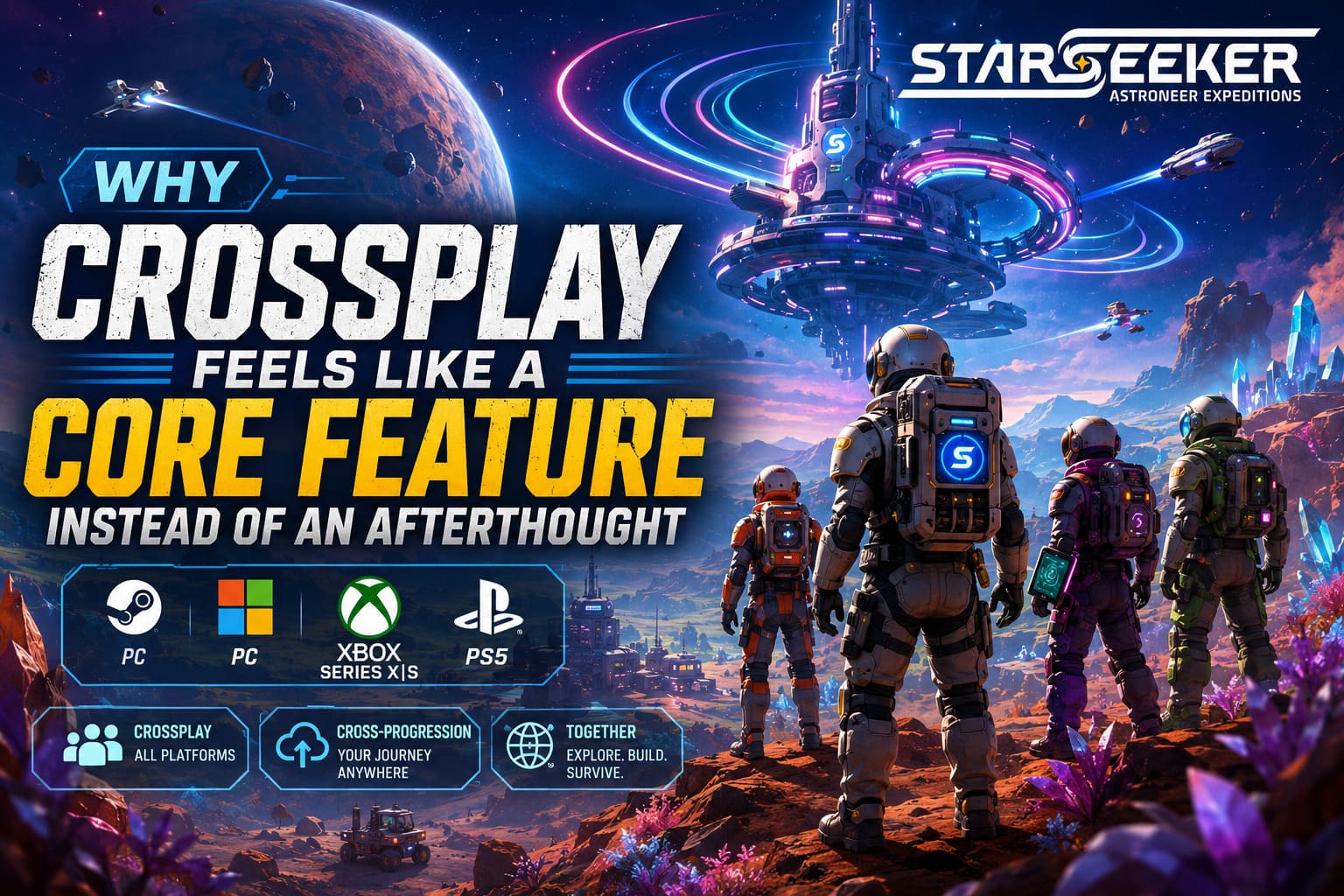
The entire game revolves around teamwork.
Whether you’re scanning dangerous ecosystems, recovering lost technology, constructing planetary infrastructure, or simply surviving hostile weather systems, having a reliable squad makes every mission significantly more enjoyable.
Because of this design philosophy, cross-platform support feels integrated into every layer of progression.
A friend playing on PC can join an expedition hosted from Xbox. Another teammate can connect from PlayStation 5. Everyone contributes toward the same mission goals without worrying about platform barriers.
Even better, progression isn’t locked to a single device.
If you’re like me and occasionally switch between a desktop setup and a console in the living room, your unlocks, cosmetics, and account progression travel with you.
That alone makes STARSEEKER feel far more modern than many multiplayer games released in recent years.
Supported Crossplay Platforms
Based on current testing and available platform integrations, players can form squads across the following systems:
| Platform | Crossplay Supported | Cross-Progression |
|---|---|---|
| PC (Steam) | Yes | Yes |
| PC (Microsoft Store) | Yes | Yes |
| Xbox Series X|S | Yes | Yes |
| PlayStation 5 | Yes | Yes |
For most players, setup takes only a few minutes.
Enabling Crossplay Before Your First Expedition
One mistake I see repeatedly is assuming crossplay is enabled automatically.
In most cases it is, but checking your settings beforehand can save a lot of frustration.
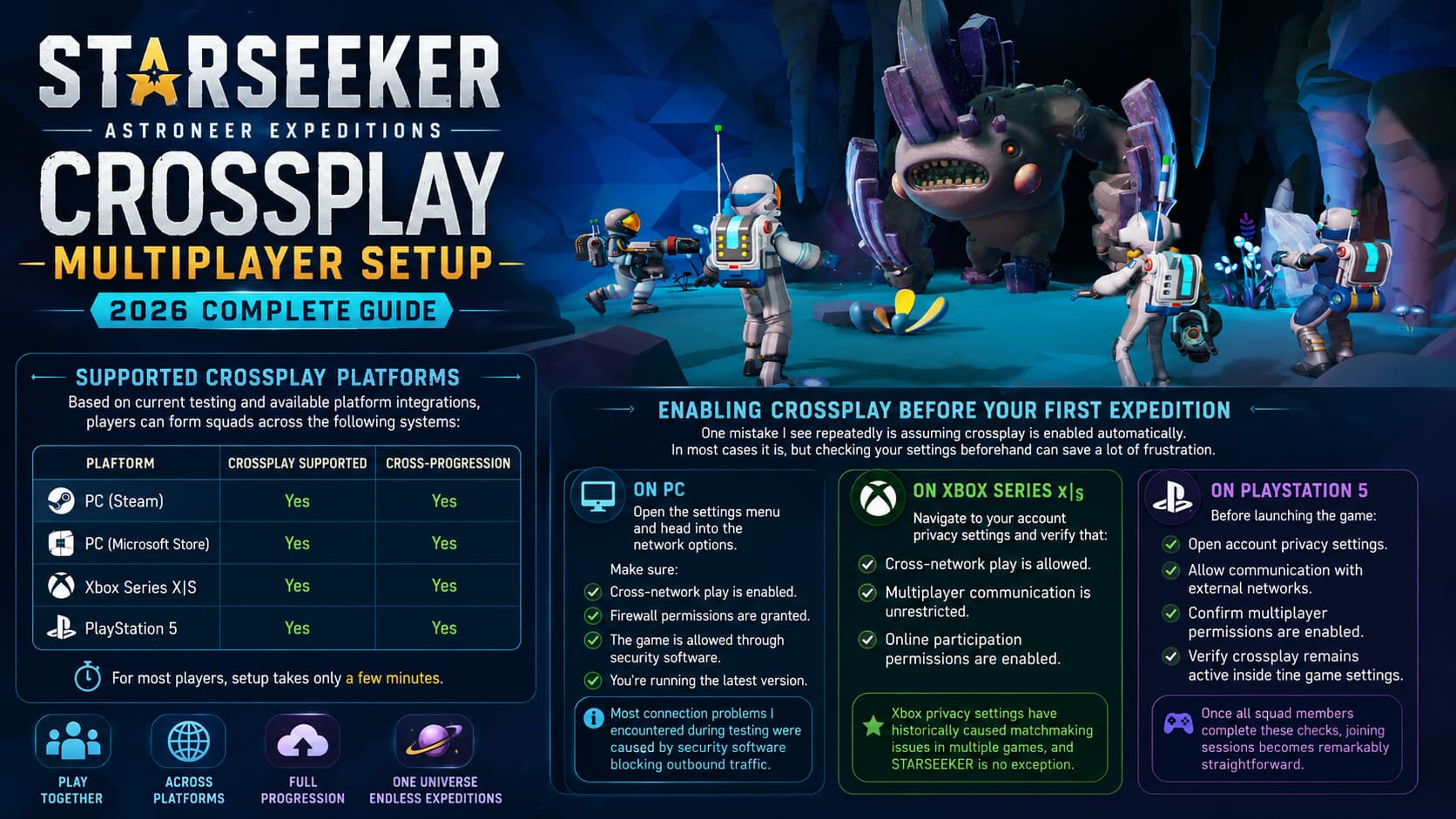
On PC
Open the settings menu and head into the network options.
Make sure:
- Cross-network play is enabled.
- Firewall permissions are granted.
- The game is allowed through security software.
- You’re running the latest version.
Most connection problems I encountered during testing were caused by security software blocking outbound traffic.
On Xbox Series X|S
Navigate to your account privacy settings and verify that:
- Cross-network play is allowed.
- Multiplayer communication is unrestricted.
- Online participation permissions are enabled.
Xbox privacy settings have historically caused matchmaking issues in multiple games, and STARSEEKER is no exception.
On PlayStation 5
Before launching the game:
- Open account privacy settings.
- Allow communication with external networks.
- Confirm multiplayer permissions are enabled.
- Verify crossplay remains active inside the game settings.
Once all squad members complete these checks, joining sessions becomes remarkably straightforward.
The Fastest Way to Create a Cross-Platform Squad
Personally, I prefer the game’s unified player ID system.
It reminds me of the systems used by modern multiplayer titles that support multiple ecosystems without forcing players into complicated account linking procedures.
Here’s how it works.
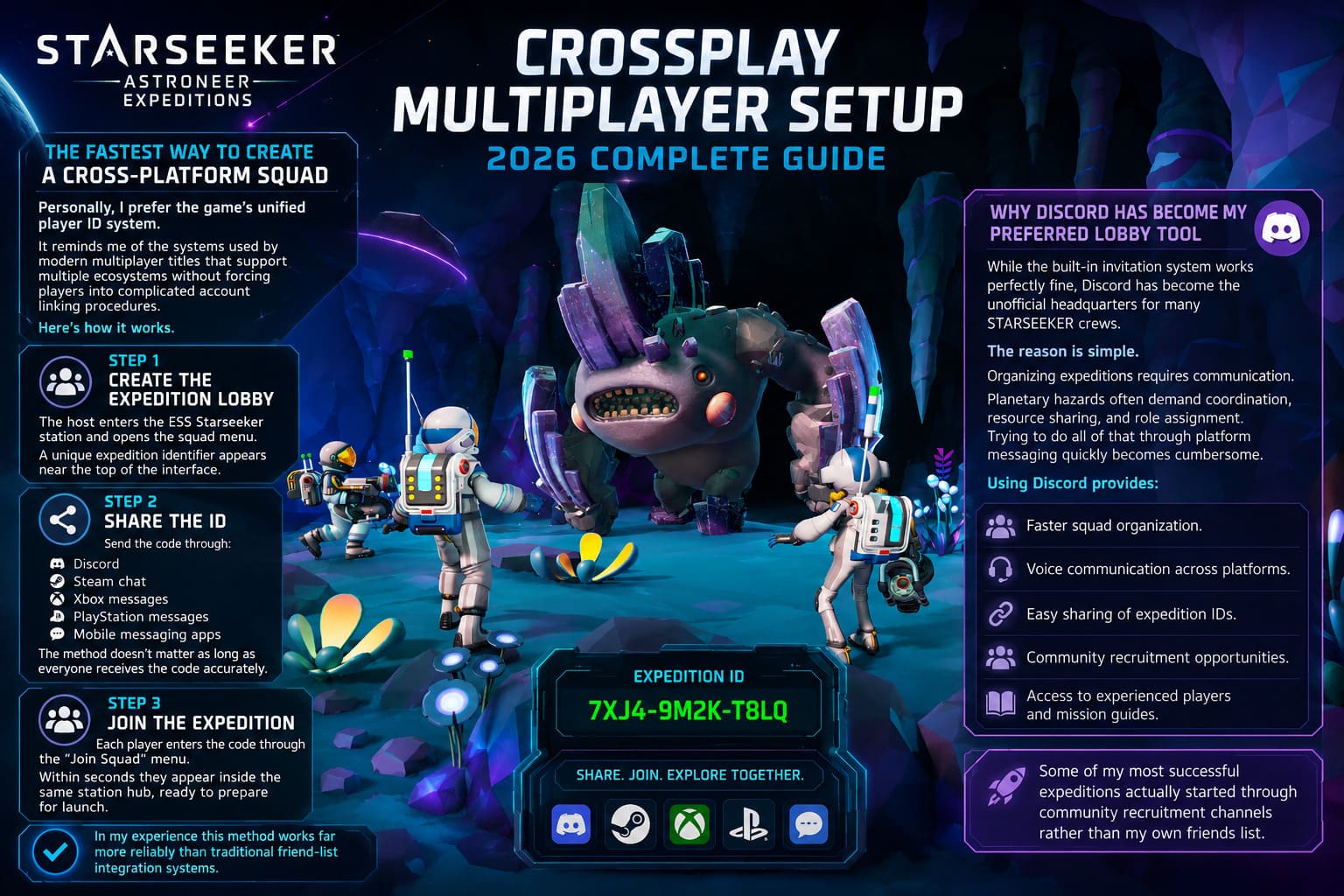
Step 1: Create the Expedition Lobby
The host enters the ESS Starseeker station and opens the squad menu.
A unique expedition identifier appears near the top of the interface.
Step 2: Share the ID
Send the code through:
- Discord
- Steam chat
- Xbox messages
- PlayStation messages
- Mobile messaging apps
The method doesn’t matter as long as everyone receives the code accurately.
Step 3: Join the Expedition
Each player enters the code through the “Join Squad” menu.
Within seconds they appear inside the same station hub, ready to prepare for launch.
In my experience this method works far more reliably than traditional friend-list integration systems.
Why Discord Has Become My Preferred Lobby Tool
While the built-in invitation system works perfectly fine, Discord has become the unofficial headquarters for many STARSEEKER crews.
The reason is simple.
Organizing expeditions requires communication.
Planetary hazards often demand coordination, resource sharing, and role assignment. Trying to do all of that through platform messaging quickly becomes cumbersome.
Using Discord provides:
- Faster squad organization.
- Voice communication across platforms.
- Easy sharing of expedition IDs.
- Community recruitment opportunities.
- Access to experienced players and mission guides.
Some of my most successful expeditions actually started through community recruitment channels rather than my own friends list.
Network Settings That Made a Huge Difference for Me
Although STARSEEKER handles networking much better than many cooperative games, connection quality still matters.
After experimenting with different setups, three optimizations consistently produced smoother gameplay.
Use Ethernet Whenever Possible
Wi-Fi is convenient.
However, large expeditions generate a surprising amount of synchronized activity.
Weather systems, terrain interactions, AI behavior, environmental hazards, and player actions all require constant communication between clients.
Switching from Wi-Fi to Ethernet noticeably reduced lag spikes during longer sessions.
Keep Everyone Updated
Version mismatches are among the most common reasons players fail to connect.
Before starting a session:
- Check for updates.
- Restart the game if necessary.
- Confirm everyone is running the same version.
This simple habit prevented several failed expedition launches for my group.
Maintain an Open NAT Type
If your router supports advanced networking options, an Open NAT configuration generally provides the best multiplayer performance.
Benefits include:
- Faster matchmaking.
- More stable peer connections.
- Fewer disconnects.
- Reduced voice communication issues.
For players who regularly host sessions, this adjustment can be particularly valuable.
Common Crossplay Problems and Their Solutions
Even polished multiplayer systems occasionally encounter issues.
Fortunately, most STARSEEKER connection problems have relatively simple fixes.
Infinite Loading Screen
I’ve seen this happen several times after extended play sessions.
Usually:
- The host restarts the game.
- Joining players reconnect.
- Cloud synchronization finishes properly.
In most cases the issue disappears immediately.
Voice Chat Not Working
Cross-platform voice communication sometimes fails due to privacy restrictions.
Check:
- Platform privacy settings.
- Voice permissions.
- Cross-network communication permissions.
If problems persist, Discord remains the easiest backup solution.
Random Disconnects During Missions
This is often related to network instability rather than game servers.
Try:
- Rebooting your router.
- Using a wired connection.
- Closing background downloads.
- Disabling VPN software.
These fixes solved nearly every disconnect problem my squad encountered.
Controller Issues While Streaming
Players using remote play solutions occasionally report controller recognition problems.
The easiest fix is pairing the controller before launching the game stream.
Doing this ensures the system detects the correct input device from the beginning.
My Overall Thoughts on STARSEEKER Crossplay
After extensive testing, I genuinely believe STARSEEKER: Astroneer Expeditions delivers one of the most user-friendly crossplay implementations currently available in the cooperative survival genre.
The setup process is straightforward.
The unified ID system removes platform barriers.
Cross-progression eliminates the need to maintain separate accounts.
Most importantly, multiplayer feels like the centerpiece of the experience rather than an optional feature added later.
If your group includes players spread across PC, Xbox, and PlayStation, there has never been a better time to assemble a crew, launch from the ESS Starseeker, and begin exploring the unknown together.
The fewer barriers standing between friends, the more time you can spend doing what STARSEEKER does best—discovering strange worlds, overcoming impossible odds, and creating unforgettable expedition stories.